hpjansson
Erratic behavior of `chafa -f iterm image.jpg` on Windows
Setup:
On Windows:
- Install scoop, run
scoop bucket add main, runscoop bucket add extras, and finally runscoop install git wezterm chafa. - Use this image.
- Set Wezterm's default shell to the bash shell that was installed with
scoop install git. To do this, create a ~/.wezterm.lua file with these contents:
local wezterm = require 'wezterm'
local config = {}
config.default_prog = { 'c:/users/USERNAME/scoop/apps/git/current/bin/bash.exe -i -l' }
return config
See https://wezfurlong.org/wezterm/config/files.html for more details.
Problem:
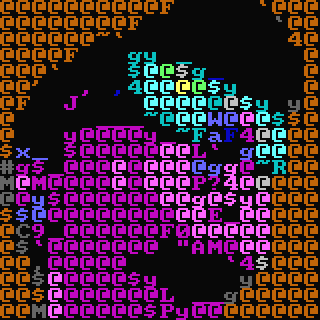
On Wezterm, chafa -f iterm image.jpg sometimes outputs extra space at the end like so:
Notice that the shell prompt starts at the bottom right of the image above.
On mintty (the terminal called Git Bash that is installed when you install Git for Windows is mintty), most of the time, chafa -f iterm image.jpg does not display an image and instead results in a large amount of whitespace, almost as if it were displaying an empty image. Very rarely it displays a distorted half of the image. The showimg script found here works correctly to show images in mintty (Git Bash) in the iterm format.


Thanks for filing the issue, @ykhan21. I think @AnonymouX47 is right - the short version is that Chafa is a native Windows app, and the Wezterm binary is a Cygwin app. These are different platforms that don't play well together. We need to add Cygwin builds (or alternatively, other apps should be made native).