

 home-assistant
App loses connection when window left open
Device model, version and app version Model Name: MacBookPro18,3 macOS Version: 12.6 App Version: 2022.8 (2022.387) Safari Version: Version 16.0 (17614.1.25.9.10, 17614)
Home Assistant Core Version 2022.10.3 - Also occurs with last few months (at least) versions
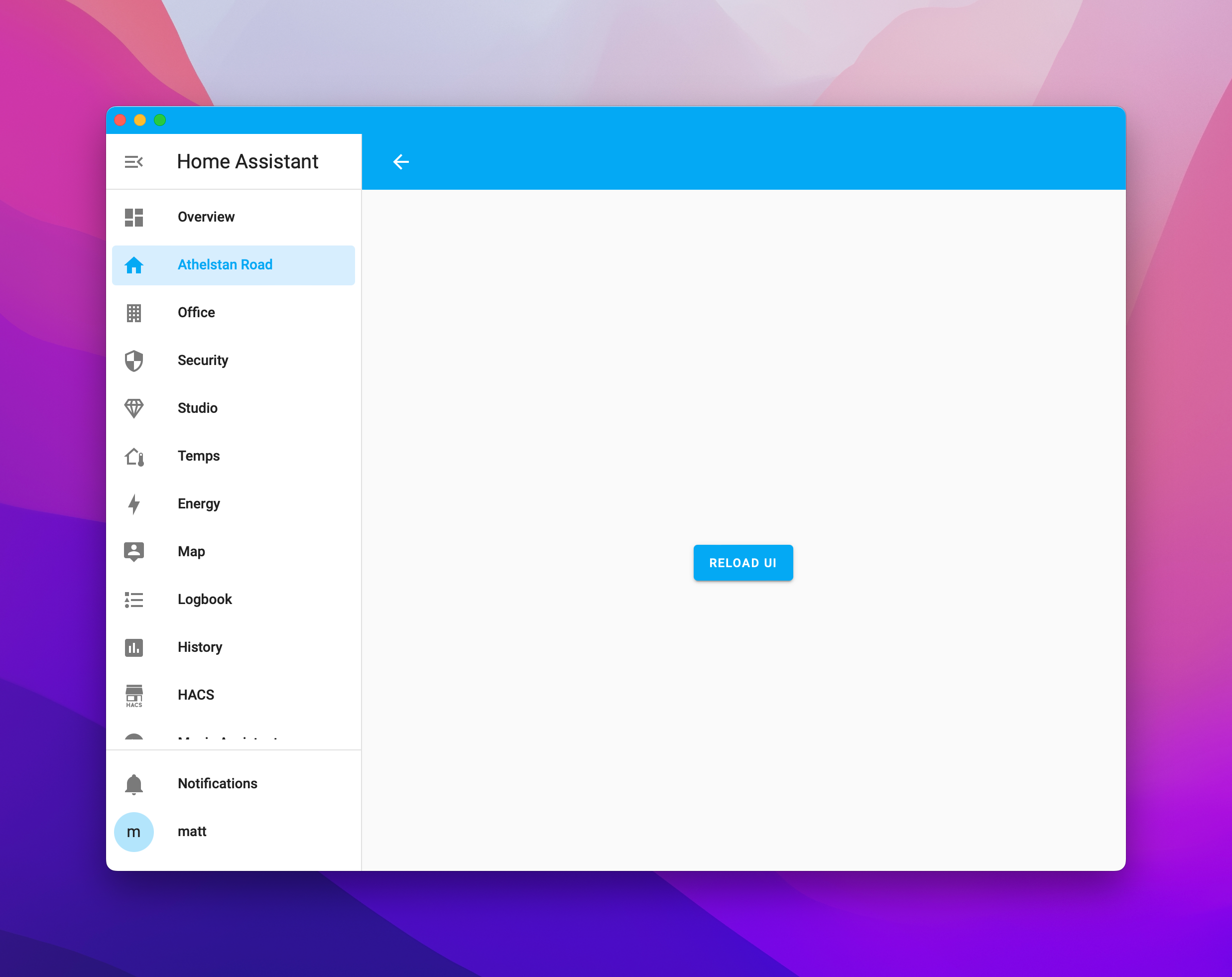
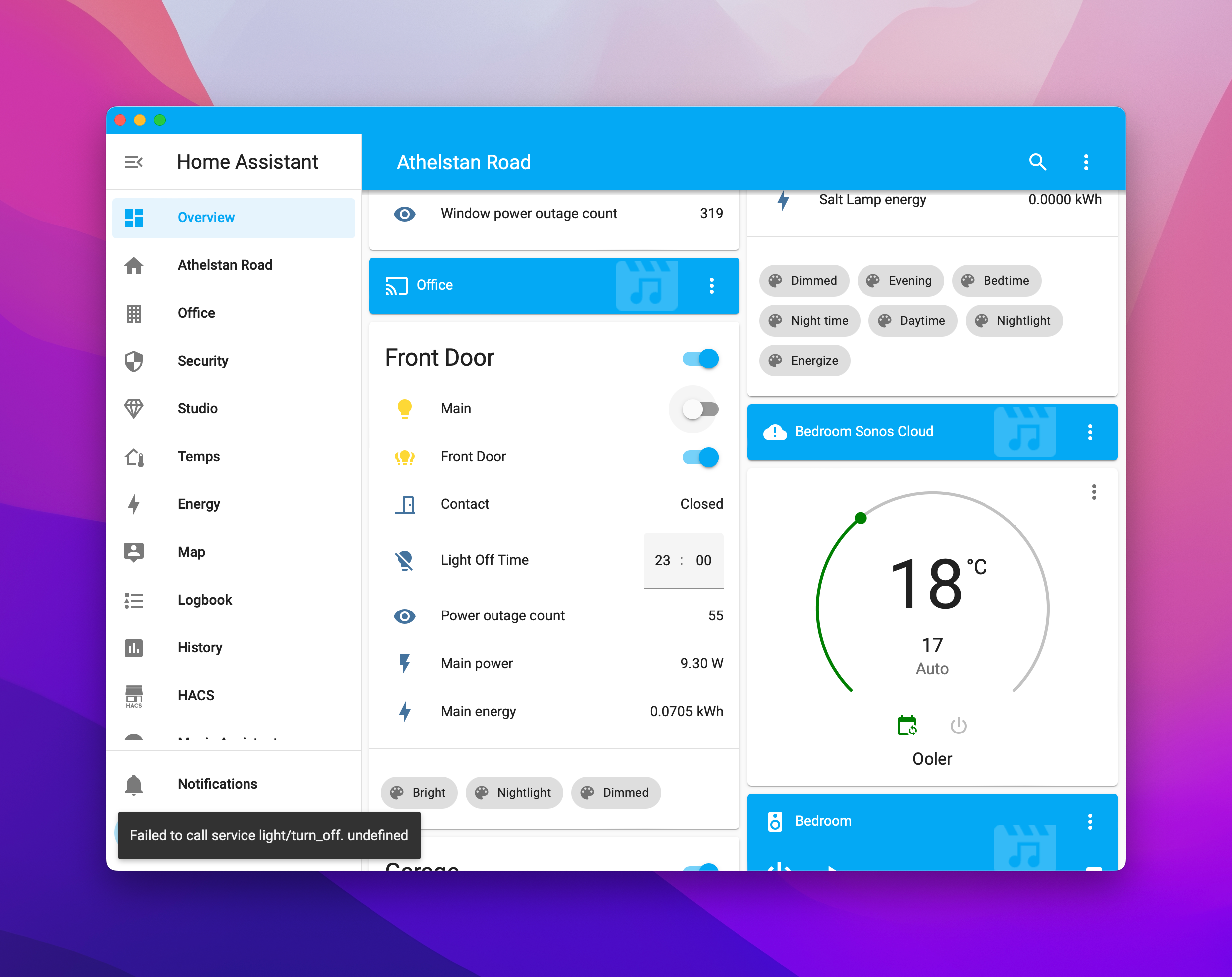
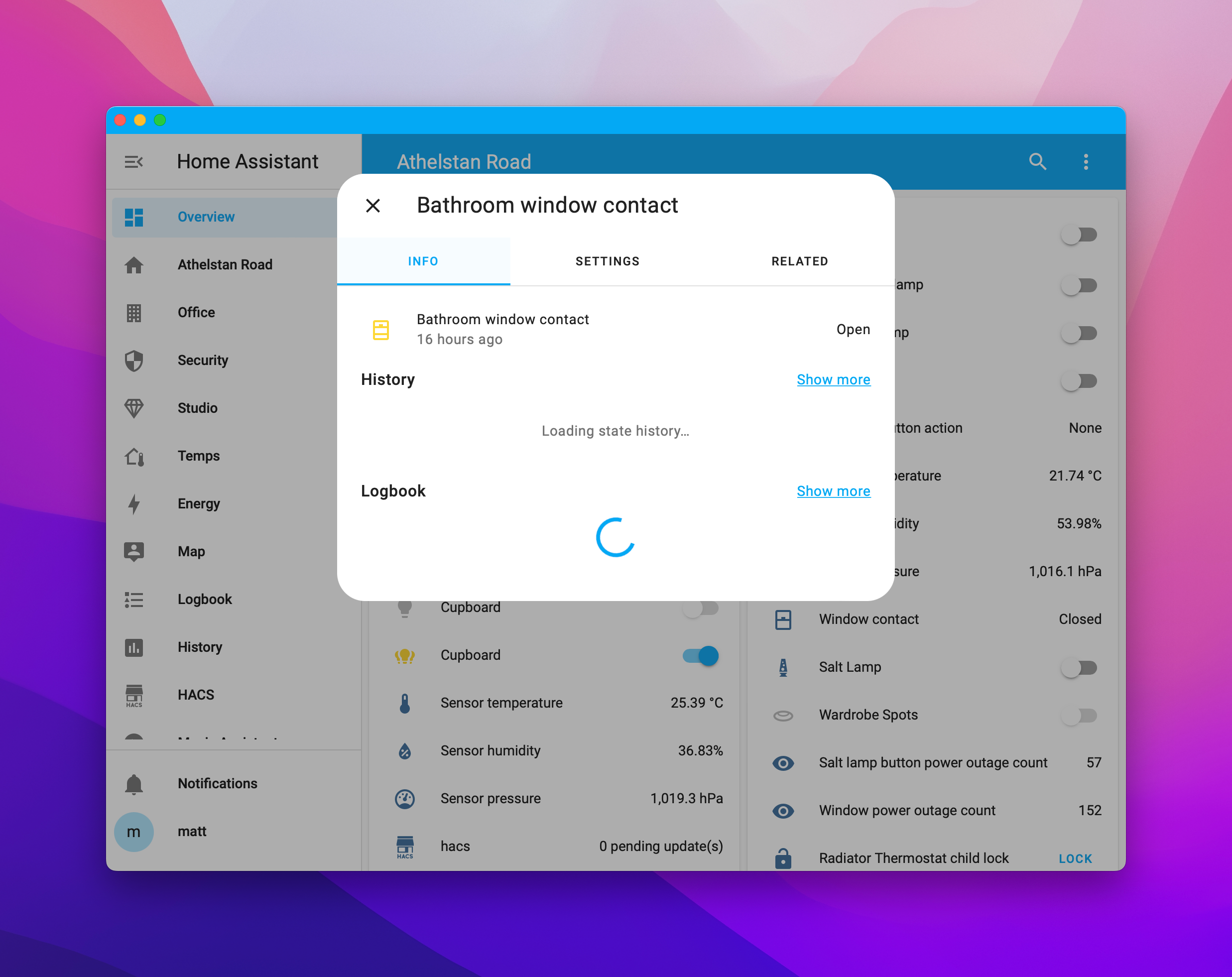
Describe the bug App loses connection when window left open so that no sensors update, dashboard changes display "Reload UI" which doesn't work and interactivity (switches etc) fails.
To Reproduce
- Open App
- Interact as Normal
- Switch to another app
- Return after ? mins
- App interaction doesn't work
Expected behavior
- App works as normal
Screenshots
- Reload UI when changing dashboard
- Interactivity Fails
- Sensor Data not retrieved
- Server Configuration - Local Connection
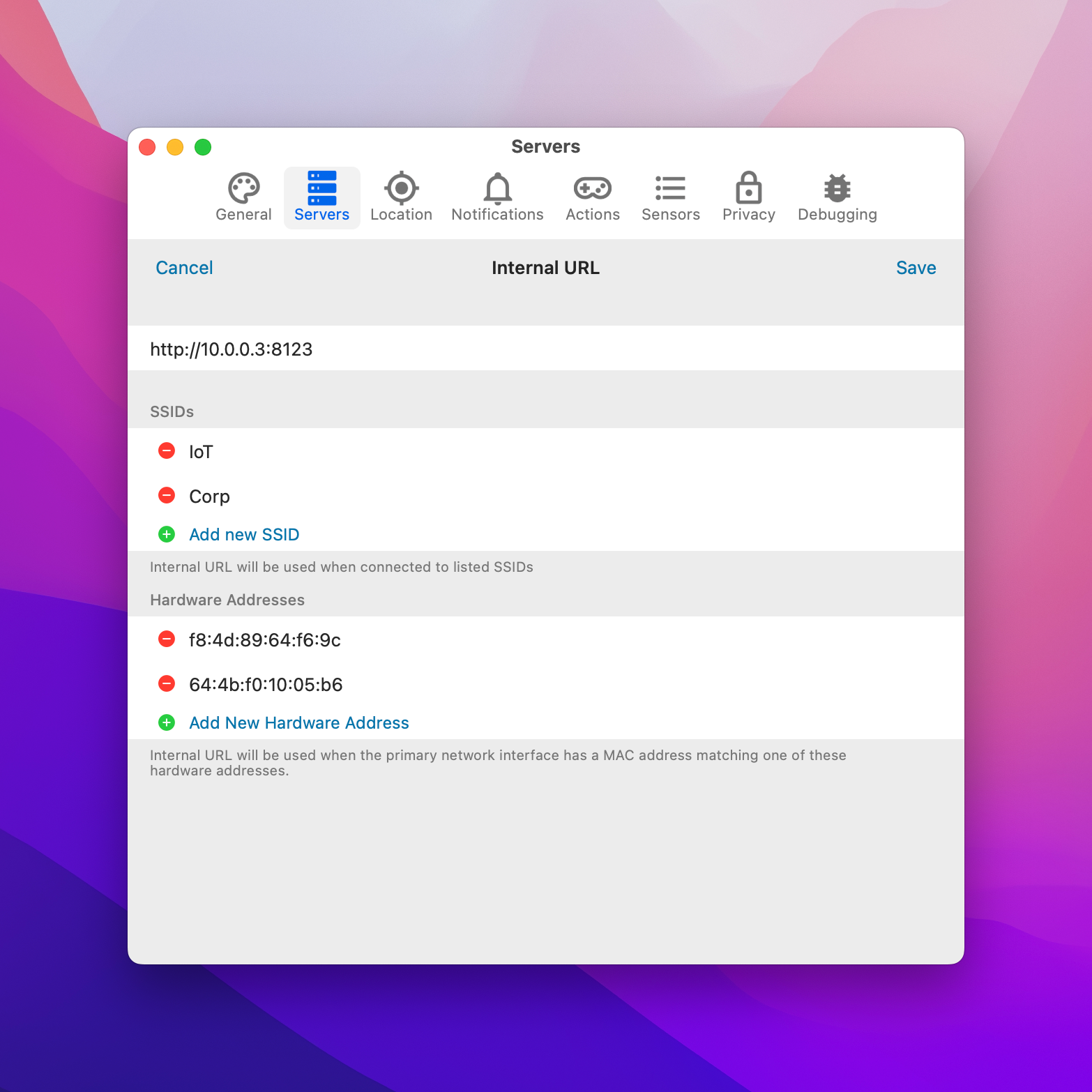
- Server Configuration
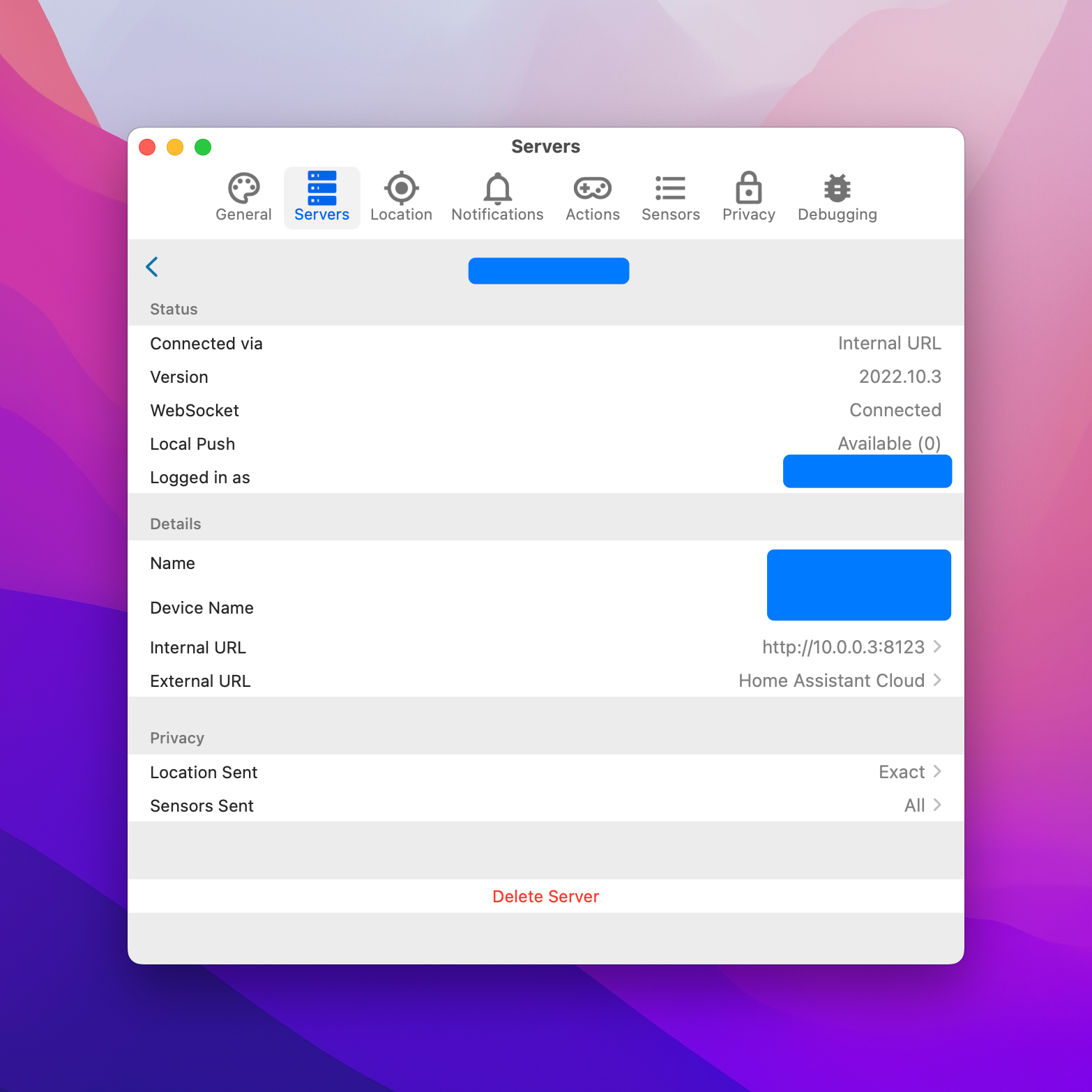
Additional context
- I have no issues with the app on ipad and iphone connected to the same network.
- Occassionally websocket connection server preferences page gets stuck on Authenticating

I am having the same issue. I notice a lot of this in the logs when it can't connect or pull entity history
2022-10-23 14:52:13.184 [Info] [hakit-work-queue] [Environment.swift:71] init() > WebSocket: Received: event: for HARequestIdentifier(rawValue: 1233)
2022-10-23 14:52:13.195 [Info] [main] [Environment.swift:54] init() > PromiseKit:cauterized-error: missingURL

If the machine is sleeping or changing networks between functioning and not, this is probably the WebSocket in the web frontend getting stuck. Apple introduced a new implementation in the WebView in macOS 12 which is incredibly buggy around reconnecting. There's workarounds in place on iOS but less on macOS; it would probably be good to trigger the workaround when the machine resumes from sleep or changes connectivity as well.
If it is not occurring after a sleep or network change it's less clear what the cause is but probably still something similar.
Those error logs are unrelated. The frontend WebSocket connection isn't informed by the system of any errors, hence why the "connecting…" toast in the bottom left never occurs. Eventually (and it's a long eventually) it finally trips the error and causes a normal reconnect.

If there’s some added debugging logs I can provide, I can say at least on my system (M1, latest OS) mine will do this without it sleeping or switching networks. I’ll just minimize it to work on something else and bringing it back to the foreground has it all hung.
You'd need to run a debug build of the app to connect the web inspector to see what's going on. However you may be able to replicate it in Safari as well since it should behave relatively similarly. The effect we saw before was that the connection in the frontend goes stale without any errors until later on it errors. Not a lot of details there unfortunately.
I’ll play around with it tomorrow in Safari and see if the console has any info. It’s super annoying so anything to help you.
Similar issues on m1 mac air the last few months. was too lazy/busy to debug.
I keep everything current almost daily with topgrade / brew. It's definitely been happening on all release since desktop 387 (possibly 358) and is still happening.
After reading this I have had Safari open at the same time for the last few days and it doesn't appear to have the same issues.
I'll be honest I've never compiled a desktop GUI app on OSX so might not be much help but I'll give it a go and see if I can offer any input.

Currently running Home Assistant Companion 2024.1 (2024.535) and see this all the time. My server is 2024.1.5 and I will update to .2 in due course but nothing in the release notes standards out as a patch to fix, so am confident this problem still exists.
Note: I used to run a chrome "app" on the same MacOS desktop and didn't see this, so suspect the issue is Webkit related.

