
iOS
 iOS copied to clipboard
 home-assistant
iOS app document & data storage size will randomly grow very large
iOS device model, version and app version Model Name: iPhone 14 Pro (Noticed this issue on iPhone 11 too) Software Version: iOS 16.0.1 (Noticed this issue on iOS 15) App version: 2022.8
Home Assistant Core Version 2022.9.6 running on home assistant OS 9.0. Issue was definitely present on previous versions.
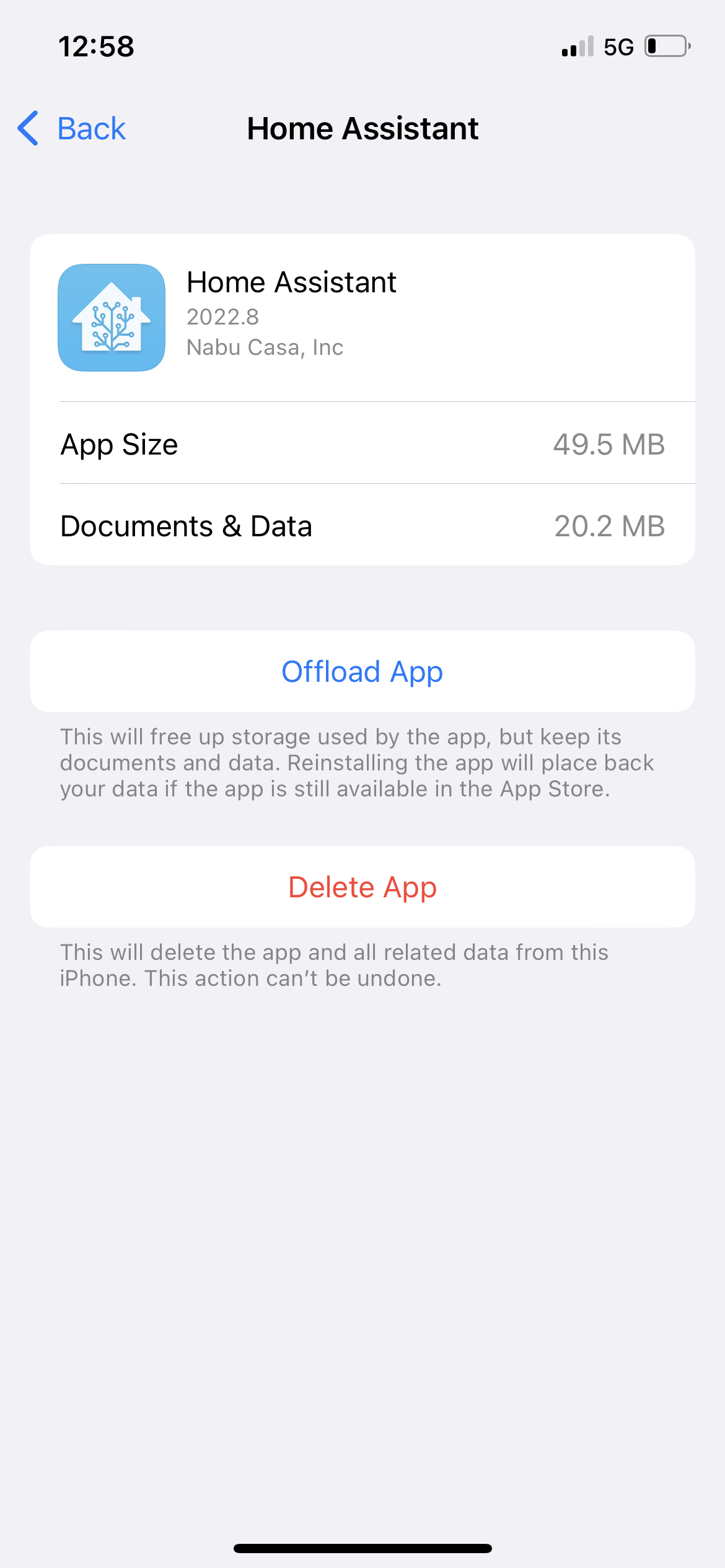
Describe the bug Although I cannot pinpoint what causes this to start but once noticed the issue only goes away if the app is deleted and reinstalled although it seems to return. Specifically the "Documents and Data" storage size for the home assistant app grows very large and remains around this size, in my case this will be around 780MB. Deleting the front end cache, location history and event log seems to have no affect. Total size of the zipped logs are around 17MB but nothing relevant that I can see.
To Reproduce Normal use of the app, nothing specifically relevant in the logs.
Expected behavior Seems it shouldn't grow so large.
Screenshots
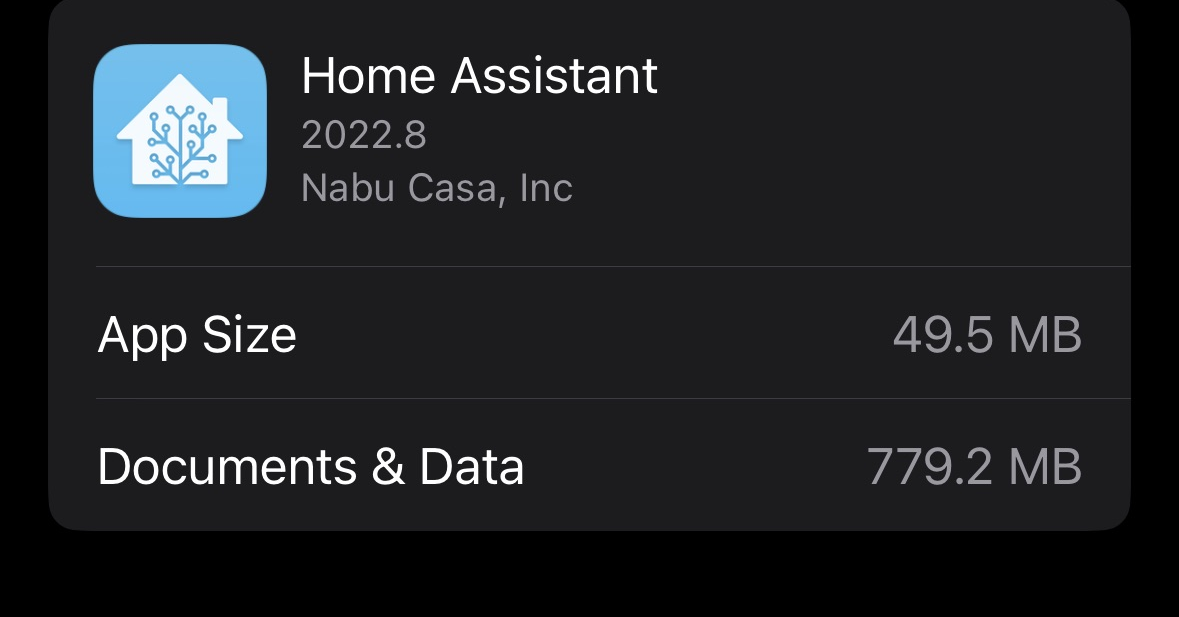
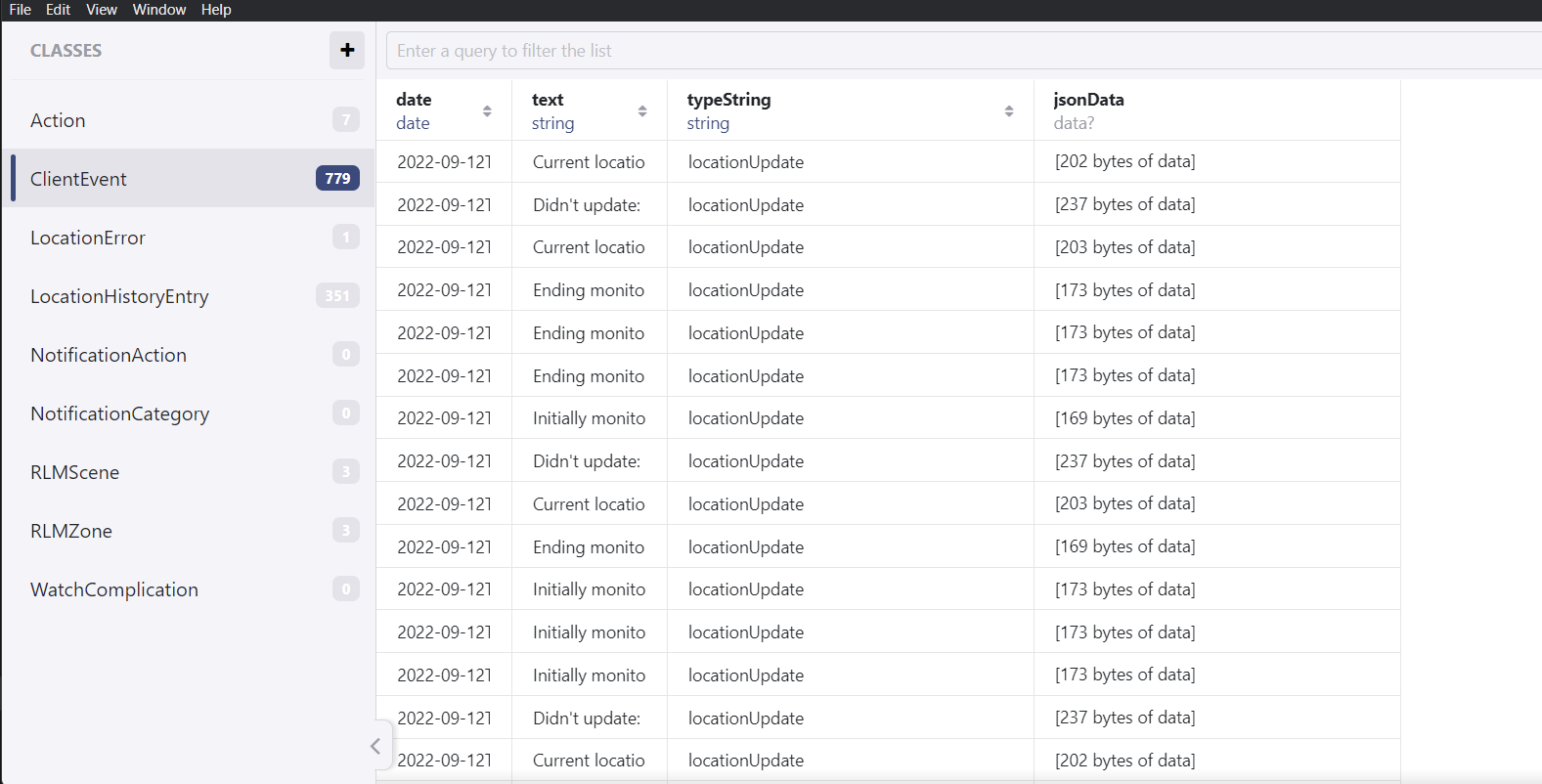
Additional context I was able to use a 3rd party tool to take a backup of the app and extract it from my phone. It seems that of the ~780MB the majority of it is coming from a file called "store.realm" in the dataStore directory (726MB). My understanding is this is potentially created by this https://github.com/home-assistant/iOS/blob/master/Configuration/Podspecs/Realm.podspec.json
I used a tool (https://studio-releases.realm.io/) to open and examine the contents of this file but of the visible data I cannot see how it could come close to 700+MB so it seems potentially there is some corruption?
Not having much experience with ios development I am not sure how relevant this is but this old issue https://github.com/realm/realm-core/issues/2343 seems to have multiple more recent and potentially relevant links.

I'm having the same issue, but taking up 5,74GB :/ I can't backup my phone anymore because this is filling up my whole iCloud.
Home Assistant 2022.9.4
Supervisor 2022.09.1
Operating System 9.0
Frontend 20220907.2

iOS 16.0.1
iPhone 14 Pro


Thanks for tracking it down to Realm, that means it may be possible for us to work around the problem by copying the database over separately.

I’m having this same issue as well. Backup is currently at 2.24GB. Interesting thing is app data is showing <100MB.


Thanks for tracking it down to Realm, that means it may be possible for us to work around the problem by copying the database over separately.
@zacwest I have the extracted realm db file, not sure if there is a lot of 'sensitive' information in it but if not I would be happy to send it to you if it will help in tracking down the issue.
FYI Zac I see the same (>1 GB). Will dig around the database and see. I'm suspicious of location log, potentially when local push is on.

Please give the latest TestFlight build a try as it's upgraded the database dependency and may help.
@zacwest Does the app need to be deleted and reinstalled for the database file to be deleted/recreated? Simply updating has no change, file is still 819mb. I can delete the app will just need to fix my automations but let me know.
I was hoping just installing this new version would cause the database to compact. I don't think deleting and reinstalling will do that, but deleting and reinstalling will reset the database to empty. If you're willing to lose any locally defined actions or watch complications it's fine to delete and reinstall the app. Everything else can be synced back down by the reinstall, and the server doesn't need to be set up again.
I'm probably going to need to add some kind of a database vacuum/compact thing to the app to trigger the full compaction because it seems like the database we're using is not appropriately using disk space for the amount of models that we have. The app is deleting things and keeping the number of objects low, but the space usage is still high.
I was hoping just installing this new version would cause the database to compact. I don't think deleting and reinstalling will do that, but deleting and reinstalling will reset the database to empty. If you're willing to lose any locally defined actions or watch complications it's fine to delete and reinstall the app. Everything else can be synced back down by the reinstall, and the server doesn't need to be set up again.
I'm probably going to need to add some kind of a database vacuum/compact thing to the app to trigger the full compaction because it seems like the database we're using is not appropriately using disk space for the amount of models that we have. The app is deleting things and keeping the number of objects low, but the space usage is still high.
@zacwest I have no issue reinstalling the app, sometimes doing so messes up my iOS app integration because of the way I have it named to work with icloud3 integration but honestly its not a big deal. The only thing as you said, this will obviously start the database fresh and I cannot consistently force this issue across devices. As I mentioned my wife's iPhone 12 on the same iOS and HA companion app version is configured with essentially all the same settings in addition to having a companion watch but has never had the issue. My phone is not pressed for space so I have no problem waiting for the next test flight version to test vacuum/compact to help verify the fix.
I think I figured it out, give the next beta a try when it goes out over the next few days.
This is still an issue with “kiosk” like devices that just have the app running 24/7 and never re-launch.
Can a periodic compaction, say every 24 hours or so, be kicked off to resolve this?

I currently have this issue. the home assistant companion app for ios is currently taking up 215 GB of space for caching. Any suggestions?
