
iOS
 iOS copied to clipboard
 home-assistant
Missing icons when opening a my.home-assistant.io link on iPadOS
iOS device model, version and app version
Model Name: iPad (6. Generation) Software Version: 14.5 (18E5164h) App version: 2021.3 (2021.77)
Home Assistant Core Version 2021.3.2
Describe the bug When opening a my.home-assistant.io link on my iPad (not on the iPhone) automatically in the Home Assistant app the icons in the sidebar and on the top are hidden (screenshots)
To Reproduce
- Open any my.home-assistant.io link on home-assistant.io
- When the app opens tap on ‚Open link‘
- Then the link opens the page in Home Assistant, but most of the buttons are missing
Expected behavior All buttons are shown
Screenshots

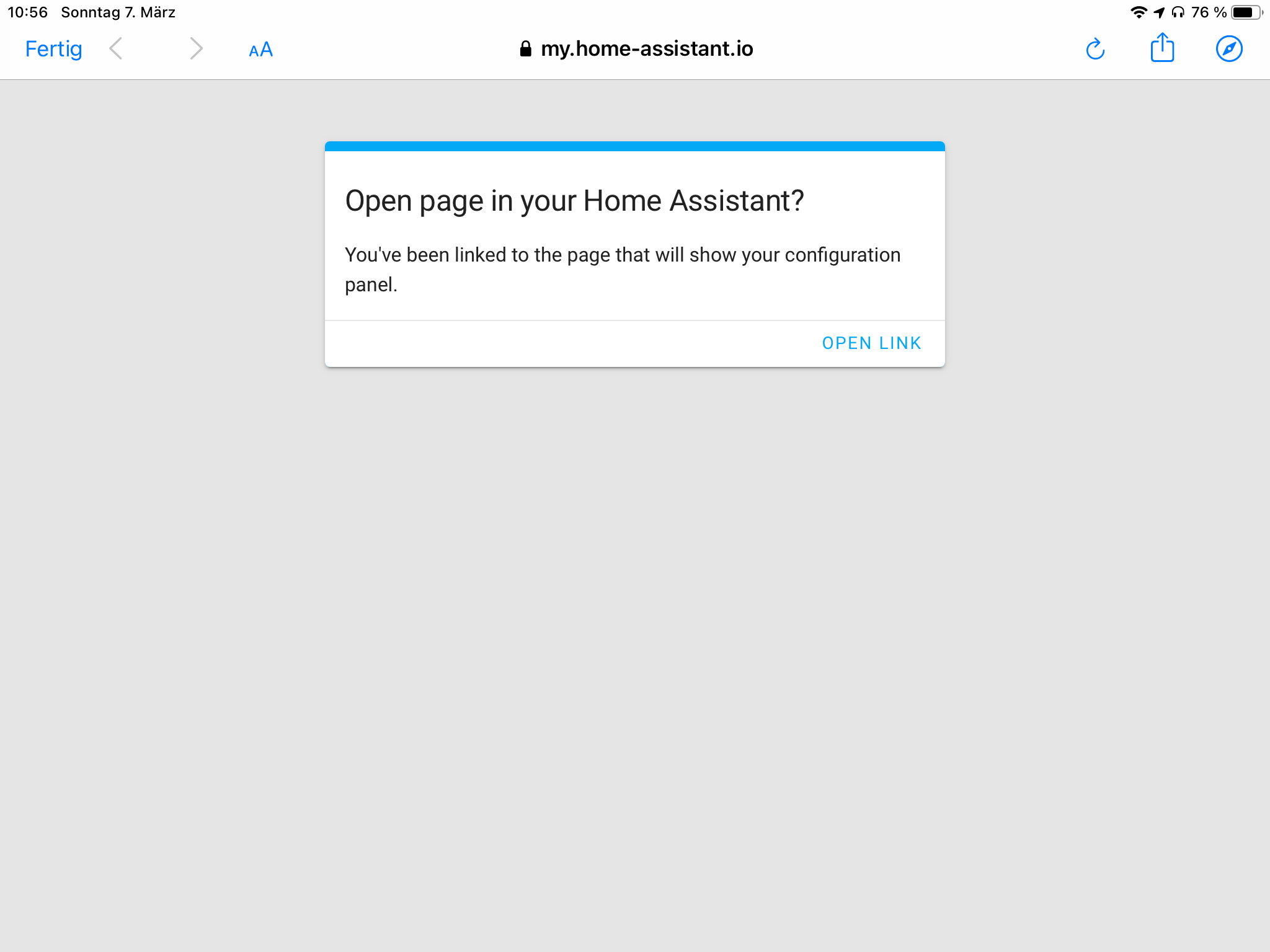
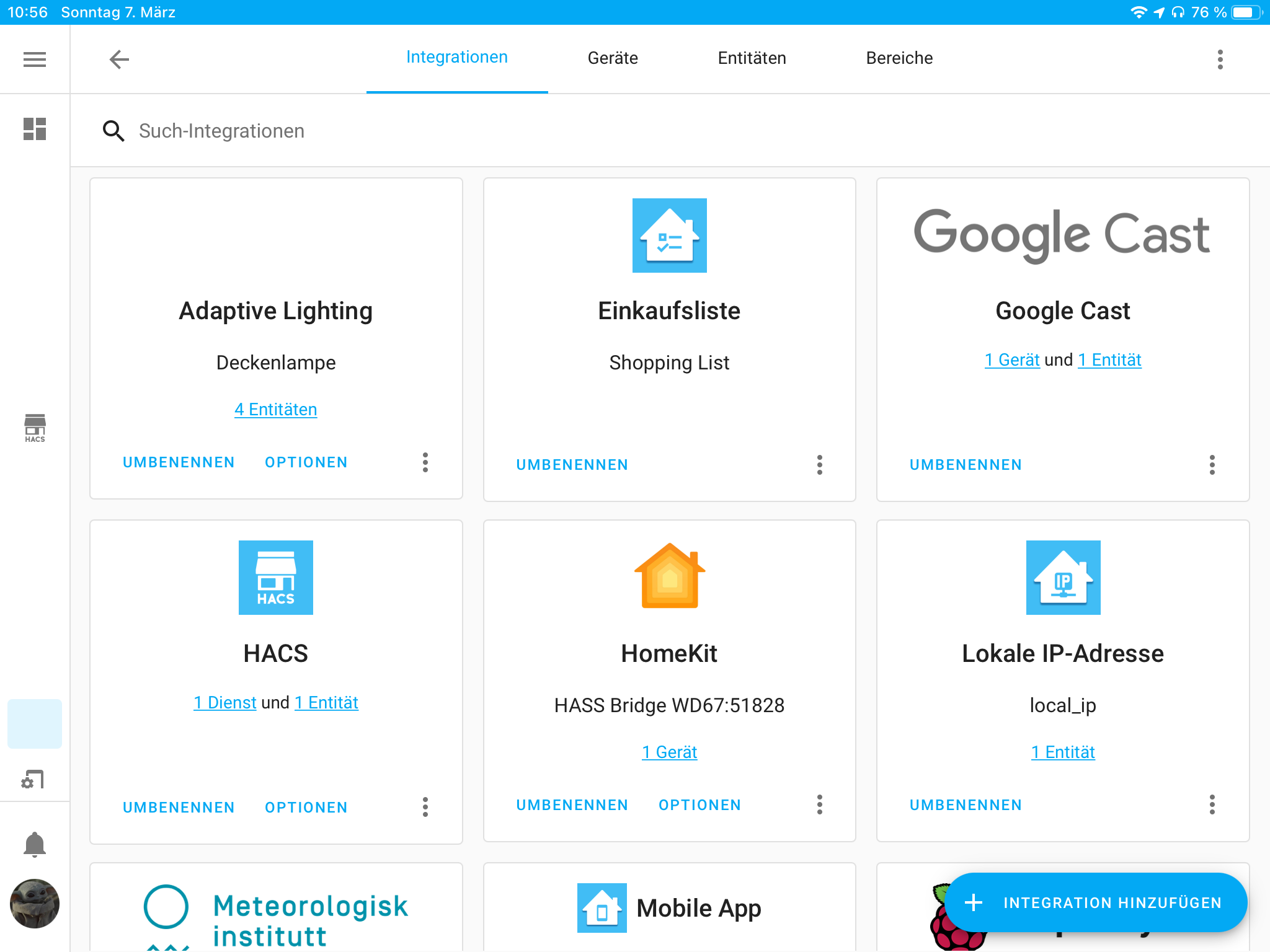
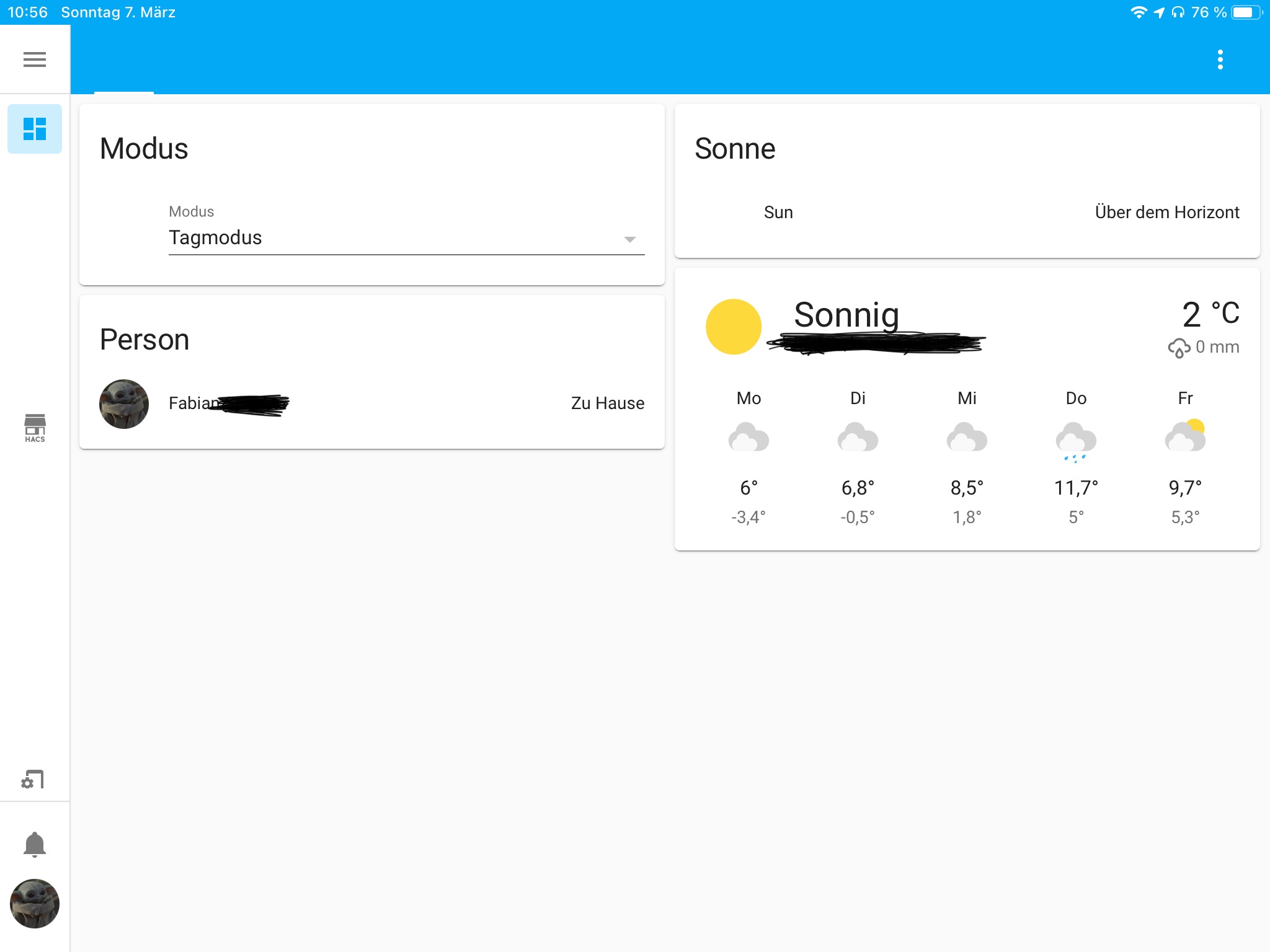
Additional context

If you open the my link in Safari instead of the app, does the same thing happen?

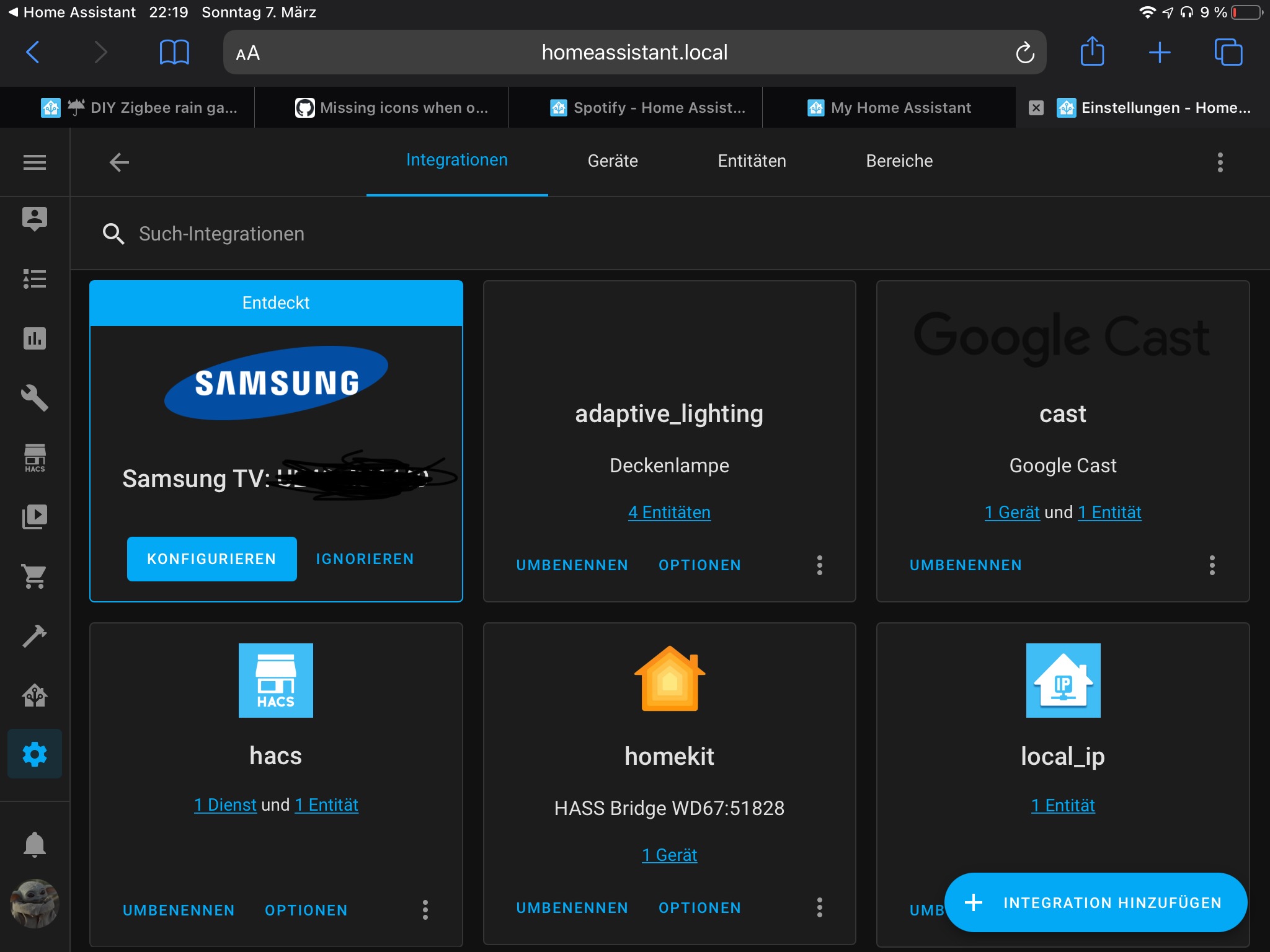
Can you try resetting the App's frontend cache (in app go to App Configuration then it's the bottom option there) and try reopening the my.home-assistant link in the app

I have the same bug. I’m also missings a lot of icons at my dashboard and some in the sidebar.
i removed HA completely also from phone, nevertheless the result is the same after reinstalling

Same issue on iPhone. It seems as though its not just icons, but certain texts, too. Could be a translations failure or similar? The left menu on mine now says "developer_tools" and "config" where it used to say "Developer Tools" and "Configuration".
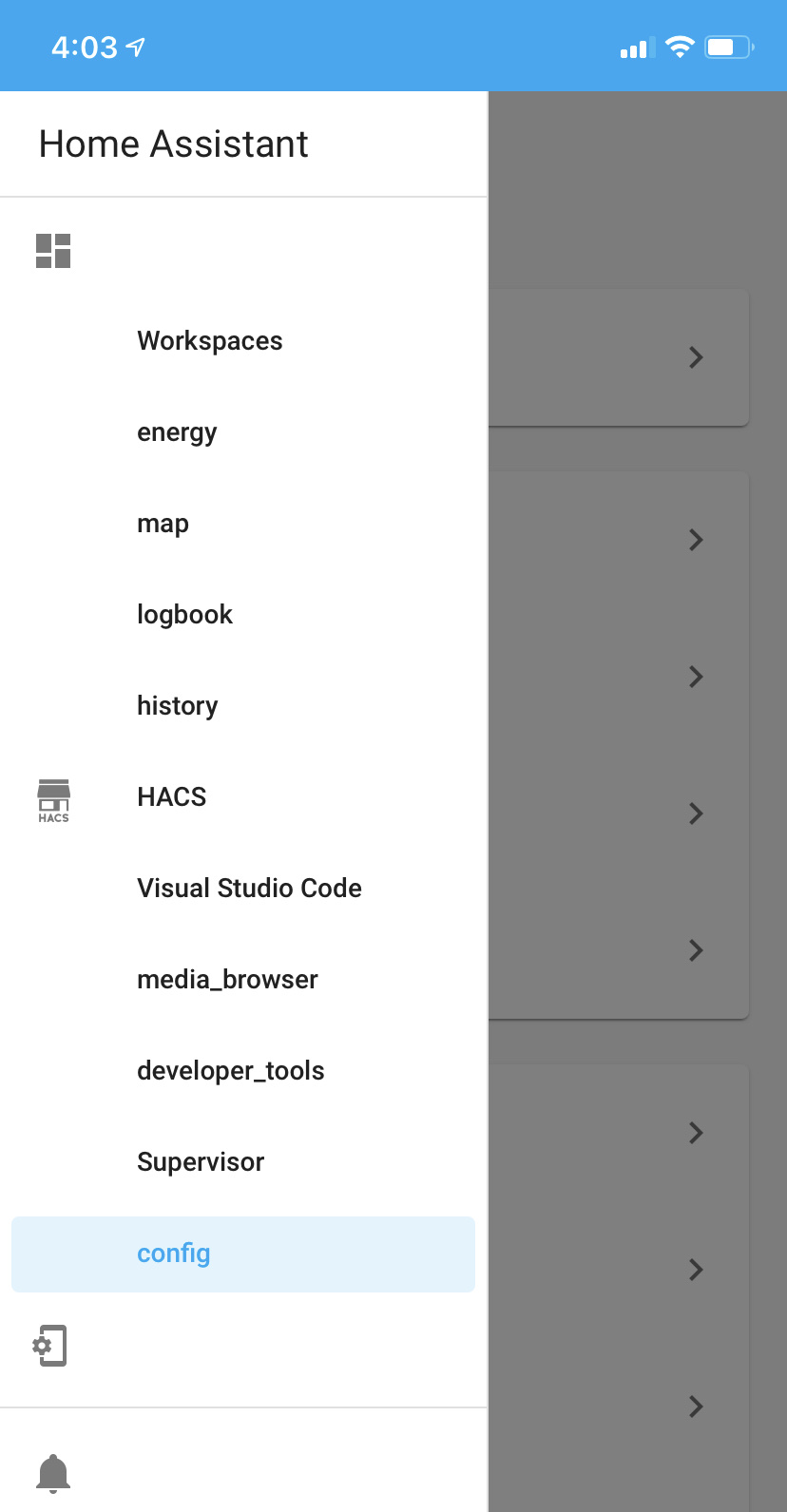

Same issue on iPhone. It seems as though its not just icons, but certain texts, too. Could be a translations failure or similar? The left menu on mine now says "developer_tools" and "config" where it used to say "Developer Tools" and "Configuration".
@westonnovelli your issue looks very similar to an issue that was fixed a little while ago (that was indeed to do with loading translations if I remember correctly). Is you Home Assistant core version up to date?
Is you Home Assistant core version up to date?
I believe so:
Core
Version
  core-2021.8.8
Newest Version
  core-2021.8.8
Yep that's up to date? I assume likewise for app? Do you see the same in Safari on iOS?
Yep that's up to date? I assume likewise for app? Do you see the same in Safari on iOS?
Yes, the app is also running latest available. Reinstall of the app did not help. Loading the local or remote HA site in Safari works correctly.
Over the last 2 days, the app was able to load correctly for a brief usage session (i.e. open app, toggle some lights, check the thermostat, close the app). I don't think I did anything different between correct and incorrect behavior.
I have had the missing icons issue (and more) for many months, usually when switching from a different app back into the companion app on two different iPads. I filed in the frontend repository and didn't get any useful feedback.

Same thing happens for me as well.
It seems that this is somehow related to SSL.
If I use http://<LOCAL-IP>:8123 as the internal URL, everything is snappy and looks as expected.
If I use homeassistant.home (handled by local DNS server) via http, still everything works as expected.
As soon as I switch to https, it is not working anymore on my local network (with an untrusted, self-seigned cert).
Switching to a publicly available URL with a Let's Encrypt cert that connects to my HA instance via an SSH Tunnel doesn't change the behaviour.
In these cases icons and texts are missing as mentioned above, and loading times increase like a lot (feels as if things are reloaded on each page!?). I see this loading screen every time I select an entry from the menu.

I have had this problem too since three years now. It started with my 10” ipad pro, then later with a current gen 12” pro. Parts of the screen do not redraw when it opens, flicking that area of the screen causes it to redraw and display. In 2019 I discussed this in the mobile apps section of discord with zacwest (I think one of the devs), so multiple devices of different generations and several ios versions it has existed. You can search discord for from user thebatfink around 2019.
I also opened a what the heck as its a little more open this year in the hopes of getting some traction, please vote and reply, maybe it will add visibility of this issue. https://community.home-assistant.io/t/wth-why-does-the-ipad-ha-app-ui-sometimes-not-redraw-on-opening/467810/9


Is this still an issue with latest versions of app and core? Feel free to reopen if needed
