home-assistant
Automation UI does not set value of ZWave Config
Checklist
- [X] I have updated to the latest available Home Assistant version.
- [X] I have cleared the cache of my browser.
- [X] I have tried a different browser to see if it is related to my browser.
Describe the issue you are experiencing
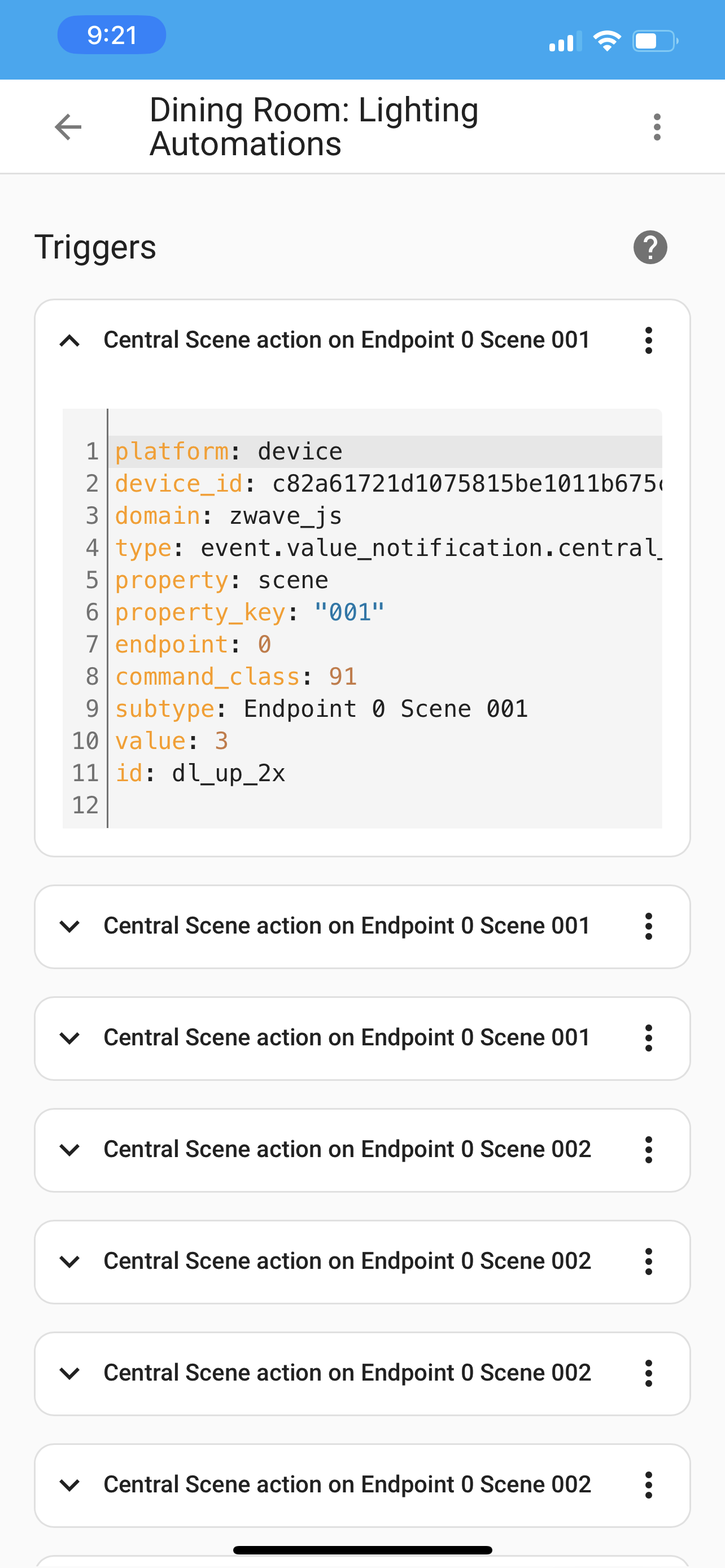
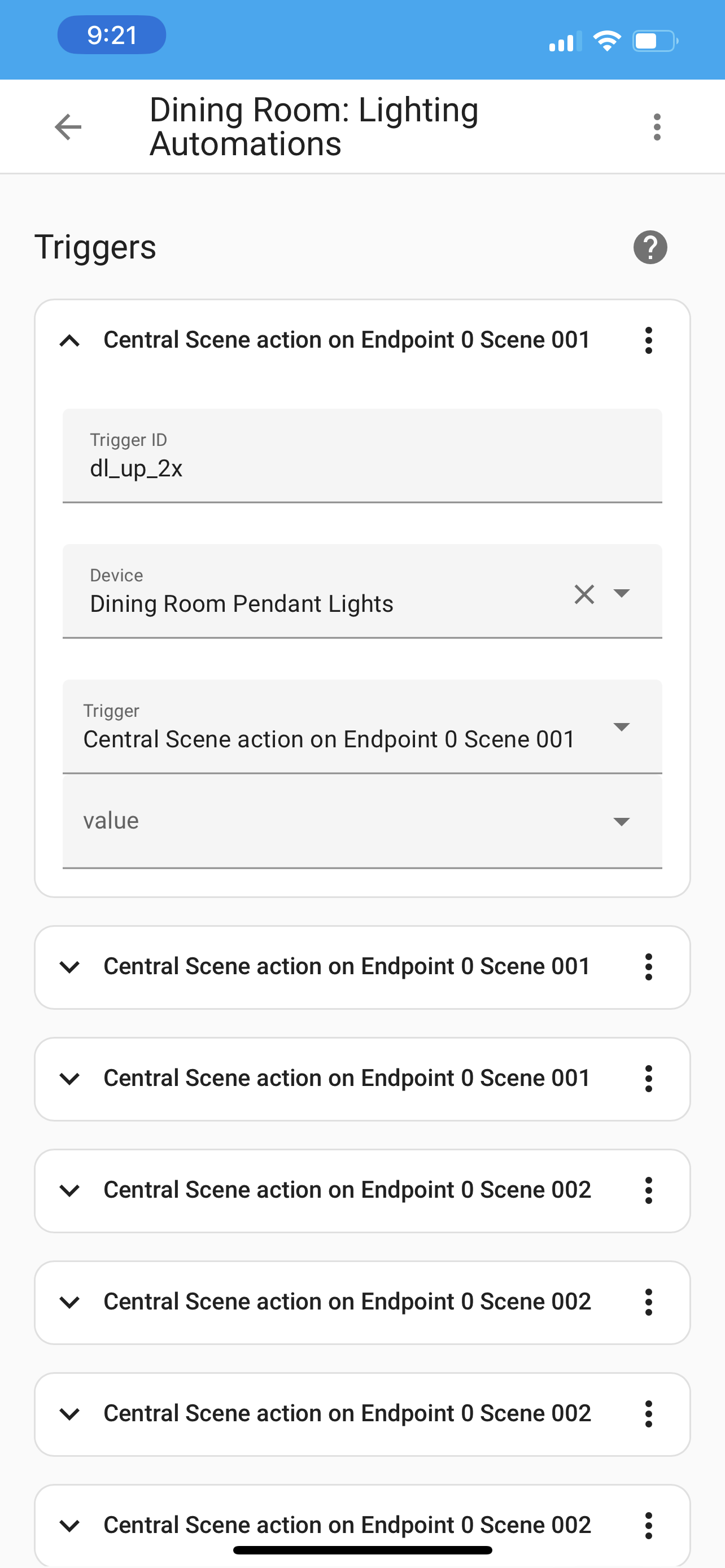
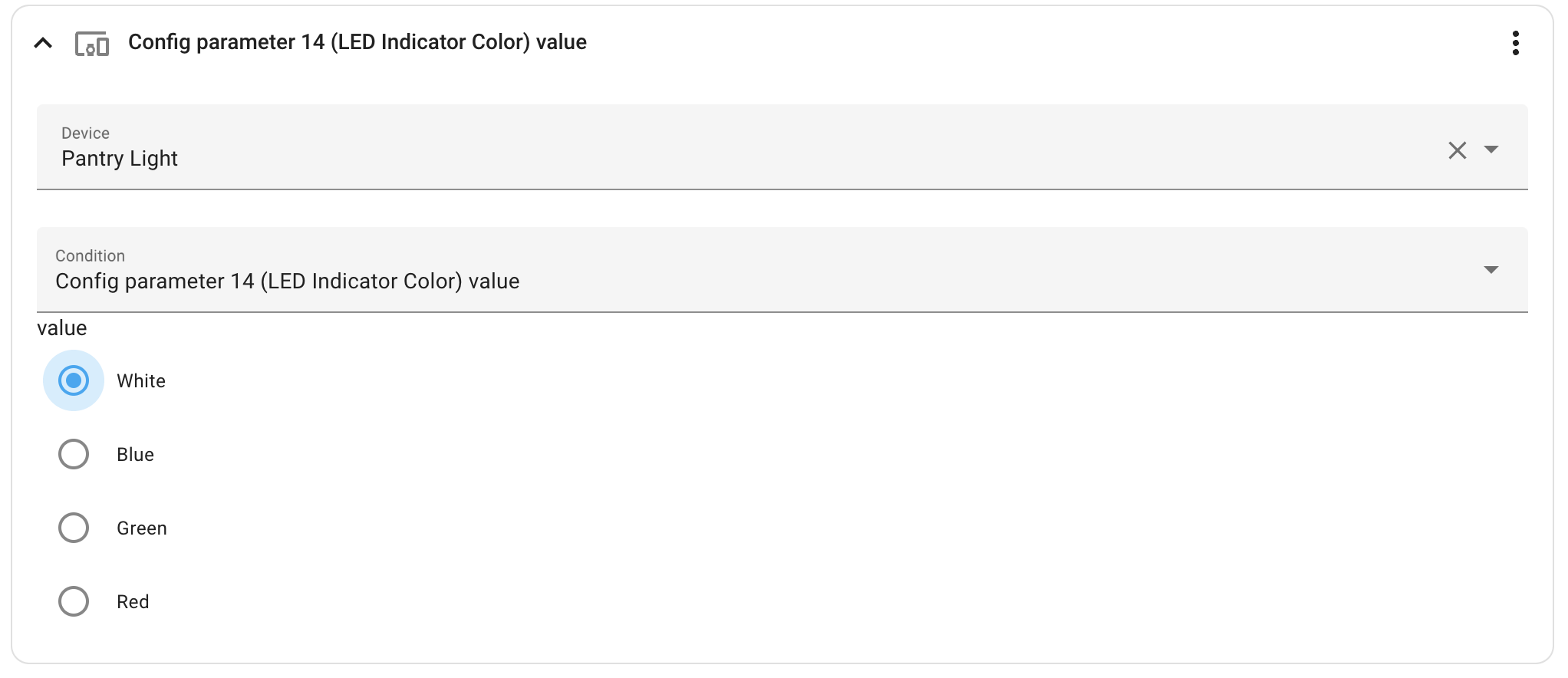
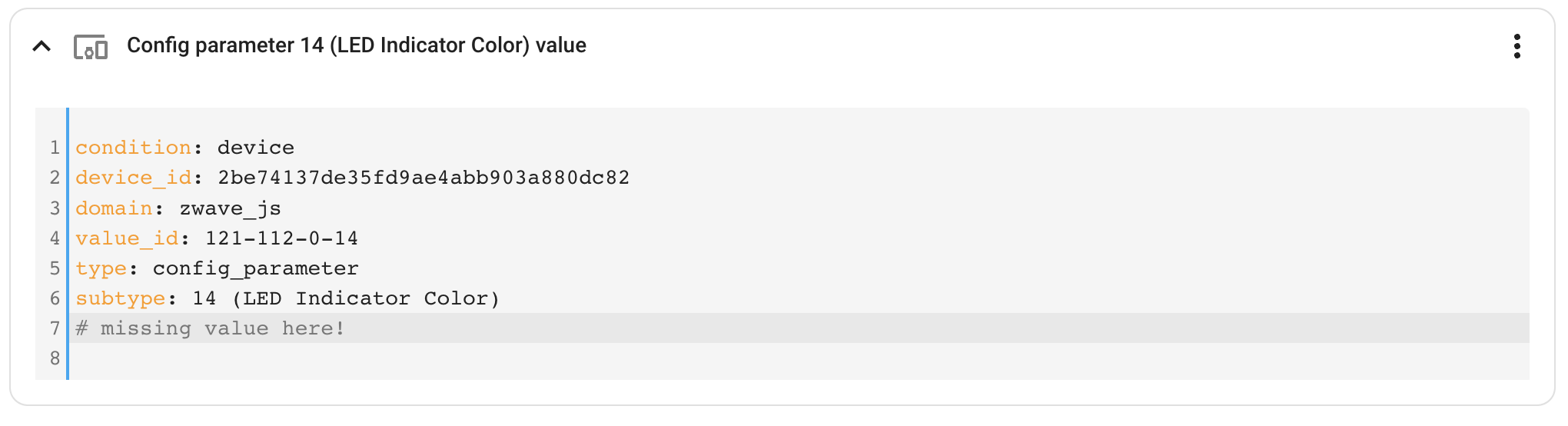
The UI doesn't not set the value when trying to use Z-Wave Devices Config Params as part of a condition:
- Pick Device
- Pick Config Param
- Pick Value you are checkin
- Error

Describe the behavior you expected
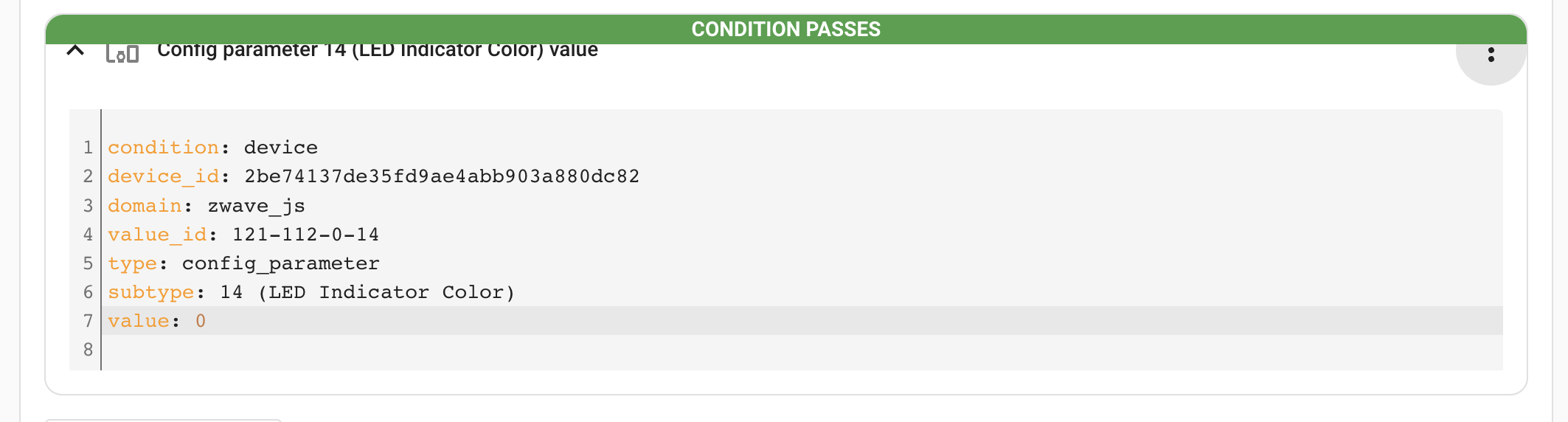
Set the value in yaml and retest , works as expected.
Steps to reproduce the issue
- Create automation
- Create a condition/action/etc
- Pick Device Condition
- Pick Z Wave switch (or any Z-Wave device)
- Pick the Config param you want to check
- Select the value
- Try to run/save -> Error/Condition fails
- Set
value: ${value}manually - Re-test/save, works as expected
What version of Home Assistant Core has the issue?
2022.11.1
What was the last working version of Home Assistant Core?
No response
In which browser are you experiencing the issue with?
Brave/Chrome/Safari
Which operating system are you using to run this browser?
macOSx 12.6
State of relevant entities
No response
Problem-relevant frontend configuration
No response
Javascript errors shown in your browser console/inspector
none
Additional information
No response

I believe I'm having the same issue.
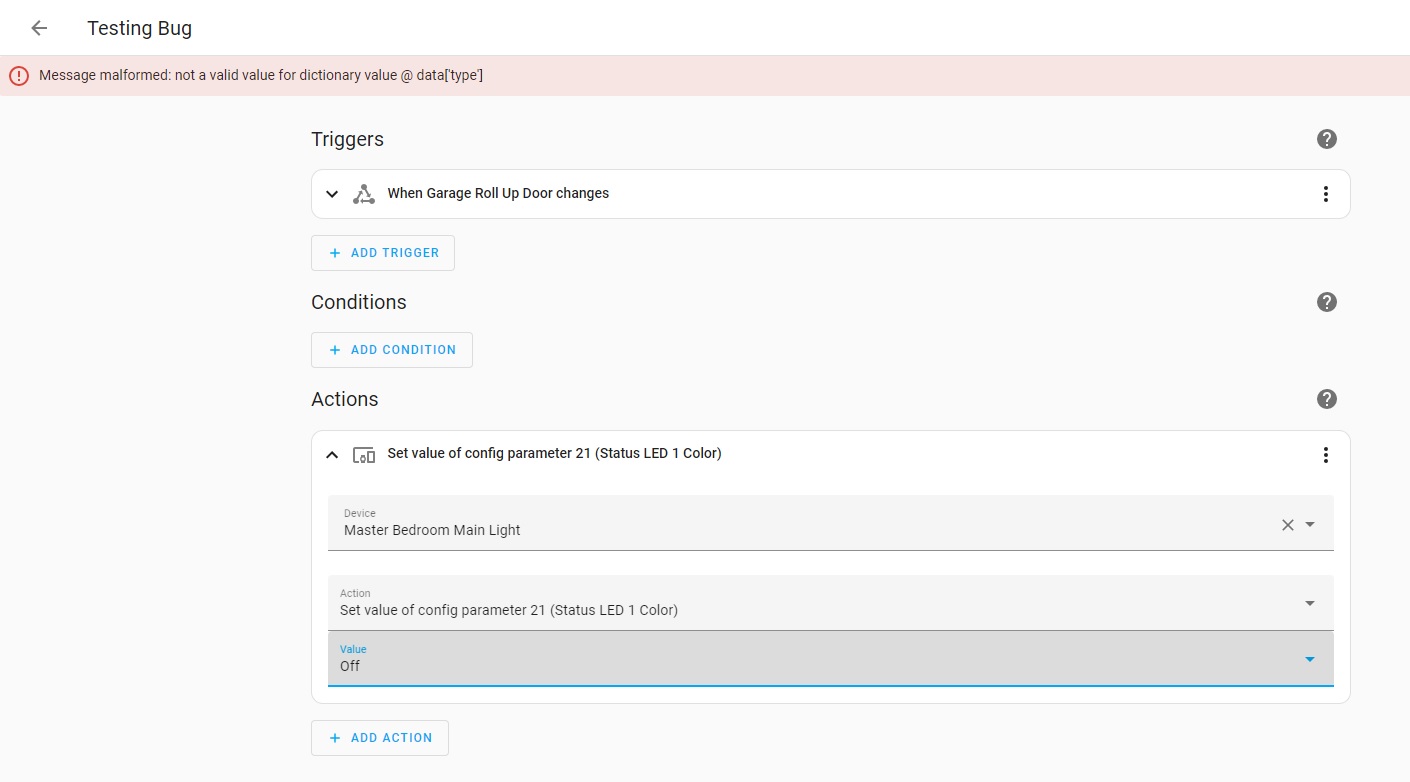
When creating an automation using the UI, and attempting to set the value of a Z-Wave parameter via an action, it misses a line of code (same as OP's missing "value" field) but works fine if added manually via YAML.
It shows up as a Message malformed: not a valid value for dictionary value @ data['type'] error when trying to save the automation.
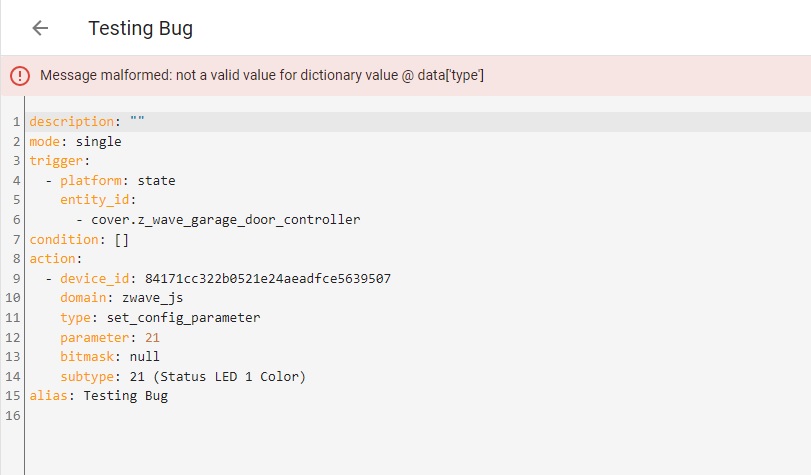
switching to "Edit in YAML" mode and changing the code to
description: ""
mode: single
trigger:
  - platform: state
    entity_id:
      - cover.z_wave_garage_door_controller
condition: []
action:
  - device_id: 84171cc322b0521e24aeadfce5639507
    domain: zwave_js
    type: set_config_parameter
    parameter: 21
    bitmask: null
    subtype: 21 (Status LED 1 Color)
    value: 0  #ADD THIS LINE
alias: Testing Bug
seems to fix it. This error only seems to have cropped up so far when setting the color to "off" However, switching back to "Edit in visual editor" mode, the value field doesn't populate and is blank.
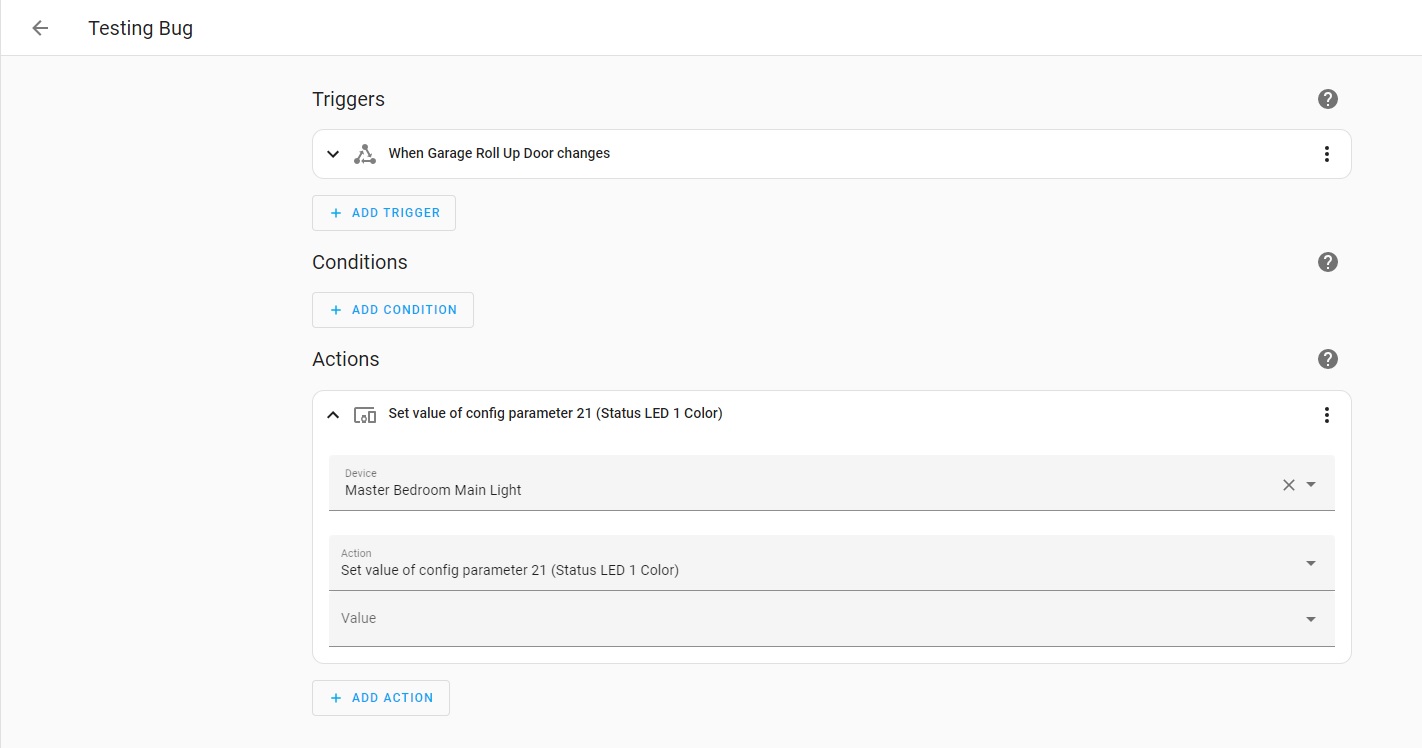
But the automation will save and function.
What version of Home Assistant Core has the issue? 2022.12.1
What was the last working version of Home Assistant Core? No response
In which browser are you experiencing the issue with? Chrome Version 107.0.5304.106 (Official Build) (64-bit)
Which operating system are you using to run this browser? Windows 7