

 hoangnm
Select number of days scrolled
With the current version, if you change to less than 7 days displayed with the numberOfDays props, the scroll is really weird. It jumps an amount of numberOfDays in your scroll. And you quickly lose track of your weeks.
If you check what Google Agenda is doing, when you have 7 days displayed, the scroll amount is 7 days. If you have less than 7 days displayed, it will scroll 1 day. That way you always have control.
I think we have two options here:
- we add a new prop to select the
numberOfDaysJumpso we can handle this option manually. - we do the math and scroll 7 days when 7 days shown, otherwise 1 day.
Here a small video showing the behavior on Google Agenda:
https://user-images.githubusercontent.com/130704/131230903-15fd63d6-ef32-45b9-af92-c517f628074e.MP4
What do you think?

Thanks @rdewolff, I agree with this. I would prefer a general prop such as numberOfDaysJump, jumpOnlyOneDay, or something similar, to allow the developer selecting the best option for them.
I'm very busy at the moment, so I don't know when I will be able to implement this :slightly_frowning_face:. I would be happy to give pointers on the code if you want to send a PR yourself :slightly_smiling_face:

Small update: I've been trying to implement this feature. At first, it should not be too hard, but I run into an unexpected issue. See this examples with 3 and 5 days in the grid:
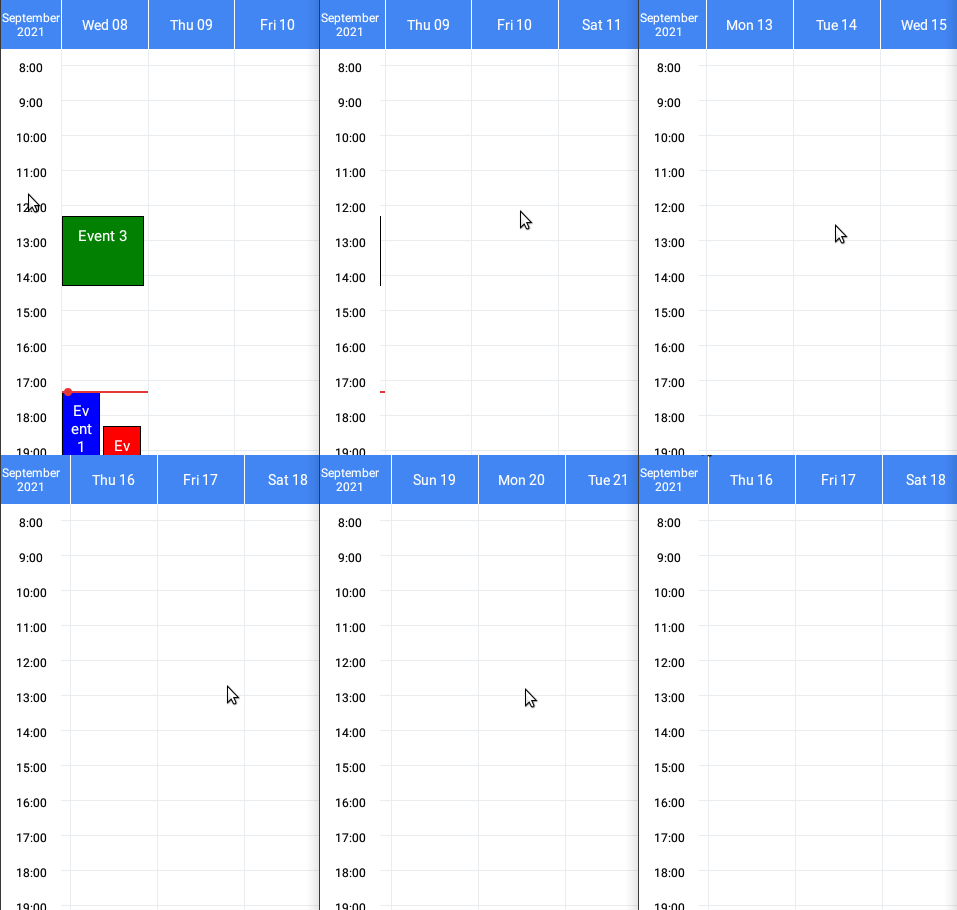
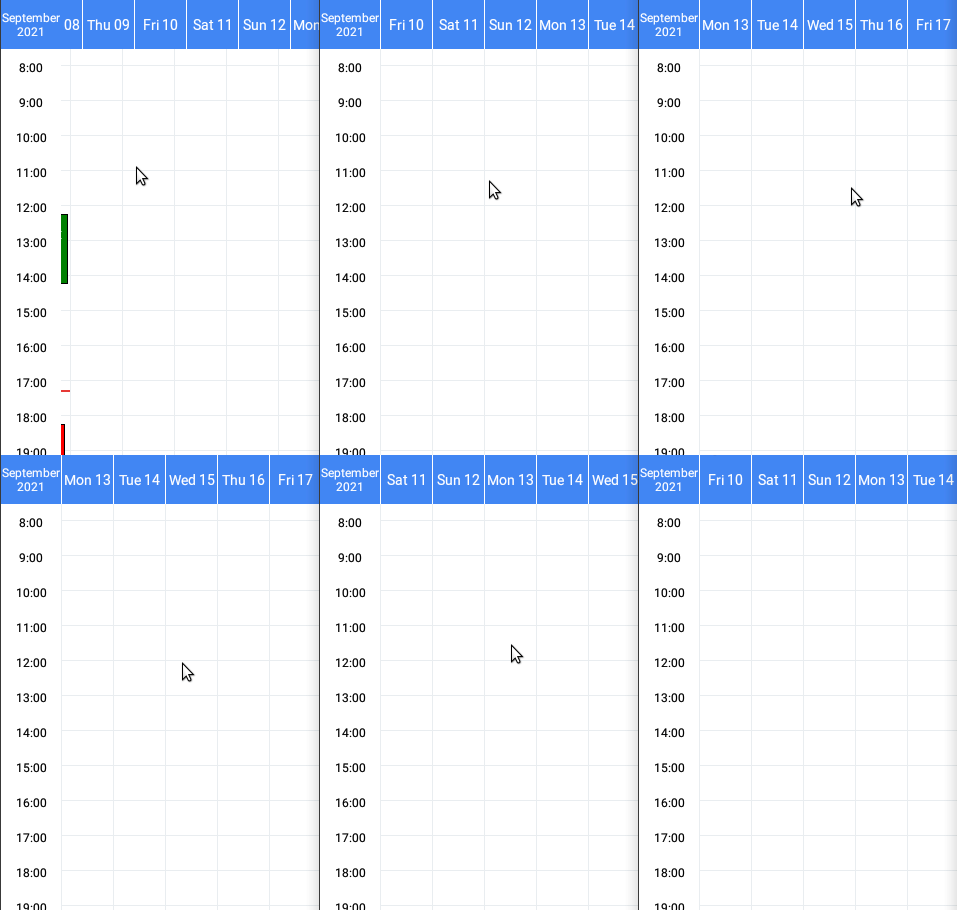
With 5 days it looks good, but with 3 days the days get slightly (and progressively) shifted in the horizontal axis (I hope it can be noted in the GIF). This is due to a small differences in pixels in the width of the days. Specifically:
- If the width of grid is divisible by the
numberOfDays, all the days have the exact same width (the 5 days case, in my example) - If is not divisible, some days may have off-by-one different widths in pixels (the 3 days case, they have widths 86, 87 and 87 pixels each)
- When setting "how much to scroll" I used the
snapToIntervalprop, which receives a fixed number --> the width of the day --> all days should have the same width for it to work - Different screens and
numberOfDaysmay present or not this issue
I'm trying to solve this to release this feature