

 ho-dev
Dont't work "Analyze" in the "TeamAnalyzen" tab[BUG]
Describe the bug When click "Analyze" don't show the match archive for opponent team.
To Reproduce Steps to reproduce the behavior:
- Go to Team Analyzer
- Click on Update -> Select the opponent team -> Click Analyze -> Don't show the match archive.
- Scroll down to '....'
- See error
Screenshots
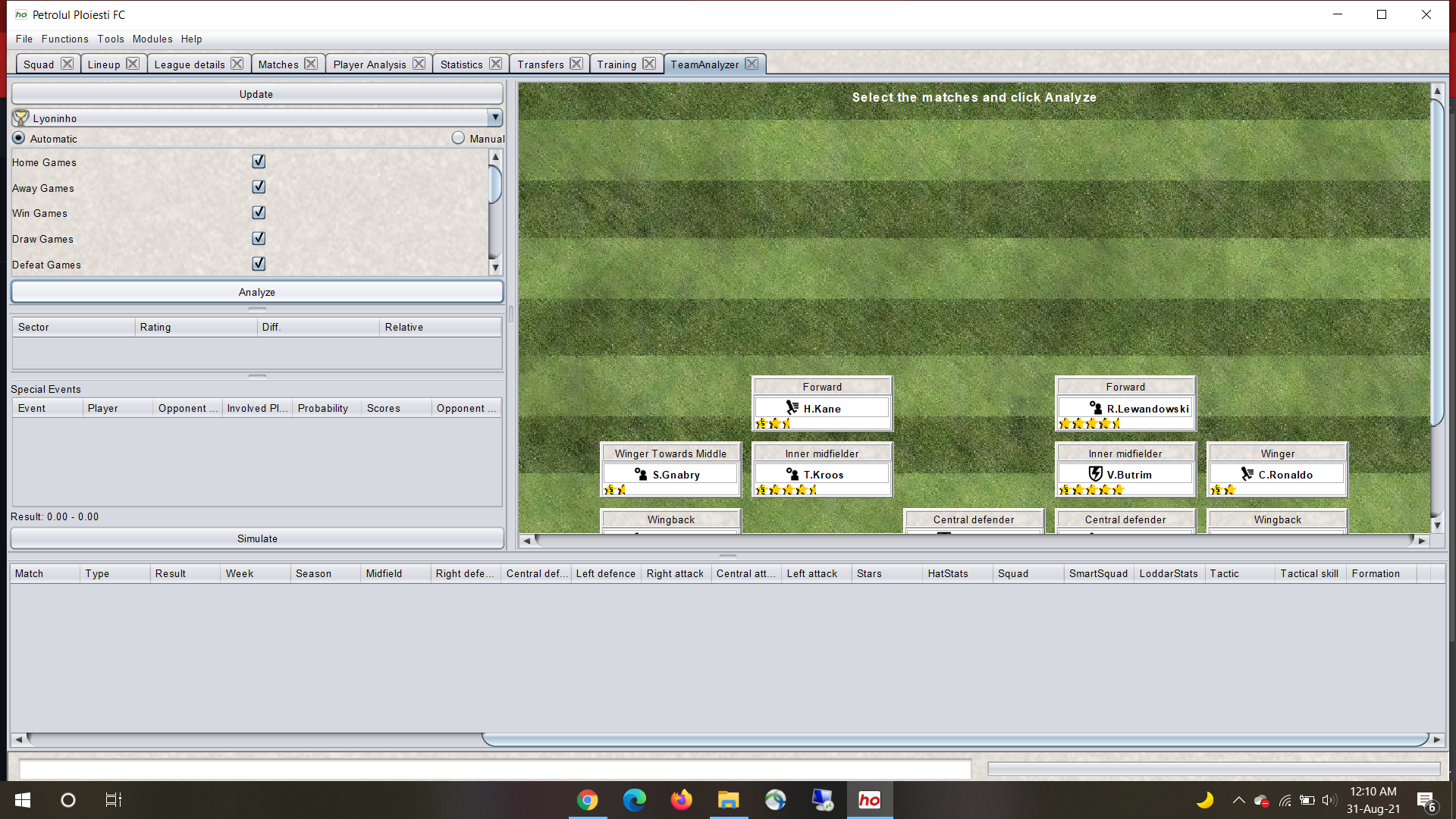
Platform information: Windows 10 Pro OS build 19043.1165
Additional context Add any other context about the problem here.

Hey, thanks for opening your first issue! 🙂 Be sure to check out the wiki and the HT forum for support.
![github-actions[bot] avatar](https://avatars.githubusercontent.com/in/15368?v=4 "Published by a pub.dev verified publisher")
@shaft86 : Did you push the "Update"-Button before "Analyze". Update will download the matches of your selected opponent.

Same problem at my side. What helps -> delete databaze -> C:\Users\username\AppData\Roaming\HO And than load all data from web again. Propably some error after update?

if you have a backup of your old databases you could upload this backup. We could try to debug then.
Same problem at my side. What helps -> delete databaze -> C:\Users\username\AppData\Roaming\HO And than load all data from web again. Propably some error after update?
Thxxxx. I resolved.
@shaft86 did you also delete your db - or were you able to download data if you first select the opponent, then update/download and at last Analyze?
I've try loading other opponents, purge database, update/download, even reboot computer.... Nothing helps. Only delete of database it self. I can not provide deleted files to You cause I made this on fathers computer where I do not have access now.
