

 hluk
hluk
Tabs ordering
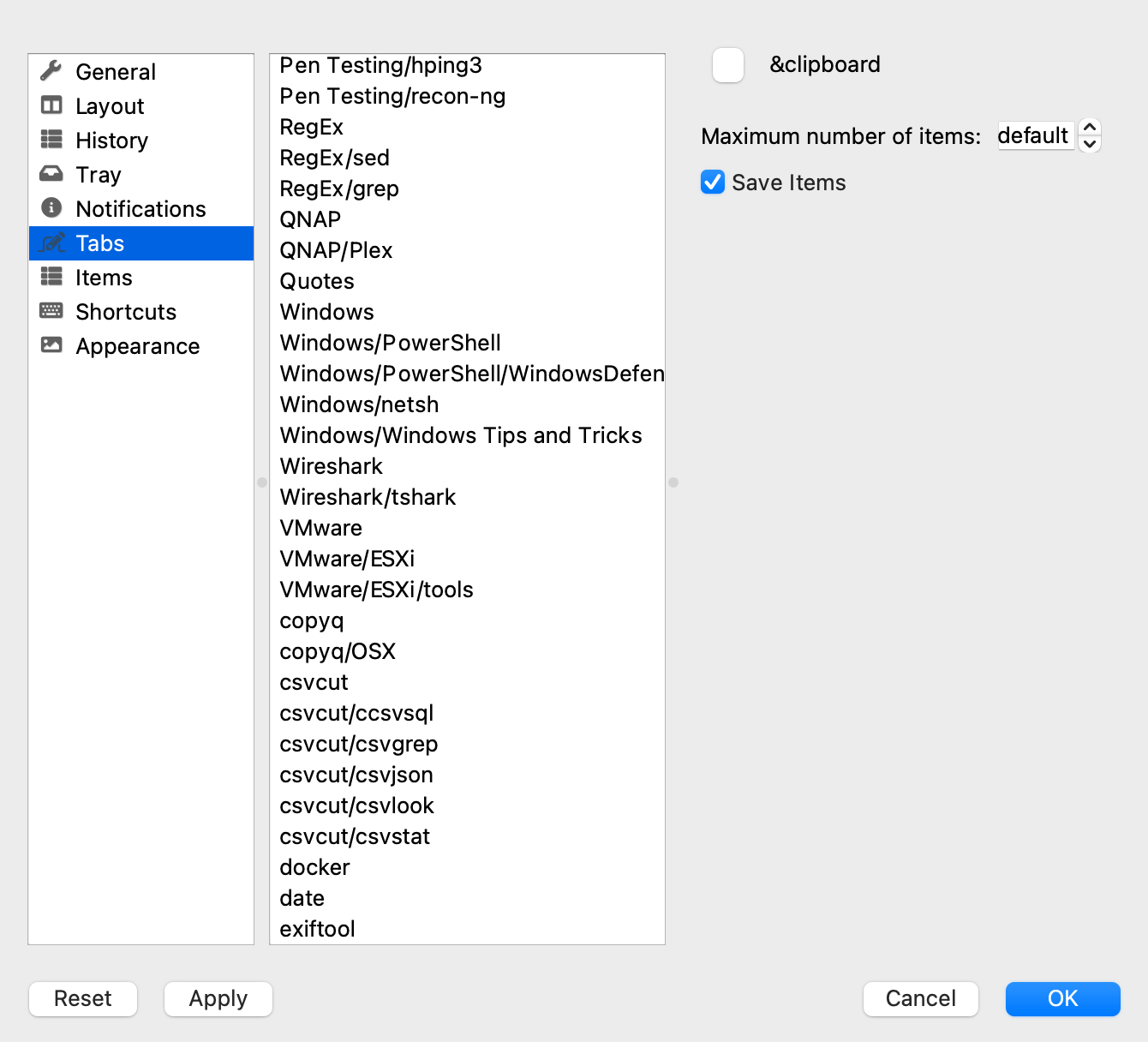
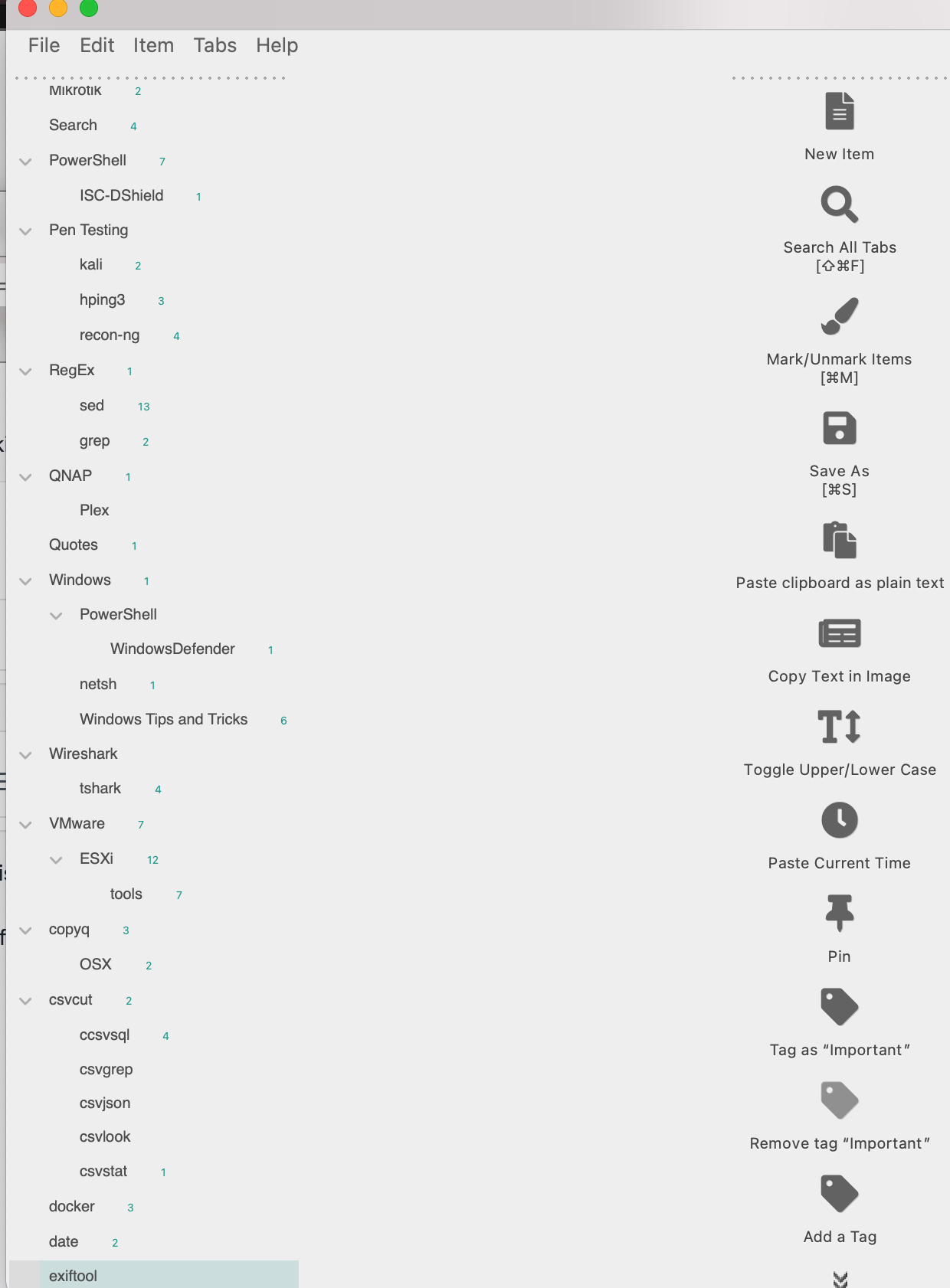
I have a lot of tabs and I like to have them in a specific order. I find that whenever I create a new tab it always defaults to the bottom of the list. I know that drag and drop for positioning the tabs is available but I find that I can only drag the tabs so far up and have it stick to that location. If I try to drag it up all in one move it tends to fall back to the bottom of the list. If I drag it up one screen height and maybe have it stick in that position, as soon as I try to move it up higher it will also fall back to the bottom of the tab list.
A work around that I have come up with is opening up the copyq.conf file and editing the order of the tabs there. This seems to work all the time when doing it on my Linux system but I find that it does not work on my Mac OS (currently running Big Sur but behaved the same before the upgrade).
I just added a new tab on my MacBook Pro and while the tab exists in the program the tab is not listed in the copyq.conf file.
I tried adding the tab name in the position that I wanted it in the copyq.conf file and that had no effect on where it appeared in the GUI after relaunching the program.
The bottom line here is that I have not been able to find a consistent way to manage the order of the tabs. I'm OK with managing it via the copyq.conf file if it would work the same on all operating systems but it would also be nice if there were a more consistent way to manage them tab positions via the GUI. If there is one I haven't found it or my tab configuration breaks what does exist.
Please let me know if you have any questions / need more information.
Robert
 copyq.conf.txt

