

 higlass
Gene glyph colors on Firefox
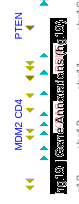
Gene annotation glyphs (but not the gene label text) have weird colors on firefox:

The track label on the vertical track also appears black:
Steps to reproduce
- open a gene annotation track in firefox
Observed behavior
- red glyphs are rendered cyan
- blue glyphs are rendered yellow
- transluscent white backgrounds rendered black
Seems like firefox is somehow applying a CMYK colorspace instead of RGBA.
Further evidence: setting minusStrandColor to rgba(0, 255, 0, 1) makes the gene glyphs turn magenta, but the gene labels correctly turn green.
It doesn't seem to affect other tracks...

This seems to be a very strange bug. I don't have this issue on FF v71.0 with macOS v10.14.6
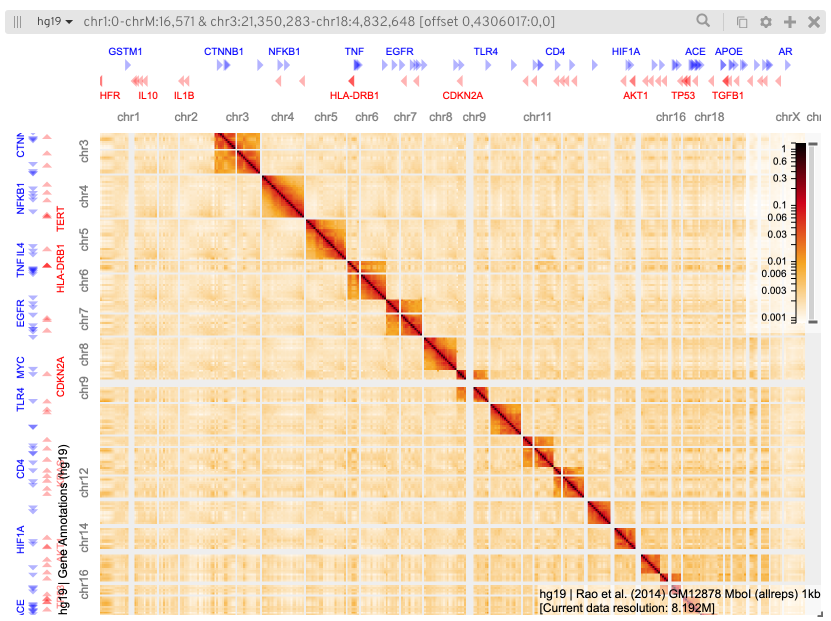
This is how the default viewconf looks like for me in FF

I created a simple test case: https://jsfiddle.net/13h78dkq/ Strangely, it works for me and Nezar.
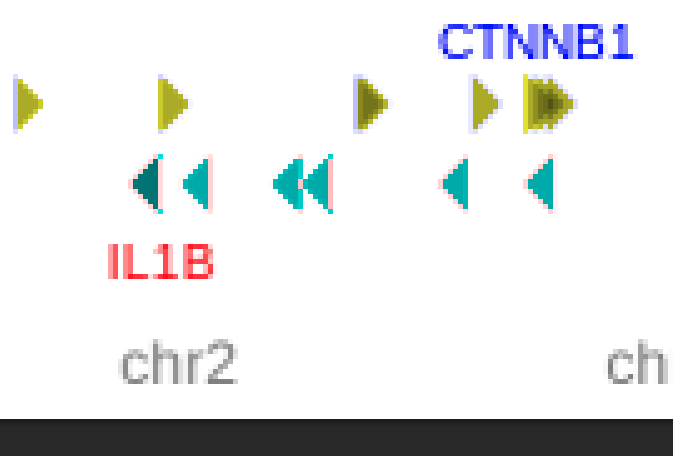
Also interesting, after scaling up Nezar's screenshot one can see a couple of pixels with the correct color:
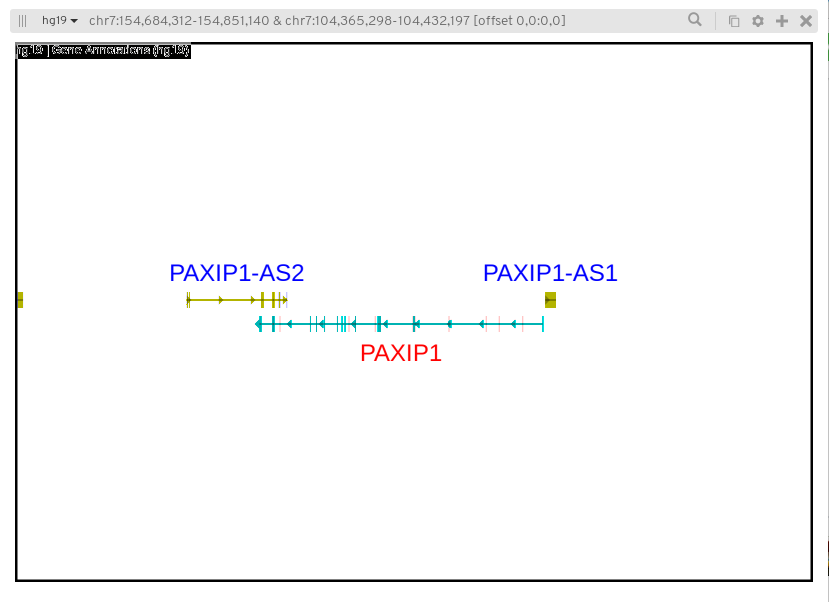
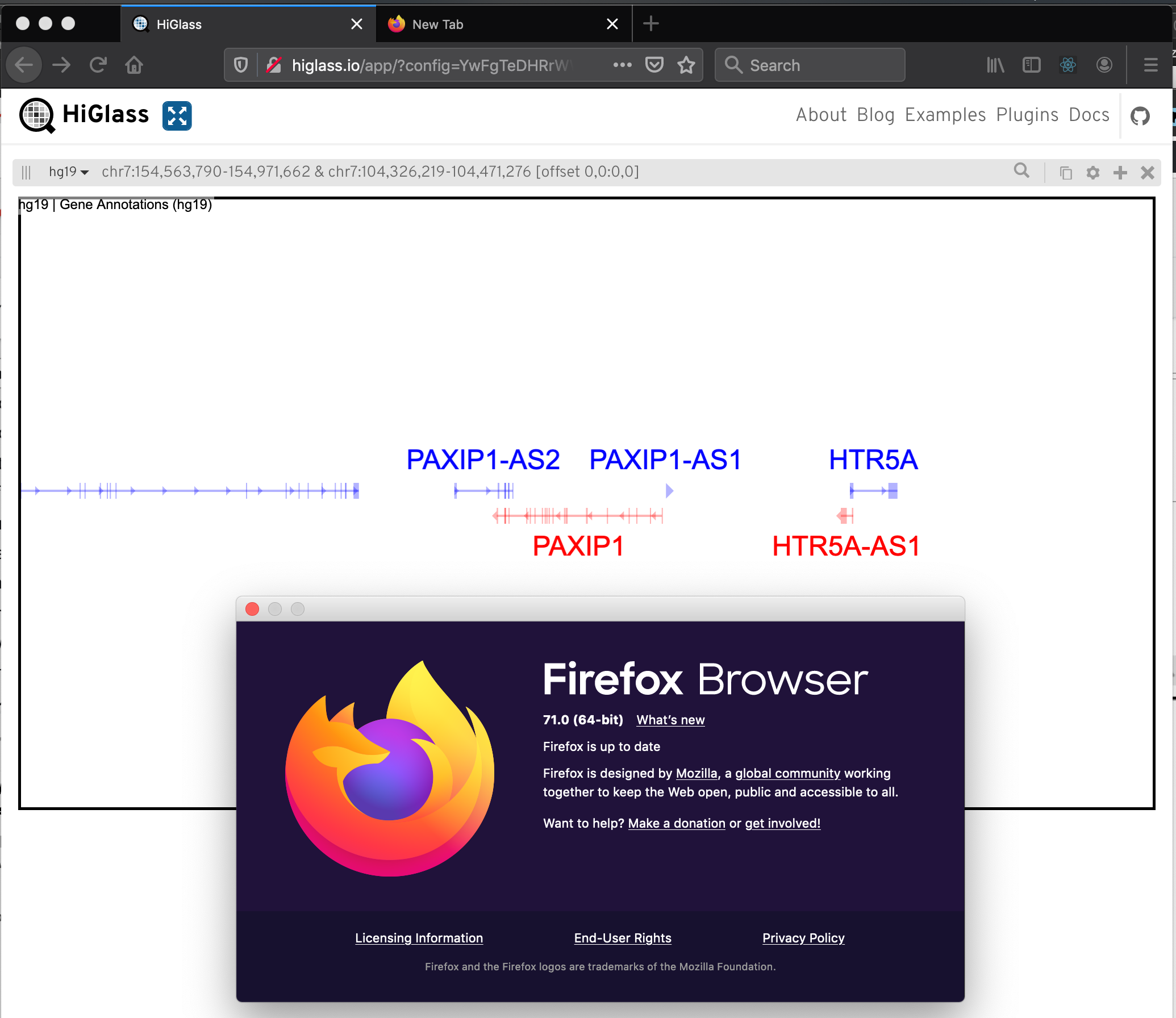

definitely affects

Also the thumbnails generated by pyppeteer seem to have this issue, and they are generated by a headless chromium!
If it affects multiple apps under Linux, perhaps it would be due to some shared graphics library (libpng etc.) that Firefox and Chromium rely upon when rendering?
Indeed, I can't reproduce this now on Windows or Mac (though I could swear I had seen it on one of them before). So it could be linux-specific, though the colors render correctly for me on chromium on ubuntu.
Tracked it down on Firefox to a GL feature disabled by default on X11 systems: https://wiki.mozilla.org/Blocklisting/Blocked_Graphics_Drivers#On_X11
GL layers acceleration is not yet enabled by default (see bug 594876). You can enable it by setting layers.acceleration.force-enabled=true in about:config.
Enabling layers.acceleration.force-enabled fixed the color issue. There must be some similar GL acceleration option disabled in the headless chromium that pyppeteer uses.
I think there isn't anything we can fix on our side so shall we close this? We could add a note to the troubleshooting section (if we had one)?
FYI, the actual feature that in question is GPU-accelerated layer compositing. Solution: Enter about:config in Firefox's URL bar and set layers.acceleration.force-enabled to true.
However, when I tried it, it seemed to make HiGlass more unstable on Linux. There's probably a reason it is disabled. It probably depends on GPU drivers: https://www.reddit.com/r/firefox/comments/8hmnn7/firefox_gpu_acceleration_on_linux/