

 hicetnunc2000
Fullscreen button doesn't show the images at there maximum resolution
Describe the bug The fullscreen button doesn't show the images at there maximum resolution and doesn't allow zooming in
To Reproduce Steps to reproduce the behavior:
- Upload a png at high-resolution higher than your monitor
- Use fullscreen on minted image
- The image will not fill up the screen
Expected behavior If you right click the image open in new tab real full resolution shows up for the collector to be able to see the work
Screenshots If applicable, add screenshots to help explain your problem.
Desktop (please complete the following information):
- OS: Win10
- Browser chrome, firefox
- Version 90+
Additional context https://www.hicetnunc.xyz/objkt/81110
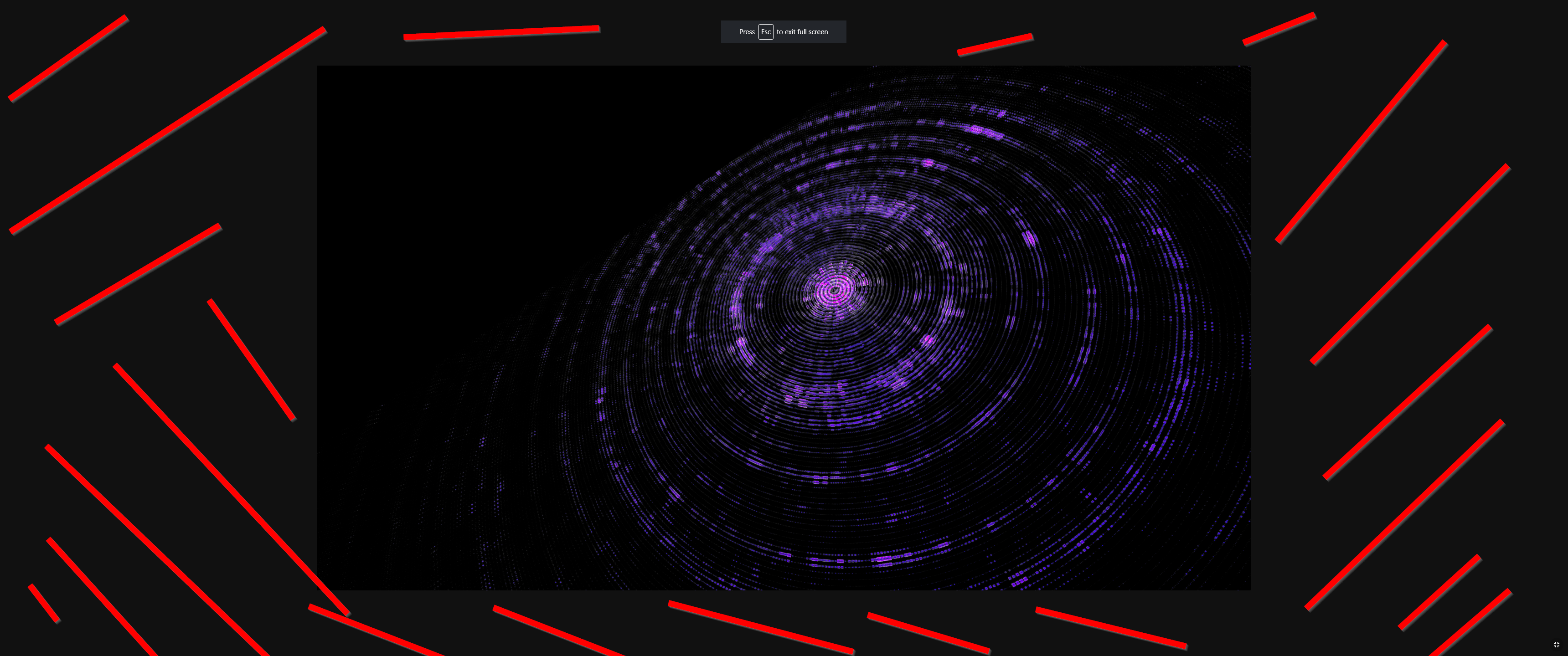

I would call this a request, not a bug. I agree that it would be better to go full screen, but right now it's coded not to - not an accident.

This is a one line CSS change, if it's agreed that we should make this change.

I do think a 100% full screen display is the expected and better behavior. A related change that would make this feature more valuable for long form video would be to hide the hover icon when you're in full screen mode and the mouse hasn't moved in a few seconds, similar to youtube or VLC's play bar behavior.

Good to know. Agreed, this is between issue and feature. It is a fact in general that buyer expectation is to be able to reach the original work. The pinning mechanism is complex and not exposed
In the bottom you have a link to IPFS which u can use to see the image in its full size. This fullscreen feature is cross media, I'm not too sure it should change.

I don't understand the use of having it not go full screen. I think all objkts would benefit from a full screen display option without finding a hidden link (there is no indication that "ipfs" is clickable), and I can't think of any reason someone would prefer or expect the 80% view height option over a true full-screen view when clicking on the 'full screen' icon.
What do you consider fullscreen? Adjusting the image width to the full browser width and then having scroll bars to scroll up and down? Or do you consider fullscreen opening the image on 1x1 resolution and having vertical and horizontal scroll bars?
For me I think it should retain its proportions, if it's smaller than the screen then it should be shown at original resolution in the center of the screen, if it's larger than the screen then it should fill as much of the screen as possible without scroll bars. ie: max-width: 100vw; max-height 100vh; object-fit/background-sizing: contain
The ability to click to zoom full-resolution would be a nice add, but for now I think just changing '80vh' to '100vh' in the code would be an improvement.
The thinking behind this was to remove all HTML elements so you could display the art piece fullscreen. If you imagine the context of an installation where there's no mouse/keyboard but simply the art is displayed on a screen. Feel free to submit a PR with your changes. as far as I understand object-fit only works on images and videos, but we render a lot more mediaTypes. So there might be some concessions to do depending on mediaType.
Adding another request fo this. Currently, for images at least, are set to a max-height: 60vh. This is perfect when not in fullscreen and you need to display UI, but causes other problems.
An example can be seen here: https://www.hicetnunc.xyz/objkt/128651 - not just does it not display at full resolution, this is something that you can never expect 100% of the time, but it also changes the pixelated texture which https://twitter.com/nicolas_sassoon has worked to make very specific. I'm guessing artists are expecting that people will have a screen of at least 900px high these days, so expect to be able to make art that needs to be displayed at full resolution at this height or below.
I know this is a complicated choice. But wanted to add another reason as to why we may want a "fuller fullscreen".

just made changes to the way objkts are displayed in fullscreen. is it better now?
