
react-native-image-crop-tools
 react-native-image-crop-tools copied to clipboard
 hhunaid
Cropping screen layout problem
For device to device, the cropping screen looks different. For some devices, there is like 5-10% (depends on the device dpi or screen size) padding at bottom and top or left and right. How do we make it responsive fullscreen for all screens ?

Can you list a few such devices or their screen resolutions? I am using this on a variety of devices and I don't see what you are describing

720x1280 - on this one I had left and right side and also there was like %1 for bottom and top issue 1080x2280 - on this one I had bottom and top problem issue
I see it now. That is the margin that the native views have by default. I will see if there is a way to remove that.
I tried scale x and y of cropping screen, it looked fine on my phone but then the issue got bigger for other devices. I thought it should fix from native side, not react. Thats why I am here.
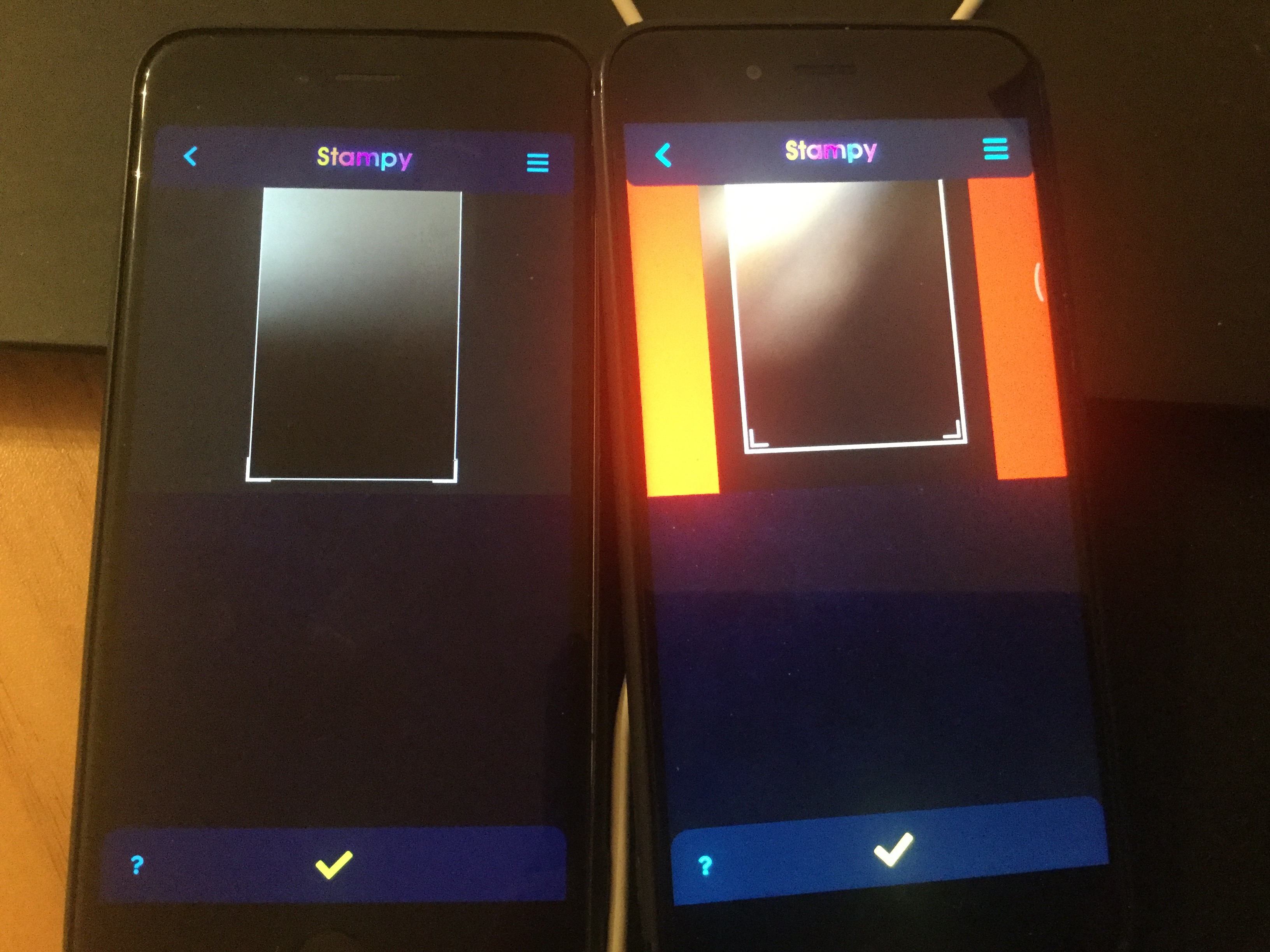

Dear @hhunaid, There is a padding for crop area, I'm giving the ratio as screen width to it. but it has horizontal padding. is it possible to have the crop area same as screeen width?
