

 hexdump0815
chromebook_trogdor: problem: No LTE - Modem not found!
Hi,
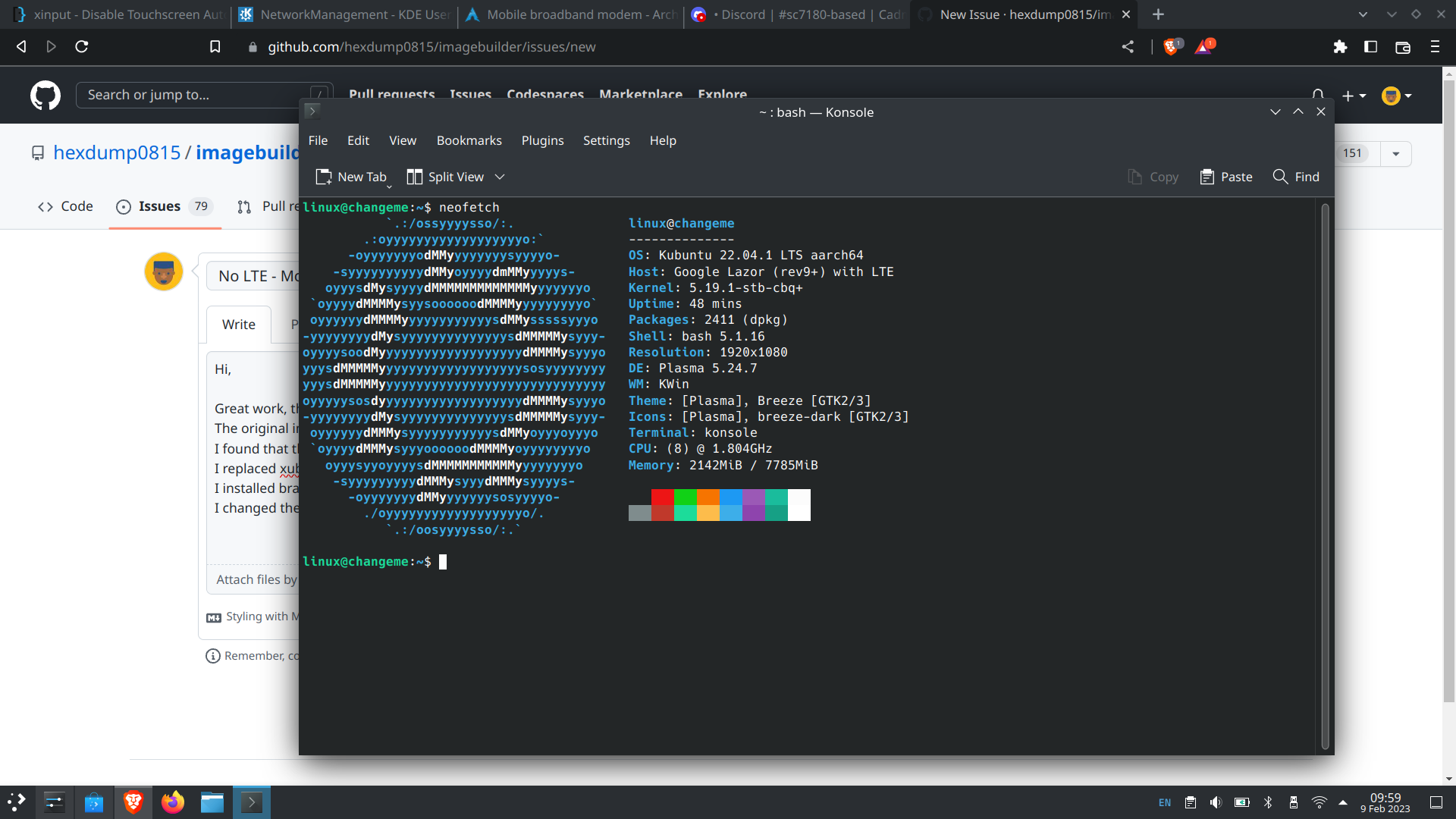
Great work, this is the only image I found that work (boots) on my Acer Spin 513 The original image has an unstable wifi but as a couple of updates the wifi is fully working. I found that the keyboard backlight was off so I add a line to /etc/rc.local I replaced xubuntu with kutuntu (using it now running from a 64Gb USB 3 disk). I installed brave-browser (this is faster that Firefox). I changed the keyboard model to 'Google Chromebook' (now the Chrome function keys work).
On Linux
mmcli -L No modems were found
On Chrome
mmcli -L /org/freedesktop/ModemManager1/Modem/0 [QUALCOMM INCORPORATED] Qualcomm(R) Snapdragon(TM) 7c Compute Platform

@llcool - happy to hear that it works for you - for lte maybe try to use the firmware files from your chromeos install - i think devices with lte use a different firmware with modem support maybe ... good luck and let me know here in case you find out anything - hexdump

Hi Which image is this? I am faffing about with cadmium for several days now, and can't boot because of the blank screen on my acer spin 513 - lazor-r9-lte.
I want to use image builder to build void linux. thanks

I had a blank screen on other images but both these images work https://github.com/hexdump0815/imagebuilder/releases/tag/230218-03 bookworm is Debian and jammy is Ubuntu
I have not tried building an image but there are some notes on this github.
I had a blank screen on other images but both these images work https://github.com/hexdump0815/imagebuilder/releases/tag/230218-03 bookworm is Debian and jammy is Ubuntu
I have not tried building an image but there are some notes on this github.
Thanks, i did just that, sleep has some issues, but at least i have a working installation
@bruceloco - i think the sleep issues are only happening when running from usb and not when running from emmc and iirc there is maybe even a fix for the usb issue in a later kernel version (not sure if it was v6.2 or v6.3)
@bruceloco - i think the sleep issues are only happening when running from usb and not when running from emmc and iirc there is maybe even a fix for the usb issue in a later kernel version (not sure if it was v6.2 or v6.3)
Thanks, I spent a week fighting cadmium builds and failed miserably 😄 I will try Linux 6.3 From what I gathered, I can just get your config from https://raw.githubusercontent.com/hexdump0815/linux-mainline-and-mali-generic-stable-kernel/master/config.cbq-6.1.11-stb-cbq
And build the kernel with it
NB: the screen comes up after suspend, but when you login it goes blank, which is somewhat weird NB2: battery life is bad with this build
interesting - when i tested to daily drive it in january, it was working quite well for me and i did not notice the problems you described - that was with my v6.1.1 kernel running from emmc
How did you extract the build options from chrome? I cannot mount the partitions with ChromeOS Kernel to see if there is something in boot.
The kernel configuration you mention https://github.com/hexdump0815/linux-mainline-and-mali-generic-stable-kernel/blob/master/misc.cbq/options/additional-options-special.cfg You got this from a chromebook somehow? or how did you get to these flags?
The kernel config options required for the let's say the Acer Spin 513 which is the sc7180.
the initial kernel config is from chromeos ("modprobe configs" and then the kernel config is available as /proc/config.gz) and the i tried to extract the essential options required for the sc7180 - the resulting list is most probably not the minimal required one, but it works and can be trimmed down futher with time maybe
this is really good, my config only has the sc7180 config stuff in, no extra chip stuff in will probably pull newer firmwares as well
Question: I build a void-musl for my trogdor lazor - Acer 513 LTE Pretty much the same config used by you. You have 4 partitions, 2 chrome os kernel partitions, one calledboot (3rd partition) - the contents are initrd and dtb and other stuff and the rootfs partition. I followed the cadmium, but there it only discusses 3 partitions same first 2, and the last one with rootfs Does the trogdor lazor require 4 partitions? is this a coreboot thing?
no, you can go with two partitions even if you want - only the first kernel partition is required (the second one is just for testing alternative kernels and thus quite useful to have) - for 3 and 4 i use a separation of /boot and / but you can have /boot as part of the / partition as well ... i use this separation as it makes luks encrypted root fs handling easier in case one wants to use it
Awesome, I got it running using your config in void-musl - kernel 6.3 However it is failing loading the firmware files, says it cannot find then they are in /usr/lib/firmware/qcom and it prints that it failed to load err -2 - which is no such file or directory So no wlan I am testing the adreno gpu one: "Direct firmware load for qcom/a630_sqe.fw failed with error -2" (https://elixir.bootlin.com/linux/v6.3/source/drivers/gpu/drm/msm/adreno/adreno_gpu.c#L381) Later on in the boot, it looks for the legacy location and loads it from there
WLAN is not working at all, no fw loading, only like from dmesg is "adding to iommu group" On your build it loads the firmware, so several more lines Looking at the DTS it shows disabled when it is build. yours is disabled, and later on(much later in the boot, the firmware loads)
Ok, so the asynchronous firmware loading is not working for some reason your log has the same failures as I do, but later you get the remoteproc logs and the firmware loading information For me it does not do anything else. Would there be any reason for this to be compiled with the linux version?
and i think i know what it is void uses runit, i see systemd in your dmesg initializing several services Is this something you configure in the kernel build in the image? an initrd thing? or just the etc config for the Acer 513 trogor-lazor?
And you use initrd which is loading the firmware i think
@bruceloco - maybe have a look at: https://github.com/hexdump0815/qcom-tools-build and https://github.com/hexdump0815/imagebuilder/blob/main/systems/chromebook_trogdor/postinstall.sh#L10 and https://github.com/hexdump0815/imagebuilder/blob/main/systems/chromebook_trogdor/postinstall-chroot.sh#L3-L4 ... maybe something similar like this on your side might help
That might be the issue, the rmtfs is the one doing the comms and remote fs for the firmware right? will give that a try
Well, got the services running, wlan running - but a shutdown means segfault or kernel oops, possibly a firmware issue. Will try the newer firmware to see if it works better. The graphics one is still not loaded, so ploughing through but almost there From what i read, the graphics one is because it's not on the rootfs? but it is in the system which is already mount after you got it in your initramfs(I think)
the 64bit chromebook images are not using an initrd by default, so it should not be related to that
I know what it is: In your system you have xde installed, i have a barebones, no window manager yet later calls are made and the FW is loaded So I installed Wayland, mesa and sway - this then loaded the firmware, so the error isn't actually an error. So if anyone complains that the FW isn't loaded, that's is because no DRM client is loaded
@bruceloco - oh that is an interesting information ... i'm happy to see that you got nearly everything running as well now ... please update here in case you make any progress beyond what is already working in the images so far
Another thing to be done is to disable the radio before shutdown(or in the shutdown script). Something like nmcli radio wifi off(or something like this)
If this is not done, it takes ages to shutdown, creates kernel oops or similar things, tries to restart the service, etc. the above command makes shutdown nice and clean
@bruceloco - thanks a lot - i noted it down and will try to add it the next time i'm working on trogdor
@bruceloco - thanks a lot - i noted it down and will try to add it the next time i'm working on trogdor
Forgot to add, it needs to be enabled at boot, if disabled at shutdown ;-)