
react-native-date-picker
 react-native-date-picker copied to clipboard
 henninghall
onDateChange reverts to the previous value automatically after select date
Describe the bug I could not select the date time properly because the picker reverts the value by the previous value.
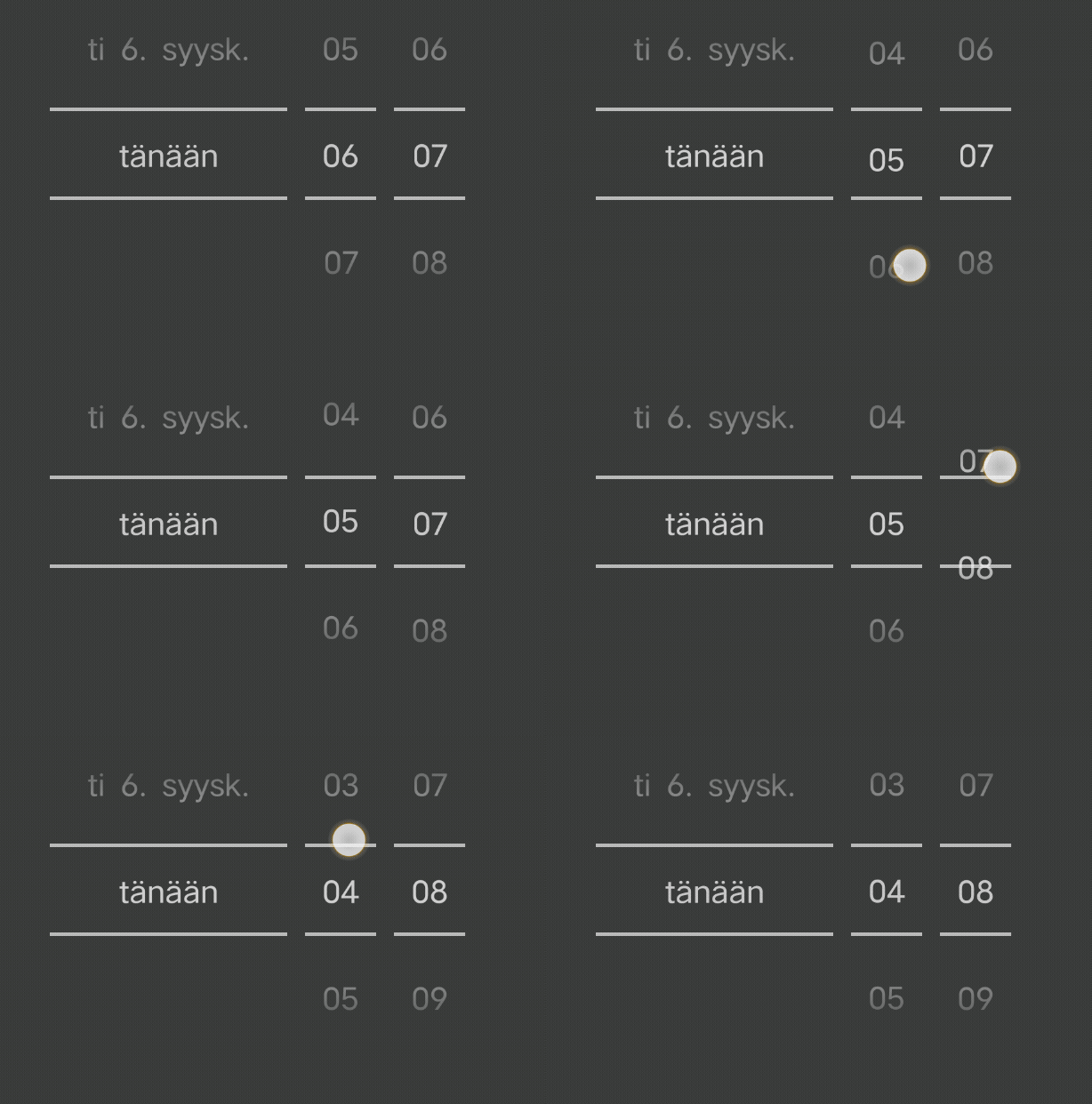
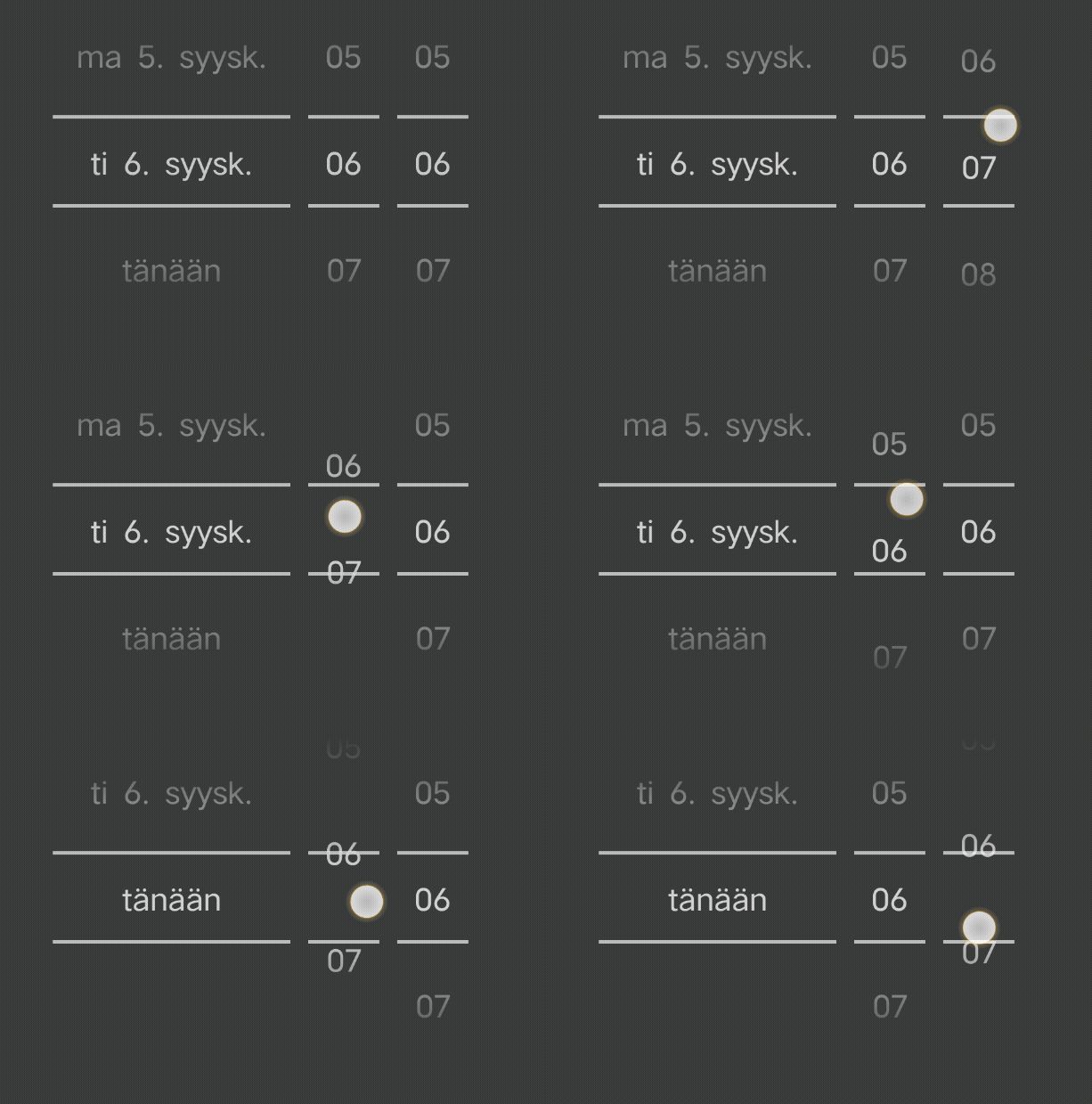
Expected behavior Update the date value properly,
To Reproduce Add example code that reproduces the behavior.
const  TimePicker = ({date, mode}) => {

  // date props looks like below
  // 2022-09-06T20:08:00.000Z

  const {authState} = useAuthData();
  const {themeState} = useThemeData();
  render = () =>
     <DatePicker
        date={new Date(date)}
        maximumDate={new Date()}
        onDateChange={e => {
          console.log('___', e);
          _onDateChange(e);
        }}
        is24hourSource="locale"
        locale={authState.data?.lang}
        mode={mode || 'datetime'}
        textColor={themeState.theme.PRIMARY_TEXT_COLOR}
        androidVariant="nativeAndroid"
      />

}
Smartphone (please complete the following information):
- OS: Android
- React Native version 0.64.2
- react-native-date-picker version 3.4.3

Additionally, when remove the maximumDate prop in DatePicker component, such issue disappeared, after setup the maximumDate, this issue occurs again. 🤷♂️
I have worked so long time on this issue. I have found one interesting thing. If I setup the maximumDate by new Date(), then it occurs such issue like gif images above, but if I set up the maximumDate by new Date(moment().format(YYYY-MM-DD)) then this issue disappears. I got an idea while watching the doc of this package. this package recommend to use "YYYY-MM-DD" format for maximumDate. But for now, I cannot select times which are over a specific time like 08:00 even current time is 09:00 so I have setup the timeZoneOffsetInMinutes but still cannot select some minutes and seconds.
Yes this happens because maximumDate and minimumDate also takes hours and minutes into consideration. Make sure your Date object has hours and minutes set to 00:00 if that is what you want.
