

 helgoboss
FR: Update ideas for target "Track: Set monitoring mode"
How would you feel about changing the target "Track: Set Monitoring Mode", or making a new target to cycle the input monitor modes?
As it stands now, the target allows the user to configure the mapping, with three options from the pull-down...
- Off
- On
- Auto
Each option allows for an on/off state, with resultant text feedback.
My personal opinion, it would be better suited as an increment-oriented target, for instance...
Value 0 = 0% = Input Monitoring Off (text feedback "Off") Value 0.5 = 50% = Input Monitoring On (text feedback "On") Value 1 = 100% = Input Monitoring Tape Auto Style (text feedback "Auto")
Also, Reaper includes two other on/off options for input monitoring...
- Monitor track media when recording
- Preserve PDC delayed monitoring in recorded items
I know CSI cycles the input monitoring between the three modes, but also includes additional cycles to set "Monitor track media when recording" to ON. For example...
- Off
- On
- Auto
- On+
- Auto+
Any thoughts on this? Thank in advance!
Robert

I can't change the existing target because of backward compatibility and also ... well for some use cases it's more useful than cycling. But I could add a new one.
There's an alternative though. Have you looked into "ReaLearn: Browse group mappings"? This allows you to build your very own cycles. In whichever order you want and with whatever target you want.

Sorry for delay in getting back to you on this issue...
I have been actually using the Browse Group Mappings action for the 3 main modes, and it works wonderfully. I also have it set so it actively displays a text feedback for the mode it is in, as in "Off", "Normal", and "Tape" rather than just "On"/"Off" for each mode. I do this by creating groups of browsed mappings for each channel (1-8) on each control surface. I then create an additional 8 "feedback" groups on each control surface ReaLearn instance, with target value conditional activation to trigger fixed text display.
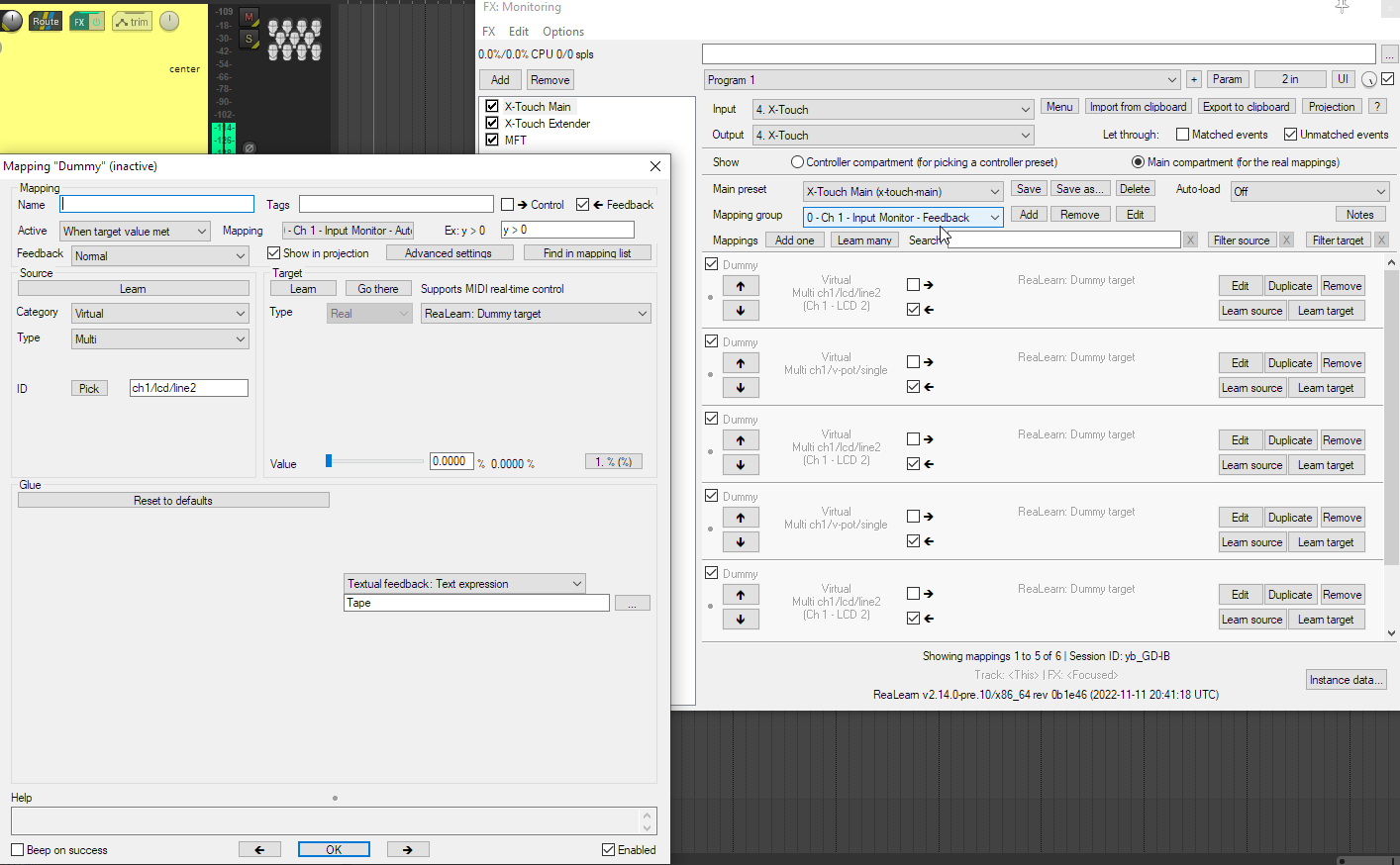
So, I guess I would to modify my FR, to just request an On/Off target for "Monitor Track Media Items When Recording". I believe that option is found in REAPER API function "SetMediaTrackInfo_Value", parameter "I_RECMONITEMS", but you may want to double-check that. :-)