

 hediet
The shape categories visible by default in the web editor are not visible by default in the extension
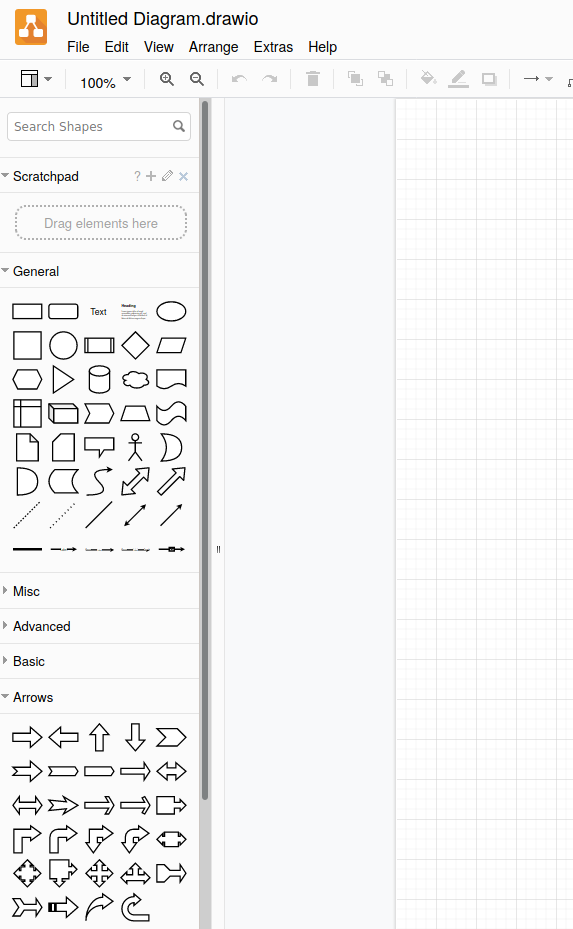
When creating a new empty diagram on diagrams.net, it looks like this:
In your extension, it instead looks like this:
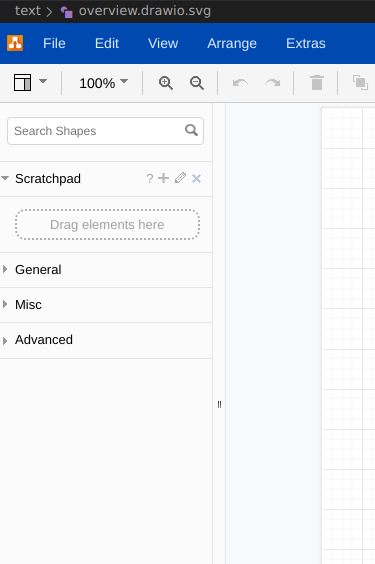
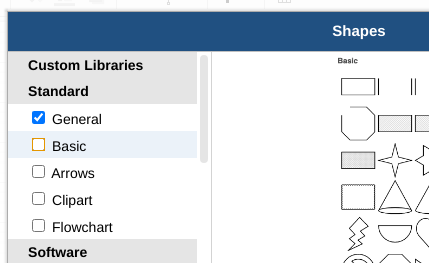
It would be helpful if the defaults would match, especially the "Basic" and "Arrows" categories are disabled:

Did you try this on a clean installation? Otherwise, can you reset the drawio settings in vscode and see how it looks like?

Yep, I just installed the extension on a computer I did not have it installed before. It also happened the last time i installed it on a different computer.
If I reset the settings by removing hediet.vscode-drawio.local-storage and .theme they are gone again
I actually intentionally only show "general", but you can change it and your change should be persisted.
If this issue gets 5 upvotes, I will change the default.