

 hawku
hawku
Tablet mapping was fine before, but with no changes made, no longer works as intended
Hardware/software information
Windows Version: windows 10
Tablet Driver version: 0.2.3 I believe
Tablet model: Wacom CTL-4100
It's just like the title says. I had perfect mapping of my tablet to exactly where I wanted it. I have not made any changes to my tablet or the driver. There is nothing new that I can see, however the mapping of the tablet are is all messed up. Manually resetting the mapping does not work. I have 2 monitors with two different resolutions. I only wish the higher resolution monitor, so that is how I had it set up to work, but now the mapping cuts off about half of my monitor. I cannot access half of the monitor with the tablet mapping.
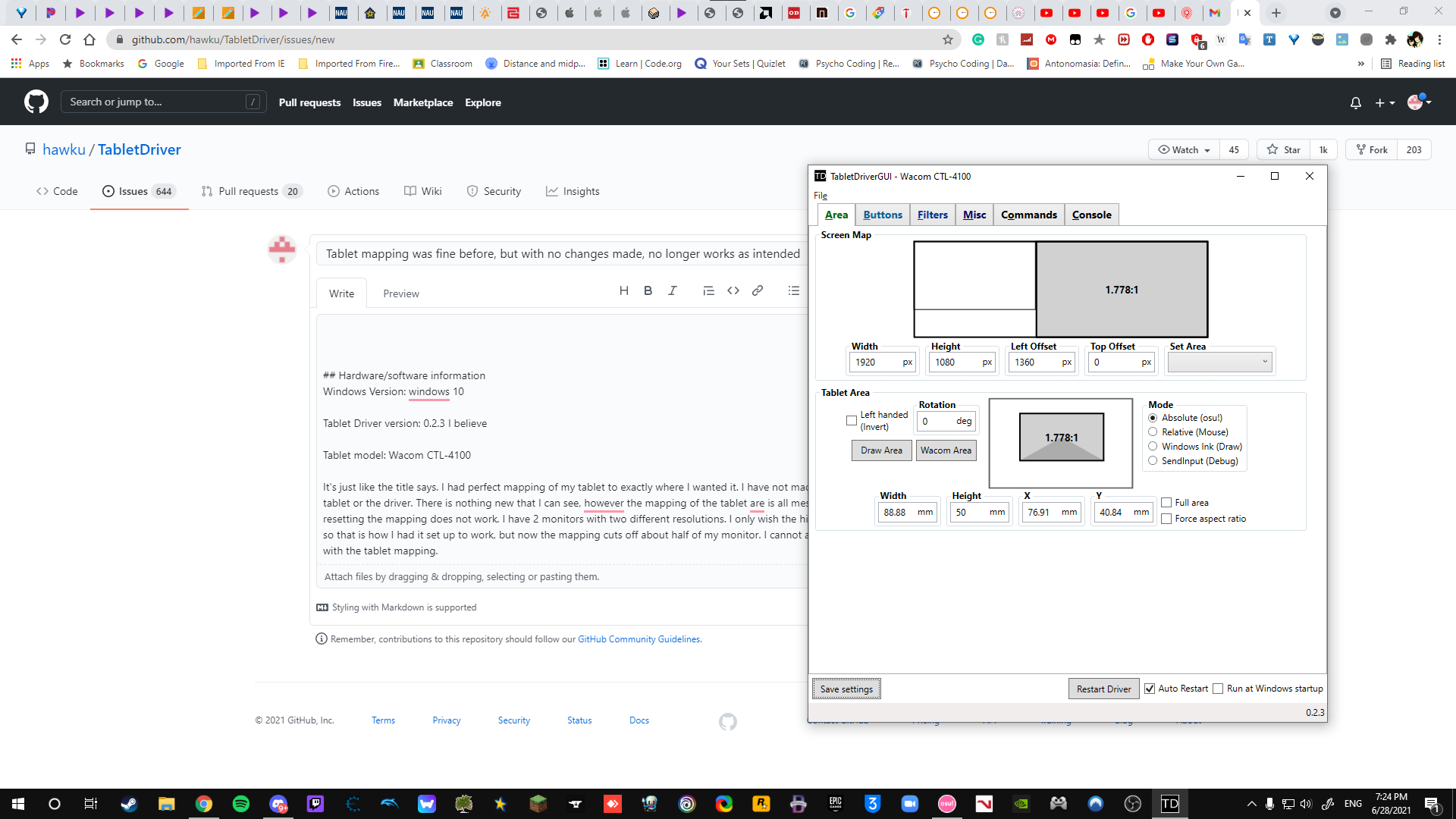 The left side of the cursor, that entire space is unreachable by my tablet due to the mapping or some issue.

