

 hashicorp
Permission list scoping not possible to specific projects in the Web UI
Describe the bug I have an org that has different projects. I want to scope the permissions so that specific users can only see specific projects. Right now with the current permission set, it's not possible to only show specific projects and deny showing other projects to a user. Removing the list permission from the scope will return a 403, despite the permissions for one project being set to allow.
To Reproduce Steps to reproduce the behaviour:
- Create a new org
- create multiple projects
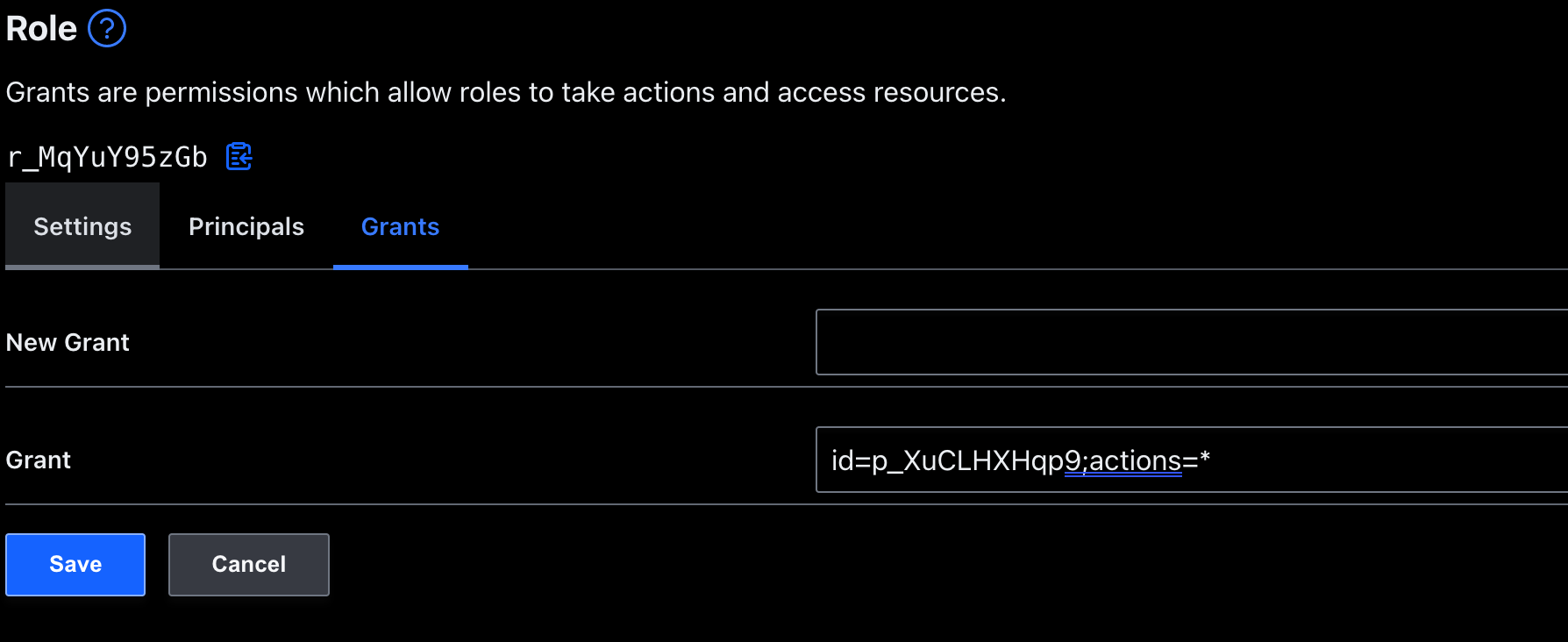
- assign permission to only one specific project with any action (see screenshot)
- Open up the web console and check the project tab, it will return a 403 despite permissions assigned to the specific project. No Project is being returned
Expected behaviour Only show the project in the UI I have actually assigned permissions for
 .
.

Hi there! Thanks for your interest in Boundary. It sounds like your goal is to allow users to list only specific projects within an org. You're halfway there! The existing grant you have allows the role to take any action on the one project. In order to list the project in the UI, the user must also have scope list permission on the org. Try adding this grant to your org role: type=scope;actions=list. Now the role should be able to list projects for which they have existing grants.
Let me know if that helps or if I've misunderstood the scenario. Thank you!

Hi, @randallmorey. Thanks for the suggestion, i will try to test this in the next couple of days.
Hello, checking to see if you are still encountering this issue. Ty for trying out Boundary!

