

 harmonoid
the feature of lyrics is not working
Ask your question here I added the lyrics to the directory where the track is located, but the app shows that the lyrics cannot be found. I even embedded the lyrics into the audio track, but still couldn't find the lyrics. why????

My computer has lrc files corresponding to the tracks. Can these files be displayed in the application?
There are currently 3 options for using lyrics:
- Harmonoid itself fetching lyrics from the internet.
- Selecting .LRC file for a track.
- Saving .LRC file with the same name as track in the same folder.


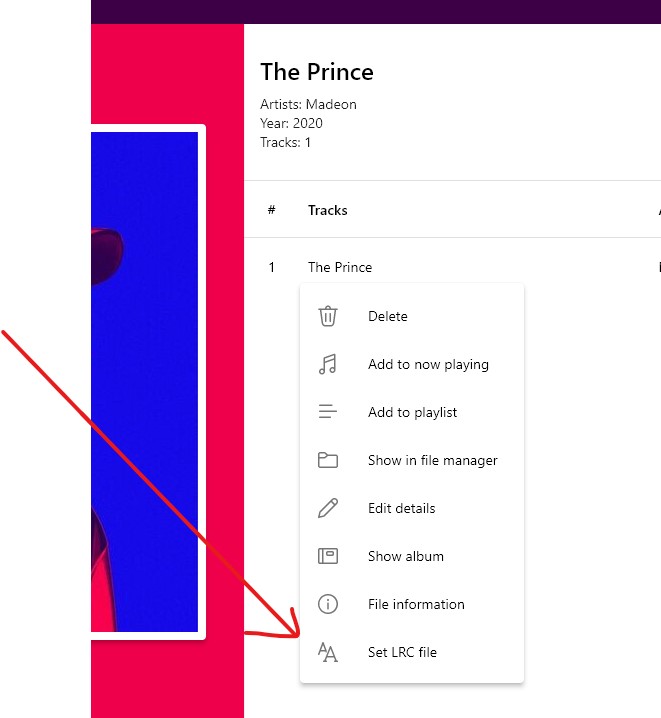
 As you see ,their name is the same,and they are in the same directory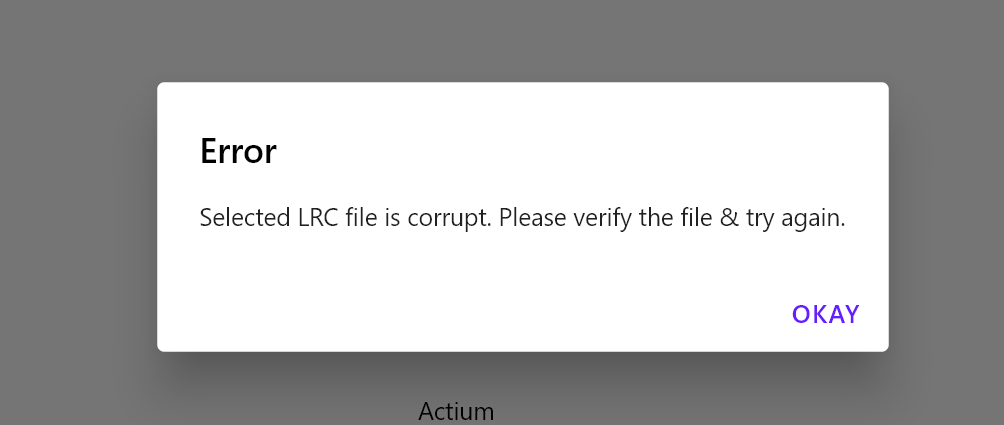
May you please share the file?
what file?the track ,the lyric, or the source I downloaded from you?
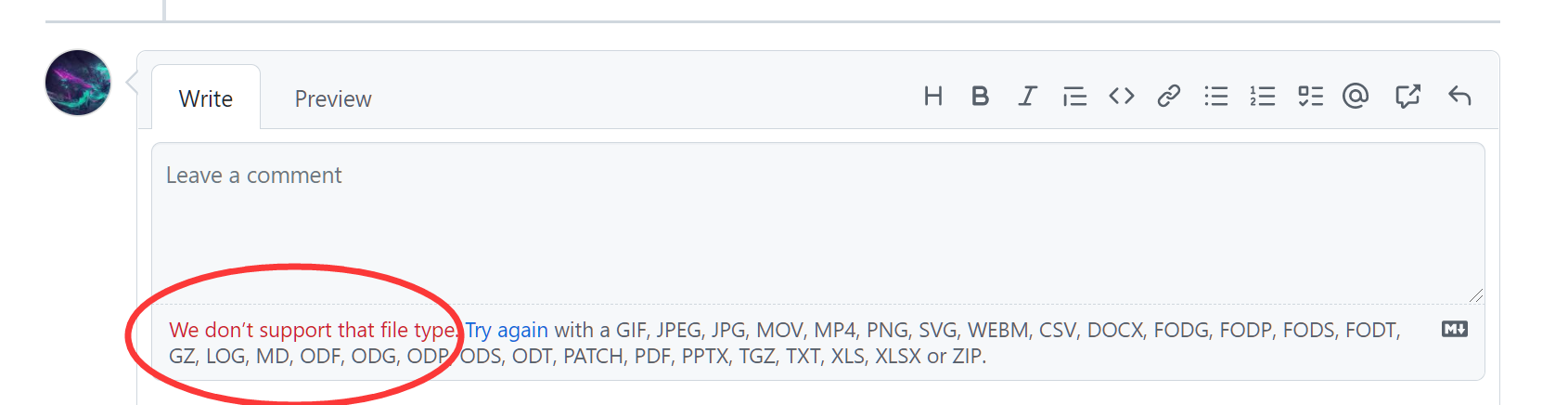
Uploading track and lyric.zip… I forgot, sorry. Here you are. I put one track and its lyric in the zip.
I am going to take a bath. ha ha ha. I would appreciate it if you solved this problem.
You pressed comment before the file could upload. Please attach again. 🥲
You pressed comment before the file could upload. Please attach again. 🥲
have you solve the problem I mentioned?I'm waiting for your answer always, please.

We use package:lrc internally.
The provided .LRC file's contents are:
[id:36990267]
[ti:Faded (Instrumental)]
[ar:Alan Walker]
[al:Faded]
[00:00.00]作曲 : Jesper Borgen/Gunnar Greve Pettersen/Alan Walker/Anders Froen
[99:00.00]纯音乐,请欣赏
There are no actual lyrics it seems.
However, it should still work.
The package I linked above uses a simple regex to validate the .lrc file, according to which the [id:36990267] is illegal.
We use
package:lrcinternally. The provided .LRC file's contents are:[id:36990267] [ti:Faded (Instrumental)] [ar:Alan Walker] [al:Faded] [00:00.00]作曲 : Jesper Borgen/Gunnar Greve Pettersen/Alan Walker/Anders Froen [99:00.00]纯音乐,请欣赏There are no actual lyrics it seems. However, it should still work. The package I linked above uses a simple regex to validate the
.lrcfile, according to which the[id:36990267]is illegal.
Do you mean I need to delete the tag "id"? Have you tried to delete "id" before the lyrics worked?
I removed [id:36990267] & it worked. Ideally, I would like to work it without removing as well.
I removed
[id:36990267]& it worked. Ideally, I would like to work it without removing as well.
Thank you very much. Let me ask ChatGPT to write a java program to delete those id tags for me. I hope you can improve this software in the future. For example, the background can use the option of blurring the cover.
I removed
[id:36990267]& it worked. Ideally, I would like to work it without removing as well.
Hello there.
I am also facing some issue with importing LRC with Harmonoid (Instead of creating another issue I decided to necrobump this one, sorry)
The music player I use in my phone (Poweramp) supports embedded lyrics so this is my first time using LRC for songs, so please mind any ignorance on my posts. I checked my LRC and [id:xxxxx] isn't there
here is the song and lrc file in question (do not judge my preference ;D) file.zip

I was also having difficulties importing LRC files. Using the Guilty Gear soundtrack as an example, it successfully autofetched "Find Your One Way" but not "What Do You Fight For". When I tried to import the LRC for "What Do You Fight For", I get the corrupt LRC file error. Opening the autofetched LRC file from the .Harmonoid folder, I see that the two are identical in format except for one thing.. the file I had was using the thousandths place, but Harmonoid's format only uses the hundredths place.

Attached are images of the two side by side.
The working "Find Your One Way" file
The "corrupt" "What do you fight for" file.
Note how "What do you fight for" uses the thousandths place at the end of the timestamp. Removing that fixed it for me. I would recommend attempting the same thing if it's complaining about a corrupt file at you.
@alexmercerind Is it possible we could get support for the thousandths place? Lyrics ripped from Spotify often use it, and I really don't want to manually fix it every time I import lyrics...
Another weird lyric thing I want to point out, when Harmonoid fails to fetch synced lyrics, it seems to fetch unsynced lyrics but never displays them. The file is there in the .Harmonoid/Lyrics folder, but it never shows up. If it doesn't try to display unsynced lyrics, what purpose do these files serve?
Example of one of the files.
That one line goes on with every lyric in the whole song.
@alexmercerind Is it possible we could get support for the thousandths place? Lyrics ripped from Spotify often use it, and I really don't want to manually fix it every time I import lyrics...
I made a local music player called Sonorbit months ago. I recommend you take a look. It supports embedded lrc and lrc files in the folder you set.
The first folder in my codes, called images, contains four screenshots of the software. And at the very back of the readme is bilibili's video address, where there is a video introduction to the player
https://github.com/Violexjj/Loop-Sound-Player
Hey, hate to break it to you, but the only languages I can read are English and a tiny bit of Spanish, @Violexjj. Not only that, this feels incredibly sketchy. Why do I have to go to down-load.lanrar.com to download the setup instead of just putting the setup on your Github page? Why don't you embed the screenshots into the main repository itself? So on and so forth. It's just odd..
Hey, hate to break it to you, but the only languages I can read are English and a tiny bit of Spanish, @Violexjj. Not only that, this feels incredibly sketchy. Why do I have to go to down-load.lanrar.com to download the setup instead of just putting the setup on your Github page? Why don't you embed the screenshots into the main repository itself? So on and so forth. It's just odd..
Because I'm not a professional developer. I made this player just out of interest, so I don't know much about the various specifications.
And the reason I put it on another website is that I can see the number of downloads there.
I put some new screenshots with instructions in English. They are in the folder named images with instructions in English. The rest of the settings page is too much. But you can copy them to the translation software in the Settings.txt file. I didn't make the multilingual version because of insufficient time, sorry.
I am Chinese and most of my users are the same as me. It may seem strange to a foreigner to learn about this player for the first time. But I think you'll like it when you actually use it.