

 h04x
h04x
Why some computers only capture part of the screen?
I have two computers, the one is ok, the second only capture part of the screen.
The captured image is like this:
 The full screen is like this:


Hello. Send please output of cargo run --example display_info from crate https://crates.io/crates/display-info

@h04x Hi, the display_info is this:
Running target\debug\examples\display_info.exe
display_info DisplayInfo { id: 2776250164, x: 0, y: 0, width: 1200, height: 800, rotation: 0.0, scale_factor: 2.5, is_primary: true }
display_info DisplayInfo { id: 2776250164, x: 0, y: 0, width: 1200, height: 800, rotation: 0.0, scale_factor: 2.5, is_primary: true }
运行耗时: 3.4164ms
I added scale factor support in 9beecc5 (4.0.2) Hope, it is helpfull for you (please confirm). These changes need to be carefully tested under different cases (multiply displays with dpi changed, multiply displays partial dpi changed, etc), so I will keep issue open.
@h04x It doesn't work. I called capture_window_ex(win, PrintWindow, Full, Some(0,0), Some(1800,1800)); The code is like this:
fn screenshot() -> Result<String, MyError> {
    let wins = window_list().map_err(|_| MyError::GetWindowListError())?; // Use map_err to map internal error to MyError
    println!("All windows: {:?}", wins);

    let args = Args::parse();
    let win;
    let win_name;
    if args.window_handle != 0 {
        win = args.window_handle;
        if let Some(value) = wins.into_iter().find(|item| win == item.hwnd ) {
            win_name = value.window_name;
        } else {
            return Err(MyError::InputParameterError{ msg: "wrong window handle".to_string() });
        }
    } else {
        if args.window_index >= wins.len() {
            return Err(MyError::InputParameterError{ msg: "window index out of range".to_string()});
        }
        win = wins[args.window_index].hwnd;
        win_name = wins[args.window_index].window_name.clone();
    }

    // On some computer(Huawei laptop), only BitBlt + with,height can capture full screen,
    // or else only capture a small part. If without width,height receive GetDIBltError.
    // On some computers, we can use PrintScreen, and without width,height.
    let using = if args.print_window != 0 { Using::PrintWindow } else { Using::BitBlt };
    let area = Area::Full;
    let crop_xy = Some([args.start_x, args.start_y]);
    let crop_wh = Some([args.width, args.height]);
    let buf = capture_window_ex(win, using, area, crop_xy, crop_wh).map_err(|e| MyError::CaptureScreenError{msg:e.to_string()})?;
    let img = RgbaImage::from_raw(buf.width, buf.height, buf.pixels).ok_or(MyError::ImageConvertError())?; // Use ok_or to map None to error
    img.save(args.output).map_err(|e| MyError::ImageSaveError(e))?;
    Ok(win_name)   // The captured window name
}
[dependencies]
win-screenshot = "4.0.2"
The captured image is like this, should not black on the right.
BTW, If I call with BitBlt with width height, It can capture some window (tested on 4.0.1), but some window such as VideoPlayer, the captured image is black.
I also have a question, I use windows 10, why was the SetThreadDpiAwarenessContext line commented out?
pub fn capture_display() -> Result<RgbBuf, WSError> {
    unsafe {
        // win 8.1 temporary DPI aware
        #[allow(unused_must_use)] {
            SetProcessDpiAwareness(PROCESS_PER_MONITOR_DPI_AWARE);
        }
        // for win 10
        //SetThreadDpiAwarenessContext(DPI_AWARENESS_CONTEXT_PER_MONITOR_AWARE_V2);
        let hdc_screen = GetDC(HWND::default());
SetProcessDpiAwareness() more generic, it work both on 8.1 and 10. I added DPI aware support to capure_window(), Check it please.
The screen capture always capture black screen this morning. Yesterday it works ok.
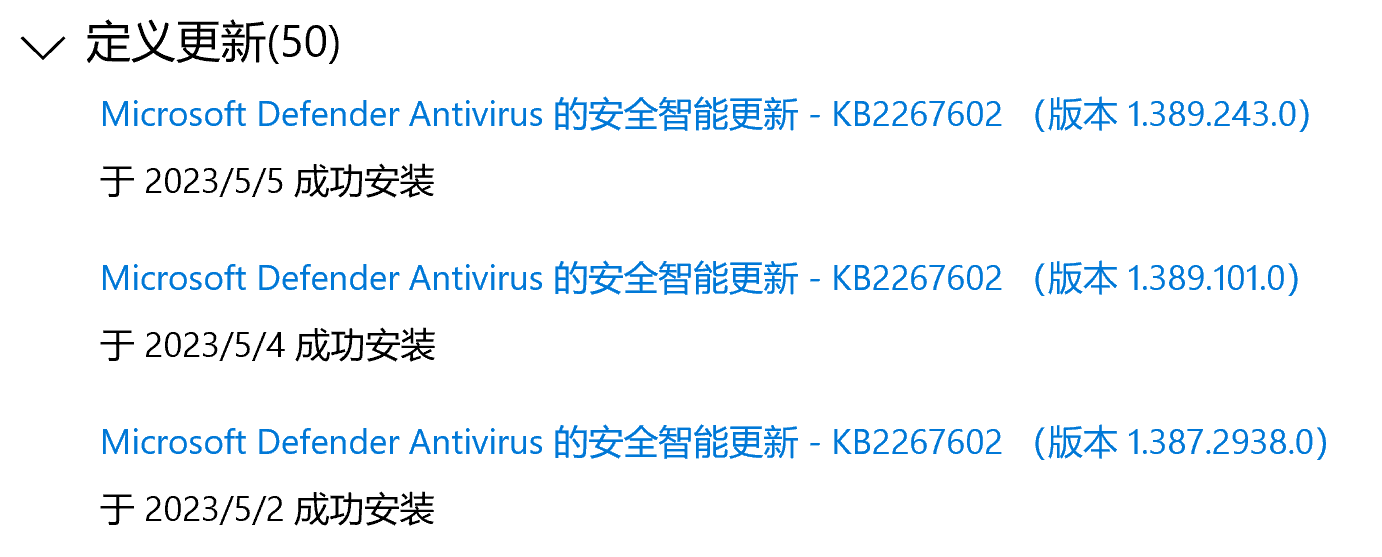
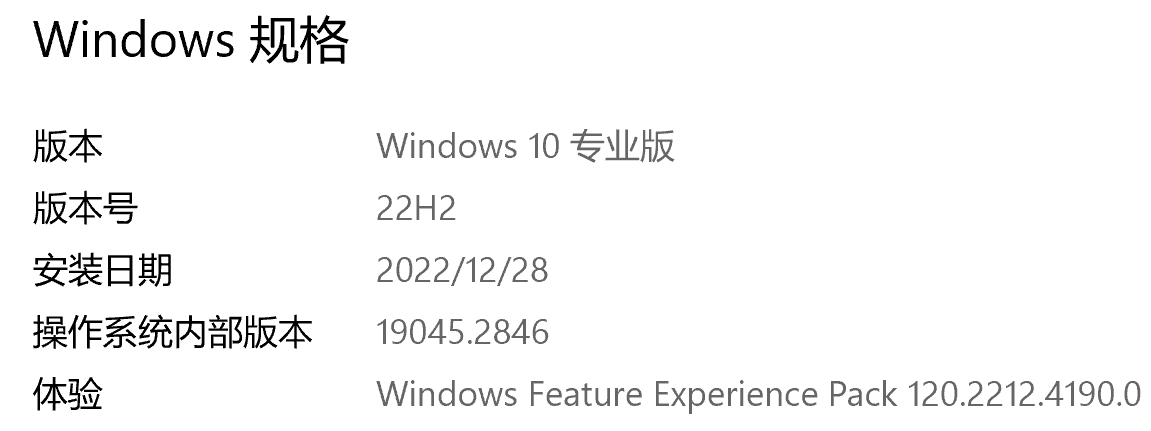
I didn't do anything special to my computer. Maybe the windows system has installed some pathes automatically. Today, not only screen capture doesn't work, but also Windows Media Player can not play any video. What can I do to address the screen capture issue? Thanks!
D:\develop\github\display-info>cargo run --example display_info
Finished dev [unoptimized + debuginfo] target(s) in 0.69s
Running target\debug\examples\display_info.exe
display_info DisplayInfo { id: 2776250164, x: 0, y: 0, width: 1200, height: 800, rotation: 0.0, scale_factor: 2.5, is_primary: true }
display_info DisplayInfo { id: 2776250164, x: 0, y: 0, width: 1200, height: 800, rotation: 0.0, scale_factor: 2.5, is_primary: true }
运行耗时: 7.9454ms
Currently i have no idea how to reproduce the problem on my PC/VMs. Can you check build-in screen capture Alt+PrintScreen? Did capture_display() stop working too?
After installing a latest windows update, it works again. I'll try build-in screen capture Alt+PrintScreen next time.
OK, I will try it later.
h04x @.***> 于2023年5月5日周五 14:54写道:
Currently i have no idea how to represent the problem on my PC/VMs. Can you check build-in screen capture Alt+PrintScreen? Did capture_display() stop working too?
— Reply to this email directly, view it on GitHub https://github.com/h04x/win-screenshot/issues/3#issuecomment-1535799807, or unsubscribe https://github.com/notifications/unsubscribe-auth/AAD7EB6HM5QSKOJNKUDRKP3XESPZXANCNFSM6AAAAAAXDKRMSQ . You are receiving this because you authored the thread.Message ID: @.***>
-- Contact me: Twitter: http://twitter.com/sinojelly Sina Weibo:http://weibo.com/sinojelly Blog: http://sinojelly.sinaapp.com http://sinojelly.cnblogs.com http://sinojelly.blog.51cto.com/