gwaldron
OSX: osgEarth master (3.2) not show the globe
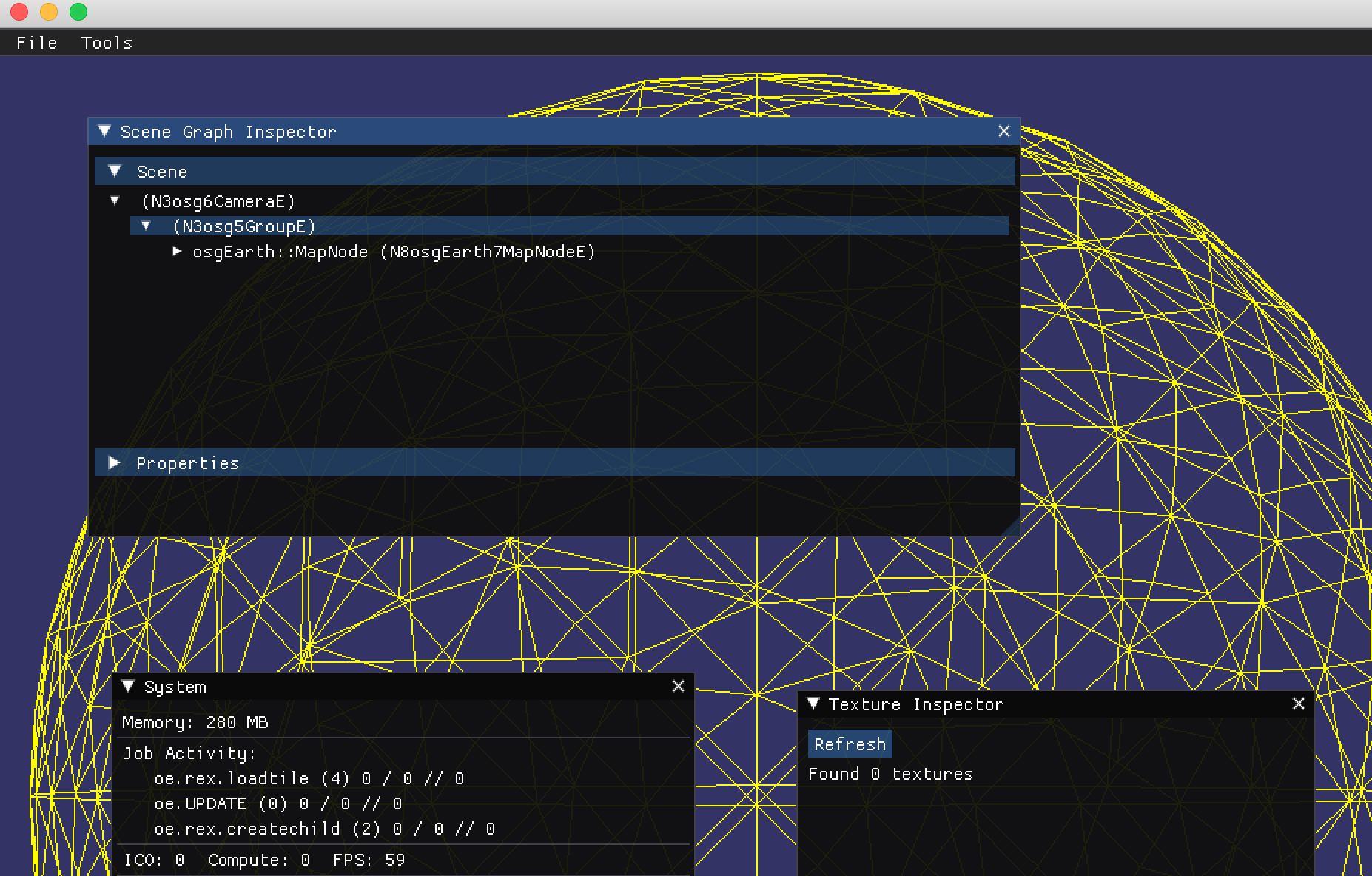
Run osgearth_viewer with 9c4289e6b6c4af53c3960f5dc23bb28115d6d23e does not show the globe (readymap.earth):
Log:
2021-05-20 17:20:07.475127+0200 osgearth_viewerd[24366:936398] Metal API Validation Enabled
2021-05-20 17:20:07.516349+0200 osgearth_viewerd[24366:936927] flock failed to lock maps file: errno = 35
2021-05-20 17:20:07.516827+0200 osgearth_viewerd[24366:936927] flock failed to lock maps file: errno = 35
[osgEarth]  [Capabilities] Capabilities:
[osgEarth]  [Capabilities]   osgEarth Version:  3.1.0 build 110
[osgEarth]  [Capabilities]   OSG Version:       3.7.0
[osgEarth]  [Capabilities]   GDAL Version:      3.2.1
[osgEarth]  [Capabilities]   GEOS Version:      3.6.2
[osgEarth]  [Capabilities]   GPU Vendor:        ATI Technologies Inc.
[osgEarth]  [Capabilities]   GPU Renderer:      AMD Radeon Pro 560 OpenGL Engine
[osgEarth]  [Capabilities]   GL/Driver Version: 4.1 ATI-3.10.19
[osgEarth]  [Capabilities]   GL Core Profile:   yes
void StateSet::setGlobalDefaults() ShaderPipeline disabled.
[osgEarth]  [EarthSerializer2] Loaded extension lib "osgPlugins-3.7.0/osgdb_osgearth_viewpointsd.so"
[osgEarth]  [Map] Map profile is: [srs=WGS84, min=-180,-90 max=180,90 lod0=2,1 vdatum=geodetic]
[osgEarth]  [Map] [no cache]
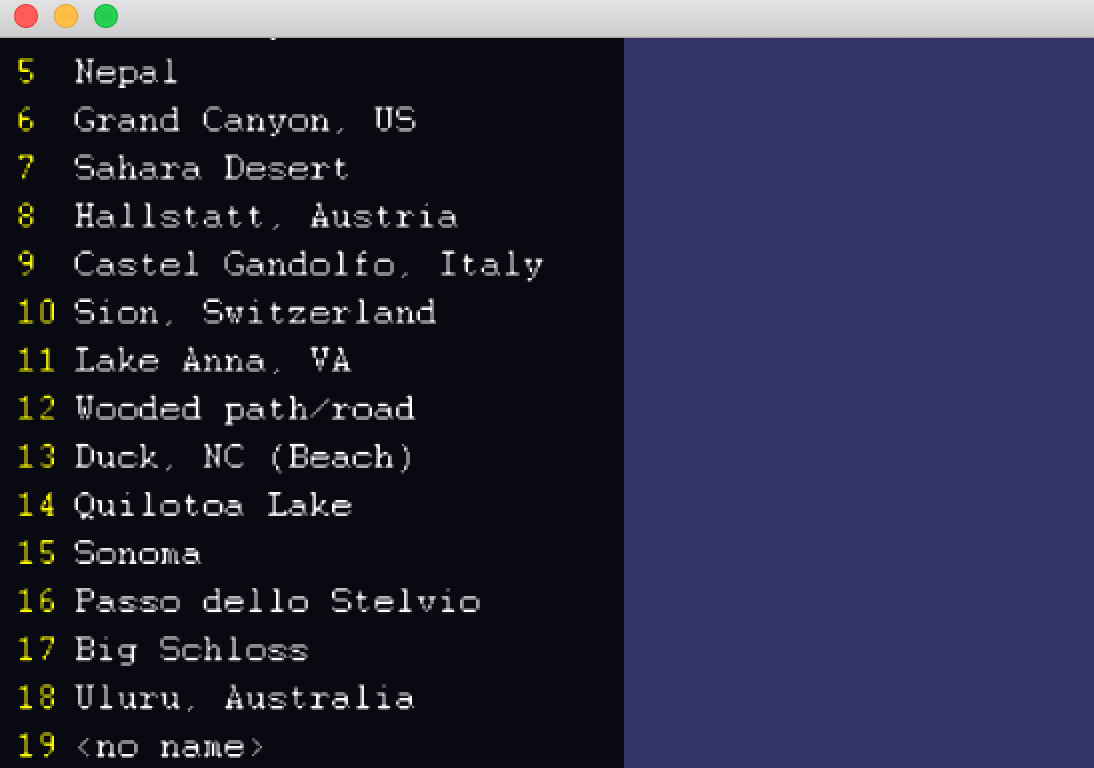
[osgEarth]  [ViewpointsExtension] Read 19 viewpoints
[osgEarth]  [TileLayer] Layer "ReadyMap 15m Imagery" [srs=WGS84, min=-180,-90 max=180,90 lod0=2,1 vdatum=geodetic] [no cache]
[osgEarth]  [TileLayer] Layer "ReadyMap 90m Elevation" [srs=WGS84, min=-180,-90 max=180,90 lod0=2,1 vdatum=geodetic] [no cache]
[osgEarth]  [ElevationLayer] "ReadyMap 90m Elevation" : Override vdatum = egm96 (was geodetic)
[osgEarth]  [TileLayer] Layer "ReadyMap 90m Elevation" [srs=unknown, min=-180,-90 max=180,90 lod0=2,1 vdatum=EGM96] [no cache]
[osgEarth]  [MapNode] Added extension "viewpoints"
[osgEarth]  [engine_rex] Activated!
[osgEarth]  [TerrainResources] Texture unit 0 reserved for Terrain Color
[osgEarth]  [TerrainResources] Texture unit 1 reserved for Terrain Elevation
[osgEarth]  [TerrainResources] Texture unit 2 reserved for Terrain Normals
[osgEarth]  [TerrainResources] Texture unit 3 reserved for Terrain Parent Color
[osgEarth]  [TerrainResources] Texture unit 4 reserved for Terrain Land Cover
[osgEarth]  [RexTerrainEngineNode] Creating 2 root keys.
[osgEarth]  [JobArena] Arena "oe.rex.loadtile" concurrency=4
[osgEarth]  [MapNodeHelper] Activating logarithmic depth buffer (vertex-only) on main camera
void StateSet::setGlobalDefaults() ShaderPipeline disabled.
[osgEarth]  [JobArena] Arena "oe.rex.createchild" concurrency=2
Warning: detected OpenGL error 'invalid operation' at after drawable.compileGLObjects() call in GLObjectsVisitor::apply(osg::Drawable& drawable)


When I set this to false:
https://github.com/gwaldron/osgearth/blob/3c3660ffbf94bfb0f262f1a523102a5fa1b0c412/src/osgEarthDrivers/engine_rex/GeometryPool.cpp#L702
and set the environment variable OSGEARTH_REX_NO_POOL=1
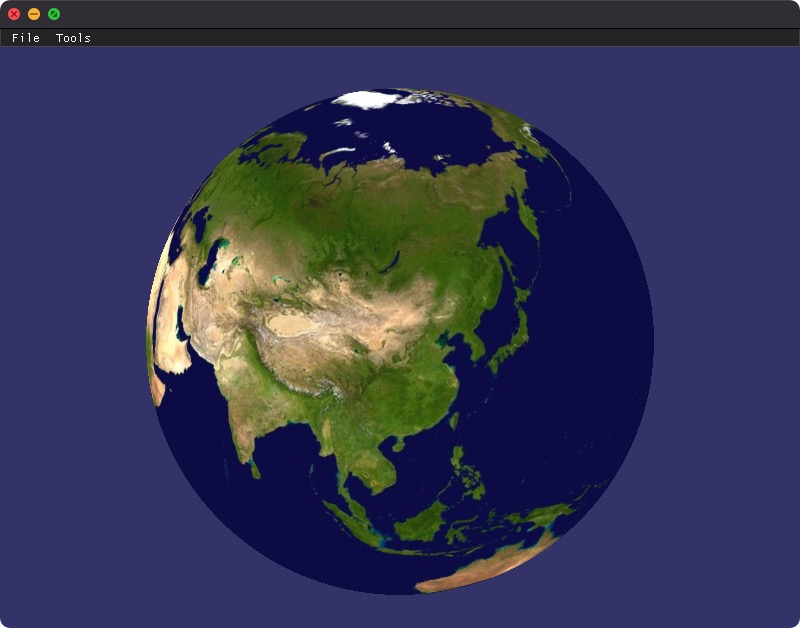
And use EBO's then it render:
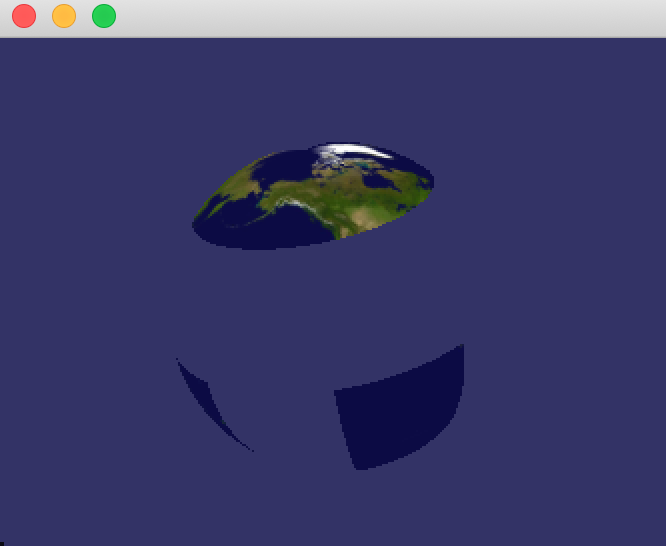
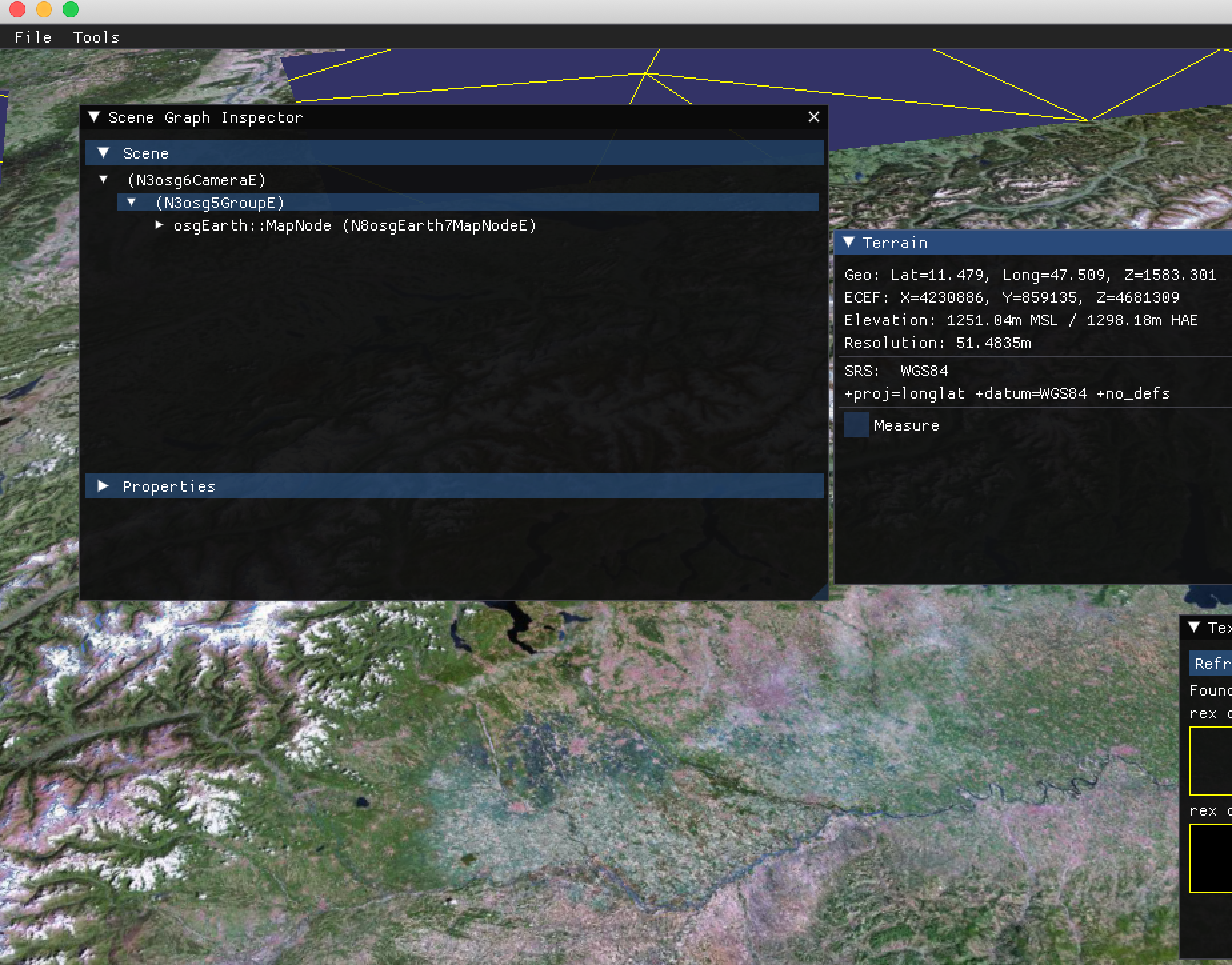
Does this help?
Can't reproduce this issue after this commit: https://github.com/gwaldron/osgearth/commit/c97649fb8ecdf0ae9a64fcd40df7348224b4e5dd
🎉 ⚡
Need more testing before I close this.
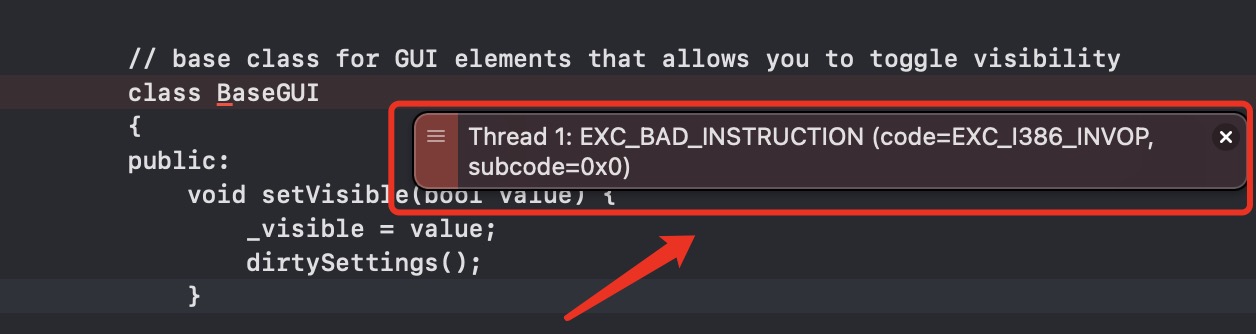
when click close button occur exception with ImgUI:EXC_BAD_INSTRUCTION.