

 gui-cs
.NET Native tool chain build issues
When a UWP console application using Terminal.Gui is built via .NET Native tool chain it does not respond to input. Both keyboard and mouse input won't work. The rendering works fine though.
If I run the same build with .NET Native tool chain disabled everything behaves as expected.
Is there anything in Terminal.Gui that could violate these guidelines?

If you have an example of a functional application it would be great and easier to test. It would be interesting to test. One of the reasons that made me fall in love with this project was to test it using a Xamarim application where I used Terminal.Gui because it contains NetStandard.

Minimal reproduction repo: https://github.com/InvictusMB/TerminalGuiUwpInputBug It was generated with a C# UWP Console app template in VS2019.
Last time I did .NET was in 3.5 era. I have no idea how to troubleshoot this and there is not much information online about UWP console apps. It is totally possible that it only lacks some obscure flag in some manifest.
I tested it with Managed Only and Native Only and it seems to work with mouse and keyboard. In ARM I couldn't but only in x64.
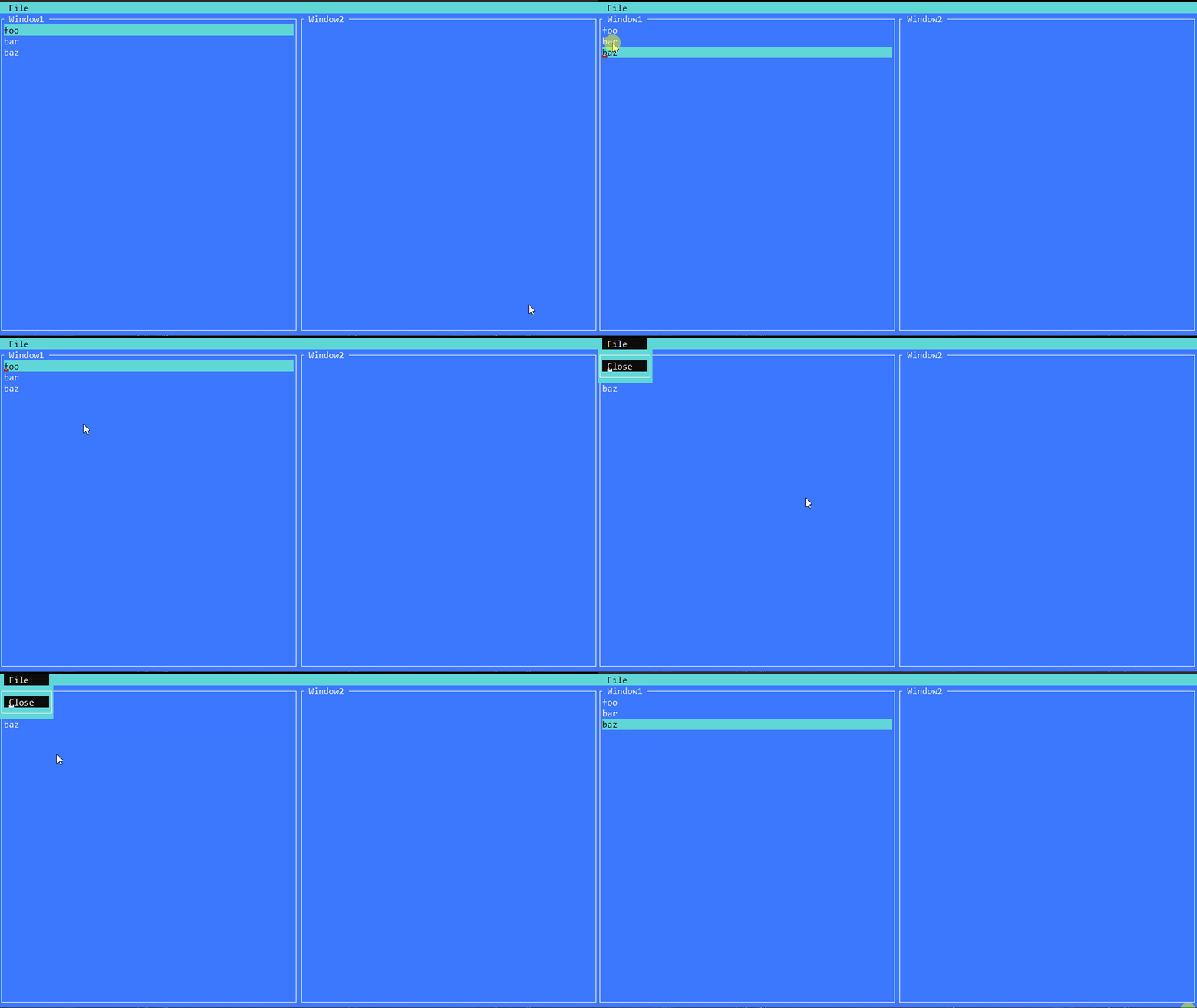
Was this with Release build configuration and Compile with .NET Native tool chain enabled?
I did some more digging and these are the findings:
- UWP environment needs a different console driver with another set of bindings.
kernel32.dllbindings have to be replaced according to this table. I managed to get rid of warnings inWindowsDriverhere. - UWP cannot properly marshal
ReadConsoleInputparameters. Runtime complains aboutInputRecord []type. I tried doing it this way, it does not throw anymore but this does not seem enough to marshal the events properly.
You're right. Release build does not work. This is very good and huge information. Very interesting.
Alright, I got it working. Turns out I did not allocate the buffer to read into and it was always reading 0 records. Here's the good stuff.
The question now is: should we just update Windows console driver or create separate .NET Native bindings and do some kind of .NET Native runtime detection?
Do these libraries work well with netcoreapp? If so, we could use them on WindowsDriver. But this is a question for @migueldeicaza to comment. For my part, I only have to thank all this information because I didn't know it.
As far as I understand it's mostly Windows version compatibility question. These APIs are provided by specific Win10 SDK versions.
If we do this change on Windows console driver itself then projects targeting Win8 and below most likely won't be able to consume Terminal.Gui assembly. Is that acceptable?
Otherwise we can keep 2 sets of bindings and instantiate depending on Environment.OSVersion.Major.
Otherwise we can keep 2 sets of bindings and instantiate depending on
Environment.OSVersion.Major
I think that this would be the best option. I think you could develop your idea and wait for @migueldeicaza to comment. Possibly for some version in the Window Store :-)
@InvictusMB I tested it with your project (https://github.com/InvictusMB/TerminalGuiUwpInputBug) and with your PR (https://github.com/migueldeicaza/gui.cs/pull/707) and execute very well in Release build.
I tested it again and it seems the only real culprit was ReadConsoleInput marshaling. The rest works fine with kernel32.dll. I don't know how to validate the added value of other changes. In theory using UWP bindings should allow running in all Win 10 environments. But I have no way to test if kernel32.dll is absent in those environments.
I just couldn't test it with an ARM device because I don't have it or a remote connection. I really don't know how to do it. I only tested x64 and Local Machine.
There is something strange here that makes me confused. Because it doesn't run properly in Build mode and runs properly in Debug mode? Shouldn't they also use the same library in Debug mode?
They do use the same library. The difference is that in Release mode .NET Native tool chain generates wrappers for P/Invoke marshaling. And in case of ReadConsoleInput with InputRecord [] it fails for whichever reason. You can see the warning about that in VS Error list window.
I've tried defining marshaling explicitly but it wouldn't work either:
[DllImport ("kernel32.dll", EntryPoint = "ReadConsoleInputW", CharSet = CharSet.Unicode)]
public static extern bool ReadConsoleInput (
  IntPtr hConsoleInput,
  [MarshalAs(UnmanagedType.LPArray, SizeParamIndex = 3)] // <---- this didn't help
  [Out] InputRecord[] lpBuffer,
  uint nLength,
  out uint lpNumberOfEventsRead);
Might be a bug in .NET Native tool chain itself but I'm too far down the rabbit hole already.
[MarshalAs(UnmanagedType.LPArray, SizeParamIndex = 2)] did not work either.

The UWP thing is still not clear to me as per #707. I'll give more input when I try to publish something on Windows store and see if I get through the checks. The best case scenario is that #707 works as is. The worst case scenario is that we might need a separate assembly build that targets UWP and does not include any kernel32.dll references. Then #707 does not make much sense and has to be rewritten with preprocessor #ifs.
Functionally the issue I had is fixed. I'm not sure if the artifacts built for UWP platform will satisfy the MS store requirements. I had no chance to test publishing to the store or run in a weird (kernel32-less) Win 10 environment. So in a broad sense I cannot tell if a build produced with .NET Native tool chain is now valid.
Let's leave this open, marked as required for 1.0. Since you seem like the expert (!), as you find time, it would be magical if you can get a definitive answer to whether we're missing something. If you can't get to it, no biggie.
Anyone else reading this that has experience with UWP apps in the MS store, please help!
@InvictusMB - Any updates or thoughts? I have not tracked this closely so I don't fully understand what issues remain.
I'm removing this from the 1.0 ship-blocker list (removing the 1.0 label). If you disagree strongly please chime in!