
archive_dotfiles
 archive_dotfiles copied to clipboard
 gruberb
ArchLinux + Thinkpad X1 (6th) WQHD
Install + Config for Arch on a Thinkpad X1 (6th) WQHD
In case of a fire, lost computer or a new machine, I saved the steps and dotfiles to be able to quickly reproduce my setup.
Copied a fair share from @ejmg and @yoshuawuyts
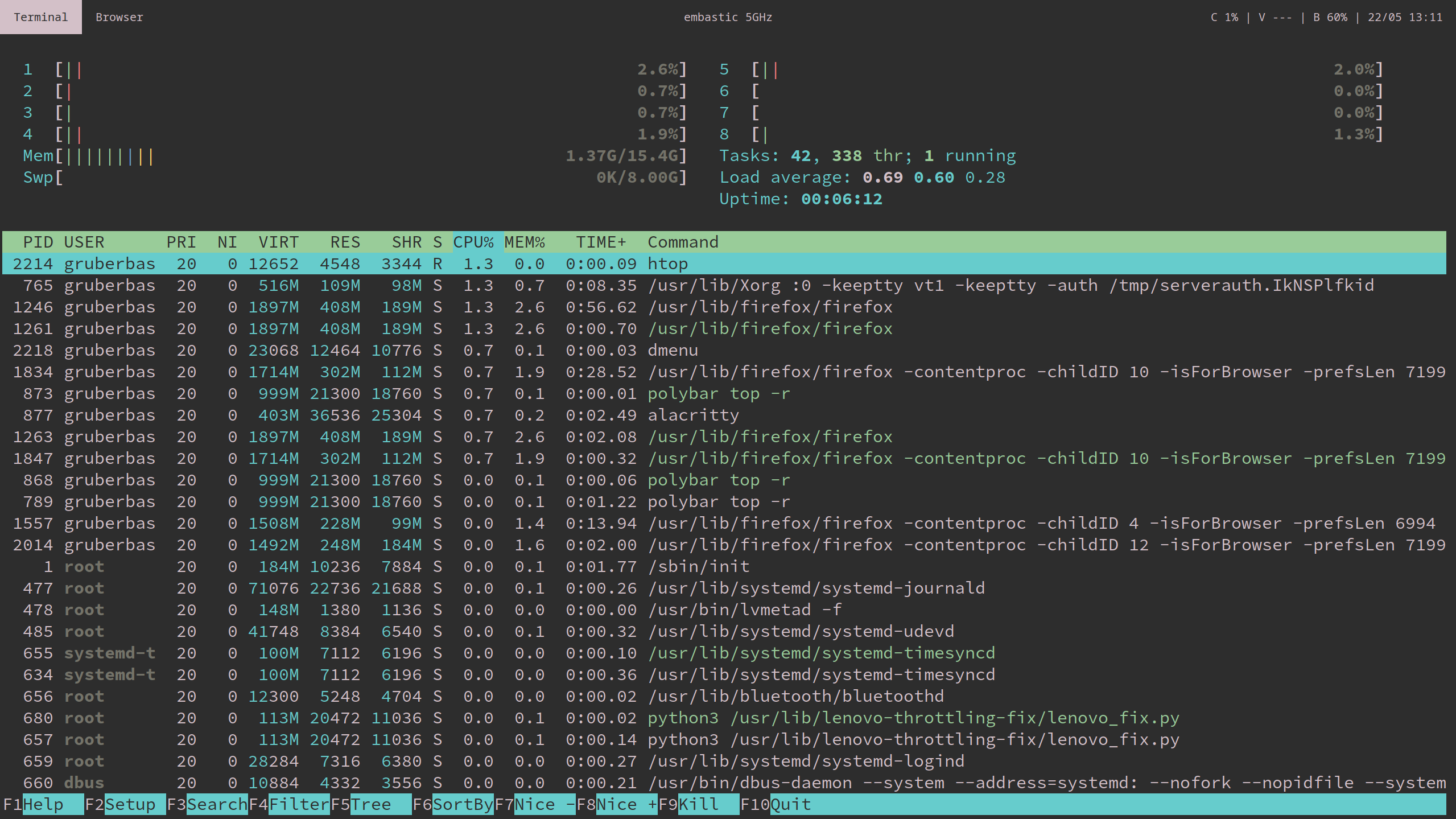
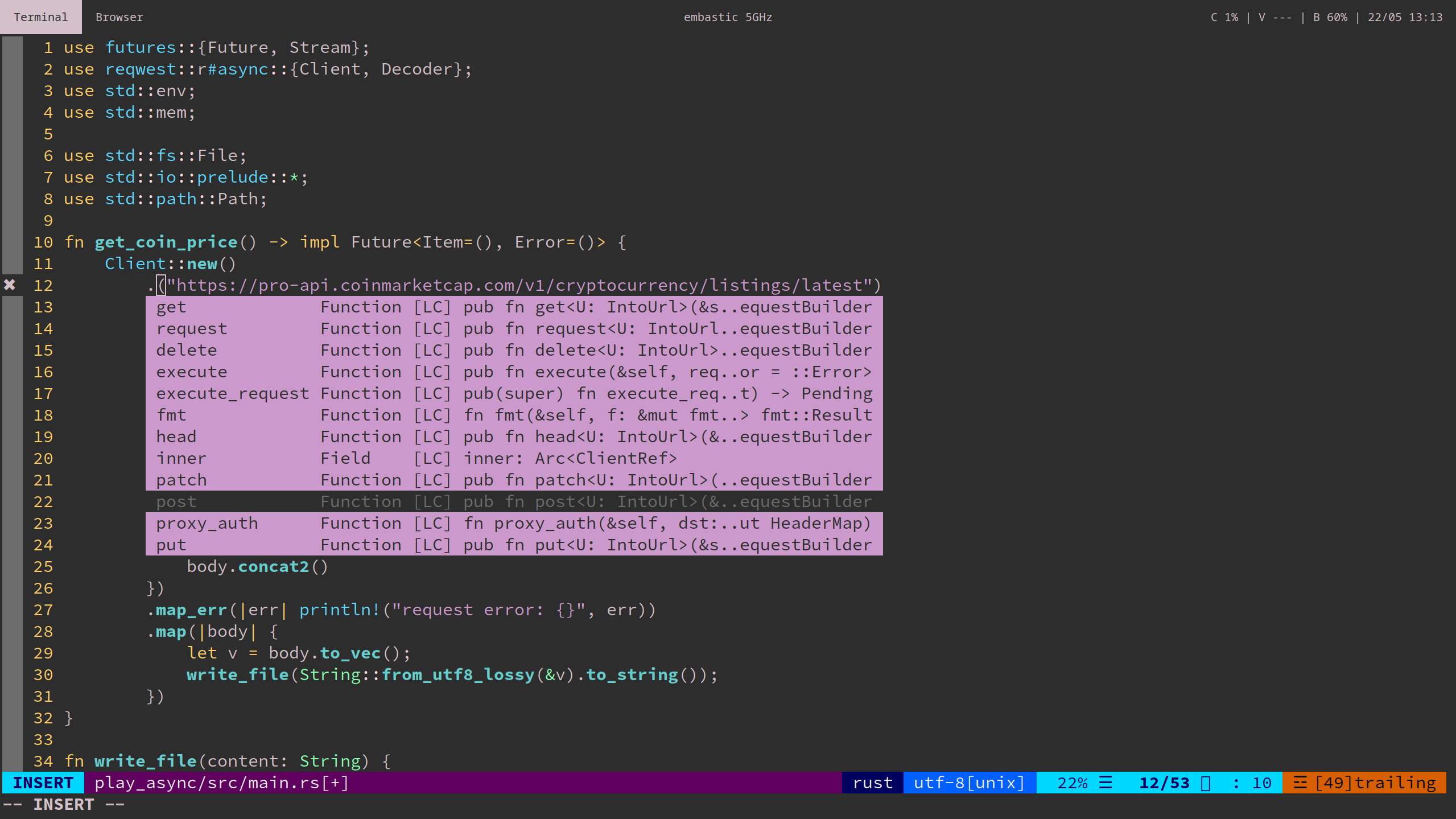
Install Arch
Part 1 - Preperation
- Download arch
.isofrom https://www.archlinux.org/download - Create a bootable USB (depending on your OS)
lsblkto list your drivesunmount /dev/sdb(instead ofsdbuse your drive)dd bs=4M if=/path/to/iso of=/path/to/usb status=progress oflag=sync
- Disable Safe Boot on Thinkpad
- Turn on Laptop, press
Enterto interrupt boot sequence - When BIOS is loaded, navigate to Security and turn off Safe Boot
- Turn on Laptop, press
- Move USB up in Boot order
- Still in BIOS, navigate to Startup > Boot
- Use
-and+to move USB to first position
- Exit BIOS and reboot
- Hit either
F10to save and exit, or - Hit
ESCand navigate to reboot + save menu option
- Hit either
Part 2 - Setup to Install Arch
- Put USB Drive with Arch ISO in Thinkpad
- Reboot Thinkpad
- Select "USB" or "Arch" from boot menu
Configure WiFi Setup
- Navigate to
/etc/pacman.d/ - Open
mirrorlistand move your country entry on first position (viaviornano) - Refresh mirrorlist:
pacman -Syu - Find the name of your WiFi card:
ip link(wlp2s0) - Set up
wpa:cp /etc/netctl/examples/wireless-wpa /etc/netctl/<NAME_OF_WIFI_PROFILE>vi /etc/netctl/<NAME_OF_WIFI_PROFILE>
Description='A simple WPA encrypted wireless connection' Interface=wlp2s0 Connection=wireless Security=wpa IP=dhcp ESSID='YOUR_WIFI_NAME' # Prepend hexadecimal keys with \" # If your key starts with ", write it as '""<key>"' # See also: the section on special quoting rules in netctl.profile(5) Key='YOUR_WIFI_PASSWORD' # Uncomment this if your ssid is hidden #Hidden=yes # Set a priority for automatic profile selection #Priority=10- Save and exit
- Connect:
netctl start <NAME_OF_WIFI_PROFILE> - Test:
ping 8.8.8.8
Partitioning Hard Drive
- Figure out name of hard drive:
lsblk(nvme0n1) - Format:
gdisk /dev/nvme0n1o, answer withYn(new partition)EnterEnter+512MB(EFI spec for the size)EF00(EFI partition)n(make another partition)EnterEnterEnter8E00w(write to disk)YES(exit)
Encrypt the hard drive
cryptsetup luksFormat /dev/nvme0n1p2cryptsetup open --type luks /dev/nvme0n1p2 main_part(use our second partition here)- Create a physical volume inside our just created LVM partition:
pvcreate /dev/mapper/main_part - Create a volume group:
vgcreate main_group /dev/mapper/main_part - Create SWAP
lvcreate -L8G main_group -n swap - Create ROOT
lvcreate -L16G main_group -n root - Create HOME
lvcreate -l 100%FREE main_group -n home
Format and Mount
- Root:
mkfs.ext4 /dev/mapper/main_group-root - Home:
mkfs.ext4 /dev/mapper/main_group-home - Swap:
mkswap /dev/mapper/main_group-swap - Mount Root
mount /dev/mapper/main_group-root /mnt/ - Mount Home:
mkdir /mnt/home mount /dev/mapper/main_group-home /mnt/home - Create Swap:
swapon /dev/mapper/main_group-swap - Mount bootloader
mkdir /mnt/boot/
mount /dev/nvme0n1p1 /mnt/boot
Part 3 - Install Arch
pacstrap /mnt/ basegenfstab -p /mnt >> /mnt/etc/fstab
Part 4 - Setup Arch
Bootloader
We are now moving from the LiveUSB to the hard drive
-
arch-chroot /mnt -
pacman -S wpa_supplicant networkmanager network-manager-applet dialog -
Uncomment two lines in
/etc/pacman.conf[multilib] Include = /etc/pacman.d/mirrorlist -
Install Intel Microcode
pacman -Sy intel-ucode -
Install the kernel as a backup
pacman -S linux-headers linux-lts linux-lts-headers -
Install NEOVIM for comfort
pacman -S neovim -
Enable encryption
- Modify
nvim /etc/mkinitcpio.conf
HOOKS=(base udev autodetect keyboard keymap modconf block encrypt lvm2 filesystems fsck)- Regenerate
mkinitcpio -p linux - Regenerate for linux-lts
mkinitcpio -p linux-lts
- Modify
-
Setup the bootloader
- Create the loader with
bootctl
bootctl --path=/boot/ install- Create the Arch entry
nvim /boot/loader/loader.conf
default arch timeout 3 editor 0 auto-entries 0 - Create the loader with
-
Create
arch.confnvim:r !blkid- Copy
UUIDfrom entry:
/dev/nvme0n1p2: UUID="really-long-string-of-alphanumericals" TYPE="crypto_LUKS" PARTLABEL="Linux LVM" PARTUUID="another-long-string-of-alphanumericals"- Create
arch.conf:nvim /boot/loader/entries/arch.conf
title Arch Linux linux /vmlinuz-linux initrd /intel-ucode.img initrd /initramfs-linux.img options cryptdevice=UUID=long-alphanumerica-string-WITHOUT-QUOTES:cryptlvm root=/dev/mapper/main_group-root quiet rw -
Reboot and start Arch via
exitreboot now- Remove USB drive
- Select Arch in Boot Menu
Drivers, WiFi, Sudo, User
WiFi
- Same as above:
- Reconfigure mirrorlist
nvim /etc/pacman.d/mirrorlist cp /etc/netctl/examples/wireless-wpa /etc/netctl/<NAME_OF_WIFI_PROFILE>nvm /etc/netctl/<NAME_OF_WIFI_PROFILE>- Fill in information, save and exit
- `netctl start <NAME_OF_WIFI_PROFILE>
- Test:
ping 8.8.8.8
- Reconfigure mirrorlist
Locale
/etc/locale.genlocale-genlocalectl set-locale LANG="en_US.UTF8"hwclock --systohc --utctimedatectl set-ntp true
Change Password
passwd
Environment, Drivers
- Touchpad:
pacman -S xf86-input-libinput - xorg:
pacman -S xorg-server xorg-xinit xorg-apps mesa xterm - Intel Drivers:
pacman -S xf86-video-intel lib32-intel-dri lib32-mesa lib32-libgl
Sudo, User, Root
- Sudo:
pacman -S sudo - Enable sudo:
EDITOR=nvim visudovisudo- Uncomment:
## Uncomment to allow members of group wheel to execute any command # %wheel ALL=(ALL) ALL # <-- this line if its now clear enough, fam - Create a new User:
useradd -m -G wheel -s /bin/bash <NAME> - Set Password:
passwd <NAME> sudo reboot nowto check if everything worked
Desktop
-
pacman -S i3-vm -
pacman -S base-devel -
pacman -S openssh -
pacman -S git -
Setup SSH
mkdir ~/.ssh
cp <private key> ~/.ssh/<private key>
cp <public key> ~/.ssh/<public key>.pub
chmod 700 ~/.ssh
chmod 600 ~/.ssh/<private key>
chmod 600 ~/.ssh/<public key>.pub
- yay
git clone https://aur.archlinux.org/yay.git
cd yay
makepkg -si
Lenovo Thinkpad X1 specifics
- CPU Throttling
ay -S lenovo-throttling-fix-git udo systemctl enable --now lenovo_fix.service - BIOS update
sudo pacman -S fwupdfwupdmgr refreshfwupdmgr get-updates- Hook up Thinkpad to power
fwupdmgr update
- Trimming SSD
systemctl enable fstrim.timer - Hibernate support
- Update HOOKS
nvim /etc/mkinitcpio.conf
OOKS=(base udev autodetect keyboard keymap modconf block encrypt lvm2 resume filesystems fsck)- Regenerate initramfs
kinitcpio -p linux kinitcpio -p linux-lts- Update
arch.conf
itle Arch Linux linux /vmlinuz-linux initrd /intel-ucode.img initrd /initramfs-linux.img options cryptdevice=UUID=<LONG-ALPHANUM-STRING>:cryptlvm root=/dev/mapper/main_group-root resume=/dev/mapper/main_group-swap quiet rw - Update HOOKS
- Suspend Support
- !!Bios has to be >= 1.30!!
- Reboot to Bios and change
Config > Power > Sleep State > Linux - Save and Reboot
 gruberb