

 gorhom
[v4] BottomSheet close (while dismissing keyboard) snaps to intermediate position [Android only]
Bug
Currently on Android, when programmatically closing an open BottomSheet at the same time the Keyboard is open (not using a swipe down gesture or dragging), the closing animations start but the BottomSheet closes to where the Keyboard edge was when open, not the bottom of the screen. This happens when you have a TextInput inside the BottomSheet that opens the Keyboard and you have a close button that closes both.
I've tried with close, forceClose, snapToIndex(-1) or snapToPosition(0) functions when using Keyboard.dismiss(). It works as expected on IOS but for Android calling the close command will not move the sheet all the way to the true screen bottom.
Environment info
| Library | Version |
|---|---|
| @gorhom/bottom-sheet | ^4 |
| react-native | 0.69.4 |
| react-native-reanimated | 2.9.1 |
| react-native-gesture-handler | 2.5.0 |
Steps To Reproduce
- Open the BottomSheet
- Click on TextInput, wait for keyboard to pop up
- Click on close button inside bottomsheet
- The sheet will not fully close, instead stop partially down close to where the keyboard was open.
It seems the calculation for closing the BottomSheet on Android is using the screen height based on where the keyboard top edge ends and not the bottom edge of the screen. I need the close position to be the screen bottom end.
Describe what you expected to happen:
- I expect the bottomSheet to go completely to position 0, so the edge of the screen.
Reproducible sample code
const App = () => {
  // refs
  const bottomSheetRef = useRef(null);

  // variables
  const snapPoints = useMemo(() => ['100%'], []);

  // callbacks
  const handleExpandPress = useCallback(() => {
    bottomSheetRef.current?.expand();
  }, []);
  const handleCollapsePress = useCallback(() => {
    bottomSheetRef.current?.collapse();
  }, []);
  const handleClosePress = useCallback(() => {
    bottomSheetRef.current?.close();
    Keyboard.dismiss();
  }, []);

  return (
    <View style={styles.container}>
      <Button onPress={handleExpandPress} title="Expand" />
      <Button onPress={handleCollapsePress} title="Collapse" />
      <BottomSheet
        ref={bottomSheetRef}
        snapPoints={snapPoints}>
          <BottomSheetScrollView
            alwaysBounceVertical={false}
            keyboardShouldPersistTaps="handled">
            <View>
              <Button onPress={handleClosePress} title="Close" />
            </View>
            <List type="FlatList" />
            <BottomSheetTextInput />
          </BottomSheetScrollView>
      </BottomSheet>
    </View>
  );
};

const styles = StyleSheet.create({
  container: {
    flex: 1,
    paddingVertical: 64,
    justifyContent: 'flex-start',
    backgroundColor: '#222',
  },
});

export default App;
Couldn't get the repo to work though.
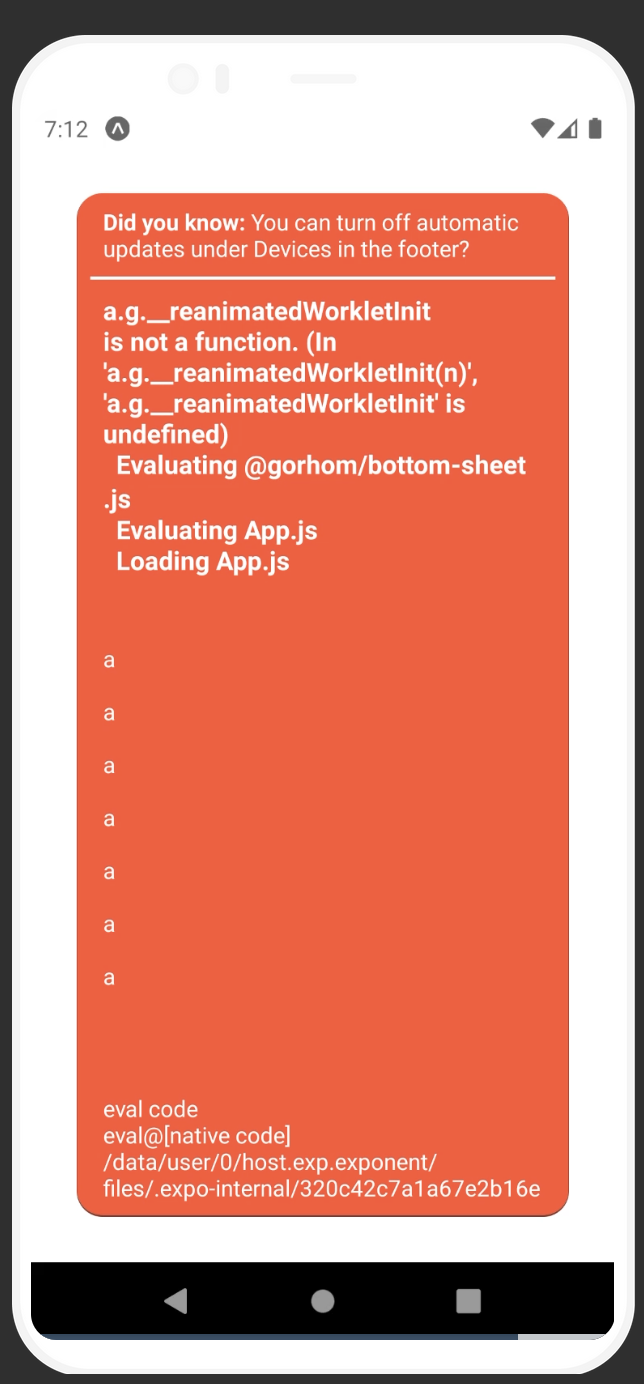

Having the same issue. We use the bottom sheet modal with react-navigation. When I press "enter" on the keyboard - the callback to hide the modal will be executed after the keyboard hiding animation so it works. But when I programmatically dismiss the modal and the keyboard - it would just stuck.
The current solution is to wait for the keyboard to hide and then call .close() on the bottom sheet's ref.

Hey @terrysahaidak , how do you programmatically wait for the keyboard to hide to trigger the sheet close when done? I was trying to do that for Android as a hack but it always triggers simultaneously.
@gorhom Is there any way to specify/force the on close position to be relative to the screen dimension and not the dimensions of the screen - keyboard height? I think something along that is the culprit of this bug.
This is the current behavior btw:
Working (IOS)
https://user-images.githubusercontent.com/44002321/185987101-e5f67031-2bc4-41f8-8750-d37aa2e9bea6.mov
Not Working (Android)
https://user-images.githubusercontent.com/44002321/185987095-2e2b5b06-fa7f-457d-b79f-6bcb8d7055c9.mov
Here is my workaround, not elegant, but seems to be working.
Make sure you use adjustPan or adjustResize for the screen otherwise the Keyboard event won't fire.
Also, for some reason, just subscribing for the didHide even in place didn't work for me.
https://github.com/rainbow-me/rainbow/pull/4055/files#diff-c12279017bcb91d44b49db027b1dee6a128d3993182f2c174a06fbf08d56aba2R126-R135
@gorhom I think I found the root cause of the differing behavior based on the platform:
In component BottomSheetContainer, function handleContainerLayout uses e.nativeEvent.layout to indirectly set the animatedContainerHeigth value used by the snap/close functions in the BottomSheet component. On Android, onLayout is called when the keyboard opens/closes and the height is recalculated to the Window - Keyboard height. This does not occur on ios:
# console log of values in handleContainerLayout callback
# android
height: 791.272705078125, WINDOW_HEIGHT: 791.2727272727273
height: 510.18182373046875, WINDOW_HEIGHT: 791.2727272727273 <---- changes when keyboard opens
height: 791.272705078125, WINDOW_HEIGHT: 791.2727272727273 <---- changes when keyboard closes

# ios
height: 844, WINDOW_HEIGHT: 844 <---- never changes when the keyboard opens
This leads to inconsistent behaviors across platforms to anything related to animatedContainerHeight and keyboard usage.
So a design decision must be made to fix this. Either Android shouldn't trigger the callback on keyboard open/close (or use WINDOW_HEIGHT instead of layout height) to match the behavior of ios (this would fix the original bug presented in this Issue) or somehow trigger the onLayout callback when the ios keyboard opens/closes (maybe add a listener to the ios keyboard?) so that the animatedContainerHeight is recalculated to the new height without the keyboard. The latter would in theory copy the current "buggy" behavior in android to ios so additional logic would be required so that the close callbacks can use the real container height position sans keyboard height to fully close the bottom sheet when the keyboard is dismissed.
I don't know the implications of these changes, but it's a start on getting this fixed.
** UPDATE **
The issue is contingent on having the Android keyboard in 'adjustResize' mode and not 'adjustPan'.
@bombillazo i tried both adjust resize and adjust pan and both are broken for me.
Also, my fix seems to be working only "sometimes" since for some reason, on some phones keyboardDidHide event won't fire.
For now, I'm gonna just use setTimeout to trigger the close on the sheet after Keyboard.dismiss() call.
Seems like I had a typo where I was calling setAdjustPan(); and if I call Keyboard.dismiss() before closing the modal - it just works.
So basically when you navigate to this modal - make sure you use adjust pan.
@gorhom I am also facing this issue in version 4.4.3. Any solution for this?

Facing this issue for 2.x. Here's the solution that worked for me (Android) -
const BottomSheetWrapper = () => {
  const [isVisible, setIsVisible] = useState(true);

  useEffect(() => {
    const keyboardDidShowListener = Keyboard.addListener('keyboardDidShow', () => {
      setIsVisible(false);
    });

    const keyboardDidHideListener = Keyboard.addListener('keyboardDidHide', () => {
      setIsVisible(true);
    });

    return () => {
      keyboardDidShowListener.remove();
      keyboardDidHideListener.remove();
    };

  }, []);

  if (!isVisible) {
    return null;
  }

  return (
    <BottomSheet />
  )
}
Hope this helps.

This issue is stale because it has been open 30 days with no activity. Remove stale label or comment or this will be closed in 5 days.
![github-actions[bot] avatar](https://avatars.githubusercontent.com/in/15368?v=4 "Published by a pub.dev verified publisher")
This issue was closed because it has been stalled for 5 days with no activity.

For any interested, I have a patch here while the PR is reviewed: https://github.com/gorhom/react-native-bottom-sheet/pull/1164#issuecomment-1298269878
Please let me know if you run into any issue 😄
@bombillazo i tried both adjust resize and adjust pan and both are broken for me. Also, my fix seems to be working only "sometimes" since for some reason, on some phones
keyboardDidHideevent won't fire. For now, I'm gonna just usesetTimeoutto trigger the close on the sheet afterKeyboard.dismiss()call.
@terrysahaidak Thanks for sharing your workaround. Setting a timeout of 500ms on Android before closing the sheet works for me too.
In my case changing android_keyboardInputMode made no difference (tested on Pixel 7)


