

 googlemaps
Impossible to add GoogleMaps & GooglePlaces to project using Carthage
Environment details
- GooglePlaces & GoogleMaps
- XCode version 14.2, Carthage version 0.38.0
- GooglePlaces v6.2.1 - 7.2.0 & GoogleMaps v6.2.1 - 7.2.0
Steps to reproduce
- Create new iOS project using XCode v14.2.
- Add Carthage to the project
- Add GooglePlaces and GoogleMaps v6.2.1 (will be the same result if use try to use 7.2.0 version)
- call 'carthage update'
Code example
example
binary "https://dl.google.com/geosdk/GoogleMaps.json" "6.2.1" binary "https://dl.google.com/geosdk/GooglePlaces.json" "6.2.1"
Result
Carthage does not import those frameworks
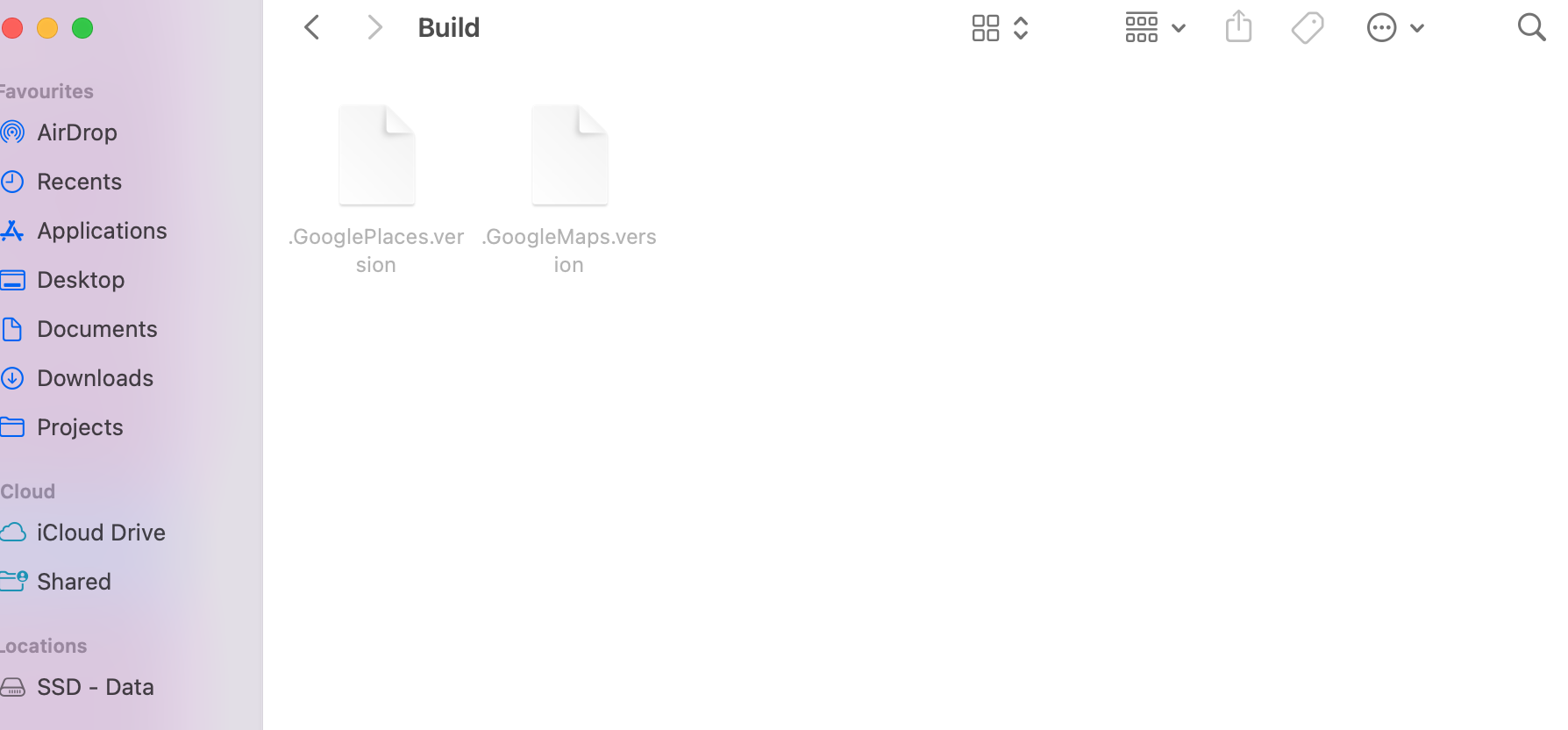
Thanks!

@Stypanovych Thank you for opening this issue. 🙏 Please check out these other resources that might help you get to a resolution in the meantime:
- Support Console - If you have a support contract.
- Discord - chat with other developers
- StackOverflow - use the
google-mapstag - Google Maps Platform issue trackers
This is an automated message, feel free to ignore.

Carthage should support 6.2.1 according to https://developers.google.com/maps/documentation/ios-sdk/config#use-carthage but as noted in the Carthage tab and Issue #418, Carthage does not support projects with targeting minimum iOS 13 so Maps SDK iOS v7.0.0+ are not supported by Carthage.
Similar to Issue #418, please follow the blocking issue https://github.com/Carthage/Carthage/issues/3289 and consider engaging on the issue or https://github.com/Carthage/Carthage/pull/3290 to encourage the Carthage maintainers to prioritize.