google
Implement TwG custom GA events for supporter wall banner notification
GA events for the TwG supporter wall reminder banner notification should be implemented.
Do not alter or remove anything below. The following sections will be managed by moderators only.
Acceptance criteria
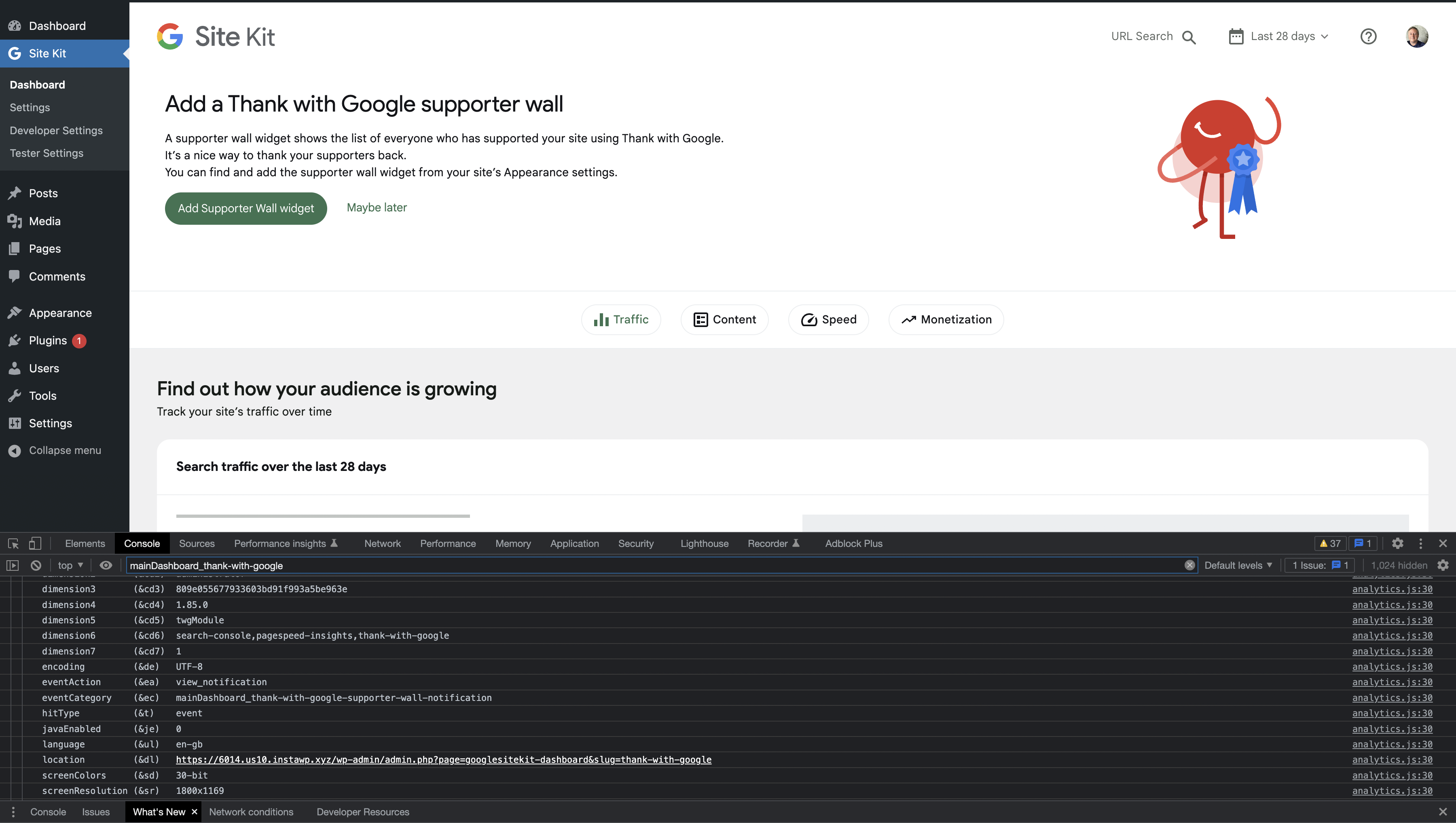
For all of the following GA events, the event category should be {viewContext}_thank-with-google-supporter-wall-notification.
- When the user sees the TwG supporter wall reminder banner notification, a custom GA event with name
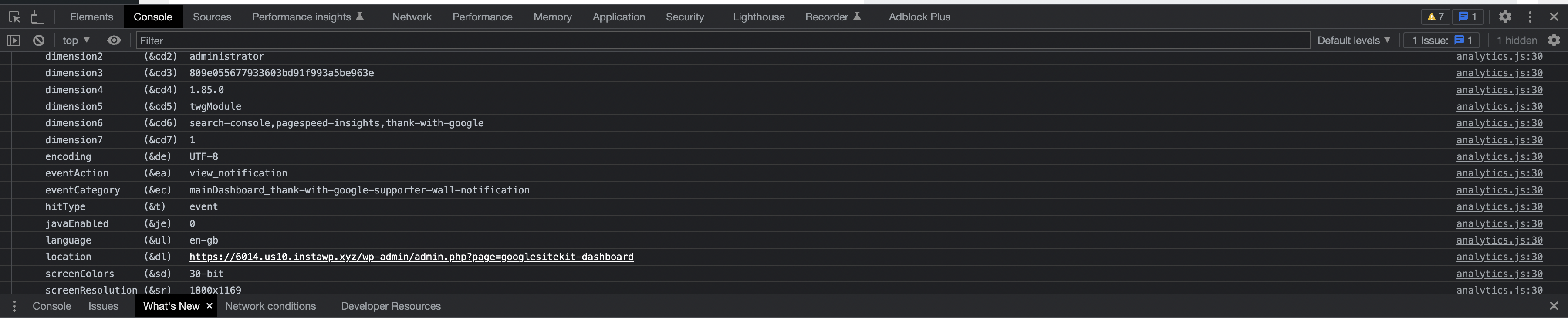
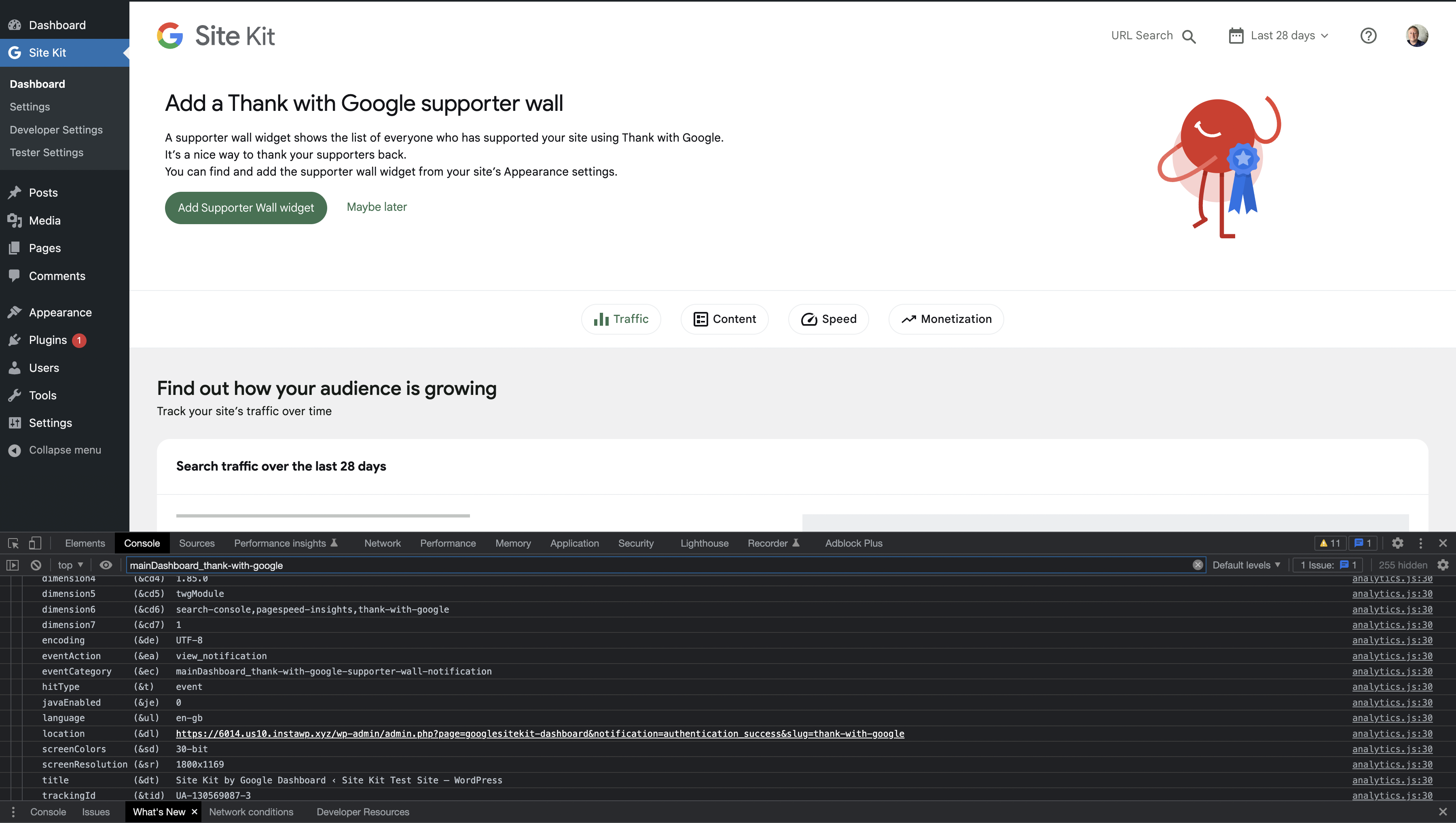
view_notificationshould be sent. - When they click on the primary CTA button in that notification, a custom GA event with name
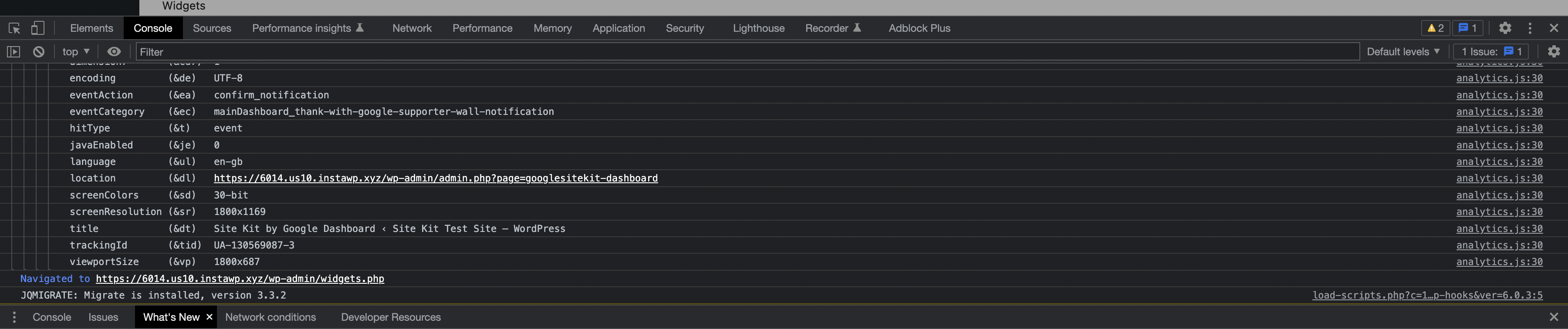
confirm_notificationshould be sent. - When they dismiss that notification, a custom GA event with name
dismiss_notificationshould be sent.
Implementation Brief
- Update
ThankWithGoogleSupporterWallNotificationas follows
action: view_notification
- Call
trackEventwith the attributes in the AC with auseMount(seeSetupSuccessBannerNotification)
action: confirm_notification
- Add an
onCTAClickprop to the innerBannerNotificationpassing a function that callstrackEventwith the attributes in the AC (seeCoreSiteBannerNotification)
action: dismiss_notification
- Add an
onDismissprop to the innerBannerNotificationpassing a function that callstrackEventwith the attributes in the AC (seeCoreSiteBannerNotification)
Test Coverage
- No changes necessary
QA Brief
- Setup Thank with Google using a VPN connected to the US region.
- Do not add any supporter wall widgets.
- Using the Google Analytics Debugger extension, ensure the
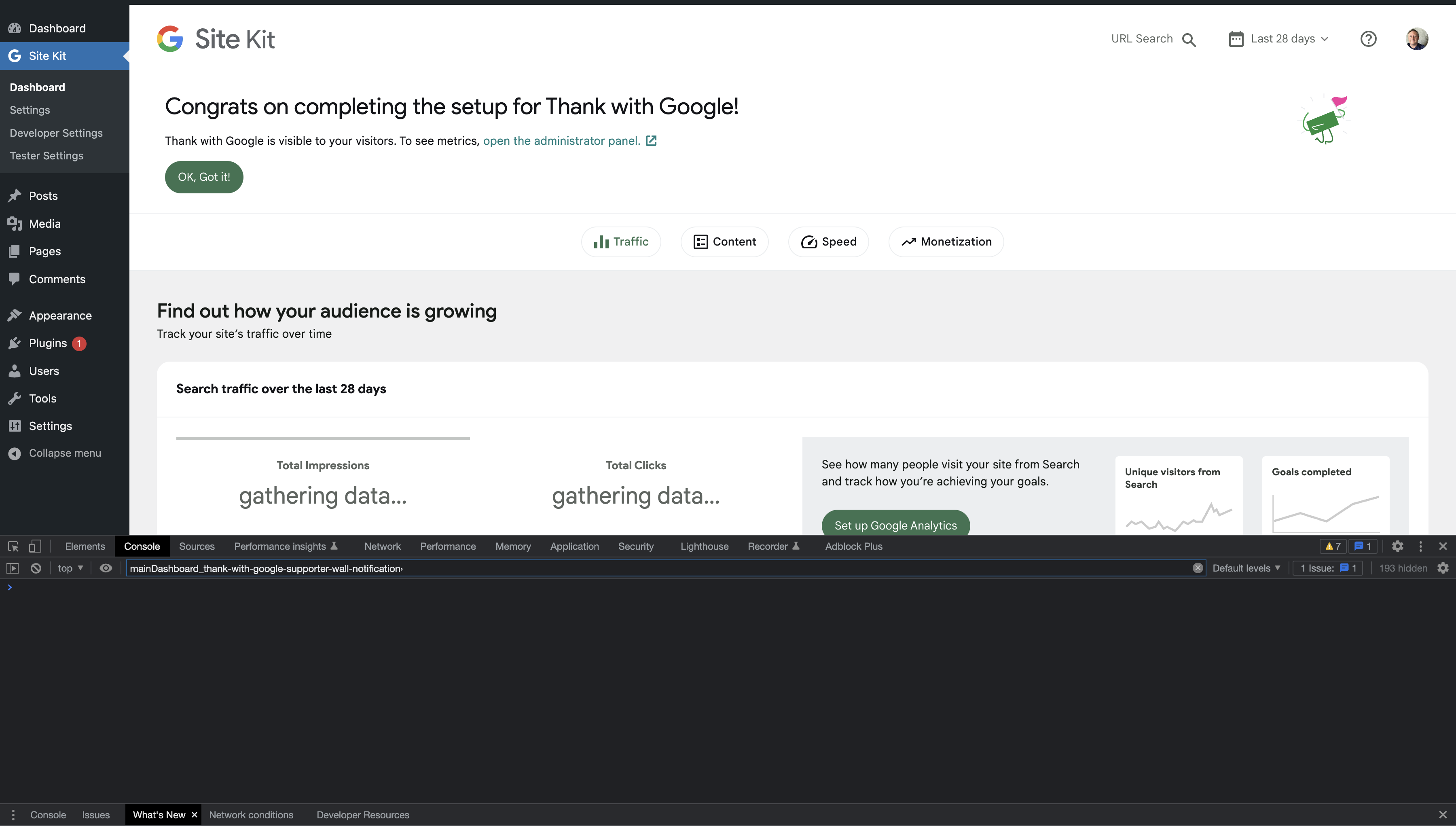
view_notificationGA event isn't triggered for themainDashboard_thank-with-google-supporter-wall-notificationcategory. - Within the database ->
wp_optionstable, change the value of_transient_timeout_googlesitekit_thank_with_google_setupto the current timestamp. - Clear the session and refresh the Site Kit dashboard and ensure the
view_notificationevent is triggered when the banner notification appears. - Click the
Add Supporter Wall widgetprimary CTA and ensure theconfirm_notificationevent is triggered. - Click the
Maybe latersecondary CTA and ensure thedismiss_notificationevent is triggered.
Changelog entry
- Measure interactions with Thank with Google supporter wall banner notification.


QA Update: ⚠️
@hussain-t I'd like to run an observation by you.
When you set up TwG, the transient timestamp is 1666146812 which is 7 days from the setup. I change the time on my computer to after 7 days (also tried 8 days) in the future and I expect the banner to appear informing me to add a supporter wall widget. Nothing does appear though. I've also changed the timestamp in the Db and changed my computer time to be past this date and no banner appears.
Would you expect the banner to appear based on the scenario above?
When I change the transient to the current timestamp then the banner does appear and this passes the QAB.
Verified:
- When Site Kit and TwG is initially set up the
view_notificationGA event isn't triggered for themainDashboard_thank-with-google-supporter-wall-notificationcategory. - Change the transient to the current timestamp and on refresh the Site Kit dashboard and ensure the
view_notificationevent is triggered when the banner notification appears. - When I click the Add Supporter Wall widget primary CTA and ensure the
confirm_notificationevent is triggered. - When I click the Maybe later secondary CTA and ensure the
dismiss_notificationevent is triggered.
Screenshots


@wpdarren, parts of the QAB to display the banner were copied over from #5538 and modified. Sorry, it was a bit confusing. You will have to change the value of _transient_timeout_googlesitekit_thank_with_google_setup to the current timestamp (by default, it will be seven days from the TwG setup). We shouldn't change the value of _transient_googlesitekit_thank_with_google_setup. I have updated the QAB.

QA Update: ✅
@hussain-t thanks for updating the QAB.
Verified:
- When Site Kit and TwG is initially set up the
view_notificationGA event isn't triggered for themainDashboard_thank-with-google-supporter-wall-notificationcategory. - Change the transient to the current timestamp and on refresh the Site Kit dashboard and ensure the
view_notificationevent is triggered when the banner notification appears. - When I click the Add Supporter Wall widget primary CTA and ensure the
confirm_notificationevent is triggered. - When I click the Maybe later secondary CTA and ensure the
dismiss_notificationevent is triggered.
Screenshots