

 google
Assets: Add the 3D Filament Logo transmission sample asset
Multiple purposes including samples with the bulb glass material using the KHR_materials_transmission extension.
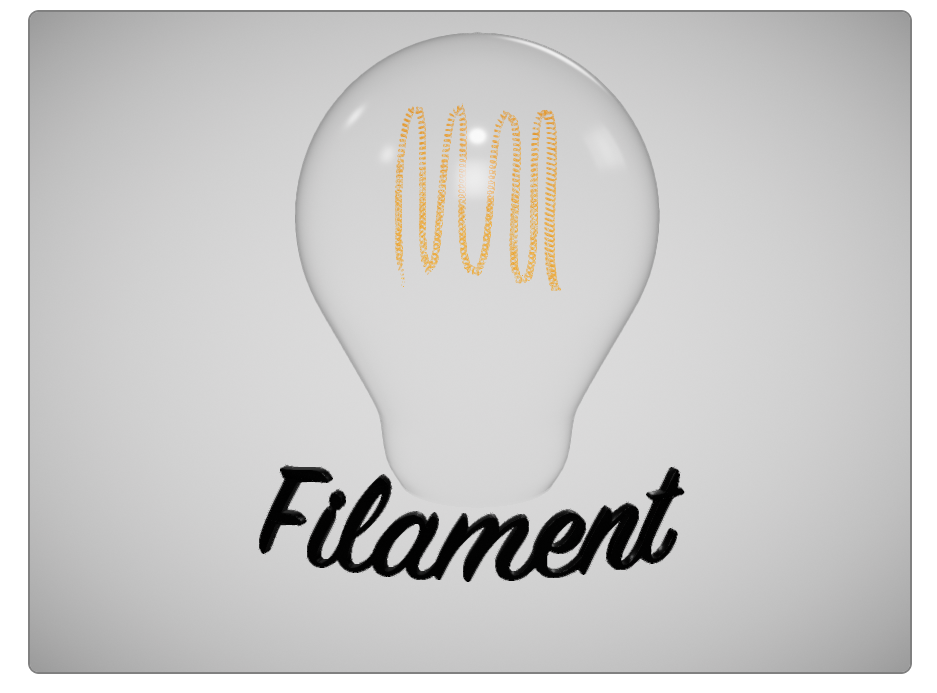

Thanks. The text has tessellation issues that go away if I remove the curve modifier. Subdividing the mesh before the curve helps somewhat but creates other issues. Do you have an idea on how to fix it? One thing I haven't tried is to recalculate normals outside (since the curve modifier flips the text around one of the axis, I figured this might be the issue).
I found that splitting vertices after converting the text to a mesh helps fix the sides of the letters but not their faces.

I tried a lot of things including the ones you mention.
The issue comes from the text filling at the beginning.
Even if you don't apply the curve, the extrude or the bevel, the front and back filling of the text object generate wrong (too much) vertices at some places.
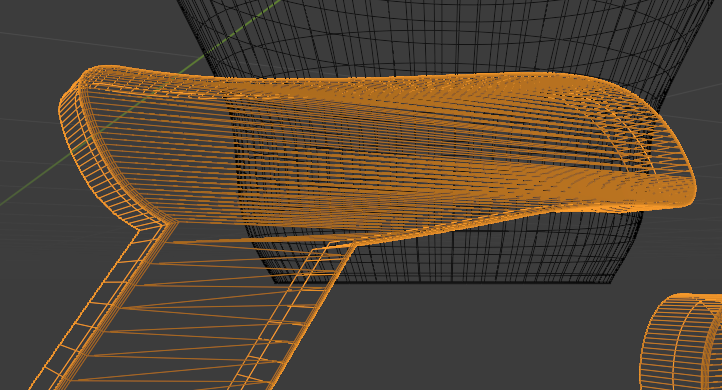
Changing the resolution can help a little but it generates too less or to much vertices and some new artificats appear.
I also tried to first convert to mesh and make all the modifications after but the result is the same and I'm not good enough in edit mode to clean the faces like they should probably be.

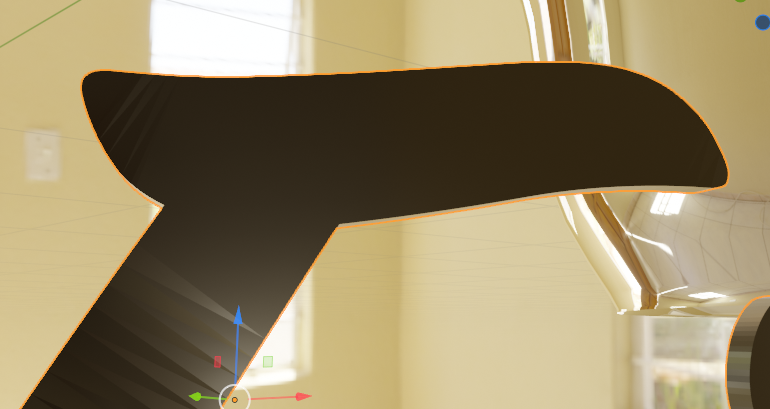
I let it down for tonight (in France). There is certainly an issue with the normals but I'm also not good enough in this part.
Can't figure out why there is a normal flip after the curve apply.
Normals seems normal before curving
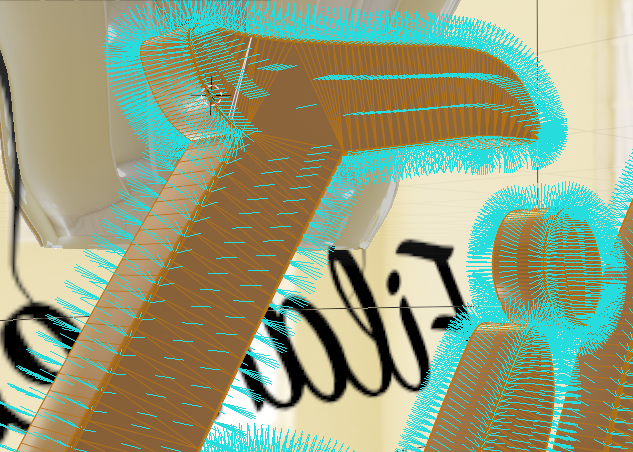
And even after
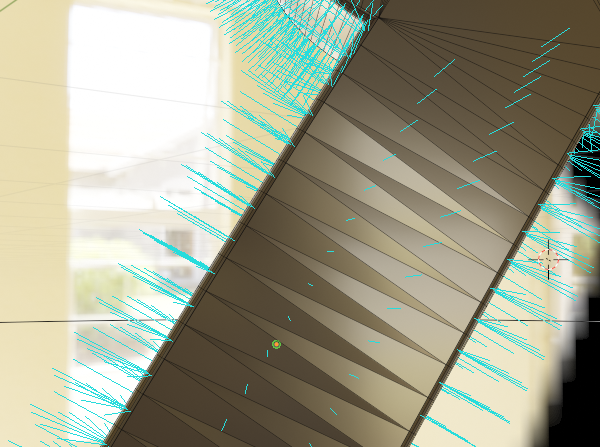
But I have different reflections on some triangles.
I finally found the way to go for the last issue I had with the text.
Faces orientations has been fixed.
BTW: Quick Blender tip if you don't knew it:
Edit Mode > Select a face > Ctrl + NumPad + (Multiple times)
= Select surrounding faces on the approximate same plane
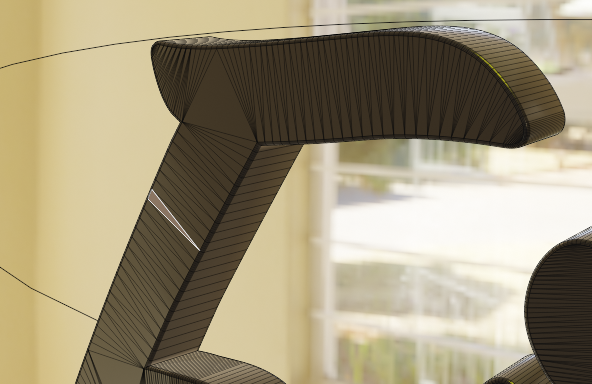
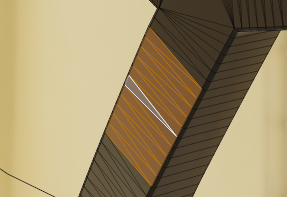
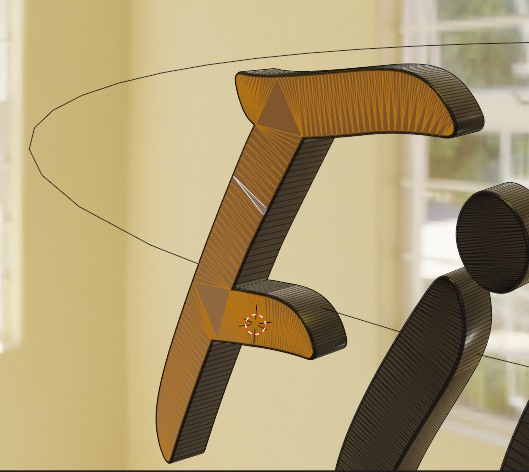
ShadeSmooth to fix faces orientations around the face normal.