

 google-ar
Persistent Cloud Anchors - ErrorNotAuthorized
When I run the persistent cloud anchor app with keyless hosting, I get this error when I try to host an anchor.
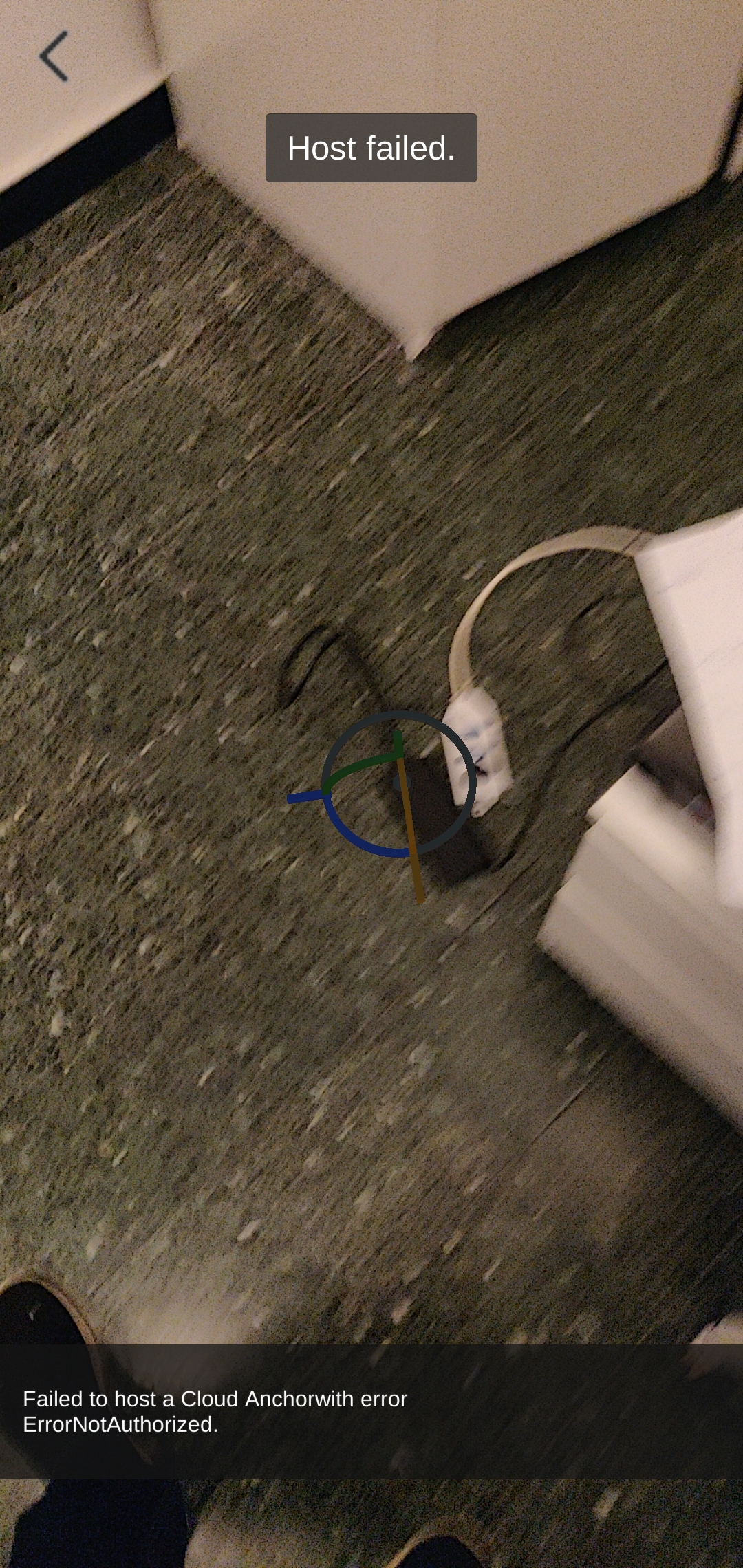
This is an ongoing issue that hasn't been solved. I have also contacted Google support but they don't have an answer to this as well. Does keyless hosting no longer work?

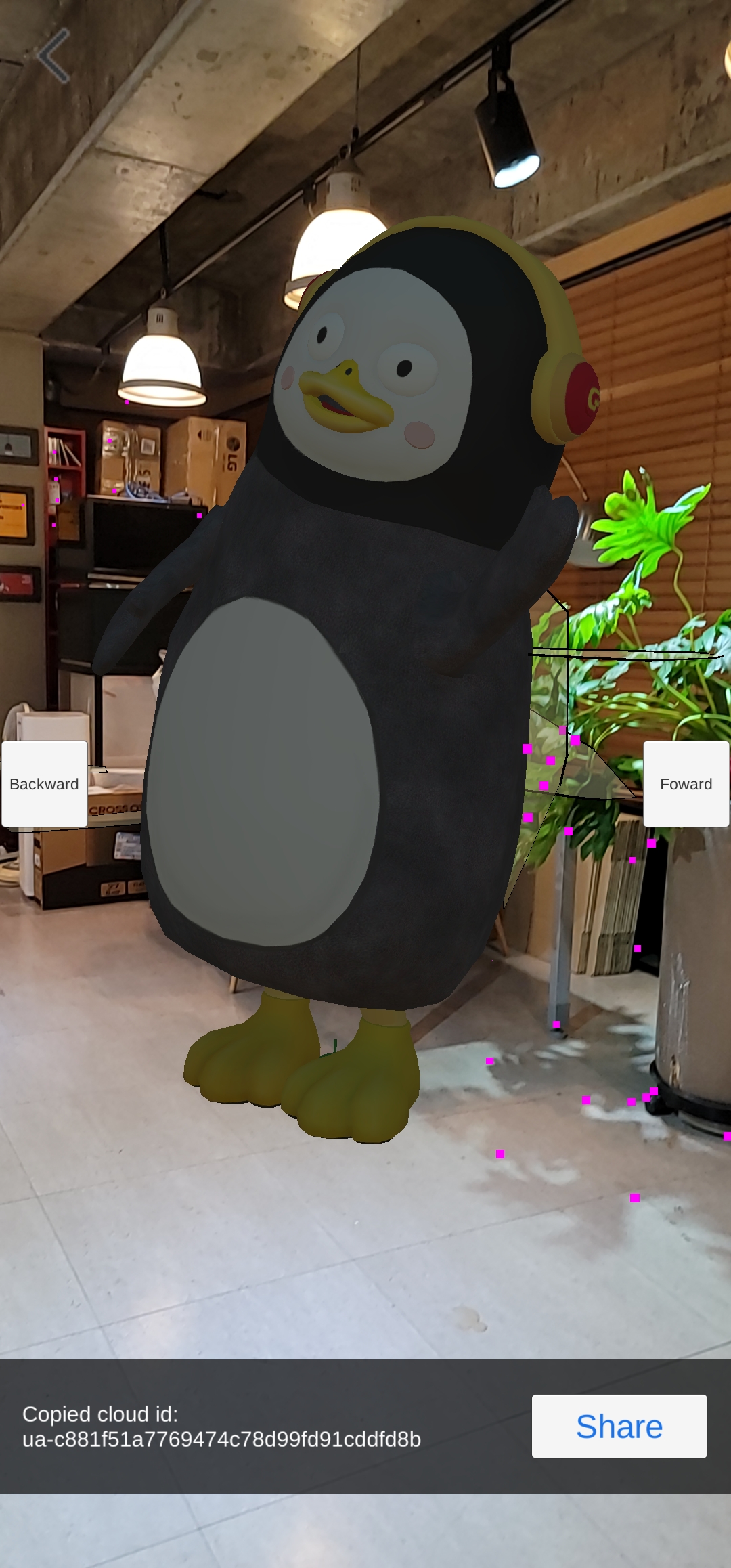
I think it is working...
https://koolwin1.tistory.com/314
Here is my work process

@VontineDev how did you create your keystore? Can you show the steps you followed to do that because I think that is where my problem might be.
@iAmJuan550
https://user-images.githubusercontent.com/57723128/123494866-549f6680-d65c-11eb-934e-9a96536ffc60.mp4
That's how I created keystore. Did you made OAuth 2.0 Client ID?
@VontineDev how did you get the SHA key for this? I think I am not doing that part right?
@iAmJuan550
Did you make Project on Console cloud platform?
After that
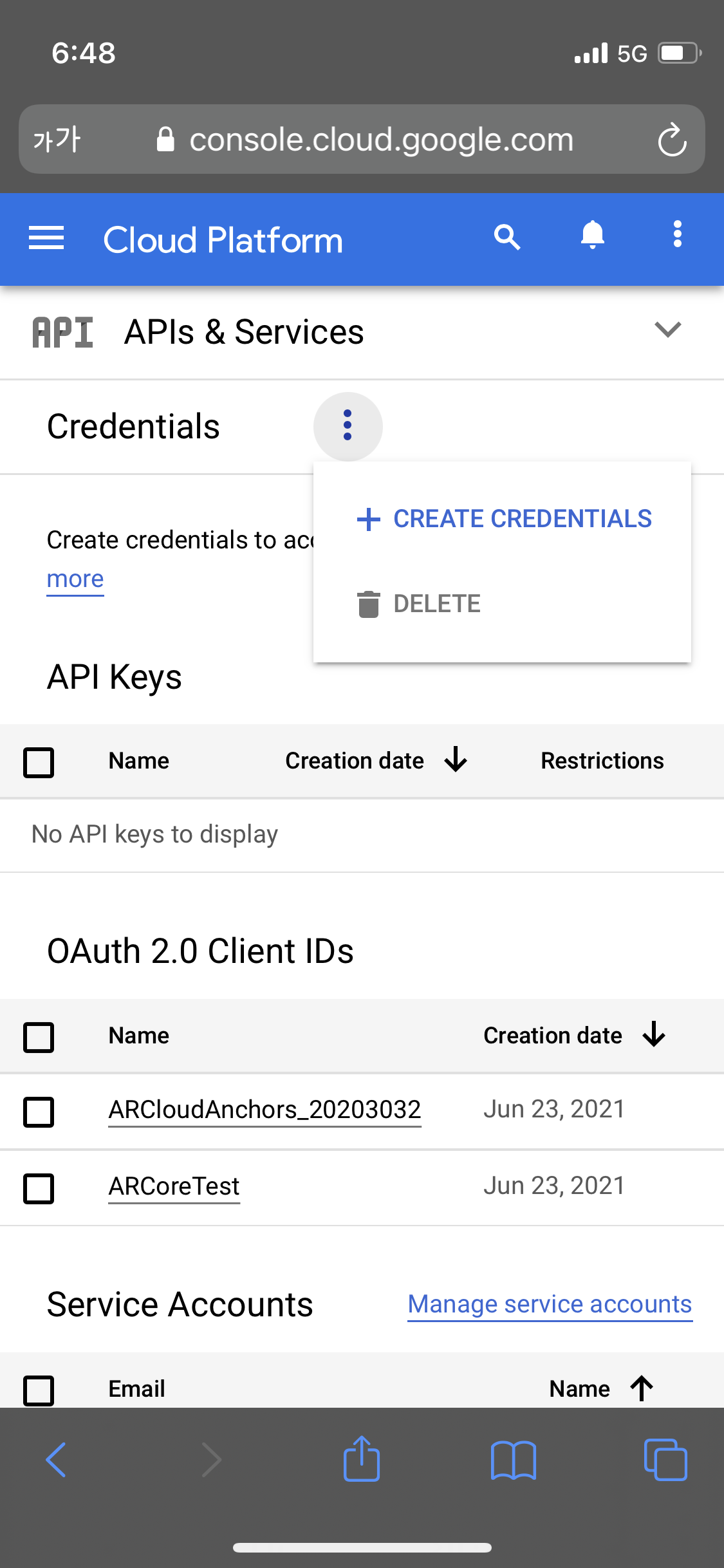
Create Credential---> OAuth Client ID
When you see here you can find keytool -keystore path-to-debug-or-production-keystore -list -v
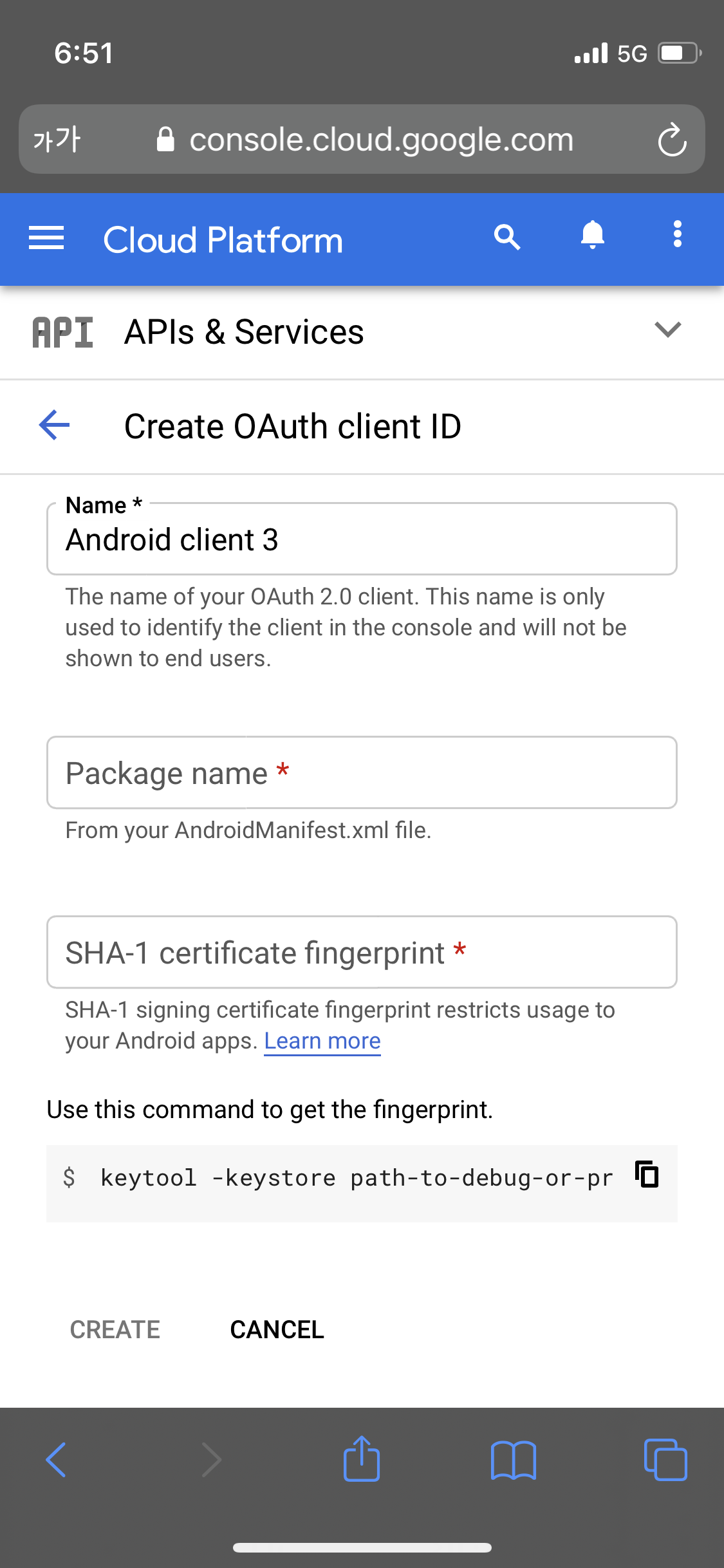
Go to cmd. Go to directory where your keystore file is. cd (your root) keytool -keystore (your keystore filename).keystore -list -v Then you can see cmd will ask you to insert password.
Here's some more troubleshooting steps from a different thread:
- Check for the existence of
ProjectSettings/AndroidResolverDependencies.xml. If this does not exist, then probably this is the source of problems; - Check
Temp/gradleOut/unityLibrary/build.gradle; this should contain some lines with'com.google.android.gms.
If this is the case, then GMS authentication libraries are missing at runtime, and this causes authentication to fail.
This may be caused by incorrect permissions in our provided tgz. If you're encountering this, a possible workaround is to remove ARCore Extensions from the Package Manager, then extracting the tgz first, then use Import from Disk to import the resulting package.json. Trigger a new build, and (1) and (2) should appear from above.
