goodtft
Newer style USB Booting
Good day,
I'm using a Raspberry Pi 3+ and ran into this issue while using the official Rasbian distribution, as well as your packaged image file. Based off of the latest bootcode.bin from RaspberryPi, you can now boot your OS from a USB drive.
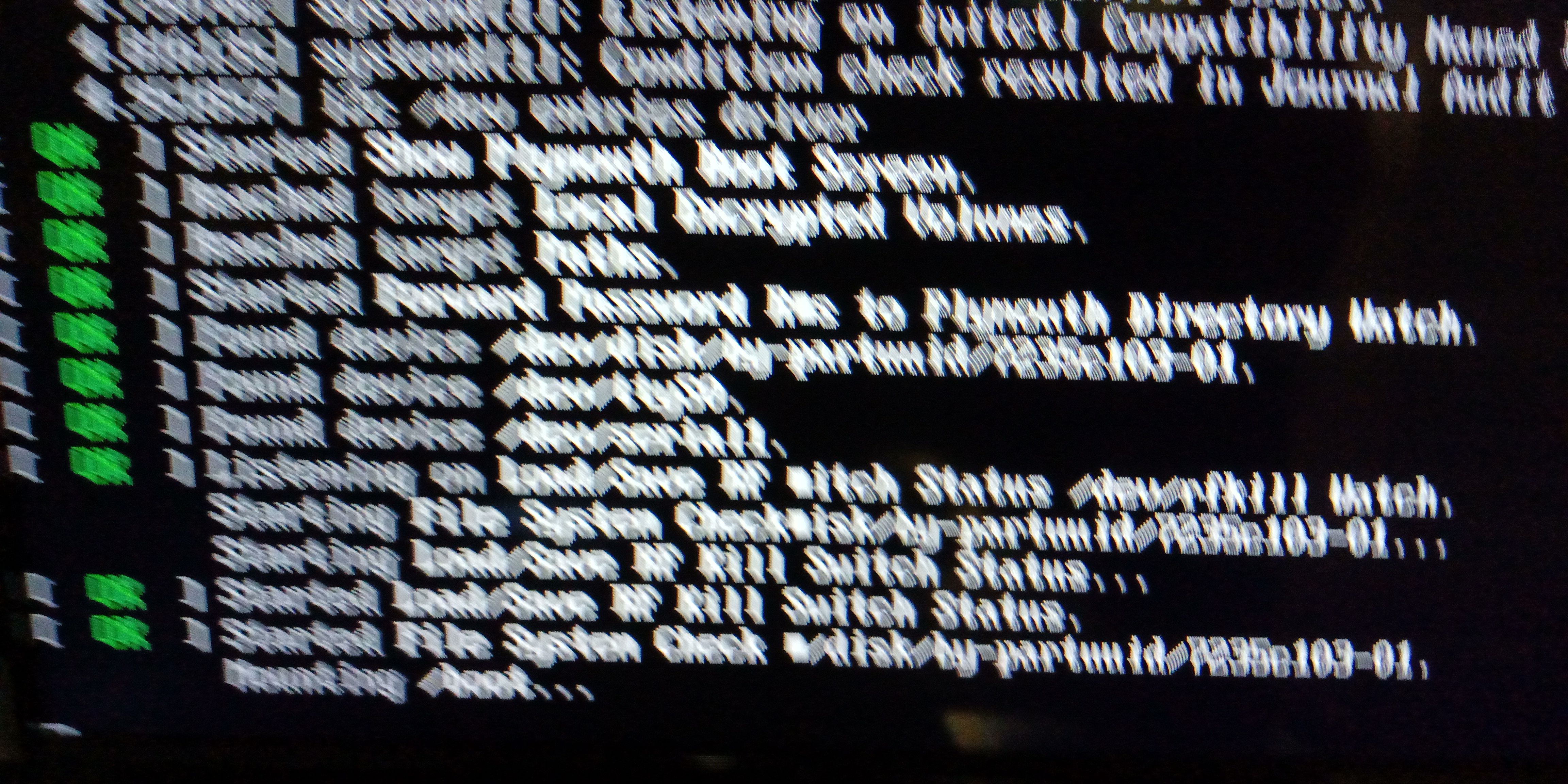
Unfortunately, if you are running a USB installation, compared to a normal SD card install, your root path is going to be invalid, once the installation scripts trigger a reboot.
If you are already running in a USB vs a normal SD environment, you would need to check your current root= path, which is located in /boot/cmdline.txt BEFORE running the LCD install script, as it will be overridden with the incorrect values. This can also be seen by viewing your fstab file by issuing:
cat /etc/fstab
pi@octopi:~ $ cat /etc/fstab proc /proc proc defaults 0 0 PARTUUID=6c586e13-01 /boot vfat defaults 0 2 PARTUUID=6c586e13-02 / ext4 defaults,noatime 0 1
Make note of the second entry, that shows ext4
Since the installation scripts trigger a reboot once finished, you'll need to edit your specific installation script to mask out this command, at the end of your script.
Example:
sudo nano LCD-show/MHS35-show
71 echo "reboot now" 72 #sudo reboot
The following standard file is copied over during the install script process:
dwc_otg.lpm_enable=0 console=tty1 console=ttyAMA0,115200 root=/dev/mmcblk0p2 rootfstype=ext4 elevator=deadline rootwait fbcon=map:10 fbcon=font:ProFont6x11 logo.nologo
Taking the information you found earlier in your cmdline.txt or fstab file, replace root=/dev/mmcblk0p2 with what you found out.
dwc_otg.lpm_enable=0 console=tty1 console=ttyAMA0,115200 root=PARTUUID=6c586e13-02 rootfstype=ext4 elevator=deadline rootwait fbcon=map:10 fbcon=font:ProFont6x11 logo.nologo
Once you have made this change, then you can issue the reboot of your rPI.
sudo reboot now
Once it finishes, your LCD should now be functioning correctly. Proceed with the optional touch calibration, if necessary.

WOW thank you for finding this and reporting this issue. I have been doing this for 4 days shy of a month trying to figire it our and you have. I had done the steps over and over again the aeller sent me a refund, i bought another and exact same issue. However i am not doig USB but this IS what is happeing to me over and over on SDCard
My question now is when will the team be able to incorporate the fix for this bug into the driver set up?