goldfire
Didn't hear any sound after obtaining permission to access the microphone using `navigator.mediaDevices.getUserMedia`
The Problem
I didn't hear any sound after obtaining permission to access the microphone using navigator.mediaDevices.getUserMedia. Please help resolve this issue, Thanks
Reproducible Example
https://codesandbox.io/s/webrtc-n35bzf
Reproduction Steps
Click the "Start" button and wait a few seconds. The sound may stop playing.
Possible Solution
No idea.
- I have researched somethings. like use
AudioContext,echoCancellation: falseand something like https://bugs.chromium.org/p/chromium/issues/detail?id=933677.
Context
I play the sound (play the audio file) and after that is get permission microphone from navigator.mediaDevices.getUserMedia
And then issues happened the sound from the audio file turned off and I just did not hear any more.
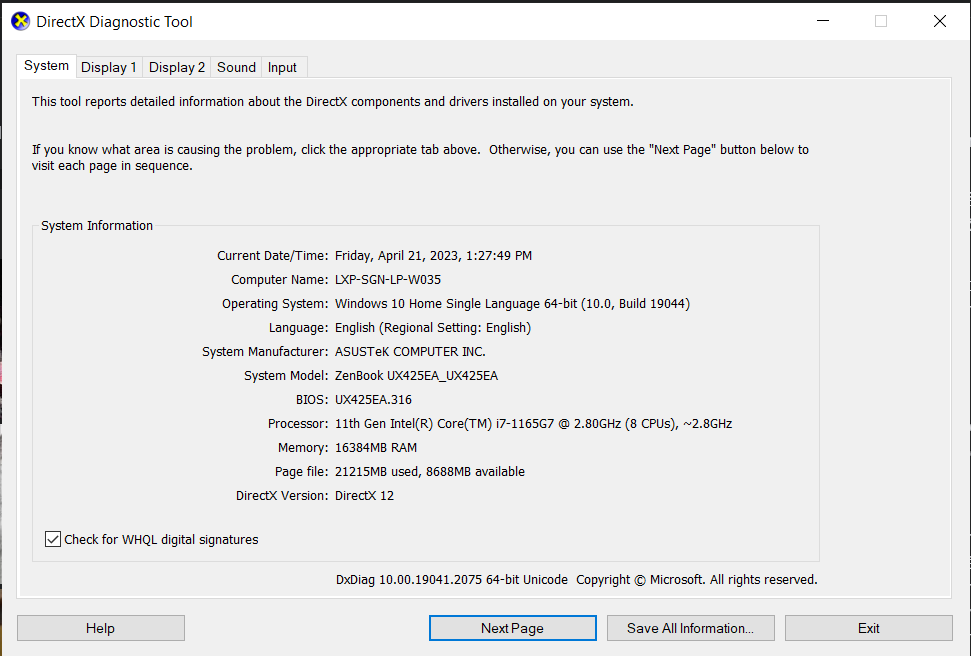
I research for many days to resolve this but can not see the answer. It just happens on some laptops (ASUS Laptop - Window 11 - Brower Chrome Version 112.0.5615.121 (latest))
Howler.js Version
^2.1.3
Affected Browser(s)/Versiuon(s)
Chrome / 112.0.5615.121 (latest)