

 gokcehan
preview column how can scroll

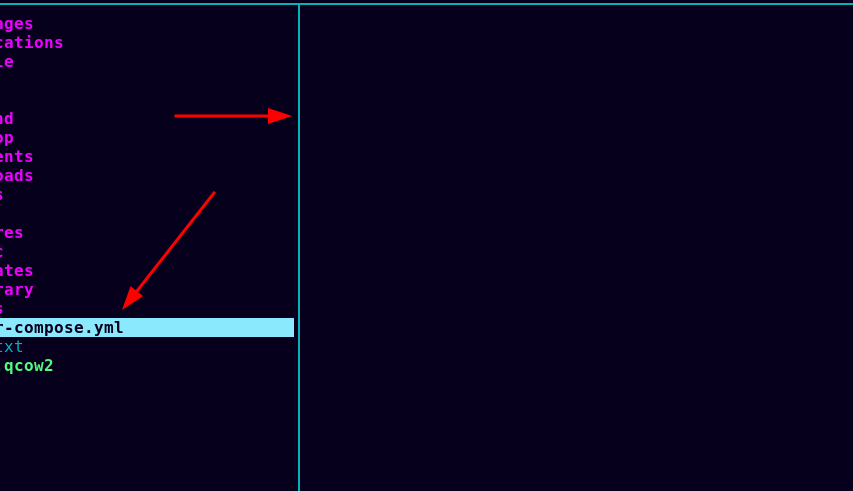
I use bat to preview.
but the yml is long . so,lf cannot show line in the end
so,how can scroll preview in preview column

Hi, from what I know about this, the preview is just to give an idea about the file content, it should not be used with the idea of scrolling within it. For batcat, I have this line in my previewer (I copied it from a video):
batcat --color=always --style=plain --pager=never "$1" "$@"
Of course, if there's someone more expert about this that can correct me, it's very welcome 🙂

Hi, from what I know about this, the preview is just to give an idea about the file content, it should not be used with the idea of scrolling within it. For batcat, I have this line in my previewer (I copied it from a video):
batcat --color=always --style=plain --pager=never "$1" "$@"Of course, if there's someone more expert about this that can correct me, it's very welcome slightly_smiling_face

I use your command, it not display
It seems that you have bat instead of batcat like I do. You should probably change batcat to bat in the line you copied.
This is how my preview script looks like:
#!/bin/sh
case "$1" in
    *.png|*.jpg|*.jpeg|*gif) catimg -w 100 "$1";;
    *.pdf) pdftotext "$1" -;;
    *.zip) zipinfo "$1";;
    *.tar.gz) tar -ztvf "$1";;
    *.tar.bz2) tar -jtvf "$1";;
    *.tar) tar -tvf "$1";;
    *) batcat --color=always --style=plain --pager=never "$1" "$@";;
esac
(The last line is the one that implements batcat as the default for various kind of text files) Yours seems a bit more complicated. I hadn't use a pager, because I always thought that they aren't supported in terminal file managers
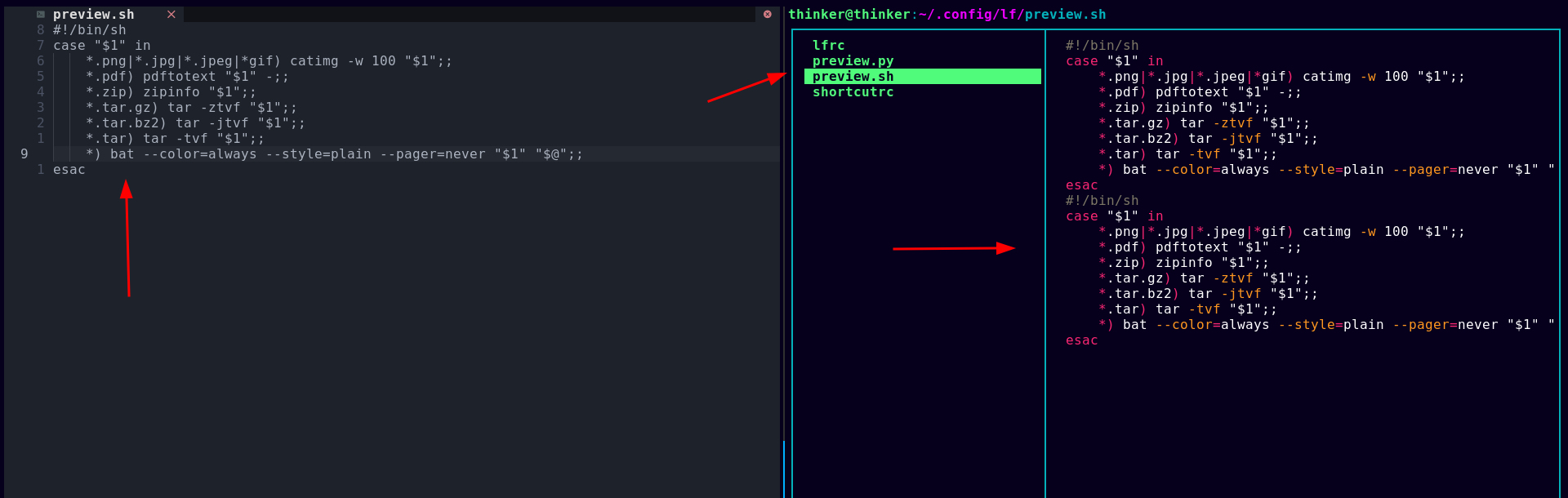 I try it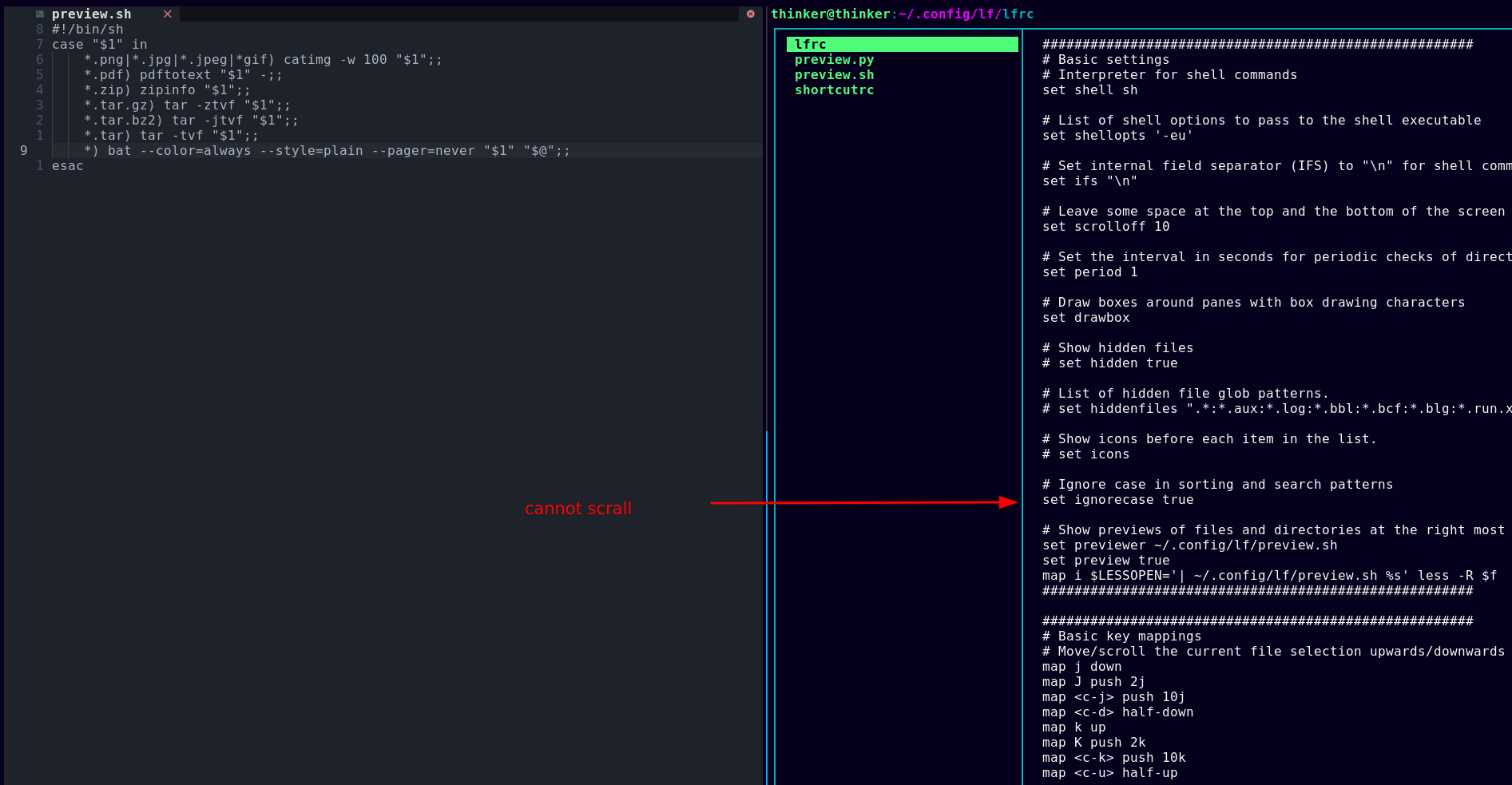
It seems that you have
batinstead ofbatcatlike I do. You should probably changebatcattobatin the line you copied.This is how my preview script looks like:
#!/bin/sh
case "$1" in
    *.png|*.jpg|*.jpeg|*gif) catimg -w 100 "$1";;
    *.pdf) pdftotext "$1" -;;
    *.zip) zipinfo "$1";;
    *.tar.gz) tar -ztvf "$1";;
    *.tar.bz2) tar -jtvf "$1";;
    *.tar) tar -tvf "$1";;
    *) batcat --color=always --style=plain --pager=never "$1" "$@";;
esac
(The last line is the one that implements batcat as the default for various kind of text files) Yours seems a bit more complicated. I hadn't use a pager, because I always thought that they aren't supported in terminal file managers
I see you use 'catimg' , i use it , but the picture is blur
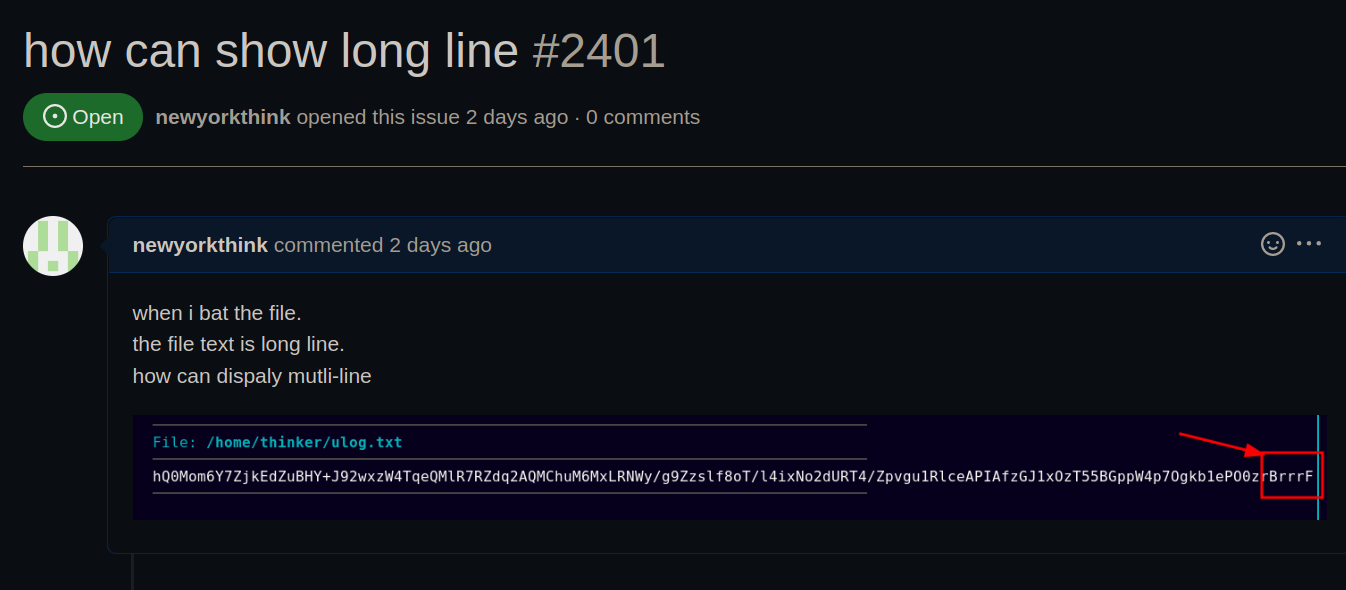
and I have question, the bat how can show long line.
https://github.com/sharkdp/bat/issues/2401
With ranger you can scroll the preview with the mouse, it would be awesome if lf could do the same! :)

With ranger you can scroll the preview with the mouse, it would be awesome if lf could do the same! :)
ranger is not better , it have long time not update
