

 godotengine
OpenXR basic game not working standalone and in the Quest 2 in Godot 4
Godot version
4.0-beta13
System information
ArchLinux Latest, GTX 1060 6 GB VRAM, 64 GB RAM, i7 6th gen
Issue description
When I make a basic XR game (using the reference from documentation) that throws that error when I run standalone:

And when I run it in Quest 2 the screen gets entirely black with a three-point loading animation.
Meta Quest 2 (developer mode enabled) is not recognized in this version of Godot 4 and I can run over Quest 2 using directly Godot.
Steps to reproduce
- Download the project made with Godot 4 beta 13
- Press the "play" button
- It must throw a "That version of Vulkan is not supported" error
- Export to Android
- Upload it by using sidequest
- Try the game
- It must show a black screen
Minimal reproduction project
That is the project I made:

This is the console output when I launch standalone:
[alexiarc@digitecnology ~]$ godot4
Godot Engine v4.0.beta13.official.caacade56 - https://godotengine.org
OpenGL Renderer: NVIDIA GeForce GTX 1060/PCIe/SSE2

Editing project: /data/user/alexiarc/documents/godot-projects/OpenXRTest
Godot Engine v4.0.beta13.official.caacade56 - https://godotengine.org
Vulkan API 1.3.224 - Using Vulkan Device #0: NVIDIA - NVIDIA GeForce GTX 1060
[alexiarc@digitecnology ~]$
Running: /usr/bin/godot4 --path /data/user/alexiarc/documents/godot-projects/OpenXRTest --remote-debug tcp://127.0.0.1:6007 --editor-pid 402611 --position 4224,216 res://Main.tscn
Godot Engine v4.0.beta13.official.caacade56 - https://godotengine.org
Error [GENERAL |  | OpenXR-Loader] : RuntimeManifestFile::FindManifestFiles - failed to determine active runtime file path for this environment
Error [GENERAL | xrEnumerateInstanceExtensionProperties | OpenXR-Loader] : RuntimeInterface::LoadRuntimes - unknown error
Error [GENERAL | xrEnumerateInstanceExtensionProperties | OpenXR-Loader] : RuntimeInterface::LoadRuntimes - failed to load a runtime
Error [GENERAL | xrEnumerateInstanceExtensionProperties | OpenXR-Loader] : Failed to find default runtime with RuntimeInterface::LoadRuntime()
Error [GENERAL | xrEnumerateInstanceExtensionProperties | OpenXR-Loader] : Failed querying extension properties
ERROR: OpenXR: Failed to enumerate number of extension properties
   at: load_supported_extensions (modules/openxr/openxr_api.cpp:174)
ERROR: Parameter "OpenXRAPI::get_singleton()" is null.
   at: check_graphics_api_support (modules/openxr/extensions/openxr_vulkan_extension.cpp:69)
ERROR: Could not initialize Vulkan
   at: DisplayServerX11 (platform/linuxbsd/x11/display_server_x11.cpp:5043)
If I set the current XR Runtime in SteamVR (SteamVR current XR runtime) it works in desktop through ALVR.
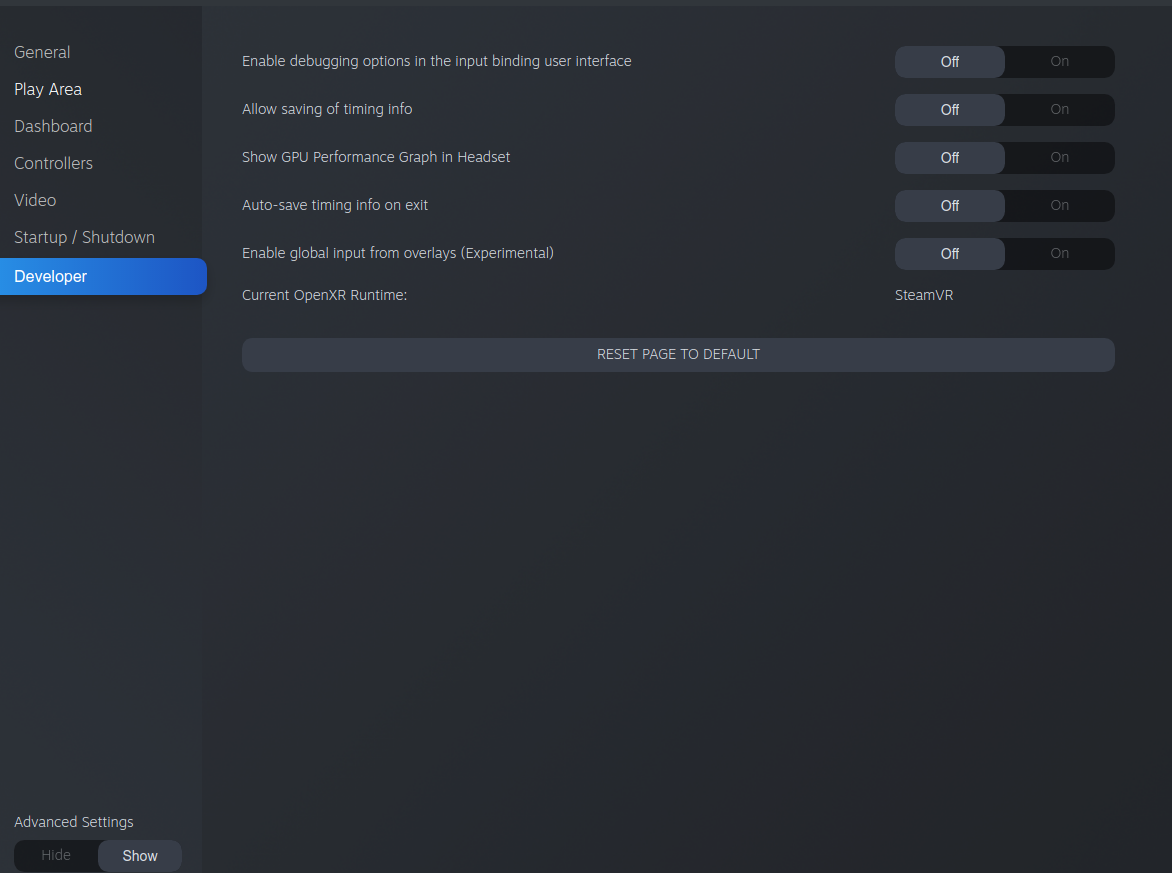
There is the video of ALVR desktop app working through communicating with the Quest 2:
https://user-images.githubusercontent.com/18708610/213640237-facd96a9-de35-4c6e-b6d0-2dc6ed092b08.mp4
But in Quest 2 as an apk it doesn't work. It appears on a black screen.
I watched this tutorial (https://www.youtube.com/watch?v=wDXnsy2IH1A) and modified the godotopenxrmeta/src/main/AndroidManifest.xml of the Meta plugin from:
<meta-data
            android:name="com.oculus.supportedDevices"
            android:value="quest|quest2|questpro" />
To:
<meta-data
            android:name="com.oculus.supportedDevices"
            android:value="all" />
And compiled and used these plugin: https://github.com/GodotVR/godot_openxr_loaders
This is the video of the app working now:
https://user-images.githubusercontent.com/18708610/213647799-728ff9d9-f710-4828-96f4-c5cc58835509.mp4
The issue on desktop is likely caused by the regression issue we found in beta 13 and should be fixed by #71450
Exporting to Quest is indeed the issue with the manifest file, we're currently discussing how best to approach that one. Manually editing the manifest file is indeed the way to approach this for now.

This should be retested on the official release with installing the latest loaders plugin.
@Alexia-AT-Digitecnology can you confirm your issues is fixed and close this issue if so.
The stable release of Godot 4 is working fine with the Quest but I don't have the ability to test a Linux setup.
I can't get the latest official 4.0 release to work with OpenXR at all while using Linux (my only development platform). I installed the "Godot XR Android OpenXR Loaders" plugin, but no OpenXR plugin appears in the Plugins tab for my project. There is also no export icon for the Quest in the IDE like there is in the 3.x series. When I export the project, then load the program onto my Quest 2 using SideQuest and run it from Unknown Sources, I get:
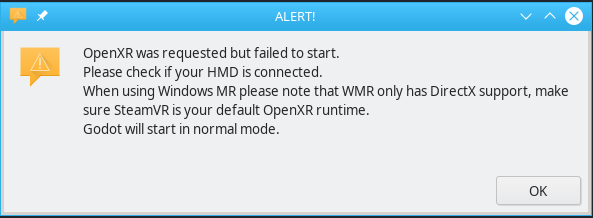
"OpenXR was requested but failed to start. Please check if your HMD is connected. When using Windows MR please note that WMR only has DirectX support, make sure SteamVR is your default OpenXR runtime. Godot will start in normal mode."

I don't remember how I got the Quest 2 and 3 to work, but all the Quest-related issues in my prior reply have been resolved. I still have issues with OpenXR and the Quests, but I'm not going to pollute this issue with them.
Just in case someone finds it useful:
So I was running in circles on this issue on Quest 1. I kept getting the "OpenXR was requested but failed to start.". Now I kind of resolved it only to run into a crash issue instead.
The solution to get to this point was kind of "obvious". In the export dialogue (or in export_presets.cfg) there are a number of new toggles that need to be set for it to work on Quest 1. This was added in this change.
These toggles are (I think): xr_features/enable_meta_plugin=true meta_xr_features/quest_1_support=true And maybe: plugins/GodotOpenXRMeta=true
Now at least I'm not getting the error message but I'm getting a crash with no info instead. Not sure how I can get an error log. I will look into that later.
(I also found some mention about eye tracking crash s I tried toggling meta_xr_features/eye_tracking=1 but it didn't seem to have any effect.)
It seems I have the same crash issue for the template project: https://github.com/GodotVR/godot-xr-template
I think this is a duplicate: https://github.com/GodotVR/godot-xr-template/issues/27
