

 godotengine
AnimationPlayer missing "copy animation" and "paste animation" from initial menu
Godot version
4.0 Alpha 7
System information
Windows 10 Nvidia GTX 1060 Intel i5 4690k
Issue description
Related #59980
Copy animation and paste animation are missing from the initial menu.
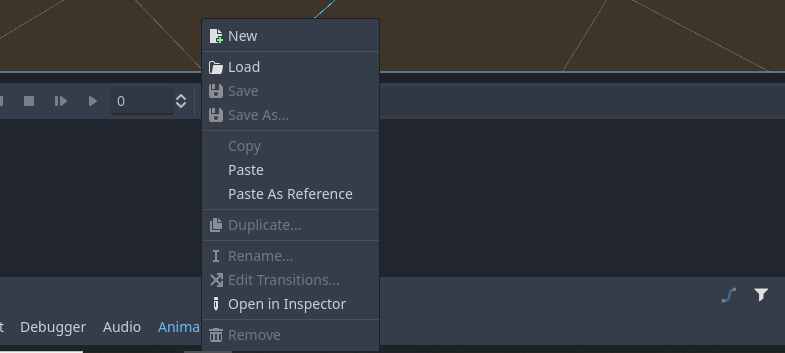
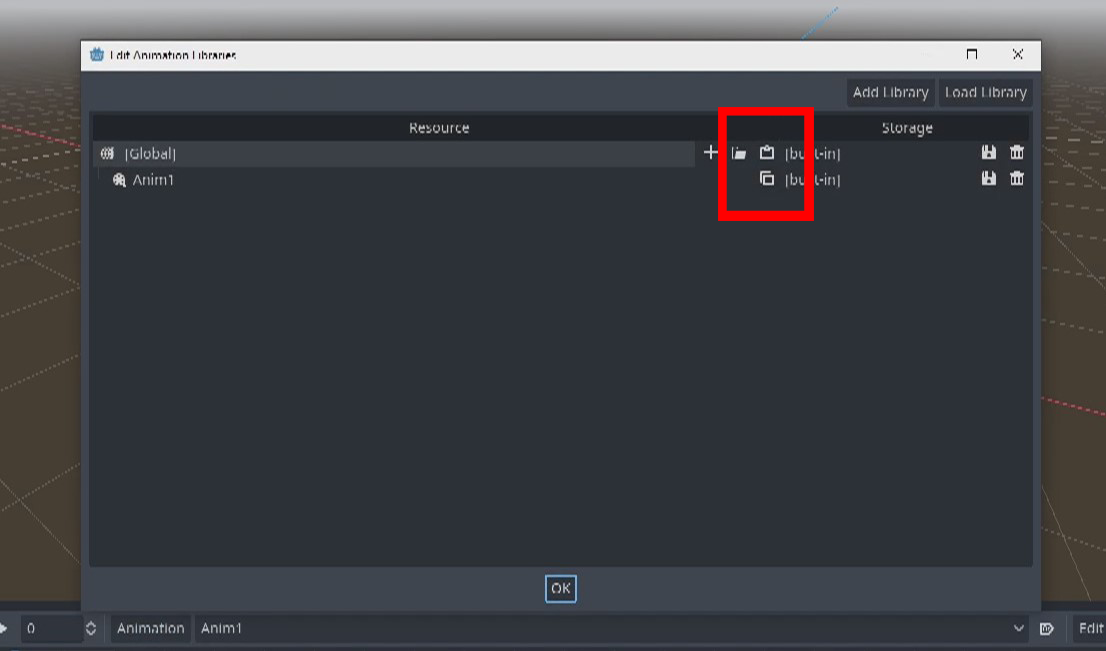
Copy animation is only available in manage animations Paste animation is only available in manage animations
However, remove animation and new anim is available in the initial menu?
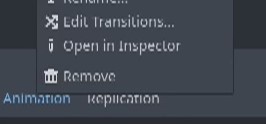
Moreorless, unsure if this is intentional or not, but it is problematic anyhow to only allow for copy and paste in "manage animations"
Moving single animations between animation players or scenes is problematic.
Before
- Select animation player
- Copy animation
- Select animation player
- Paste animation Done
Now...
- Click animation player
- Open manage animation
- Scroll through library (Opening this menu does not inherit the animationPlayer.current_animation, which is really awkward, as you would want to copy the current animation you are on)
- Click on animation (Copy to clipboard is really far from the animation name, so it is easy to misclick without first highlighting the option)
- Click on animation copy to clipboard
- Go to other animation player
- (Sometimes the animation library opens in the middle of the library, again, making this process very awkward)Scroll up to the top and click on paste from clipboard
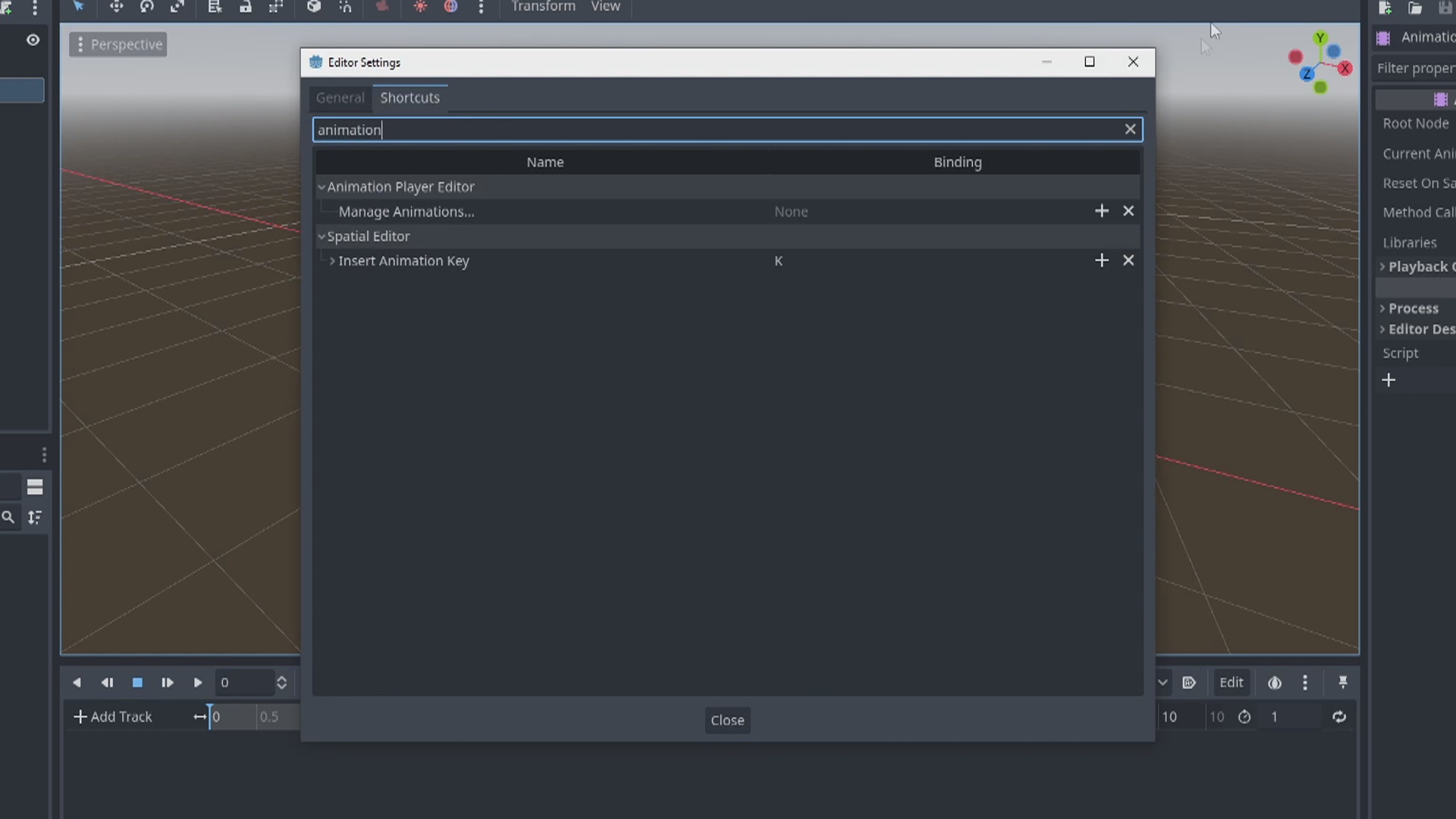
There are a bunch of unecessary steps now, and since there are no exposed shortcuts, this has become very tedious.
Bringing back copy animation and paste animation to the initial animation player menu would fix this, and could coexist with existing properties
Again, not sure if this was oversight or by design.
Steps to reproduce
Prior to #59980 Before
- Select animation player
- Copy animation
- Select animation player
- Paste animation Done
Post #59980 Now...
- Click animation player
- Open manage animation
- Scroll through library (Opening this menu does not inherit the animationPlayer.current_animation, which is really awkward, as you would want to copy the current animation you are on)
- Click on animation (Copy to clipboard is really far from the animation name, so it is easy to misclick without first highlighting the option)
- Click on animation copy to clipboard
- Go to other animation player
- (Sometimes the animation library opens in the middle of the library, again, making this process very awkward)Scroll up to the top and click on paste from clipboard
Minimal reproduction project
No project needed. This can be explained with pictures/words


This also leads to an issue regarding the "Your first 3D game" tutorial in the docs. In the "Animating the mobs" section you are supposed to copy the animation over the non existing menu point. (since this issue exists i didn't want to open a new)

For people doing the tutorial: When you open "manage animation" and see a completely blank panel, click "add library" first, and leave the text input for the name blank. The hint should say something like "Will add a global library". Once you have that, you can click the "paste"-icon.

For people doing the tutorial: When you open "manage animation" and see a completely blank panel, click "add library" first, and leave the text input for the name blank. The hint should say something like "Will add a global library". Once you have that, you can click the "paste"-icon.
worked perfectly for me, thank you very much!

For people doing the tutorial: When you open "manage animation" and see a completely blank panel, click "add library" first, and leave the text input for the name blank. The hint should say something like "Will add a global library". Once you have that, you can click the "paste"-icon.
Thanks @riidom that worked for me as well. :)
