
godot-docs
 godot-docs copied to clipboard
 godotengine
Side-bar scrolling zone is small when at top of document
Your Godot version: 3.4
Issue description: By default when you enter the docs, and when the document you are viewing is scrolled to the top, the scrollable area in the left-hand navigation side-bar is quite small. This is made even worse if (like me when my eyes are feeling tired!) you have zoomed in to make the text bigger.
I'm aware that if you scroll the right-hand document a bit, the scrollable area for the sidebar is bigger, but this isn't immediately apparent, and seems rather strange in any case - the user might ask themself "why do I have to scroll the right-hand document in order to have a better navigation experience?"
I think the problem is two things - the "Godot Docs" logo is rather large, and that it doesn't scroll out of the way when you scroll the left-hand side (it seems to be fixed to right-hand document scroll position).
See video:
https://user-images.githubusercontent.com/2512915/180613677-856b6f34-8fe6-466b-b0a2-a52832b73681.mp4
URL to the documentation page (if already existing): https://docs.godotengine.org/en/3.4/index.html

Navigation should become a tad easier with https://github.com/godotengine/godot-docs/pull/5955, but ultimately, it's just a big list.
the "Godot Docs" logo is rather large
Yeah, I guess we could make it less loud 🙂

The Godot Docs logo should be probably redesigned in an horizontal fashion, with the text on the right of the icon. It's not trivial to do while keeping the current design though.

Here is a mockup of a potential horizontal version of the logo.
 I can make a proper svg version (with better spacing) if this is the direction we want to go. If anyone has the original svg somewhere that'll make it easier on my end, but I can make it from the raster image if need be.

If anyone has the original svg somewhere that'll make it easier on my end
The SVG source is in the godot-design repository :slightly_smiling_face:
https://github.com/godotengine/godot-design/blob/master/websites/documentation_logo.svg
Perfect. Here's the svg and a png big enough to be a drop-in replacement. The width/height of the original logo is 1/1, this is 5/1.


While it works on Chromium, I tested it on Firefox, Edge, and the Brave browser and experienced a problem shown in the image below. It maintains its old height even though it has been replaced by the smaller logo.
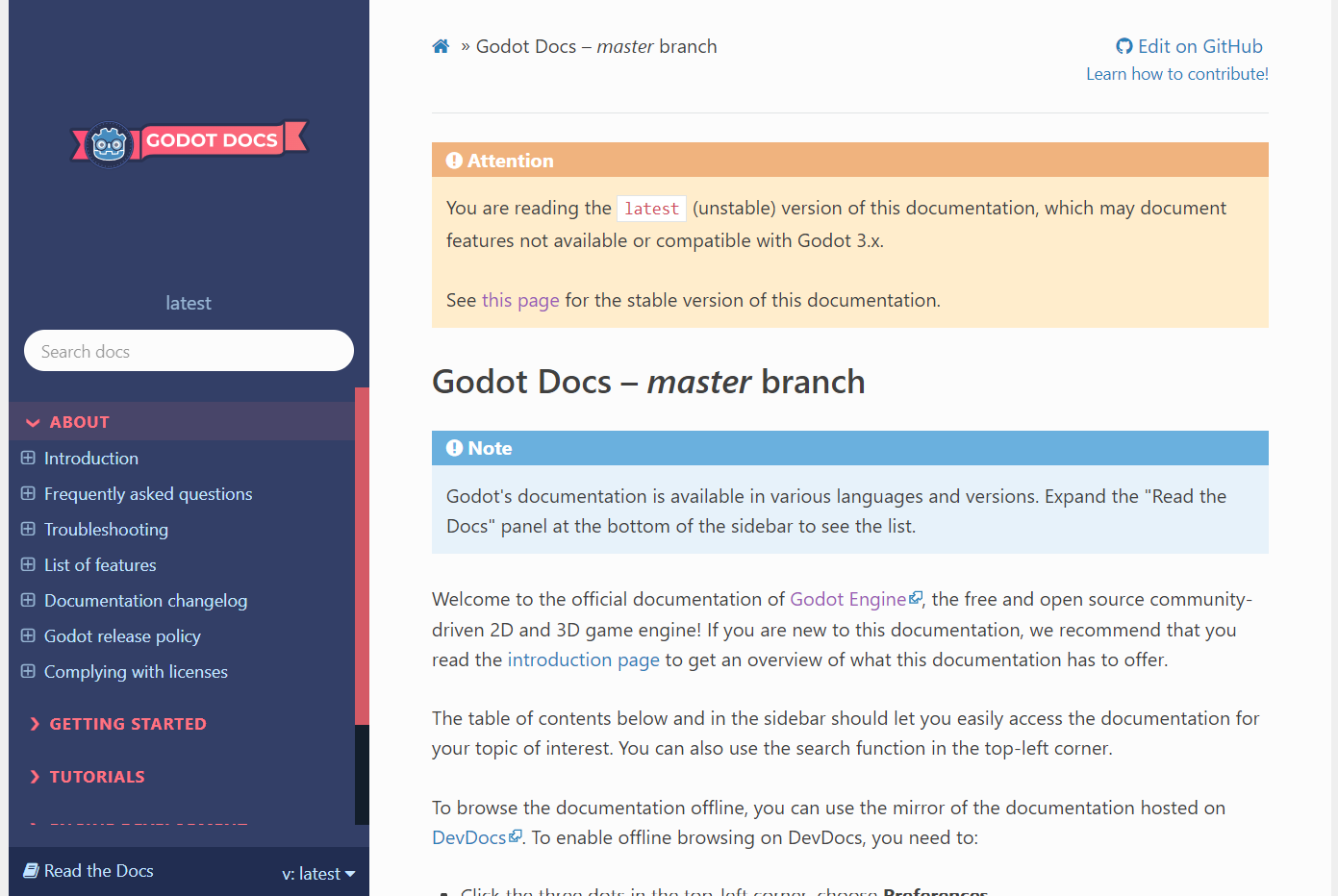 Meanwhile, on Chrome, I'm getting proper logo height, but the navigation side bar is still sitting as if a bigger logo was present.
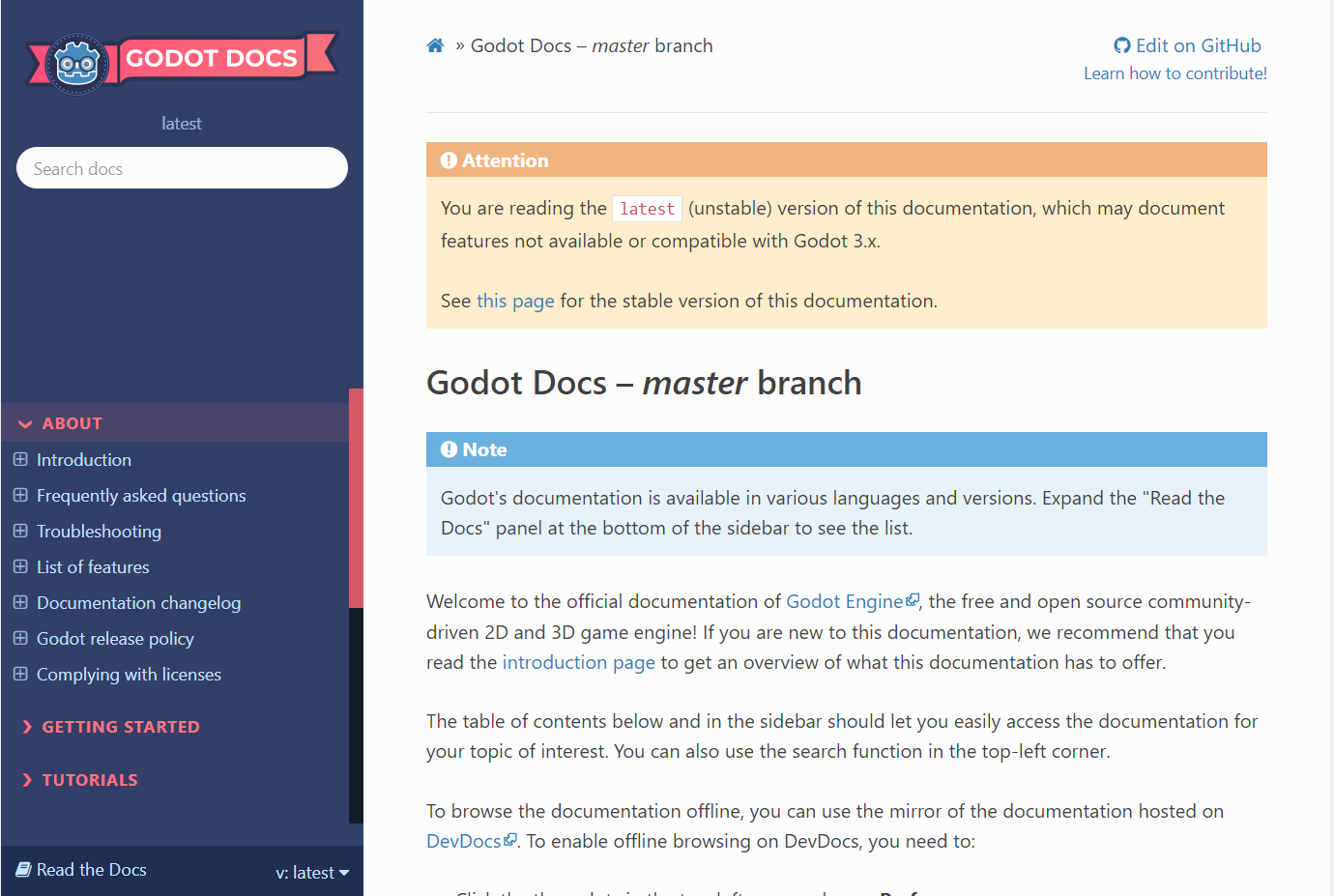 I've tested this on both Windows 11 and Linux (Manjaro).
@Patchcoat That's not a bug, just server-side cache on CSS and JS files. It takes about a day after it is deployed for every server to refresh its caches. We'll try some thing to force bust the cache soon, because this is kind of annoying.