
glue-jupyter
 glue-jupyter copied to clipboard
 glue-viz
Make a colormap selector for image viewer
The image viewer settings currently shows icons for the color of the layer in the layer list, and a text drop-down for the colormap:
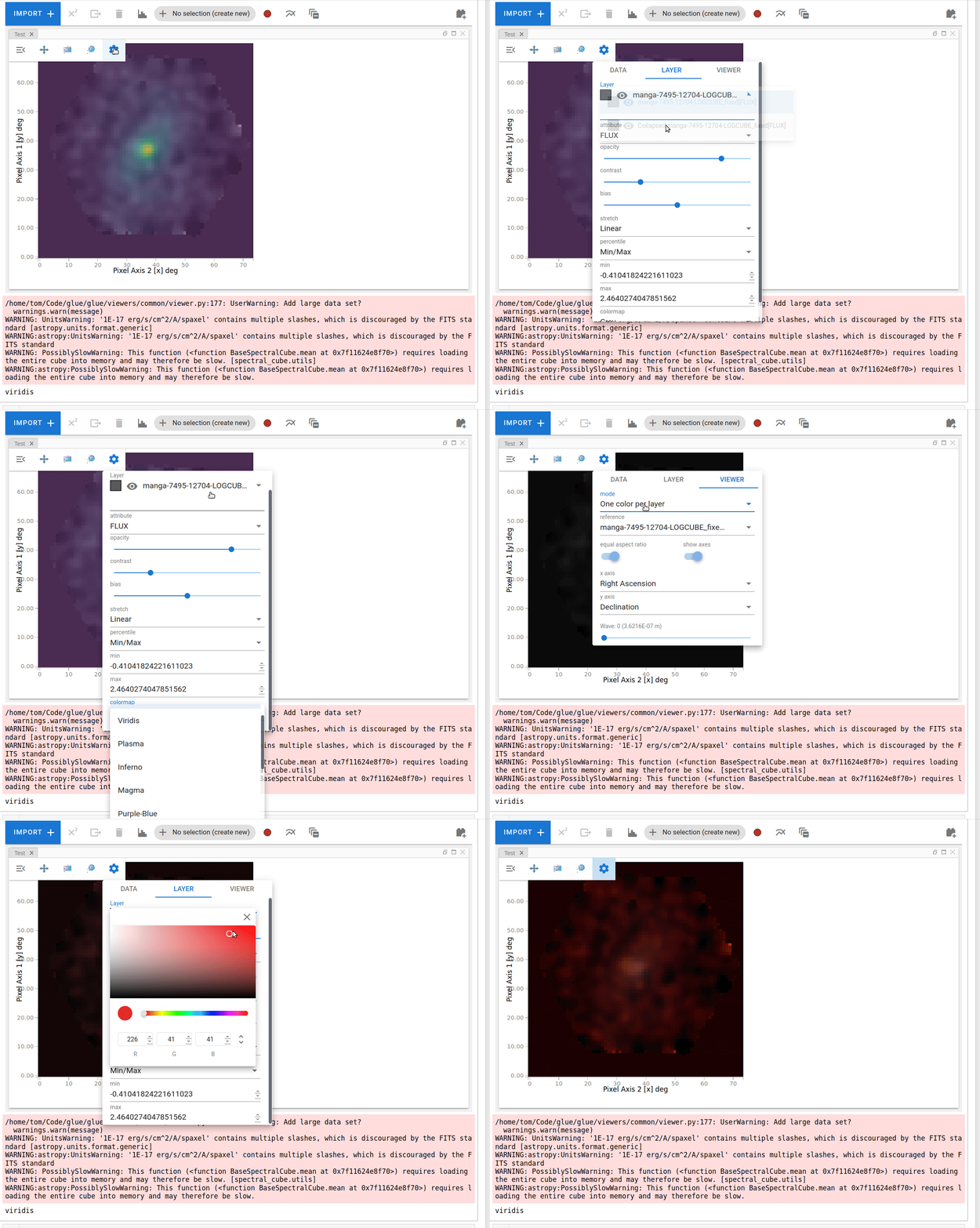
There are two modes for the image viewer - using colormaps, or using one color per dataset. The colormap dropdown is only relevant for the former mode, and the color box is only relevant for the latter.
In an ideal world, the color box next to each layer in the list should change to a selector for colormaps when in colormap mode, and we wouldn't have a separate colormap dropdown lower down, otherwise it's confusing to have colors shown that have no impact.
So I think there are two main questions here:
- How to show colormaps visually in vuetify and have a dropdown that allows them to be shown visually
- Using that instead of the color selector when in colormap mode
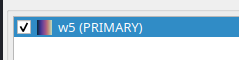
For comparison, in glue Qt the layer icon is a colormap:
and we have a separate colormap selector:
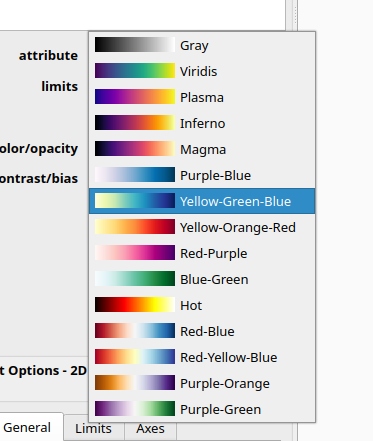
@mariobuikhuizen - what do you think would be the easiest way to go about this? I could adapt the JSON serialization to encode the colormaps in a particular format if that would be helpful?

Maybe we encode it efficiently in a (N-colormaps x 256) pixel image (base64 encoded in needed). Then we basically would stretch a 1 pixel high image to the right amount of height. So 1 image, shown N times, with a different 'offset'.

@maartenbreddels - that would be easy to generate from the glue side, so I'm happy to do that if @mariobuikhuizen confirms it would work from the vuetify side :)
@astrofrog that's possible :). It wouldn't even have to be an image, a list of rgb values would also be enough.
