
Guillaume Louel

Guillaume Louel
@Amir-Hass yeah that's exactly that one. Go to "Info" tab, then pick "Location" on the left, and disable it. 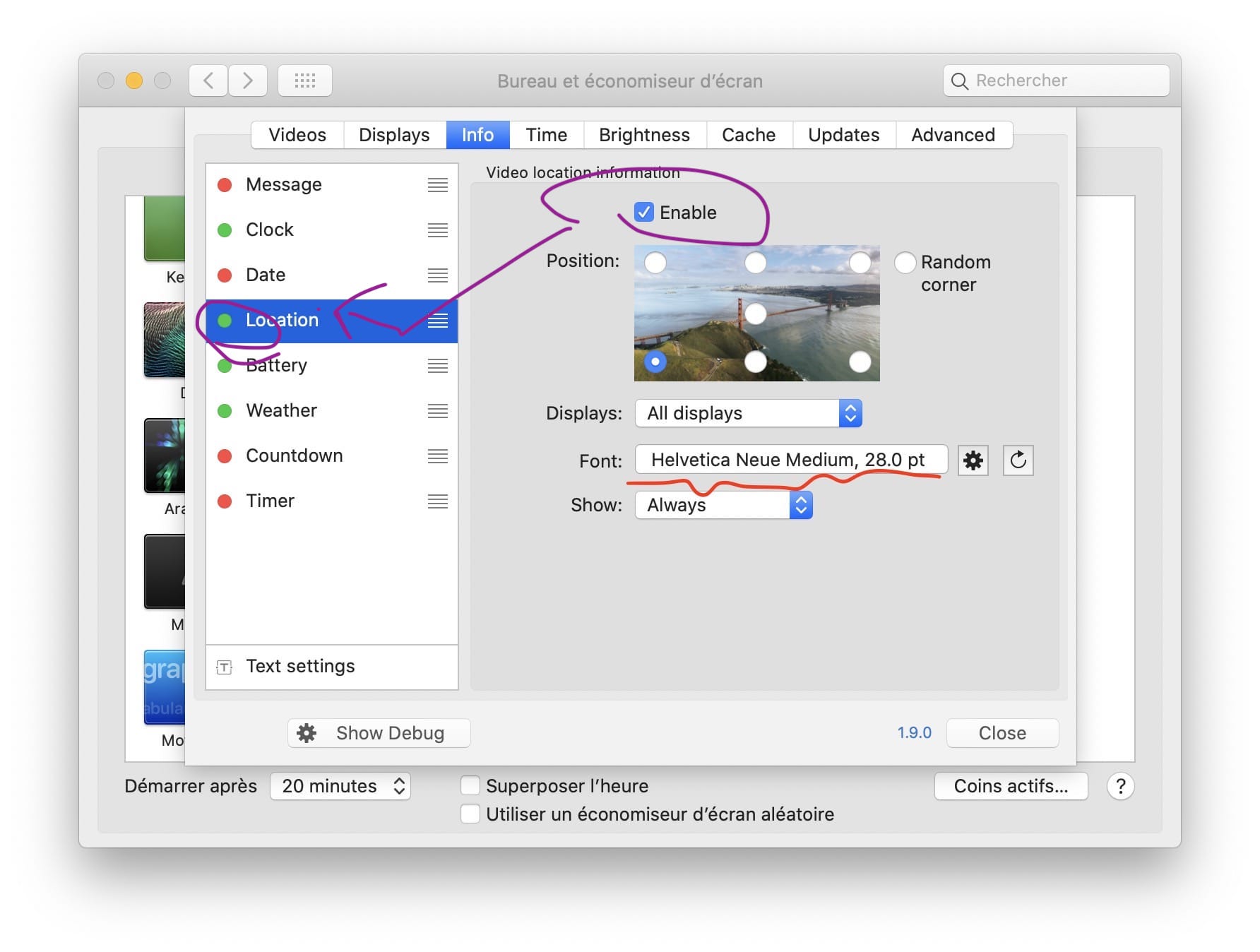 See what I circled in purple. It will go red...
> > I would suggest trying with the same one (Location). Here I set a random font, and after pressing the red circled button, it goes back to (in this...
> Yes, I can change fonts using the cogwheel button, but pressing the reset button will not adjust it to the defaults. I tried to reproduce in a VM with...
Hi @BenSokol & @richardstrong Sorry for the late reply, I need to double check something before answering you on this. Location is treated a bit specially in the code, as...
Hi @Jimmbo ! So I had a quick look, apparently the best way to do this would be to enable do not disturb when Aerial starts, and disable it when...
Hi @inopinatus Yep, that ability is indeed gone. I'll mark bringing this back as a enhancement for a future version, I had to make a few concessions for the new...
Hi @inopinatus I've made a small change in the meantime that, I think, makes it a little bit better. I changed how Random works, to a Random corner only, so...
Hi @DrMORO617 Right now it's a bit complicated to add random for all, mostly because there are no "events" for a random location except when Aerial or a new video...
@DrMORO617 one thing I've been thinking about, following your earlier message, is having a timer for like 30 secs for those other Info types, so that the clock would move...
HI @Gruberman So right now this is not available but we are working on exactly that here : https://github.com/JohnCoates/Aerial/pull/812 No idea when it will be available though. As a workaround...