
glints-aries

glints-aries copied to clipboard
 glints-dev
NumberInput calls onChange even if input does not conform to min, max, step requirements
NumberInput calls the onChange handler even if the input does not conform to the min, max and step requirements specified as its properties, so long as the input is numerical.
Please see this video recording for more details:
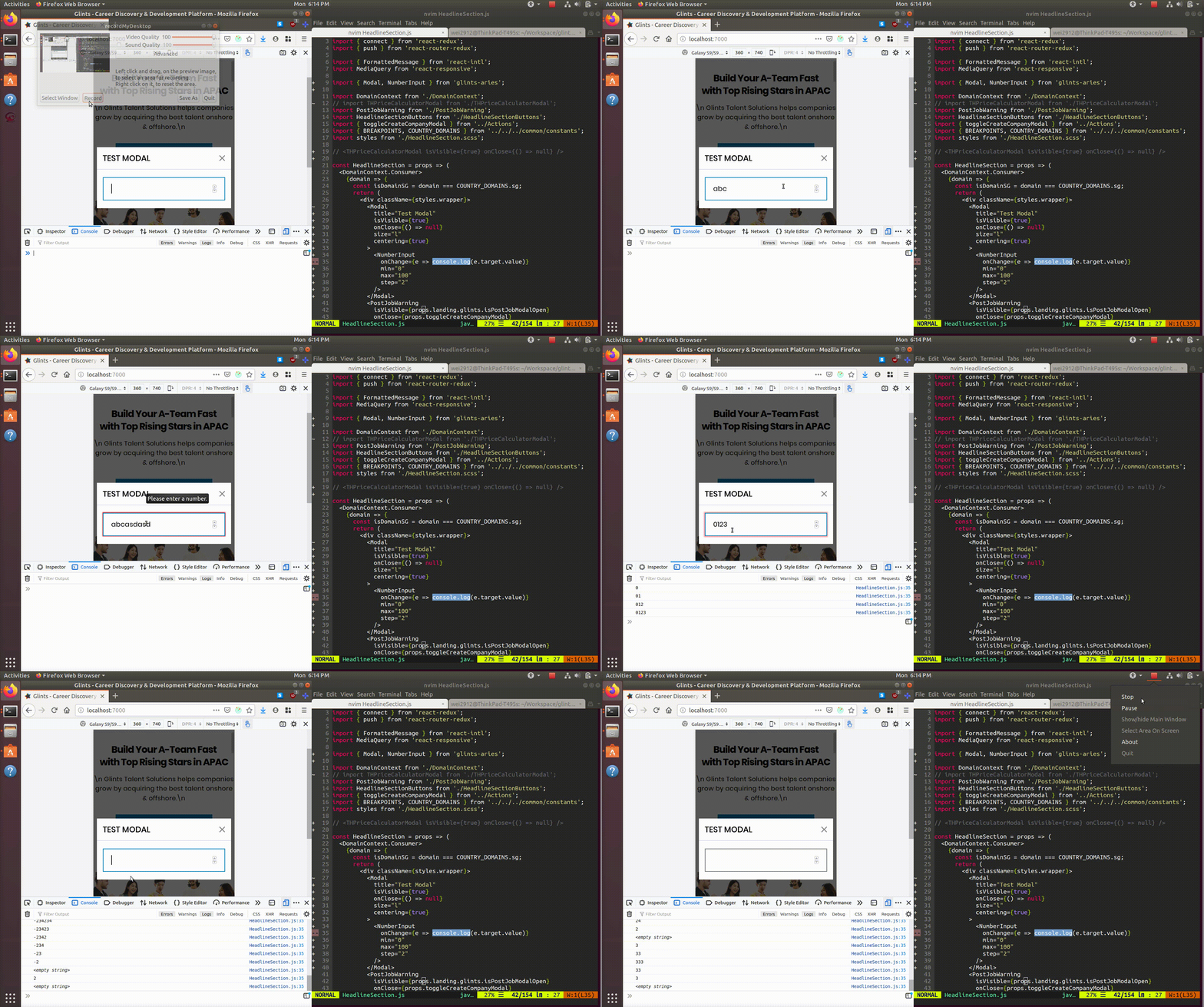
The following test code was used to produce the video recording:
<Modal
  title="Test Modal"
  isVisible={true}
  onClose={() => null}
  size="l"
  centering={true}
>
  <NumberInput
    onChange={e => console.log(e.target.value)}
    min="0"
    max="100"
    step="2"
  />
</Modal>

On second thought, it may not be a good idea to avoid calls to onChange for invalid input, as the component parent may want to make use of the invalid input for stuff like displaying error messages.
To be consistent, the input field should behave in either of these two ways:
-
onChangeis always called for changes in the input, even if invalid input is entered (including numerical and non-numerical input) -
onChangeis only called for changes in the input that result in a valid input (i.e. numerical input satisfying themin,maxandsteprequirements)