

 gitpod-io
Bad top menu when trying to use an expired Team invite
Bug description
When you try to use a Team join invite that has expired (~was revoked) or no longer exists, you see this error page:
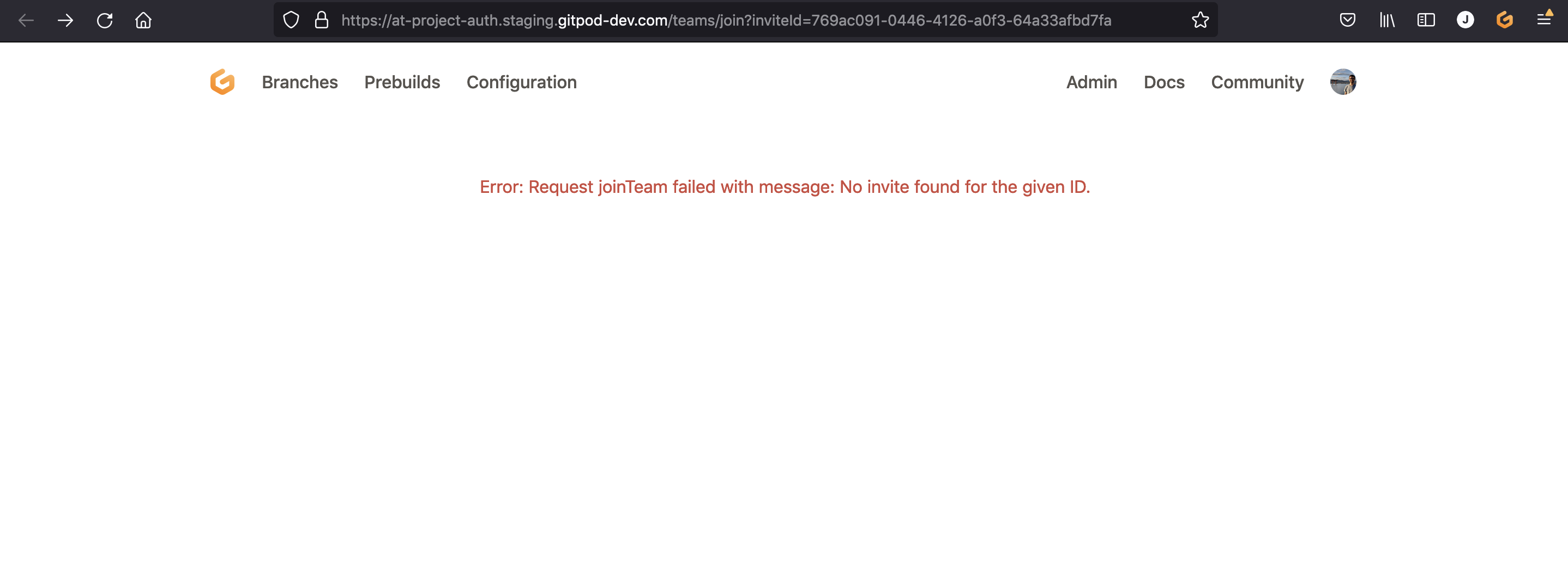
If you pay close attention to the top menu, it makes no sense (Branches? Prebuilds? Configure? 😳)
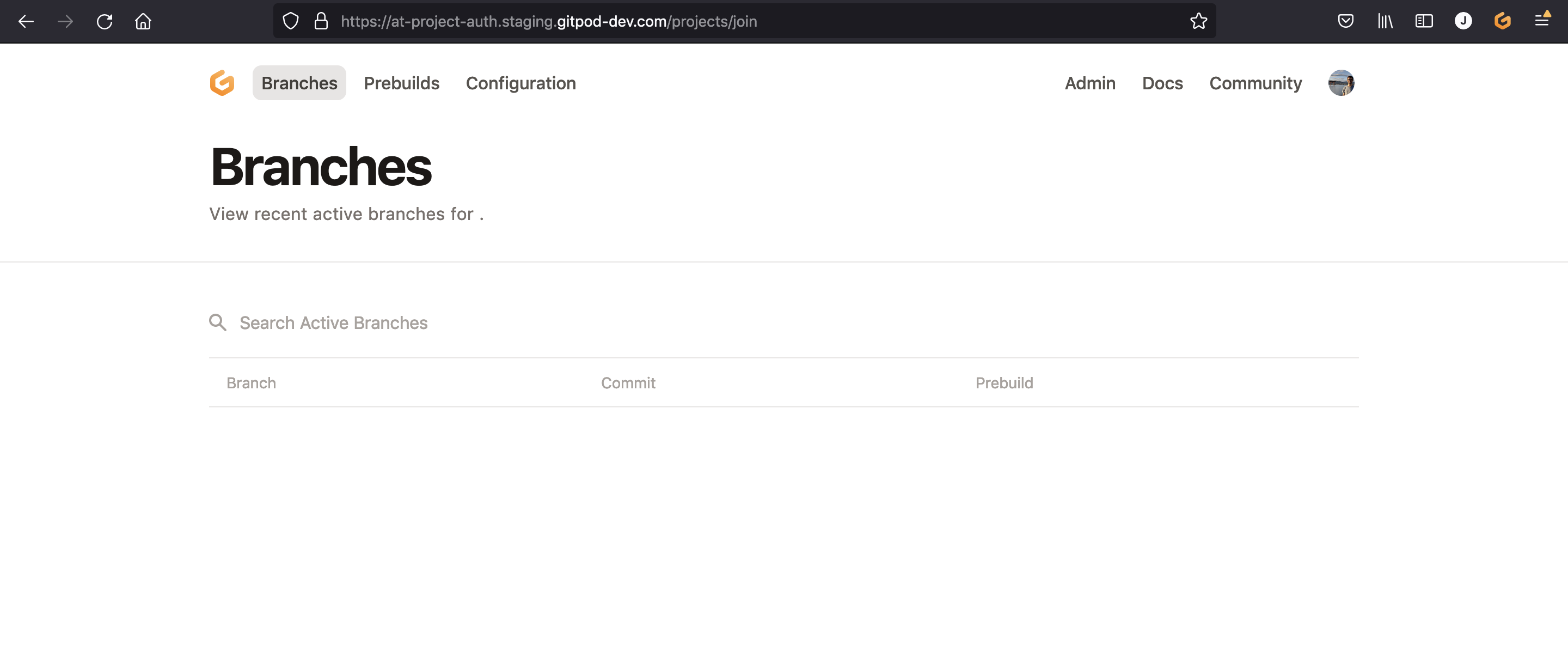
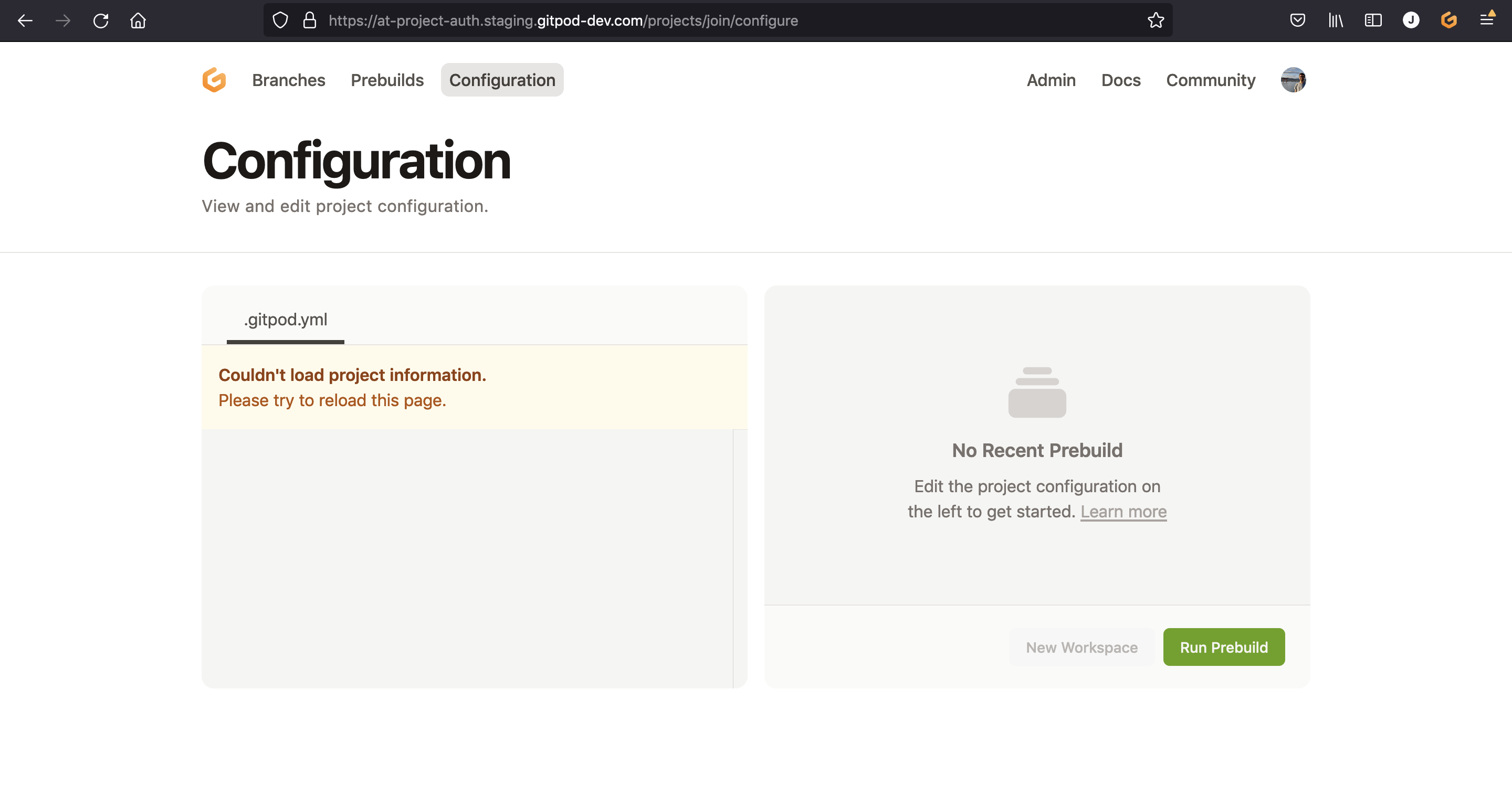
If you try to click these, they lead to empty pages that also make no sense:
Steps to reproduce
- Try to use an in-existent or expired invite link, e.g. https://at-project-auth.staging.gitpod-dev.com/teams/join?inviteId=769ac091-0446-4126-a0f3-64a33afbd7fa
- Observe/try the top menu
Expected behavior
The top menu should not be a team menu.
Maybe it could be a "minimal" menu? As configured here:
https://github.com/gitpod-io/gitpod/blob/60a93e7f2f8ecce5da7cda270c0a655903d37c00/components/dashboard/src/Menu.tsx#L69-L70
Example repository
No response
Anything else?
No response

This issue has been automatically marked as stale because it has not had recent activity. It will be closed if no further activity occurs. Thank you for your contributions.
![stale[bot] avatar](https://avatars.githubusercontent.com/in/1724?v=4 "Published by a pub.dev verified publisher")
This is still relevant. Going with the minimal top menu here could suffice. Cc @jldec
Additionally, a better error page could also suffice. Alternatively, redirecting to the previously selected team and showing a (toast) notification could be a good alternative. 💭
