
obsidian-tabs
 obsidian-tabs copied to clipboard
 gitobsidiantutorial
Tab Management ( Bug Report + Feature )
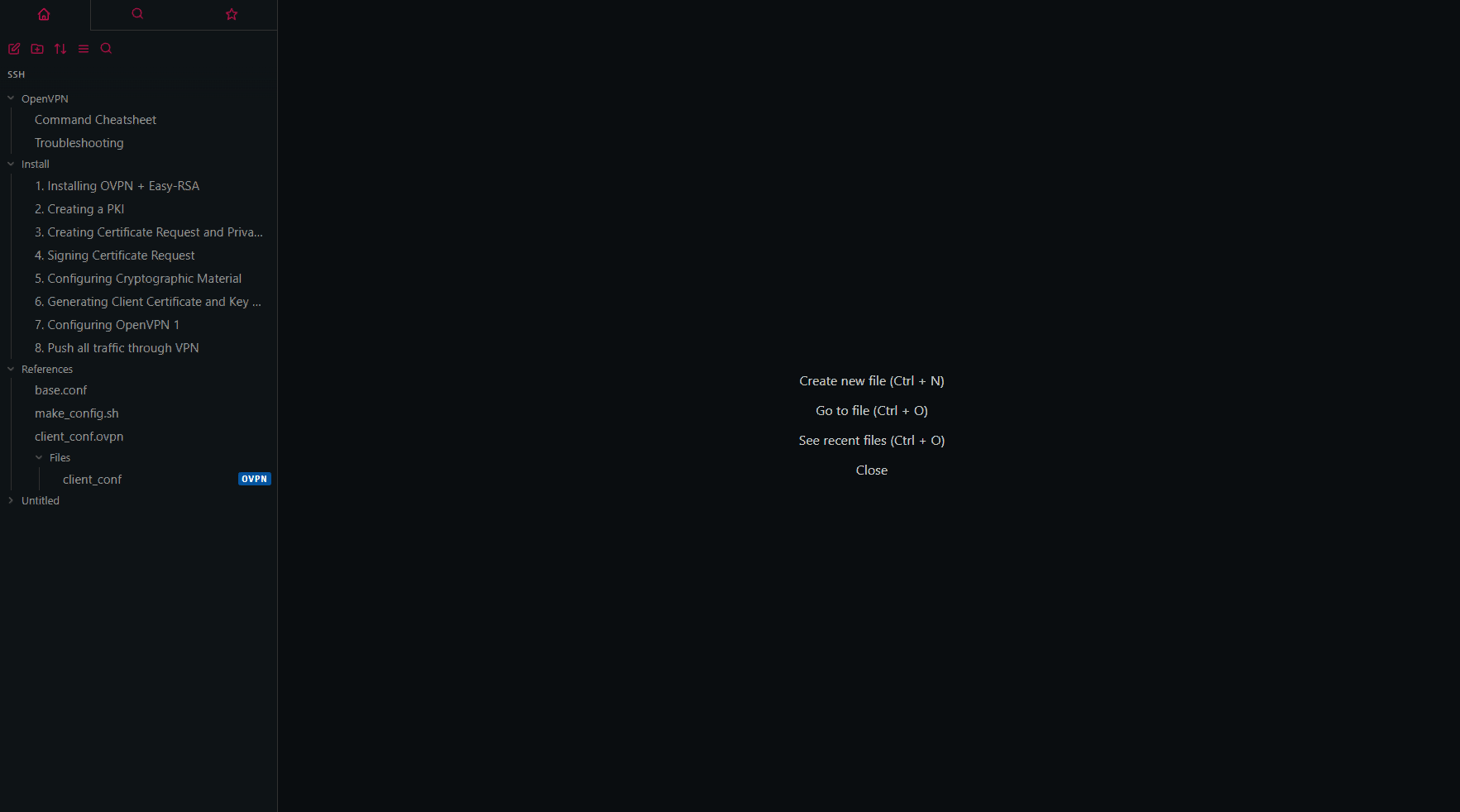
If you start out with a completely blank interface with only the list of documents on the left, and nothing opened in the middle; you see:
When you open a document; there's two things that occur.
Anomaly 1
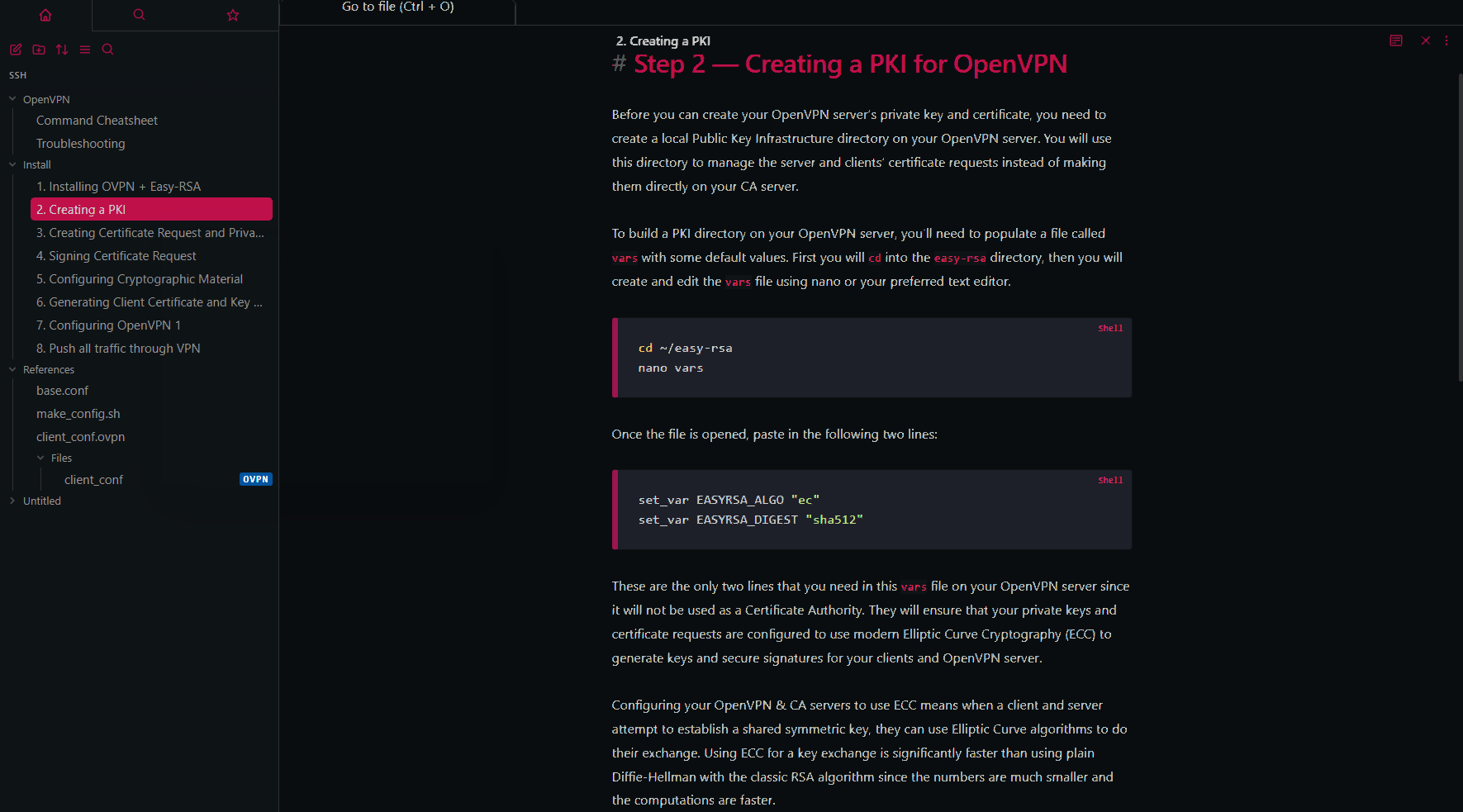
Doing CTRL + Click on the very first document you open, makes a tab appear at the top but it shows as:
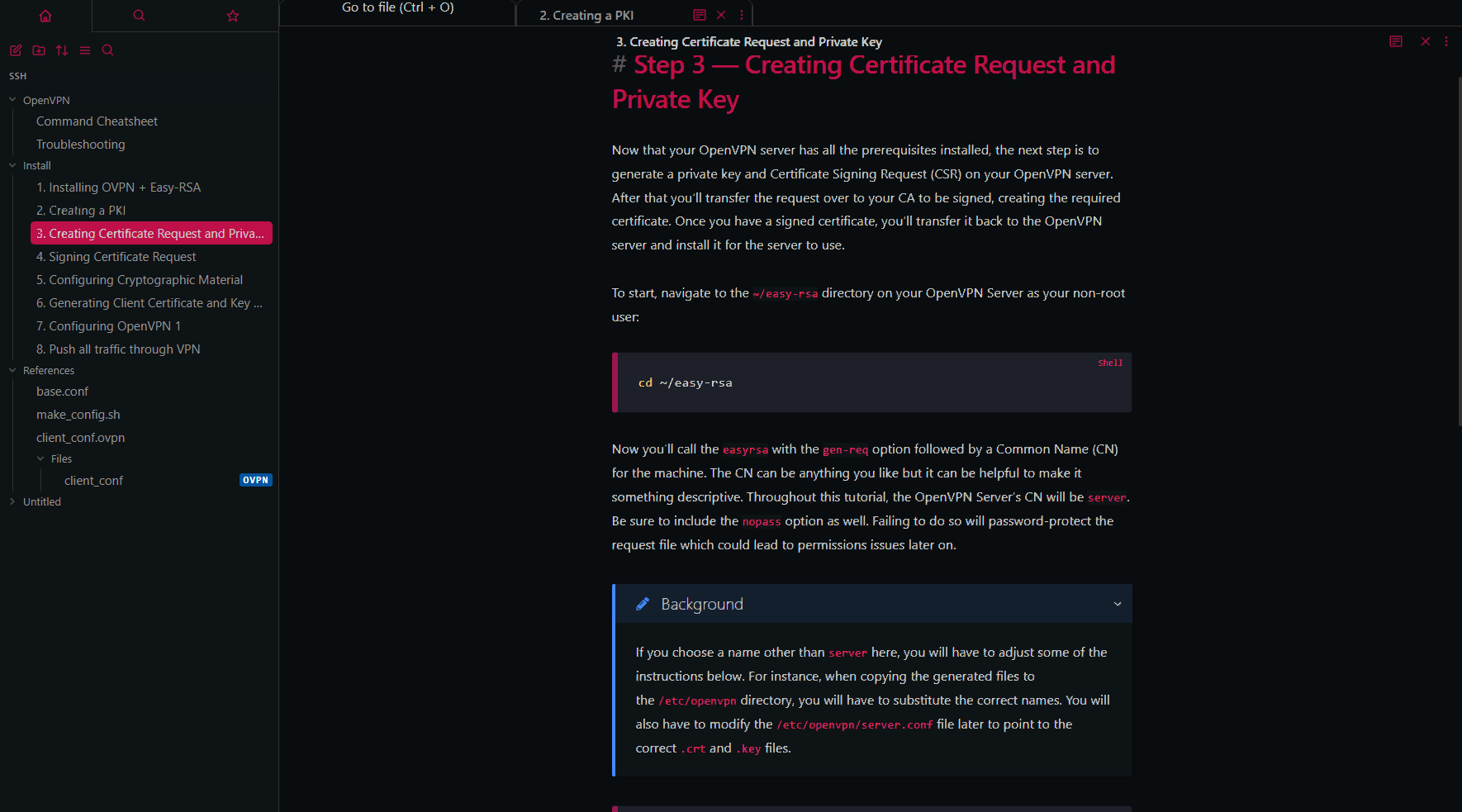
Then if you immediately open a 2nd document with CTRL + Click, it adds another tab:
Anomaly 2
Start with a blank interface again with no documents open. Do a regular click on the first document to open it which makes it appear as normal:
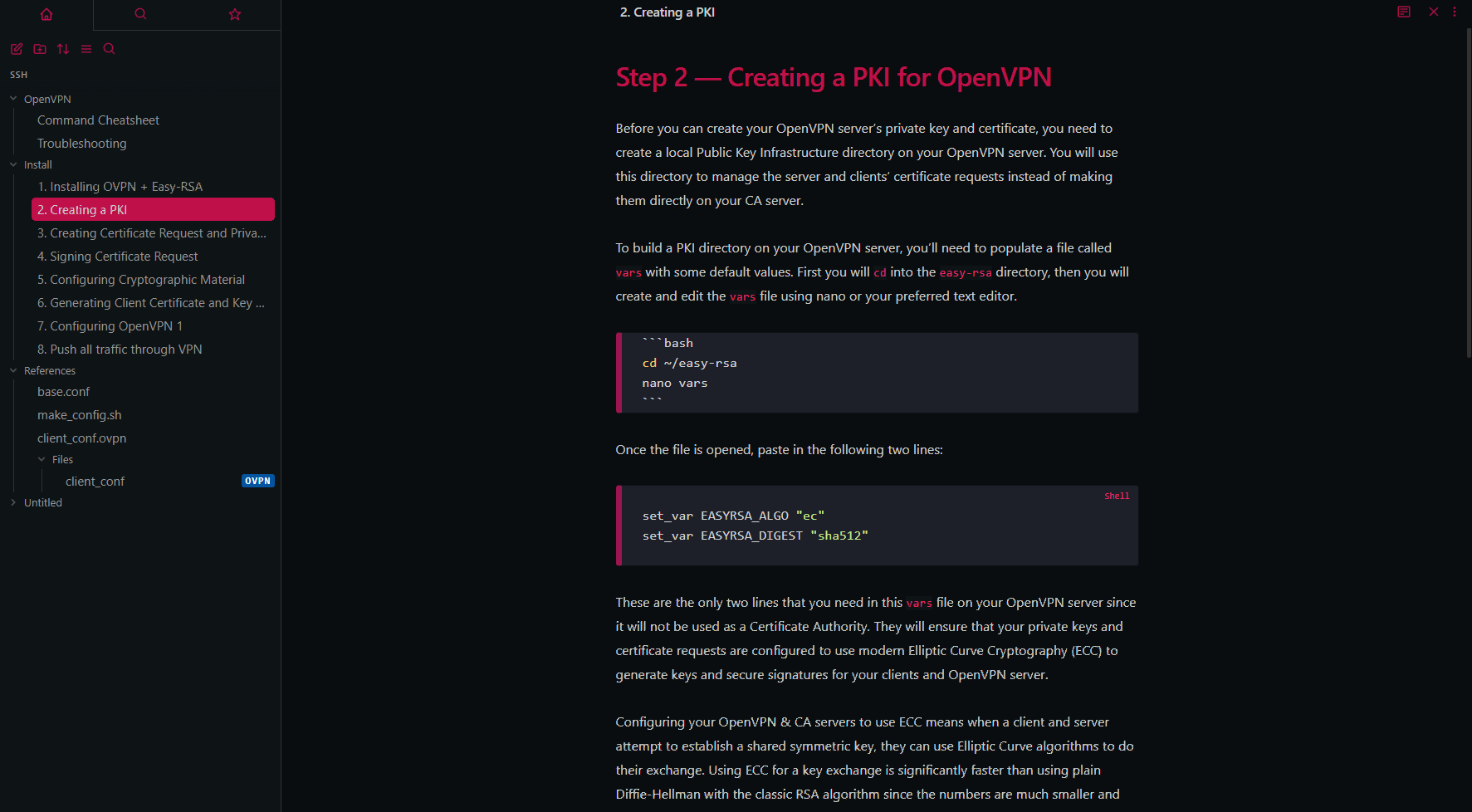
First document opens fine, but then if you CTRL + Click to open a 2nd document in it's own respective tab:
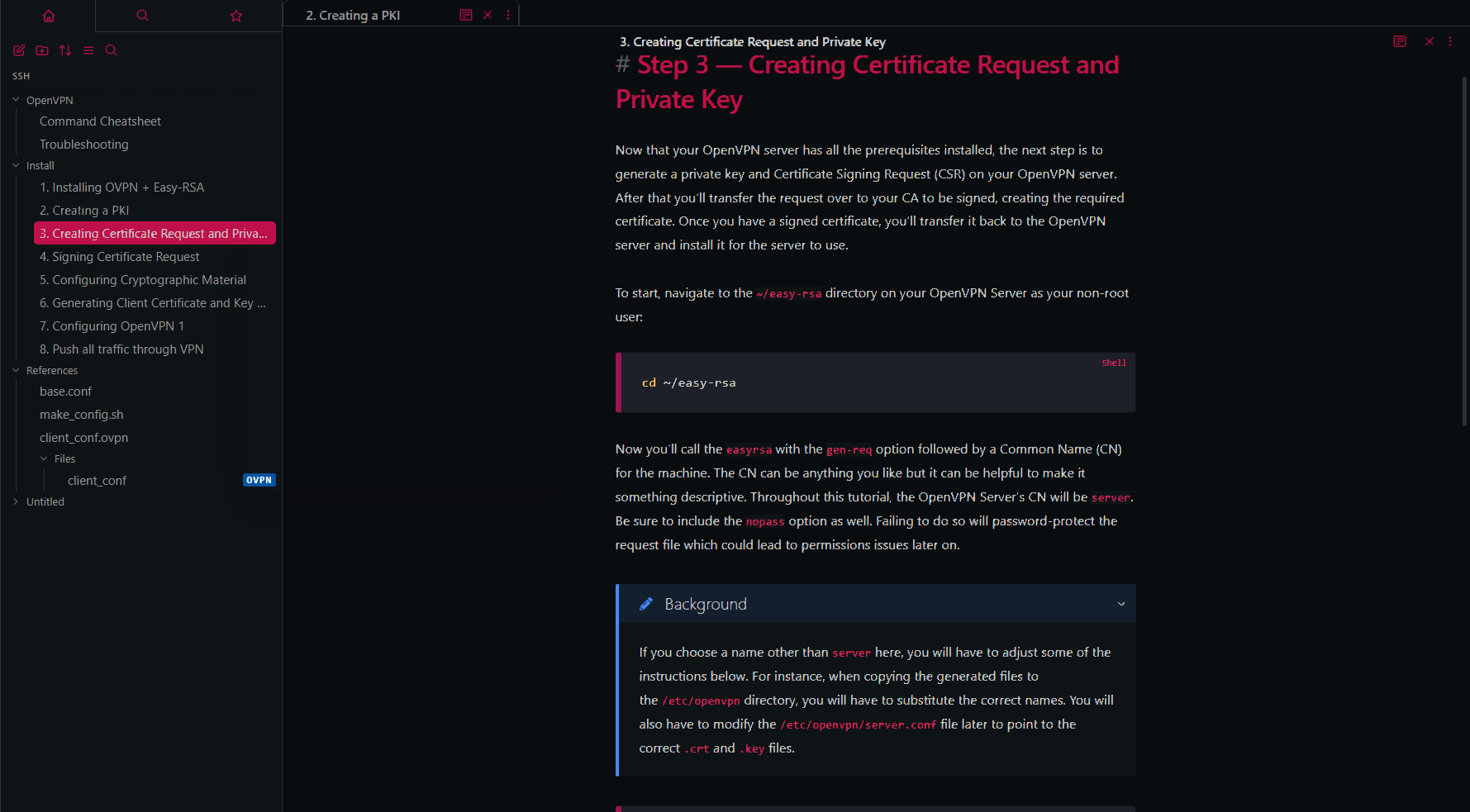
It adds the tab at the top, however, there's only one tab showing the name of the 1st document opened, while the preview interface shows the content for the 2nd document opened.
Then if you click the only tab at the top, that tab switches you from the 2nd document you're viewing, back to the first, and then the tab shows the name of the 2nd document.
https://user-images.githubusercontent.com/13498846/183941256-a0c76585-fe52-4c57-987c-e91ce3f4bb46.mp4
Anomaly 2 (Request)
It would be much better to simply have each document open in a respective static tab where the name does not switch which makes it confusing to keep track of.
An example of this functionality would be how Visual Studio Code handles tabs. Each opened document gets its own respective static tab. Once you click a tab for a document, the tab simply becomes darker and the others grey out to clearly indicate which tab you are viewing.
This plugin changing the name on the tab makes it very confusing to figure out.
