
docs
 docs copied to clipboard
 github
Add git lfs link or description to "Adding a file to a repository" page
Code of Conduct
- [X] I have read and agree to the GitHub Docs project's Code of Conduct
What article on docs.github.com is affected?
https://docs.github.com/en/repositories/working-with-files/managing-files/adding-a-file-to-a-repository
What part(s) of the article would you like to see updated?
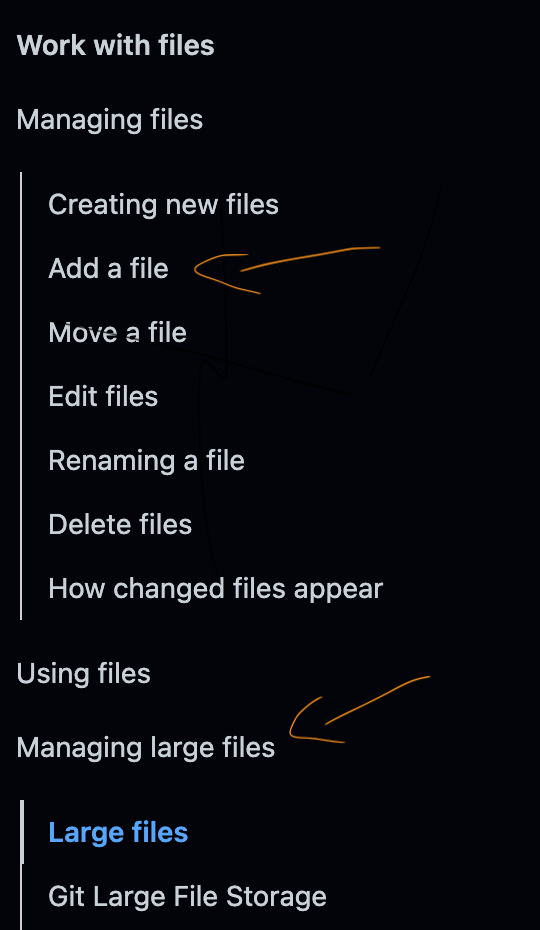
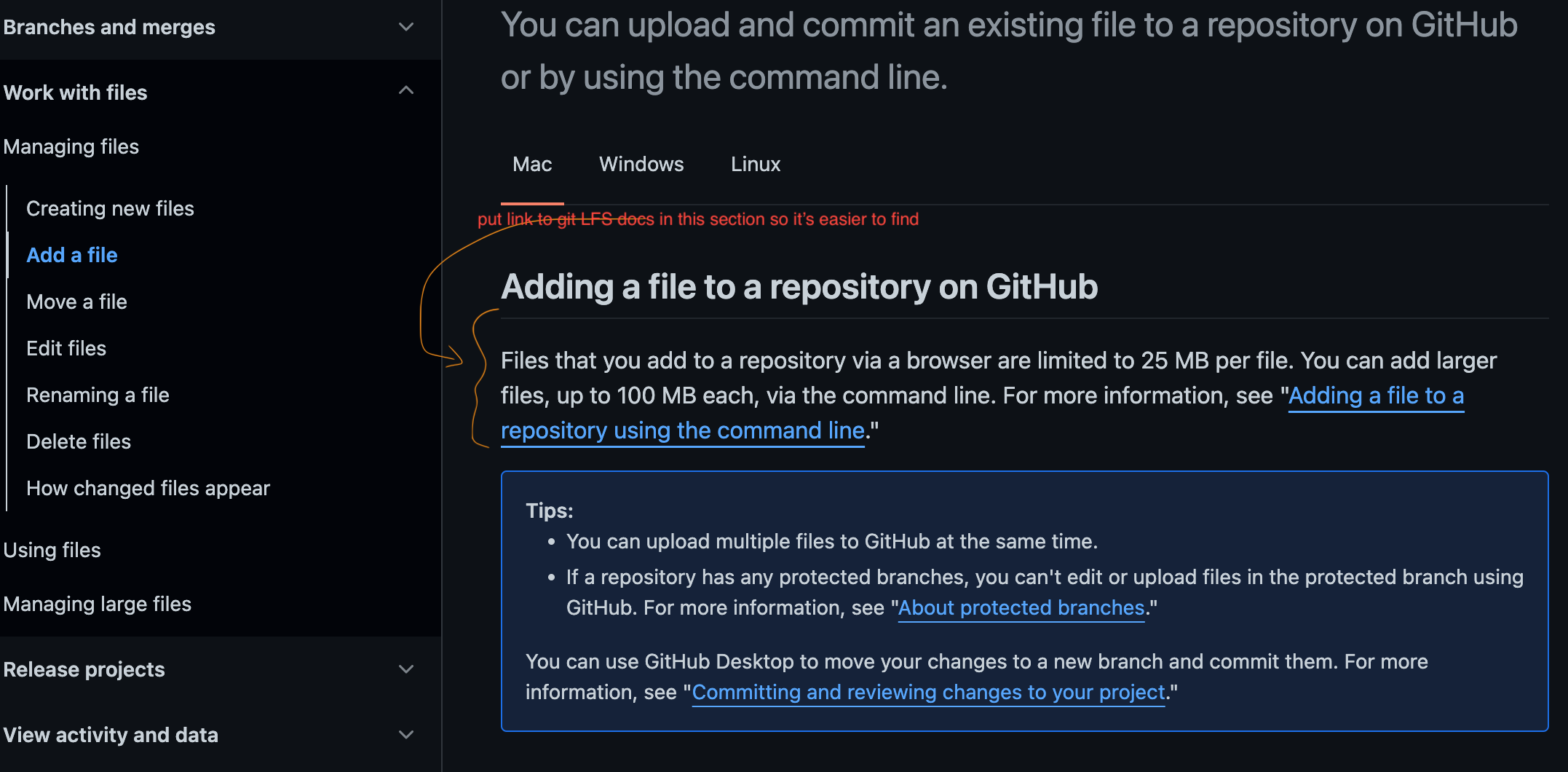
Adding a link to the top of the page that takes the user to this page: https://docs.github.com/en/repositories/working-with-files/managing-large-files/about-large-files-on-github This would be helpful because it provides easier access to the git LFS documentation in case users want to upload files greater than 100 MB in size. Right now the "managing large files" section is a tab on the left sidebar, but it may not be intuitive for people to look their if they are wondering how to add files greater than 100mb to Github
Additional information

@vedantsinghania05 Thanks so much for opening an issue and providing great detail! I'll triage this for the team to take a look :eyes:

Hi @vedantsinghania05, thanks for opening this issue! I agree that it would be helpful to include a link to the "About large files on GitHub" article.
You or anyone else is welcome to open a PR to add the following text at the end of the first paragraph in "Adding a file to a repository" (in the section "Adding a file to a repository on GitHub"):
To add files larger than 100 MB, you must use Git Large File Storage. For more information, see “About large files on GitHub.”
So the full paragraph would read:
Files that you add to a repository via a browser are limited to 25 MB per file. You can add larger files, up to 100 MB each, via the command line. For more information, see "Adding a file to a repository using the command line." To add files larger than 100 MB, you must use Git Large File Storage. For more information, see “About large files on GitHub.”
💡 Tip for whoever opens this PR: You will need to use variables.
