

 git
git
Code blocks not rendered properly in smaller screens
I noticed an issue in which the code block in the "git log --oneline improvements" section renders badly in smaller screen. Further it also breaks the single-pagedness of the website. As a consequence, one might have to zoom in to read the post and scrolling might take you to empty space in the right. Screen shots:
-
Desktop view:

-
Mobile view (iPhone SE resolution)
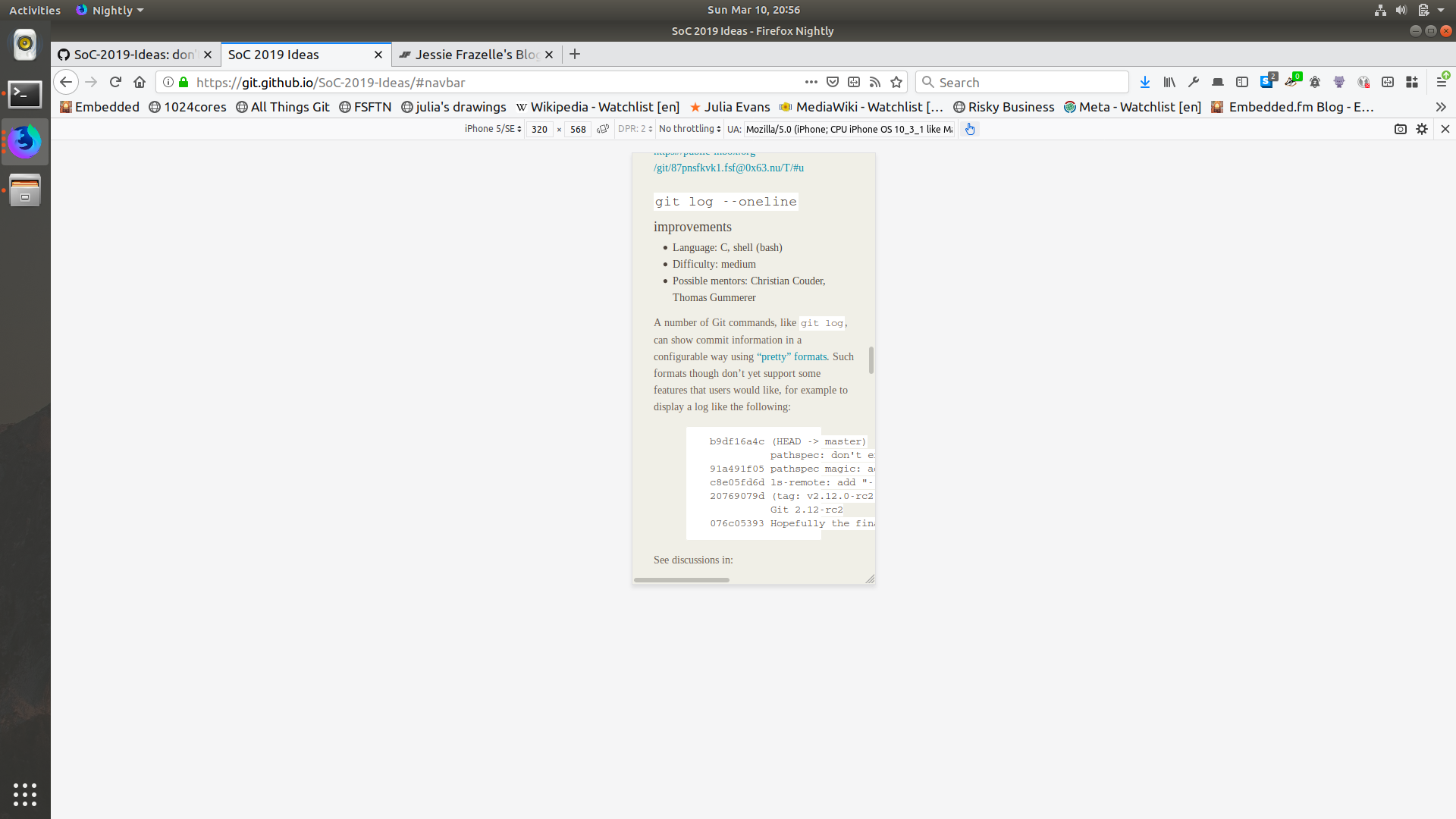

Note the scroll bar in the bottom of the page.
It would be nice to fix this by making the code blocks render in such a way that the code within the block is scrollable rather than the whole page being scrollable.
Note: Initially mentioned in https://github.com/git/git.github.io/pull/366#issuecomment-471316738


Hi Kaartic,
thank you for bringing up the issue - I fully support your view. Unfortunately, I fail to understand how we could change the GitHub [standard] markdown --> HTML formatting in a way that it creates scrollable boxes for code blocks. Any ideas/hints?
Best regards, Markus a { cursor: text; }

Actually, I created this issue just because I didn't have any ideas about how to go about it :-).
Anyways, I was thinking this could be solved by tweaking the theme of the blog somehow.