

 giandifra
android x
Hi @giandifra ! Congrats on the advances on the repo. Here is what I get from debug : "The Gradle failure may have been because of Android."
https://flutter.dev/docs/development/packages-and-plugins/androidx-compatibility

Hi @giandifra ! Congrats on the advances on the repo. Here is what I get from debug : "The Gradle failure may have been because of Android."
https://flutter.dev/docs/development/packages-and-plugins/androidx-compatibility
Hi, thank you very much. I migrate the example to AndroidX. clustering_google_maps is a package not a plugin, i haven't Android folder in package

Thanks for the quick reply. It tested again, it failed again. Issue actually came from the API key in Android Manifest : l32 & 33
I commented out these two lines and debug succeeds, but whether I load db or memory with fake data I get blank screen. I assume I should add my own android.geo.API_KEY ?
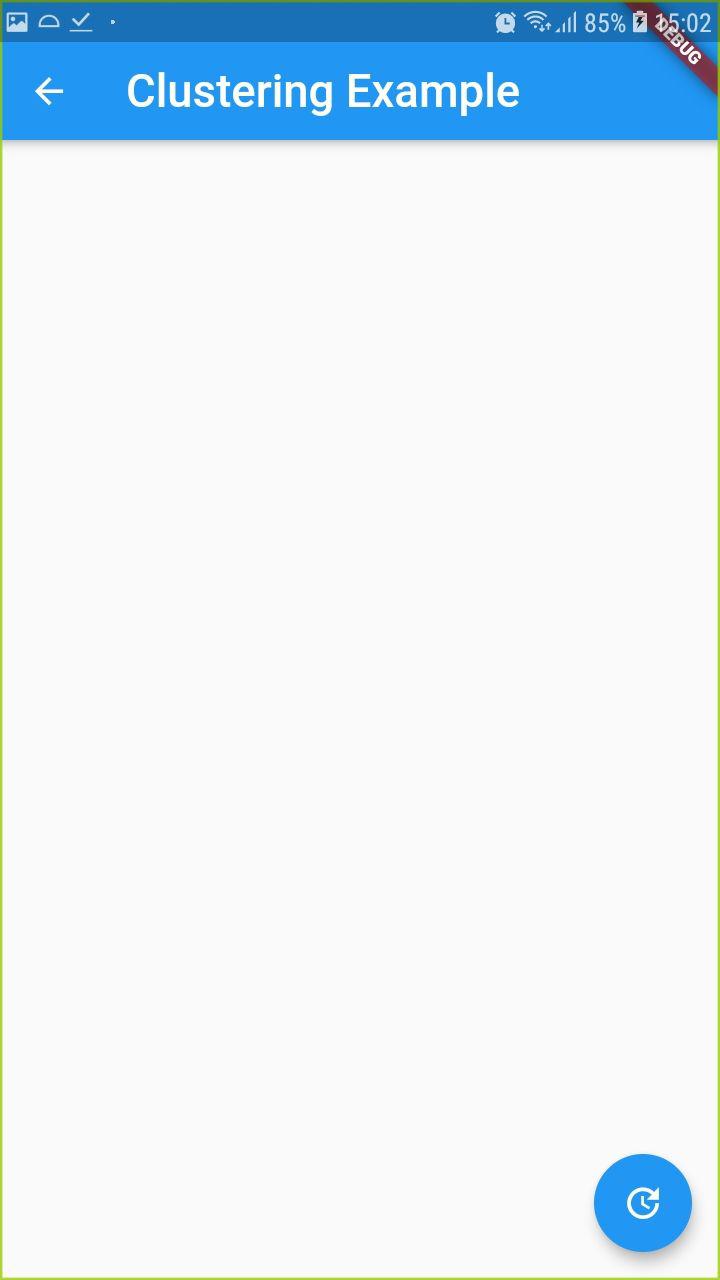

Hi @giandifra, Should I configure android repo with my own API key ? Do I get it from firebase or from google API ?
Hi @926,
you must insert Google Maps Api key in the AndroidManifest.xml file.
<meta-data android:name="com.google.android.geo.API_KEY" android:value="API_KEY"/>
You can retrieve api key from Google Api.
Hi @giandifra,
Here are all the free geo APIs available on Google :
- Directions API
- Distance Matrix API
- Geocoding API
- Maps Elevation API
- Maps Embed API
- Maps JavaScript API
- Maps SDK for Android
- Places API
The Geolocation API starts at 5 USD / month. Is it the one ?
You must find Google Maps API, to be used you need of credit card, but don't worry , it's free for use the simple maps on mobile devices
Hi @giandifra thank for quick reply. Sorry but there are multiple APIs available for android. Hence the list. I already input card details, but the listed APIs I find required monthly subscription. Would you be able to share snapshot of the page to guide me ?