
umbrel
 umbrel copied to clipboard
 getumbrel
App Submission: Homebridge
App Submission
App name
Homebridge
Version
1.4.0
One line description of the app
(max 50 characters)
HomeKit support for the impatient.
Summary of the app
(50 to 200 words)
Homebridge allows you to integrate with smart home devices that do not natively support HomeKit. There are over 2,000 Homebridge plugins supporting thousands of different smart accessories.
Developer name
Homebridge Contributors
Developer website
https://homebridge.io/
Source code link
(Link to your app's source code repository.) https://github.com/homebridge/homebridge https://github.com/oznu/docker-homebridge
Support link
(Link to your Telegram support channel, GitHub issues/discussions, support portal, or any other place where users could contact you for support.) https://github.com/oznu/docker-homebridge/issues https://github.com/homebridge/homebridge/issues https://discord.com/invite/kqNCe2D https://www.reddit.com/r/homebridge/
Requires
- [ ] Bitcoin Core
- [ ] Electrum server
- [ ] LND
256x256 SVG icon
(Submit an icon with no rounded corners as it will be dynamically rounded with CSS. GitHub doesn't allow uploading SVGs directly, so please upload your icon to an alternate service, like https://svgur.com, and paste the link below.)
https://github.com/homebridge/branding/blob/master/logos/homebridge-color-square.svg
Gallery images
(Upload 3 to 5 high-quality gallery images (1440x900px) of your app in PNG format, or just upload 3 to 5 screenshots of your app and we'll help you design the gallery images.)
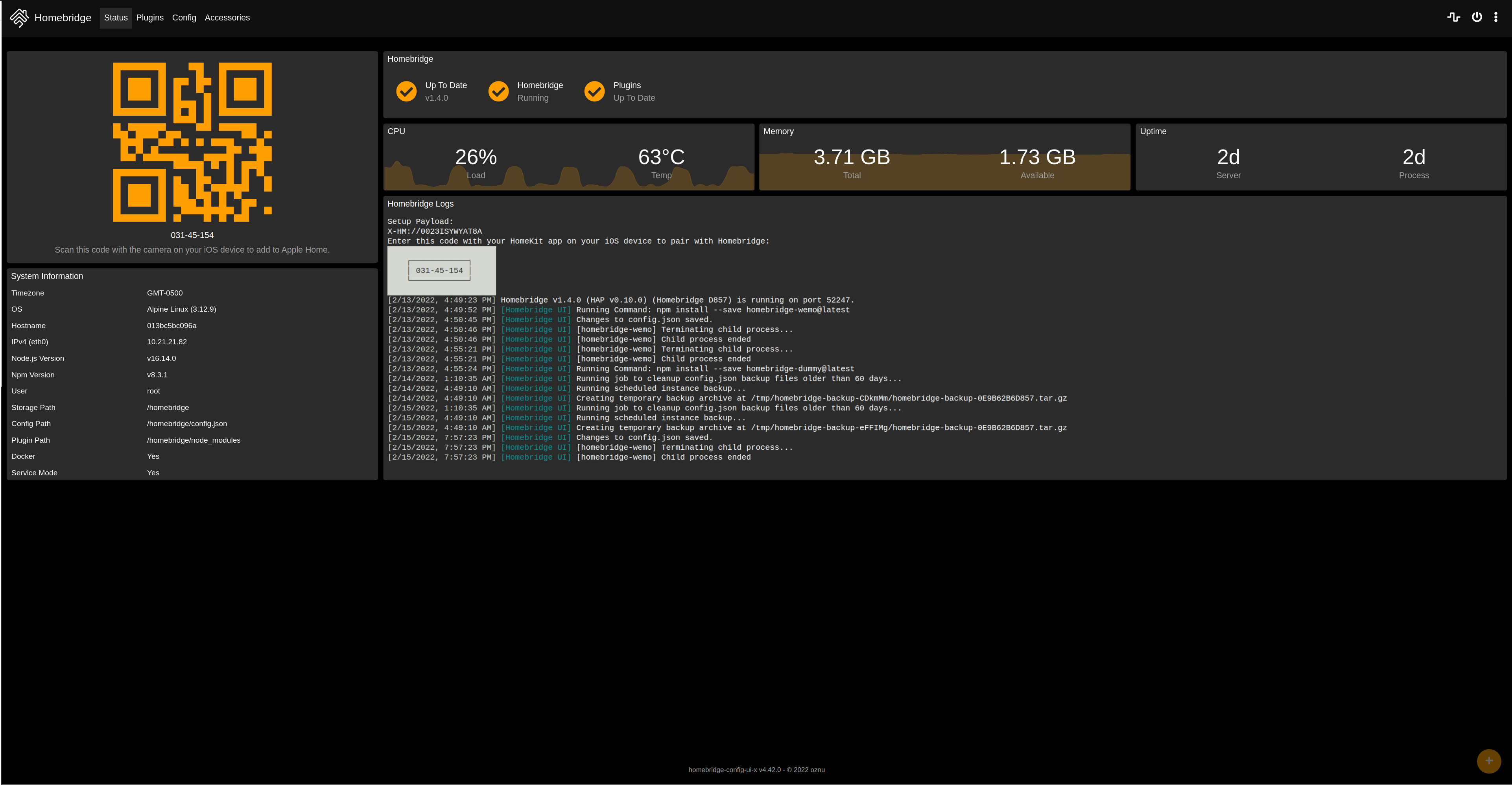
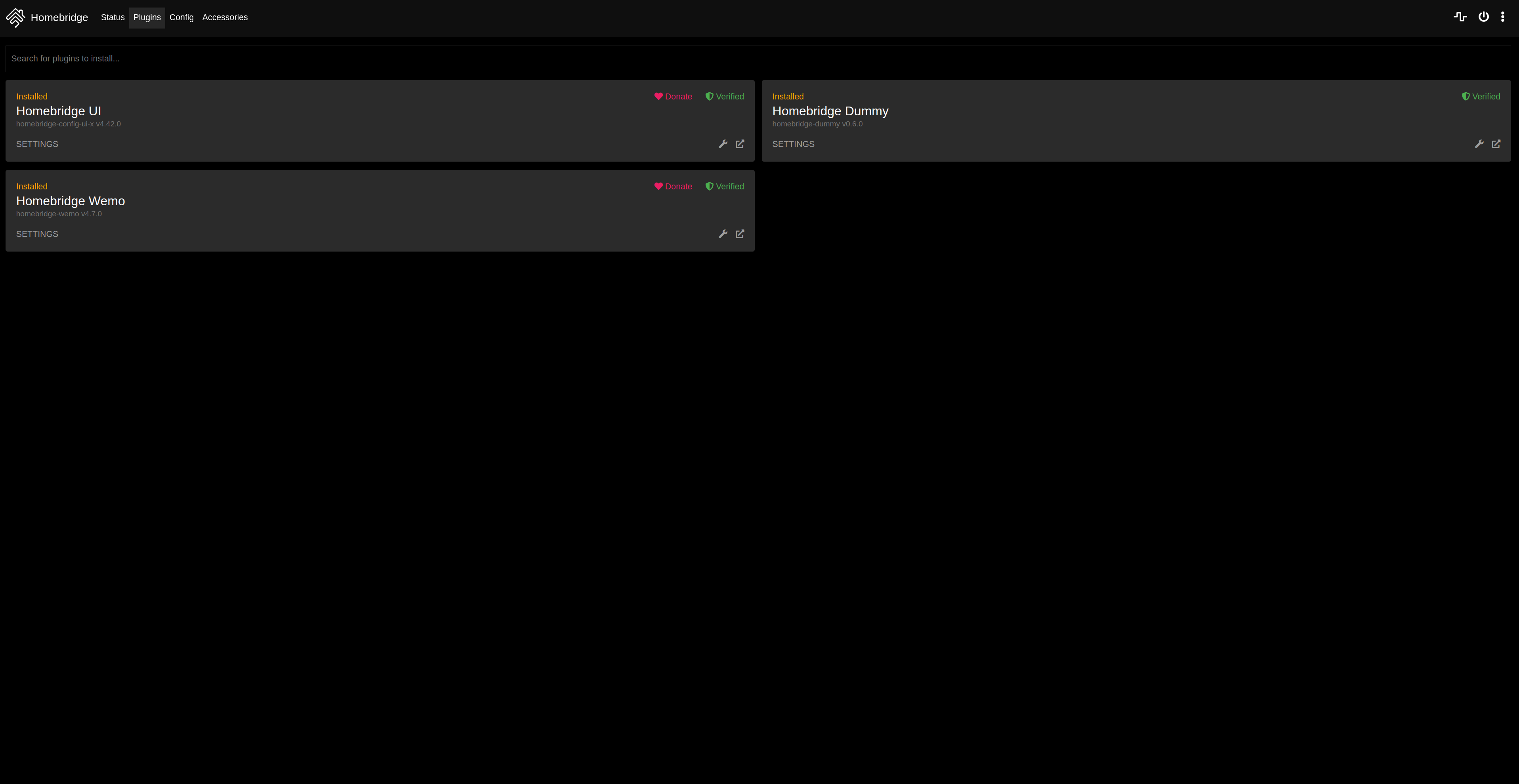
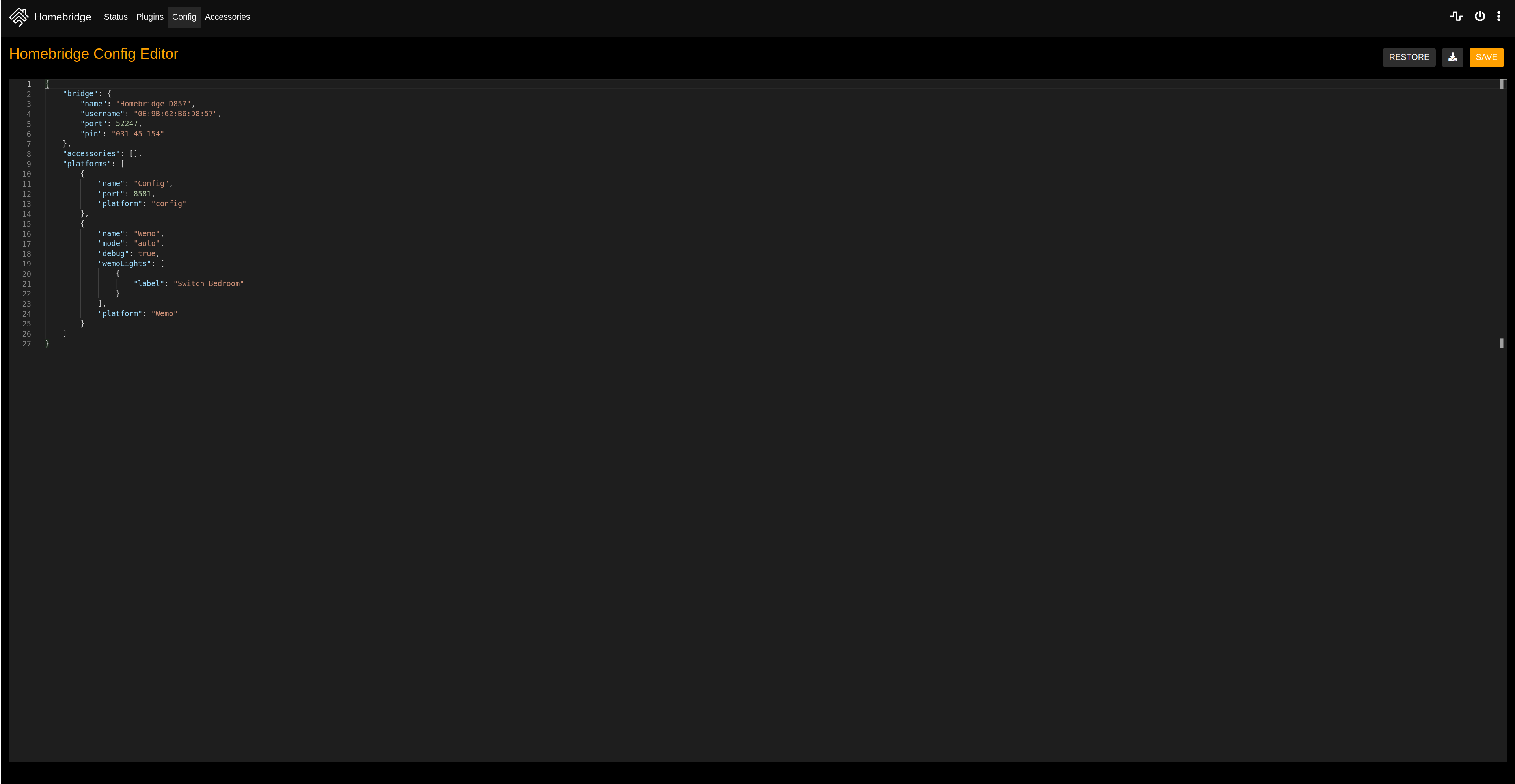
I have tested my app on:

All credit go to @oznu for the docker image and @homebridge for the app.
Wow this looks awesome!
Thanks for submitting @simoncrypta will review ASAP.
How are plugins managed in Homebridge, would the user need to install plugins via CLI or is it all installable from the UI?

How are plugins managed in Homebridge, would the user need to install plugins via CLI or is it all installable from the UI?
I tried with the UI and that works totally fine. I guess it can work with the web CLI inside the app also.
Thanks so much for working on this @simoncrypta!
Unfortunately I couldn't get it to connect to my iPhone, HomeKit failed after a while with "Accessory Not Found". Looking into it, it looks like the Homebridge container needs access to host networking to work:
https://github.com/oznu/docker-homebridge/tree/71e8eb26d4ee8eeb1adf0972b70e70ef261c3858#compatibility
After enabling this I was able to connect.
However we don't allow apps access to host networking for safety reasons. We're working towards locking down the app sandbox so each app will be run on it's own isolated network. The idea being if one app is compromised, the attack is limited to just that app and it isn't able to ping containers from other apps and potentially compromise them too. Giving Homebridge access to host netwokring would undermine this.
Do you know what exactly Homebridge is doing that requires host networking? I guess something to do with discovery? We can expose ports from the Homebridge container on the host and potentially enable some extra capabilities if we verify those are safe. We might be able to get Homebridge working with that without giving it host networking access.
What do you think?
Hey @lukechilds ! You right, I managed to connect the bridge to my iPhone, but I was thinking that my accessory was not found cause another problem in my local network.
I guess something to do with discovery?
Exactly and I don't think we could only expose only some ports because with plugin we cannot know if they need a another port for discovery accessory of other brand.
We're working towards locking down the app sandbox so each app will be run on it's own isolated network.
I think is worth waiting for this feature !
Closing this since the app store repo is now located here: https://github.com/getumbrel/umbrel-apps. Stay tuned 😉
