

 getAlby
No notification of the wrong Alby address for an existing email and the correct password when installing Alby
Bug description:
When installing Alby system gives no notification of an incorrect Alby address for an existing email and the correct password
Screenshots:
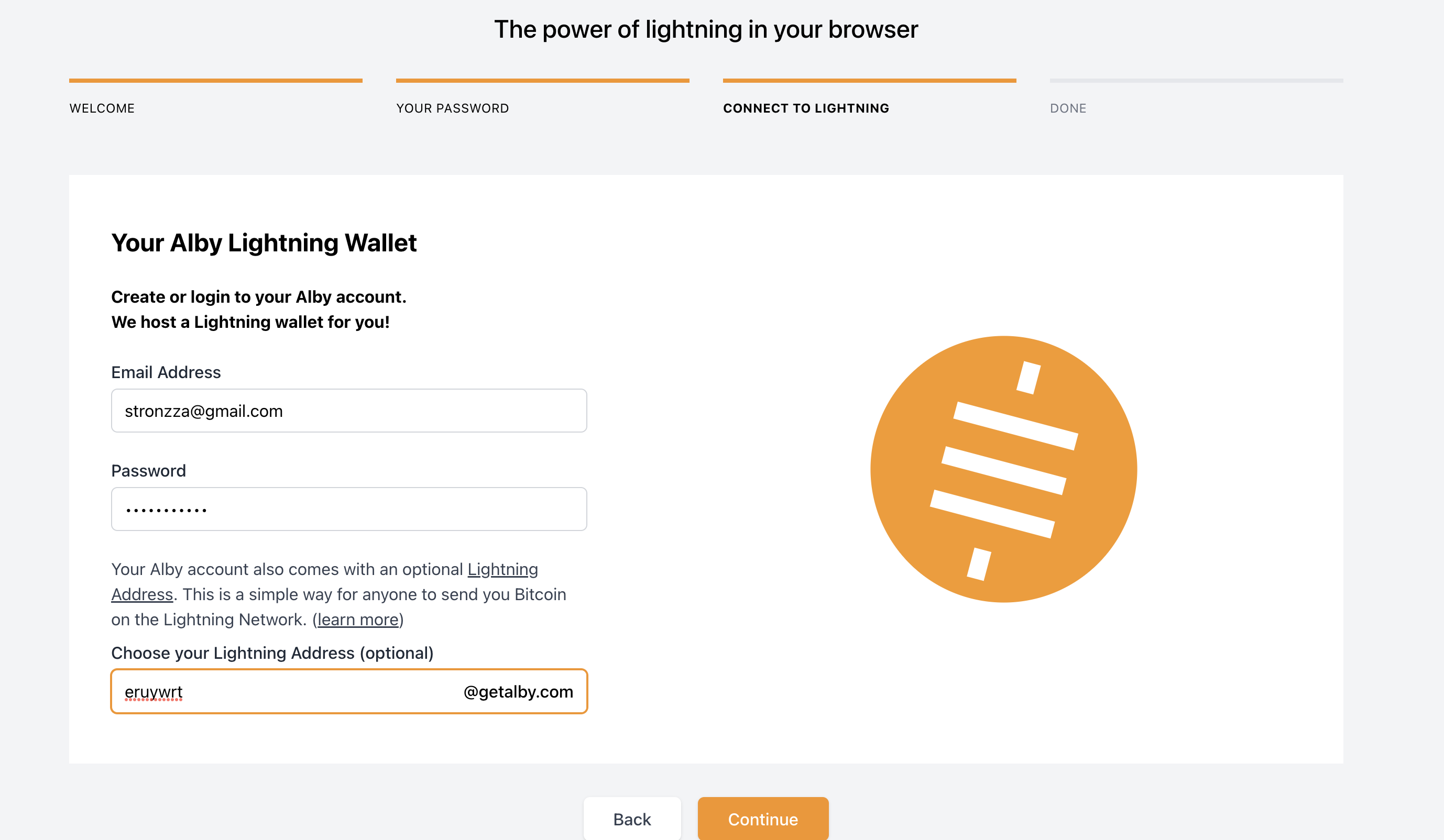
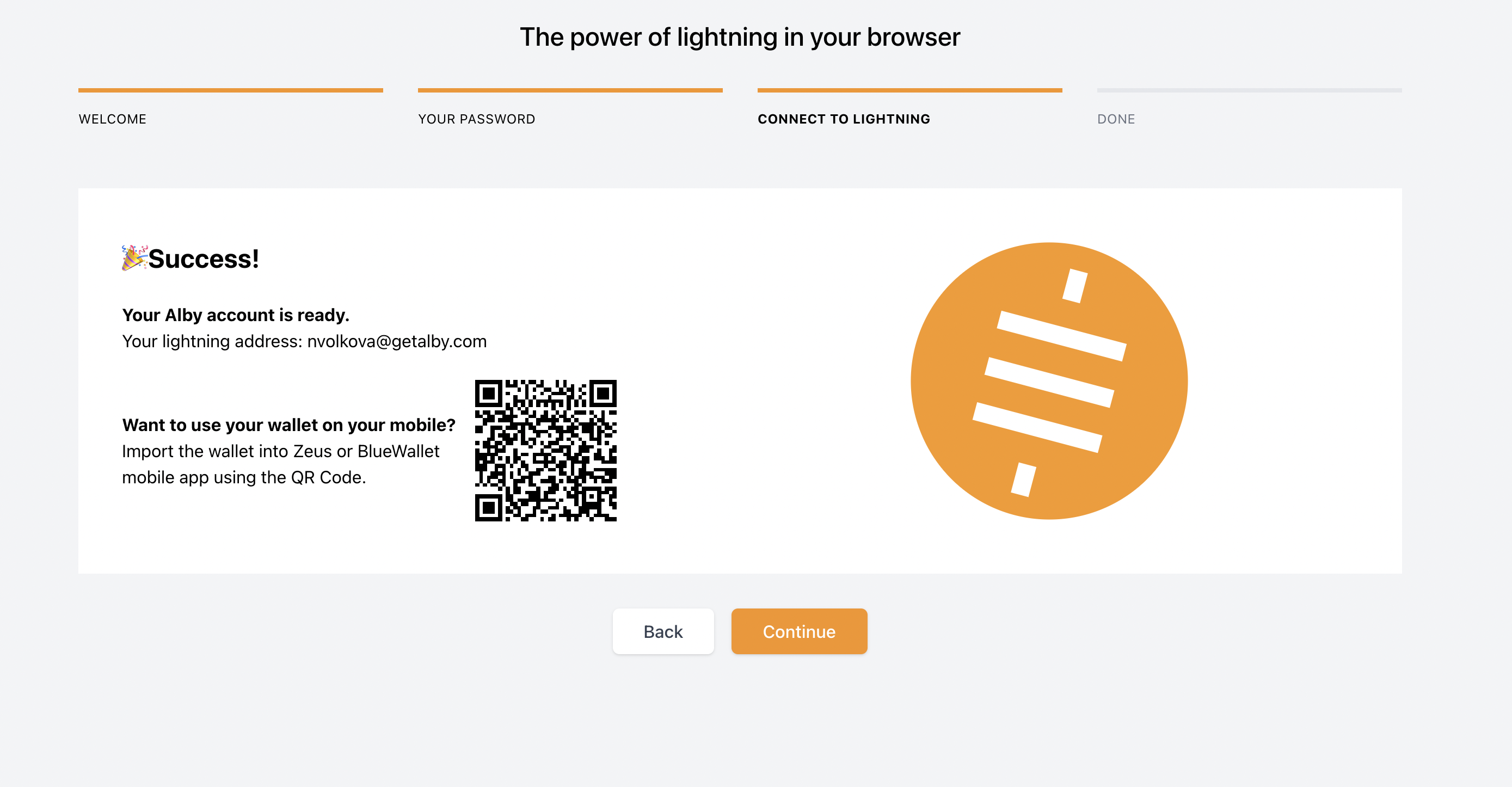
To Reproduce
Steps to reproduce the behavior:
- Visit to getalby.com
- Click on "Install Alby"
- Click "Add extension to Chrome"
- Click "Get started"
- Input a password
- Confirm a password
- Choose Alby Wallet
- Input existing email
- Input correct password
- Input wrong lightening address
Expected behavior
Notification of incorrect lightening address appears
Alby information
Alby Version: [v1.12.0] Alby installed through Google Chrome
Device information:
OS: [macOS Monterey 12.0.1 ] Browser [chrome] Browser Version [Chrome Version 103.0.5060.114]
Are you working on this issue?
No

Not actually sure what happens if the Alby account and LN address already exists and you input a different LN address there. I believe this will be solved by the new design where new and existing Alby account flow is separated.

