

 getAlby
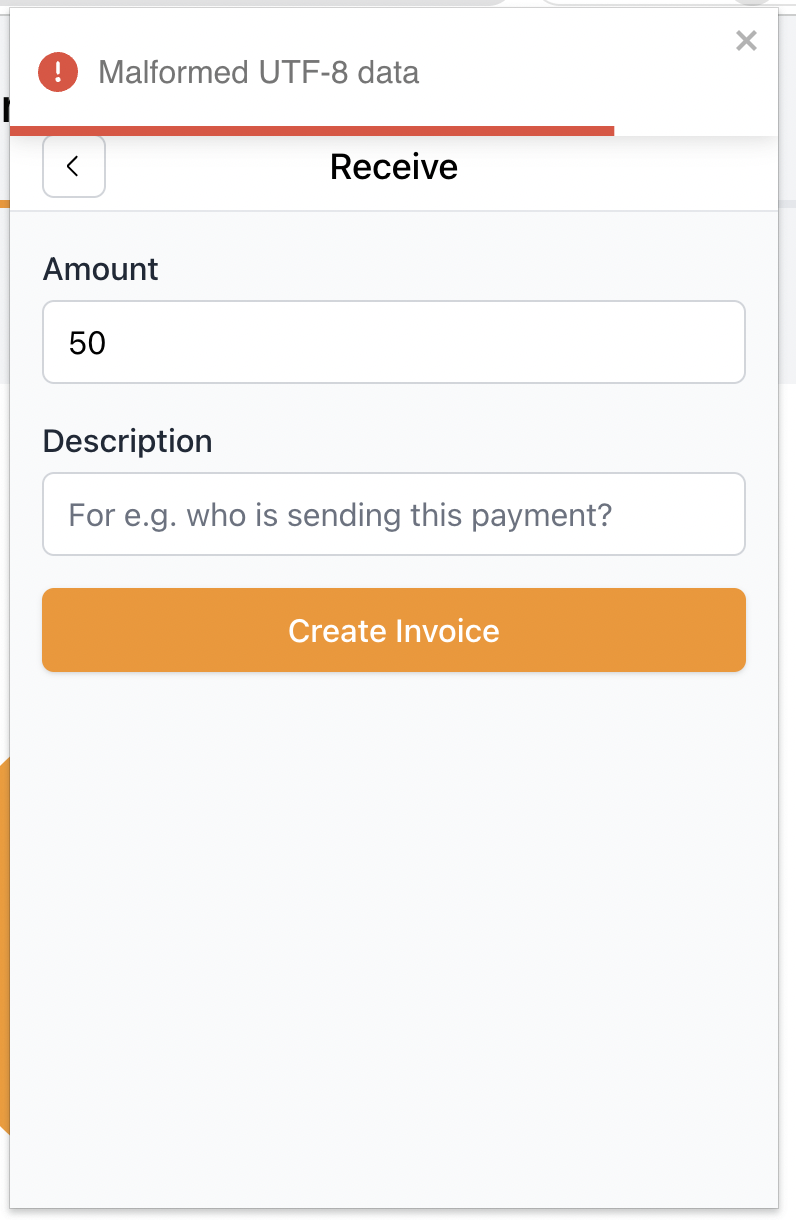
Bug: Incorrect information format appears when trying to create an invoice after automatic lock
Bug description
After the automatic lock of the Alby extension, when you try to perform an action, the information appears in the wrong format
Screenshots
To Reproduce
Steps to reproduce the behavior:
- Press on the extension icon
- Press “Receive”
- Input the amount
- Input Description
- Click “Create Invoice”
Expected behavior
Clear information about the unlock action needed
Alby information
Alby Version: [v1.11.2] Alby installed through Google Chrome
Device information:
OS: [macOS Monterey 12.0.1 ] Browser [chrome] Browser Version [Chrome Version 103.0.5060.114]
Are you working on this issue?
No

This is an decryption error. So likely you have added a new account with a different password. I assume you have different accounts with different passwords.
Can you reproduce this when you remove your accounts and then start again with a fresh one?
We need to work on preventing to get in this state.

Nope, with the fresh one it is all fine. Yeap, the bug about this state is on my list) will do an issue as well as a script for it