

 fullstack-build
Not a bug: Color pallet
It's not a bug but some recommendations are needed. I'm using iTerm + Oh-My-Zsh with Powerlevel10k and can't get those nice colors you have in the screenshot any how.
Can you recommend what was used to get shiny and beautiful looking logs?
Here is what i see:


Hi, @minmur thanks for reaching out.
In order to avoid unnecessary dependencies like chalk and further improve our performance, tslog only uses native colors available through Node.js util. Older versions <12 don't support the entire palette and fall-back to black and white.
I guess you are still running an older version and would suggest you to update to the current LTS (12.x) version or even 14.x which is going to become the next LTS in fall. Does it solve your issue? If it doesn't, I would kindly ask you to provide me with your Node.js and OS versions and re-open this issue. Thanks
cheers
Eugene

My OS is macOS Catalina. Node version 12.5.0 (via nvm)
I have cleared all my terminal setting to factory level (at least i think so). And still didn't get "true" colors.
Installed iTerm etc and still same. But for example nvm ls result has colors:
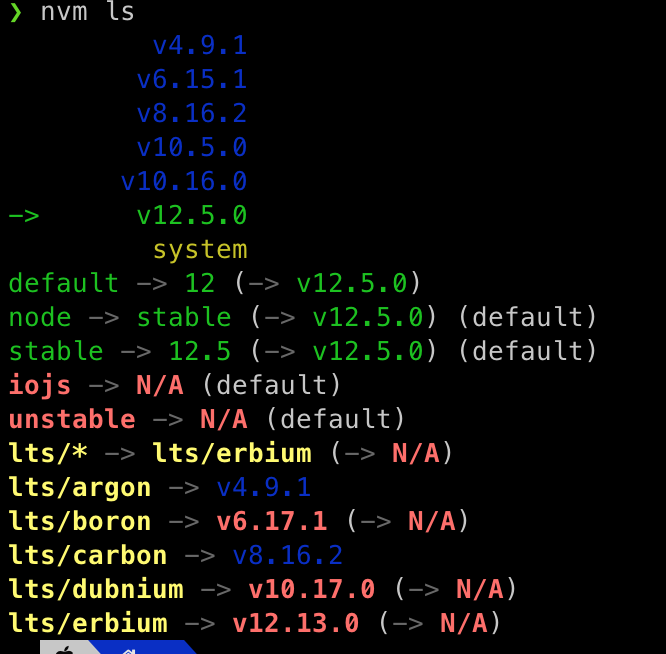
@minmur I checked it out and "Oh-My-Zsh" seems to be ignoring or overwriting our styles.
Both on iTerm:
Without "Oh-My-Zsh":

With "Oh-My-Zsh":
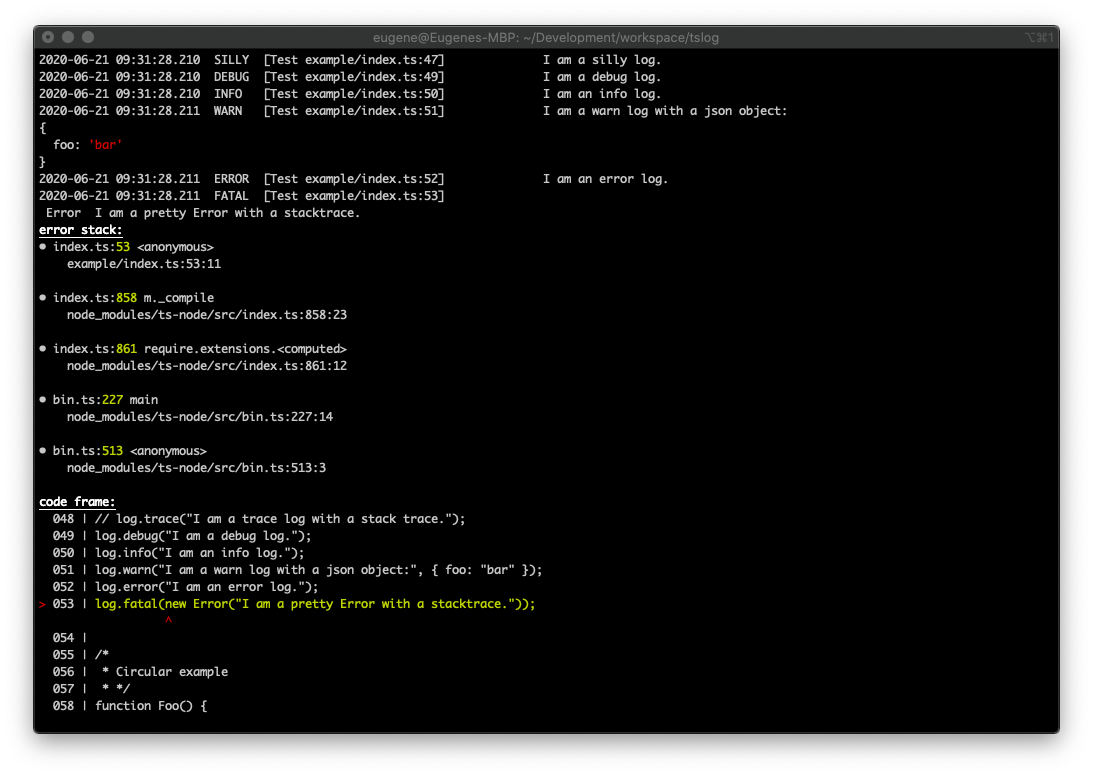
If you have some time, it would be amazing if you could have a look and try to fix it!
Thanks!
Hi @terehov do you have a plan to support metaline color customization?
If I find the correct place, the metaline color is hard coded as gray.
if (concatenatedMetaLine.length > 0) {
      std.write(
        LoggerHelper.styleString(
          ["gray"],
          `[${concatenatedMetaLine}]`,
          this.settings.colorizePrettyLogs
        )
      );
My iterm2 background is gray, so I cannot see metaline. (I have to use colorizePrettyLogs: false)

@herbertpan Makes sense. Thank you. I am going to add it to the V4 release too.
Done. V4 beta allows you to template and overwrite all styles, event the meta line.
Have a look at these tests:
-
Styles: https://github.com/fullstack-build/tslog/blob/v4/tests/Nodejs/9_pretty_Styles.test.ts
-
Templates: https://github.com/fullstack-build/tslog/blob/v4/tests/Nodejs/7_pretty_Settings.test.ts#L127
Give it a go and let me know if that solves your problem:
-
npm i tslog@next -
and run it with
node --enable-source-mapsor for TypeScriptnode --enable-source-maps --experimental-specifier-resolution=node --no-warnings --loader ts-node/esm
V4 is released now, so I'm going to close this issue. Feel free to open a new one if V4 didn't solve it for you.