

 fritzing
Straightening lines in schematic malfunctions.
Current Behaviour
Starting from (remove the trailing.zip to get the .fzz file)
EC-PH System Wire-PCB Diograme V5.fzz.zip
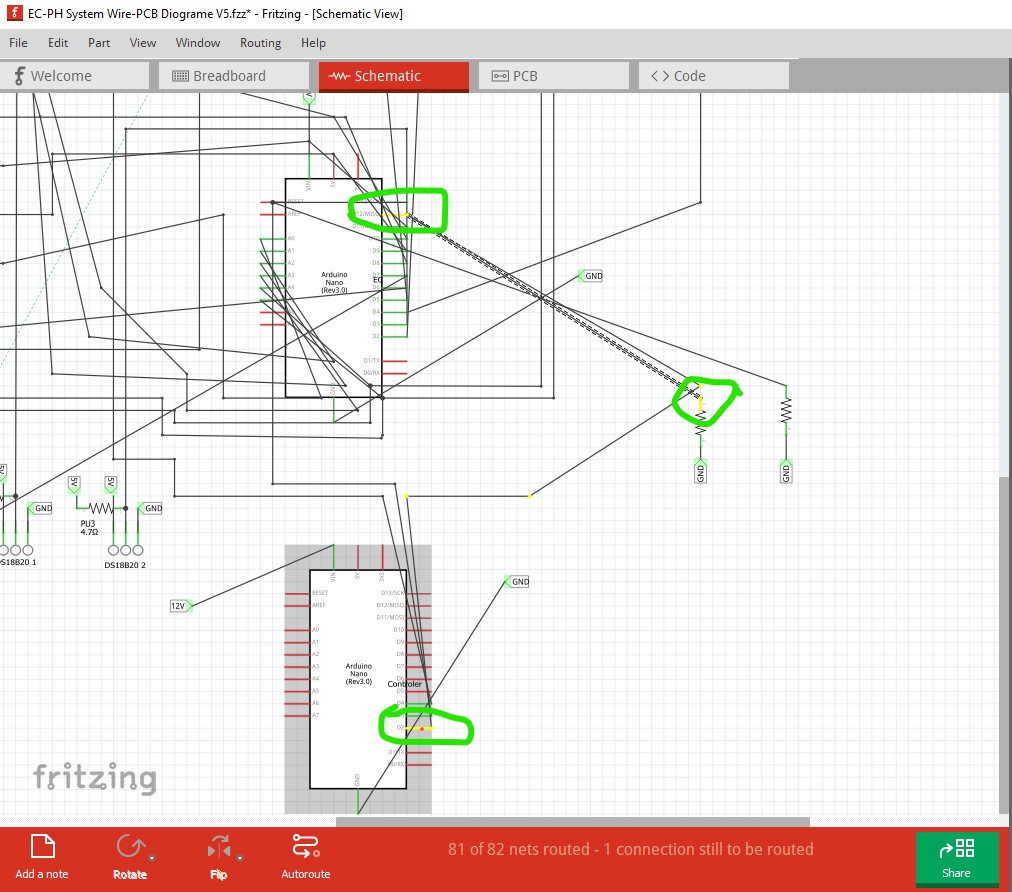
schematic looks like this:
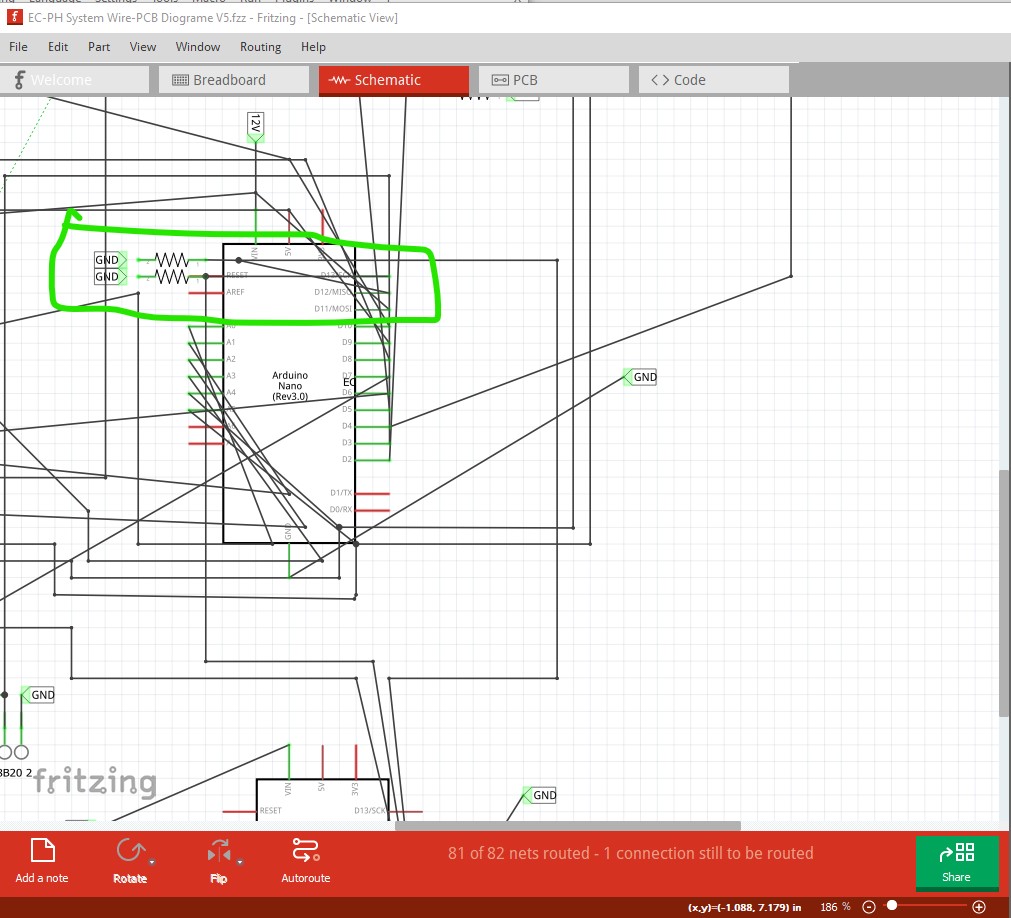
then move the 2 pull down resistors in order to correct the routing.
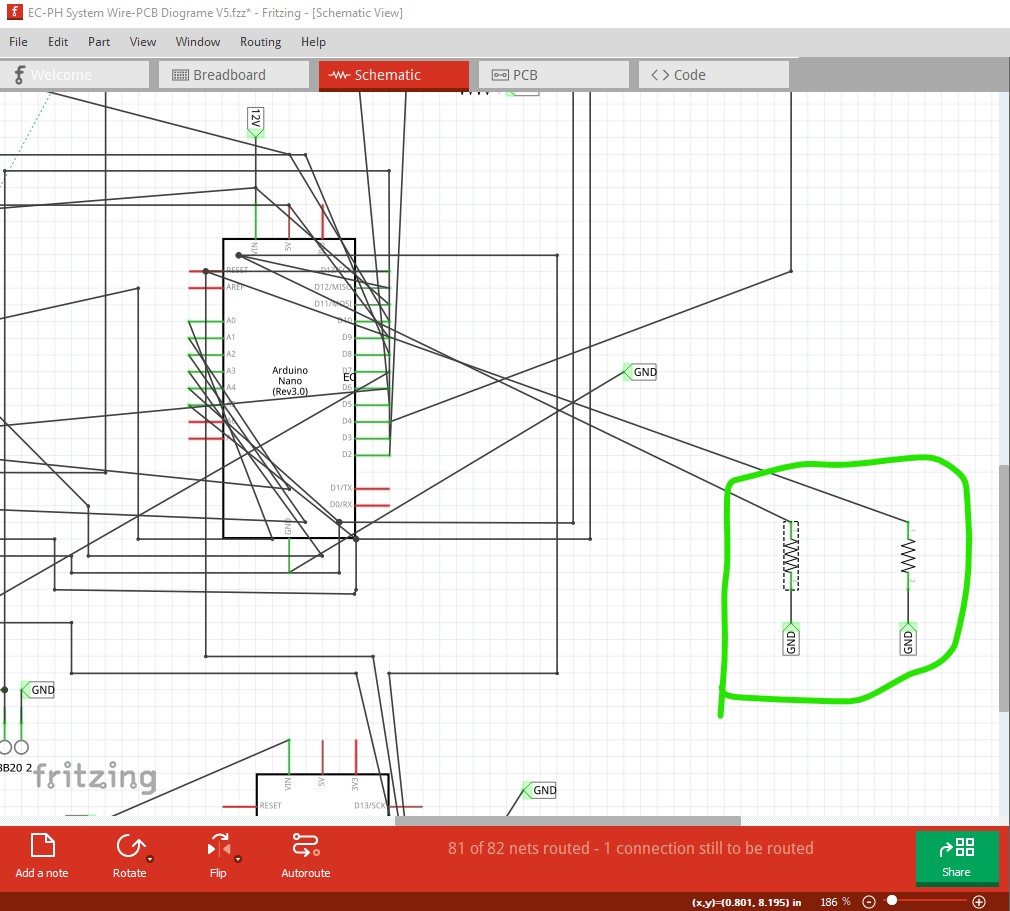
now double click on the join point of the wire (the green arrow) to straighten it out.
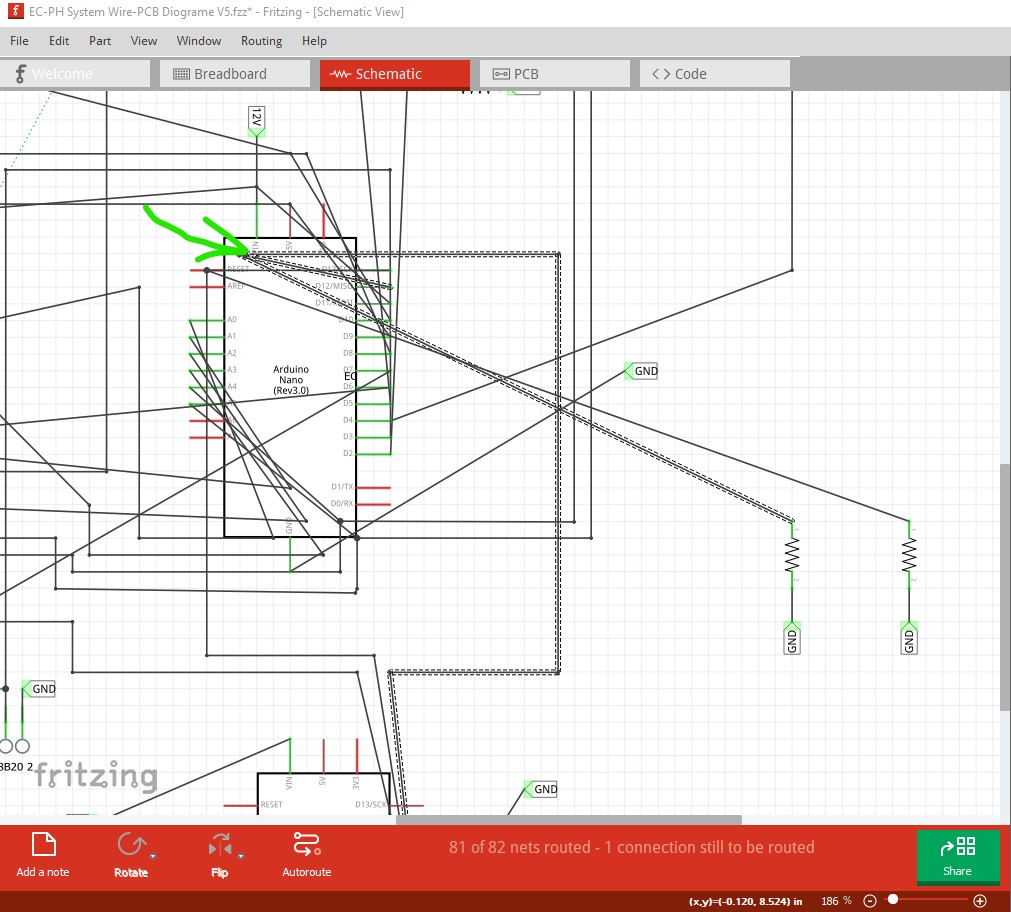
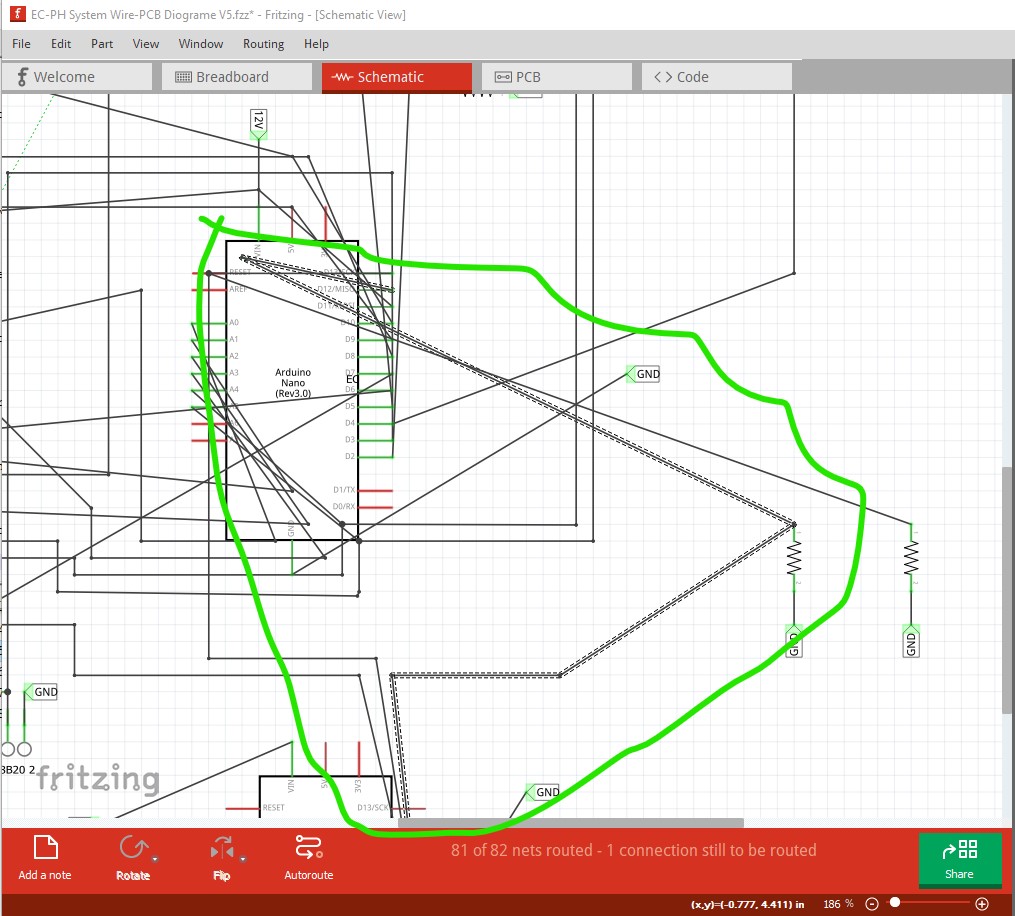
then again to straighten the wire more
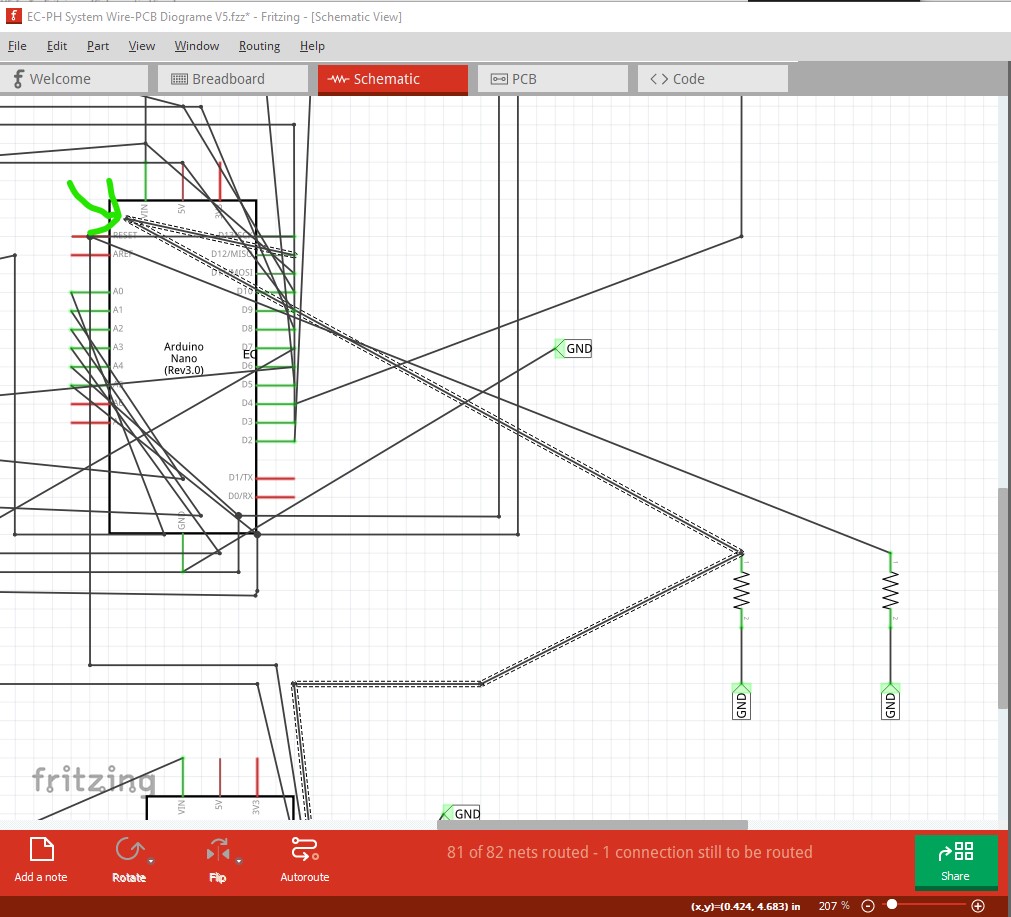
here we see the the error, the resistor connection has become unconnected
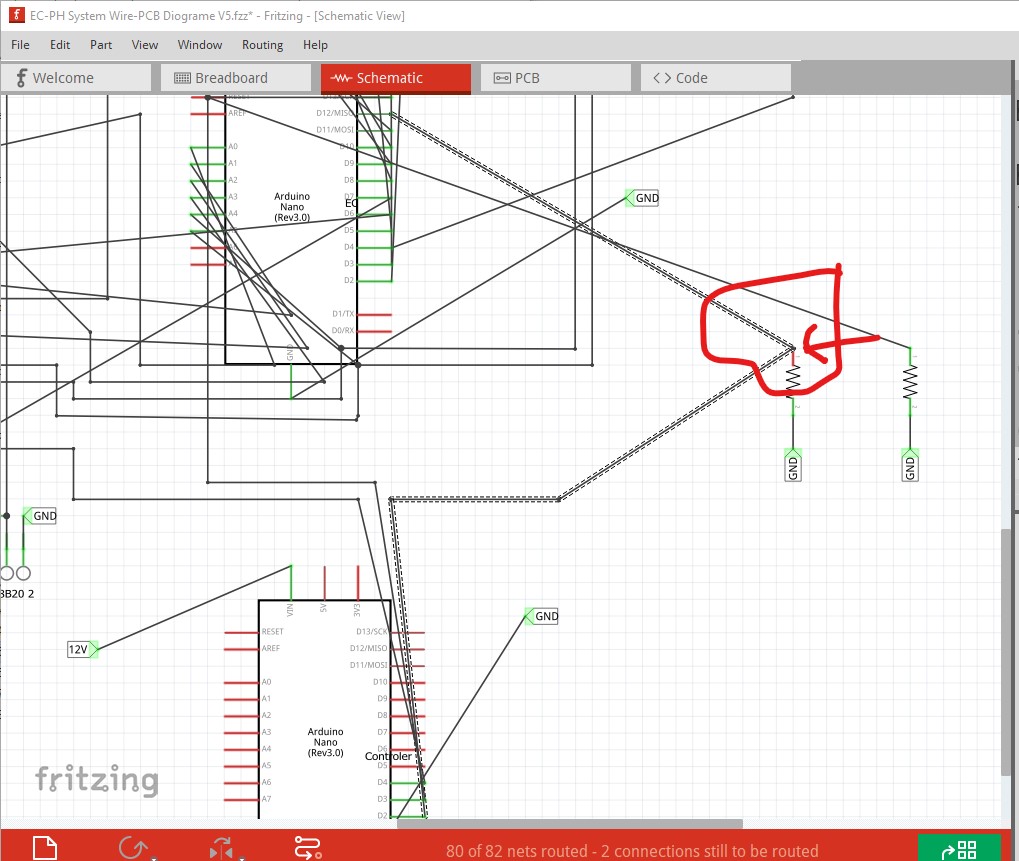
The resistor has become disconnected from the net and now has a rats nest line instead of a connection.
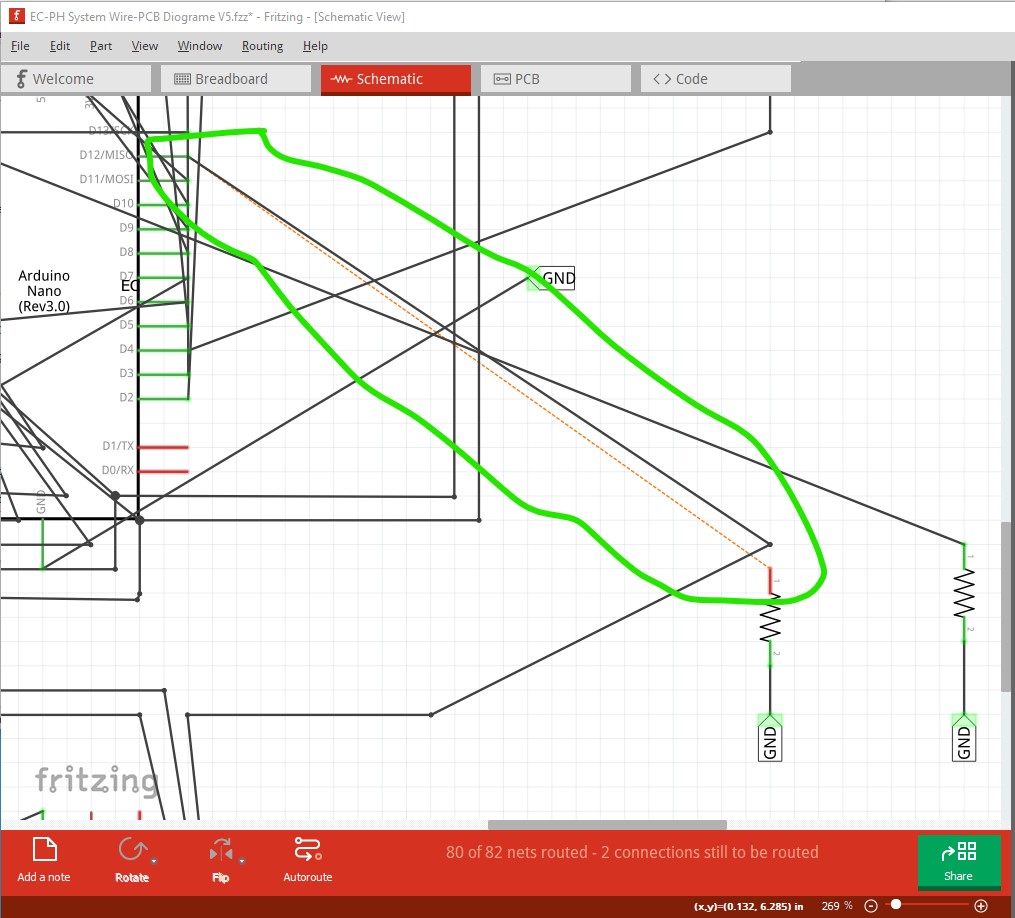
now establish a connection from the rats nest line
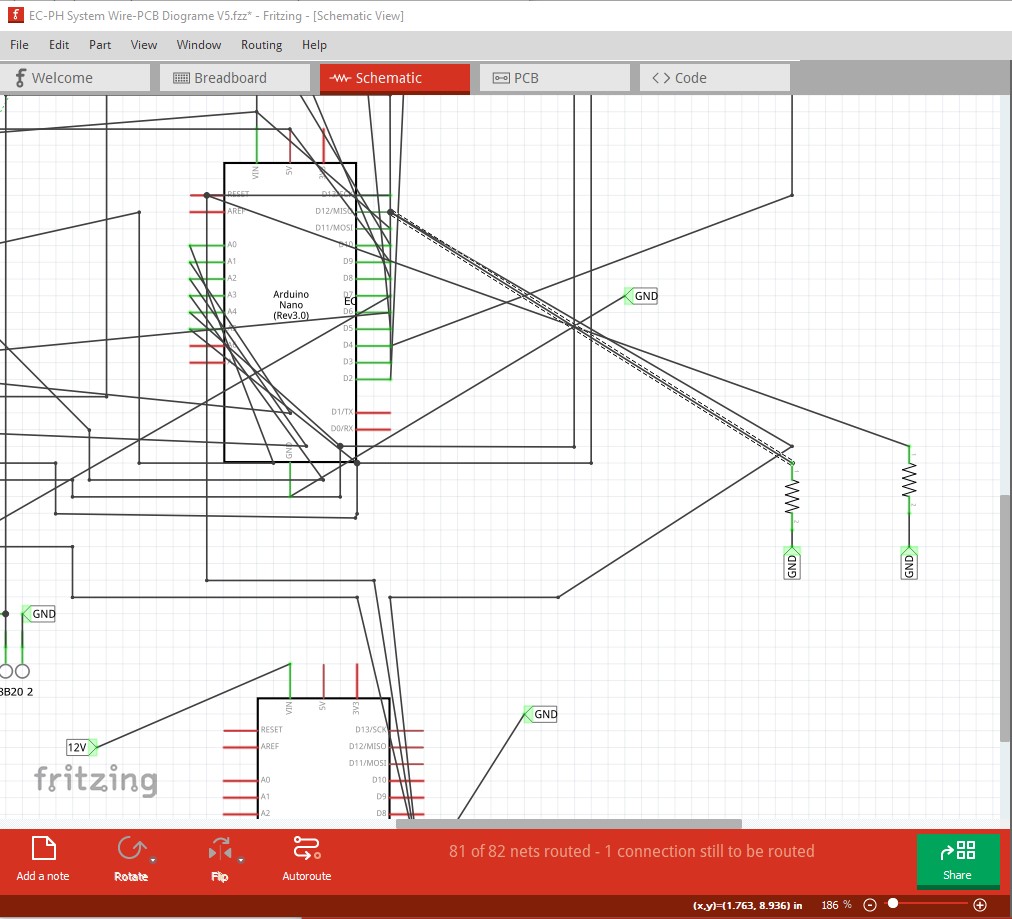
routing appears correct, all three look to be connected.
This one is a minor error, but I somehow (which I haven't yet managed to reproduce!) got all three of the pull down resistors connected correctly but not showing a connection in schematic like this:
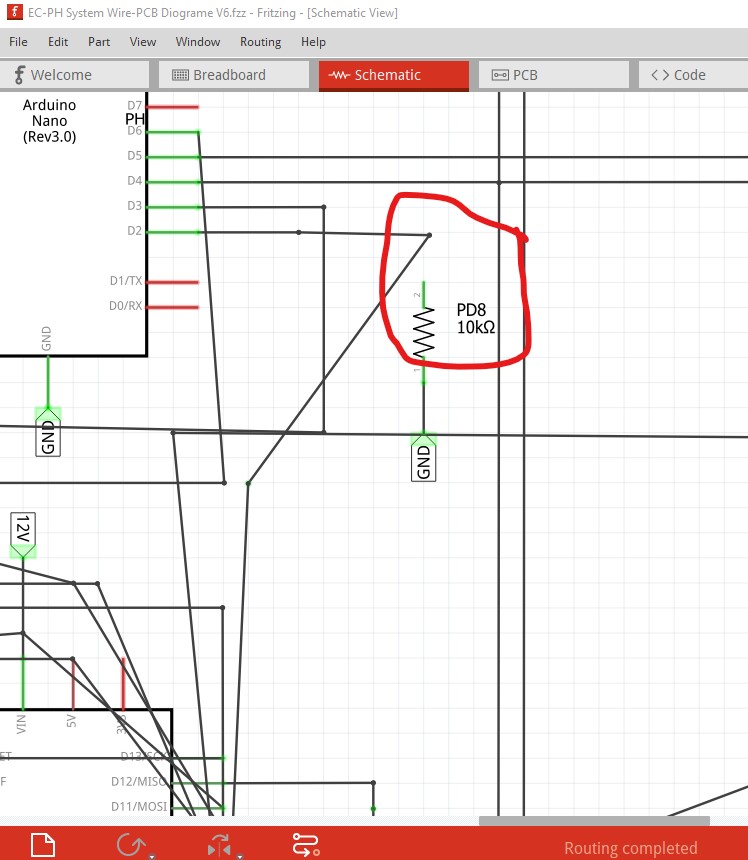
where the resistor is in fact connected correctly in the routing database.
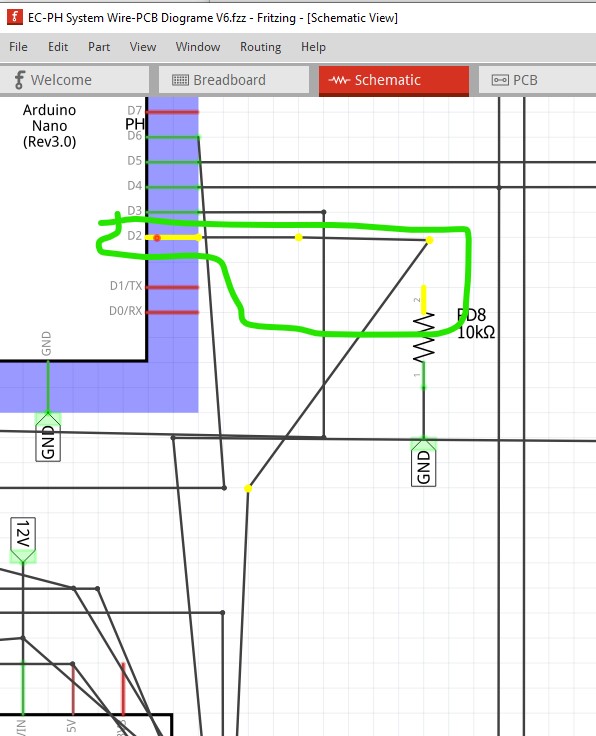
I am working on trying to find the exact steps to reproduce this failure but so far haven't succeeded. I think that both issues may relate to the routing database corruption we sometimes see and thus are probably worth fixing (although this one seems fairly harmless, just reconnect the rats nest lines an all appears well!)
Build:
Version 0.9.10 (bCD-1801-0-29c2cede 2022-05-14) 64 [Qt 5.15.2]
Operating System:
Windows 10
Steps to reproduce:
see current behavior
Expected Behaviour
That the lines straighten and the resistor remains connected to the net as it should.

Double click on a bendpoint removes it. Double clicking on a joint (aka bigdot) also removes it.
So, when clicking the bigdot here, it is expected to remove the joint:
There are several problems:
- It is not automatically clear that the double click removes the joint. A user could also expect some kind of auto-alignment.
- In the context menu, the option is "remove bendpoint". This should be labeled differently, e.g. "disconnect joint"
- Undo operation is not symmetric (it can not properly be undone)
- Removing a joint should mean disconnect. Instead, currently the connection is just routed elsewhere.
- Routinge elsewhere often is not properly executed: The logical connection is kept, only the visual elements are removed. It is hard to predict where the new routing will be.
- It is not clear which connection is going to be rerouted or disconnected. AD ? BD? CD ? All three? (where D is the bigdot)

Idea:
When hovering over a bigdot, often one wire is highlighted:
- When first hovering over a wire, then moving to the bigdot, that wire should be reliably stay highlighted. Currently, there seems to be some random priority (always the same wire, but not clear how it is chosen)
- Removing the bigdot detaches the highlighted wire, and places the end in (clear) area about 50px away (adapted to screen resolution, independent from zoom level):