

 freeCodeCamp
Allow hiding unwanted sub-sections
Feature request
Provide an option to filter/hide sub-sections/topics of documentation. This can be a toggle and/or shortcut that hides a topic (and conversely un-hide from preferences or from the Documentation's root page).
Summary
Currently, some documentation are in-depth and contain a number of topics (for example, Terraform contains 204 topics). These topics would fill up the sidebar making it inconvenient to scroll/select through plus the content within them would also be included with searches.
Specifying a subset that we want to focus our attention on would not only increase performance but also make this tool more usable than the original sources this information is coming from.
Examples
Using Terraform as an example, the included documentation contains 204 topics available for searching.
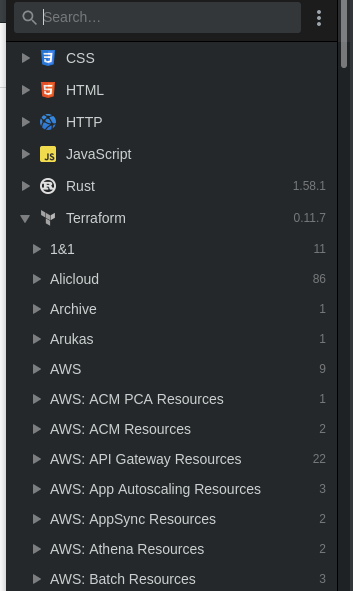
Usually, I would only work with a subset of platforms/providers. If I want to search for a specific subnet resource type, I can search for "subnet" through my interfaces but this returns a long list from all providers.
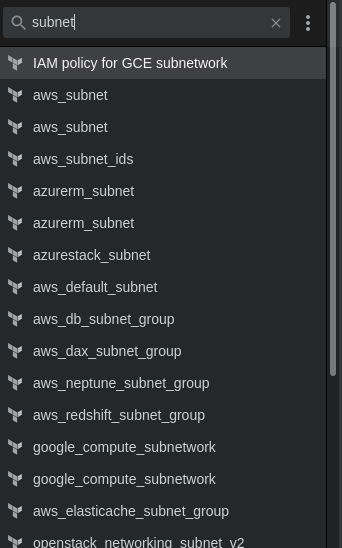
If I know I'm only working in OpenStack, then I will need to search for it within these results (notice it at the bottom of the list). If I was able to pre-define which topics to filter all searches and listings, I would be able to quickly identify the resource I need.
