

 formulahendry
Feature Request: Rename connections
Right now, the plugin only displays the hosts. It would be nice if we could give the connections a name, to be easier to identify.

This is a big one for me. I have a few different instances (different versions) of MySql running on localhost, so I'd like to be able to give them a descriptive name instead of them all being shown as "localhost".

This is quite essential when having many instances running on localhost. For now the workaround is adding entries in the hosts file pointing to localhost and using this entries for adding connections. For example in hosts file: 127.0.0.1 first-database 127.0.0.1 second-database 127.0.0.1 third-database
That way you'd get something like:
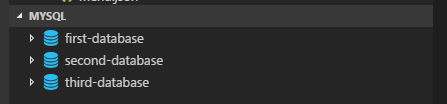
Of course you can give more meaningful names

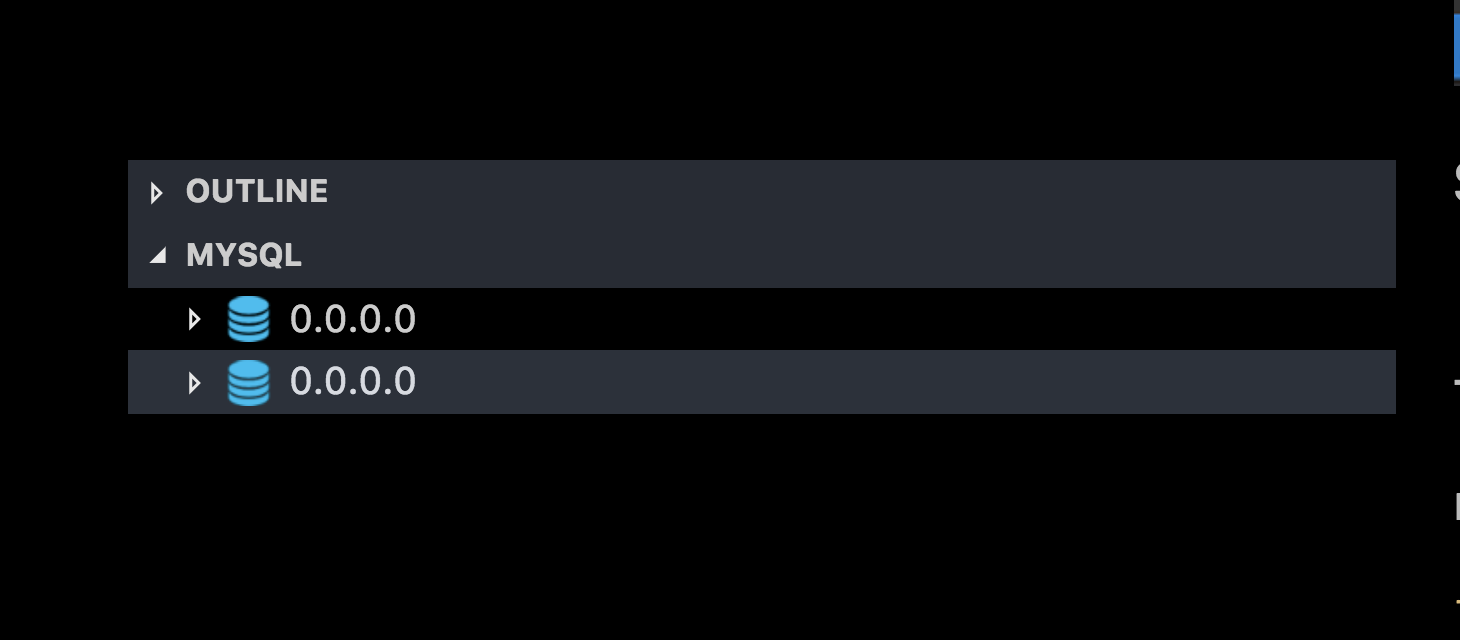
This feature would make this extension so much better for people like me who use ssh tunnels to access multiple MySQL servers from localhost port forwarding. Right now there is no alias or any indicator:


I've started working on this feature as I felt the need myself. I've made some code changes also. Request if anyone can guide me about how I can compile and execute the code to verify if changes are working fine? Reason, I'm for the first time working on any of VsCode plugins

Ok. I was able to execute and test locally. npm test --silent and npm run test both passes. Any guess/hint on what is causing build to fail?