formtools
Mailer not working
I had stopped getting emails with 2.x.x. I upgraded to 3.0.12 and now I can't get it to authenticate at all -- tried 465/SSL and 587/TLS for Gmail on login, plain and md5 and nothing works.
"There was a problem sending the test email: Failed to authenticate on SMTP server with username "(removed)@gmail.com" using 1 possible authenticators "

Hey @Jarod997, a few people have been having problems with the emails so it may not be you.
However, I just tested it locally and everything does seem to be working okay. I'm using Form Tools Core 3.0.12, Swift mailer 2.0.6, and both PHP 5 and 7 (5.6.32, 7.2.1) and no problems. Specifically, I confirmed the test emails are being sent out via the Swift Mailer test tab (all 3 formats), the test email on the Edit Form -> Emails tab -> test subtab, and for new submissions and edited submissions. If it helps, here's a screenshot of the config I'm using:
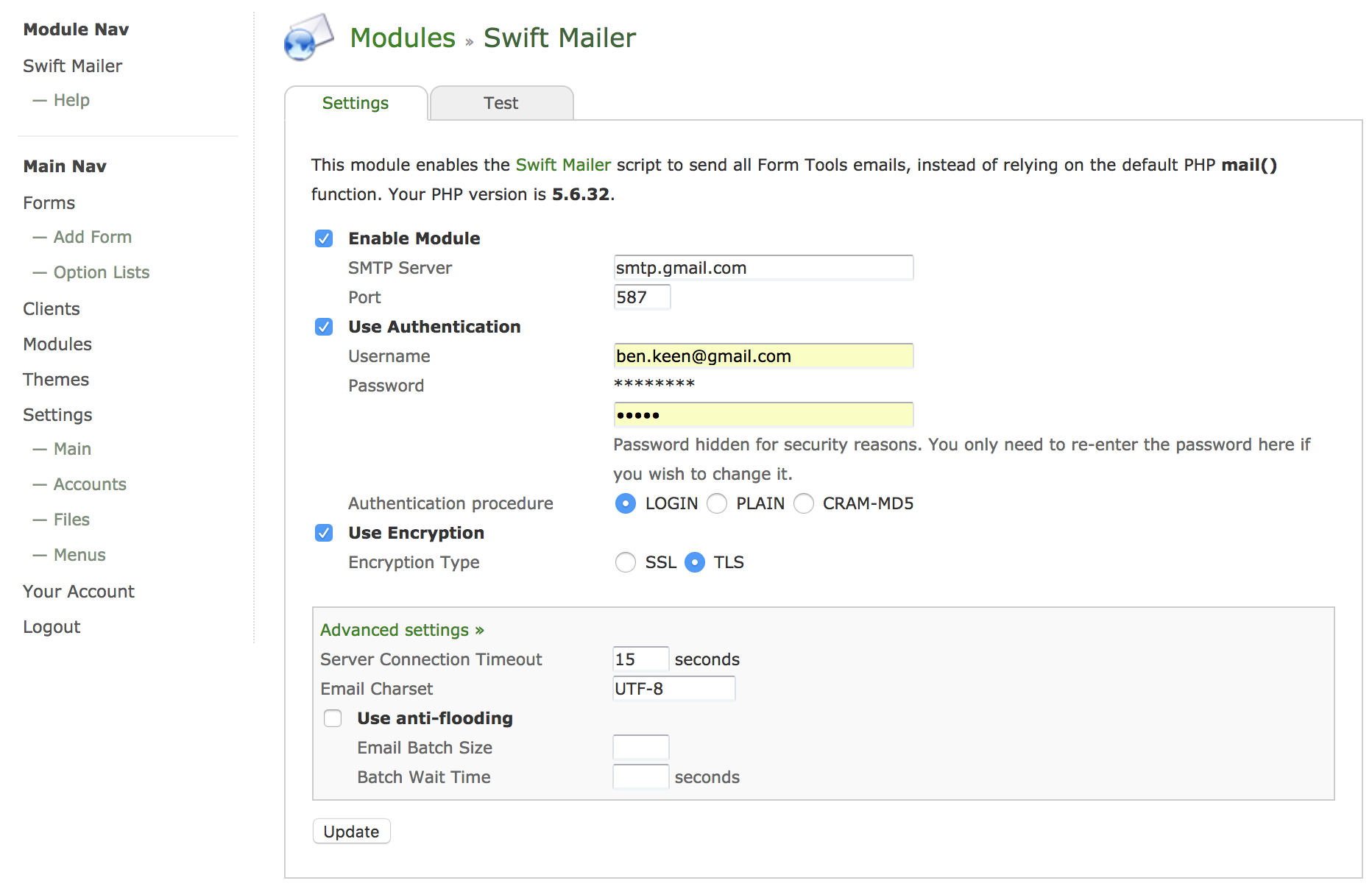
Are there any additional security layers on your gmail account that is running interference, perhaps?

@Jarod997 - I know it sounds trivial, but try logging out, clearing your browser's cache, close the browser and start again. Make sure you don't have any form-filling browser plugins enabled. I found that having my password manager browser plugin logged in causes issues with these fields. Once you've cleared the cache and logged back in, try deleting the user and password fields for authentication and typing them in again manually (even if they were previously correct). Let us know if that works for you, so Ben will know whether it's a browser cache issue or not.

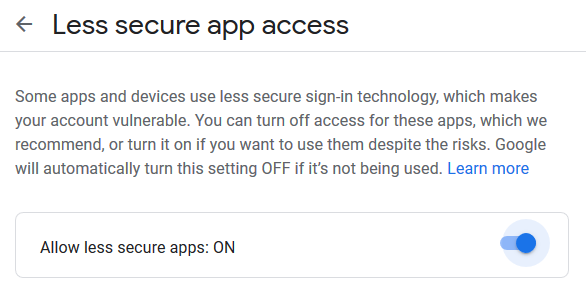
Hi all. I've confirmed that it was a Google security setting: Use Less Secure Apps. I had turned it off a while ago without thinking enough about it. After I re-enabled it, everything worked fine.
Now my only frustration is trying to get a recaptcha to work.
On Thu, Feb 7, 2019, 1:30 PM flcowboy7 <[email protected] wrote:
@Jarod997 https://github.com/Jarod997 - I know it sounds trivial, but try logging out, clearing your browser's cache, close the browser and start again. Make sure you don't have any form-filling browser plugins enabled. I found that having my password manager browser plugin logged in causes issues with these fields. Once you've cleared the cache and logged back in, try deleting the user and password fields for authentication and typing them in again manually (even if they were previously correct). Let us know if that works for you, so Ben will know whether it's a browser cache issue or not.
— You are receiving this because you were mentioned. Reply to this email directly, view it on GitHub https://github.com/formtools/core/issues/469#issuecomment-461543295, or mute the thread https://github.com/notifications/unsubscribe-auth/AVgMSUV_hliFzWS6ngnlpLPYYvn3gvvBks5vLHCvgaJpZM4amZ7O .
@benkeen - Is there anyway to make FT not require this setting for Google? Feature request?
Hey @flcowboy7, yeah I put this down as a feature request (link above). This should definitely be possible & well worth it.
baaah im using Virtualmin, and I setup an mail account works with thunderbird... When I use on FT3, i got "There was a problem sending the test email: Unable to connect with TLS encryption"

baaah im using Virtualmin, and I setup an mail account works with thunderbird... When I use on FT3, i got "There was a problem sending the test email: Unable to connect with TLS encryption" Make sure you're using the same security settings with FT3 that you're using in Thunderbird.
baaah im using Virtualmin, and I setup an mail account works with thunderbird... When I use on FT3, i got "There was a problem sending the test email: Unable to connect with TLS encryption" Make sure you're using the same security settings with FT3 that you're using in Thunderbird.
Yap im using, I tested with in NextCloud, also works :S
Hi guys, I instaled NextCloud with Mail, and only its working, I copy the configurations and ports, etc... and nothing for some reason it cant reach the TLS encryption... anyhelp? :S
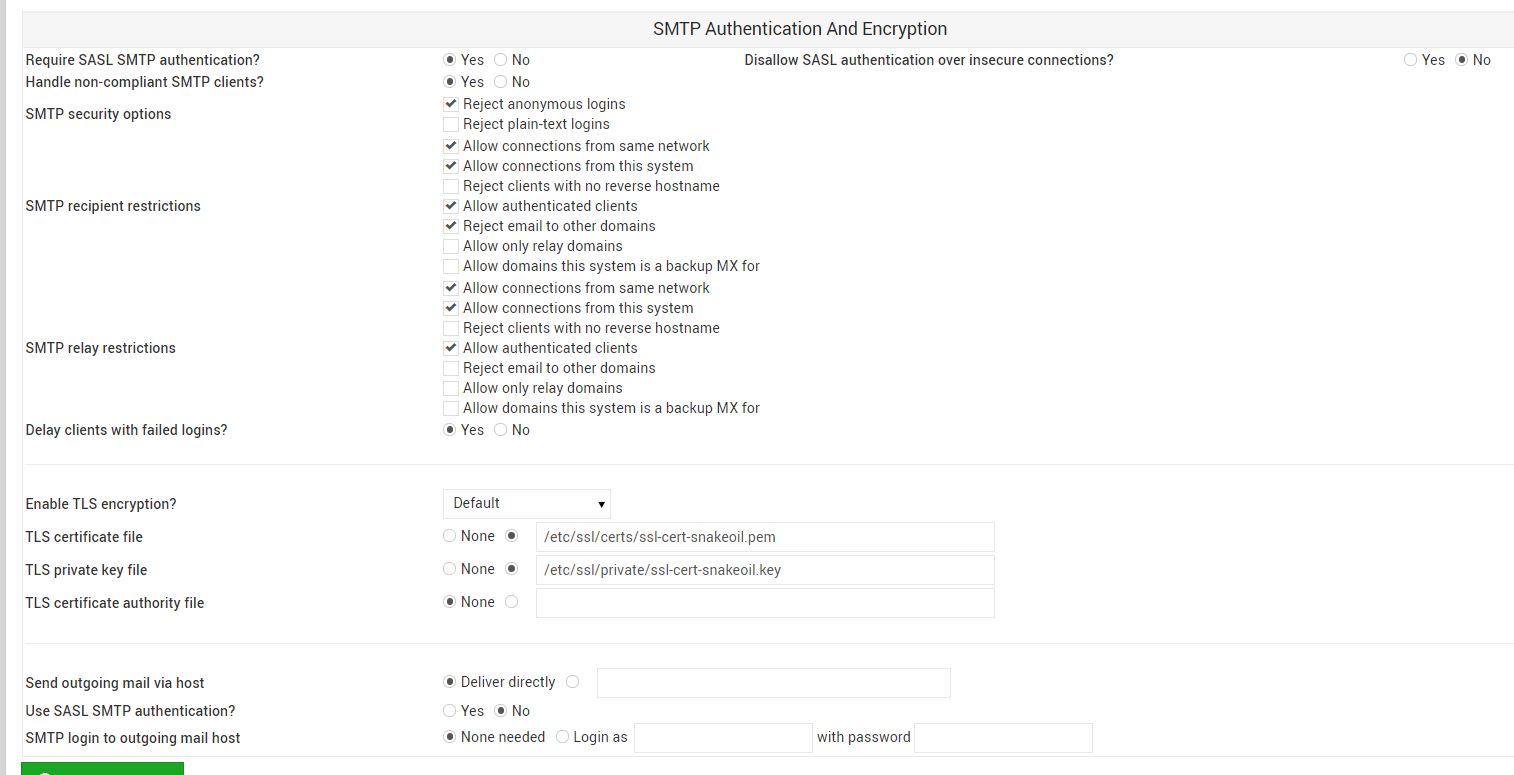
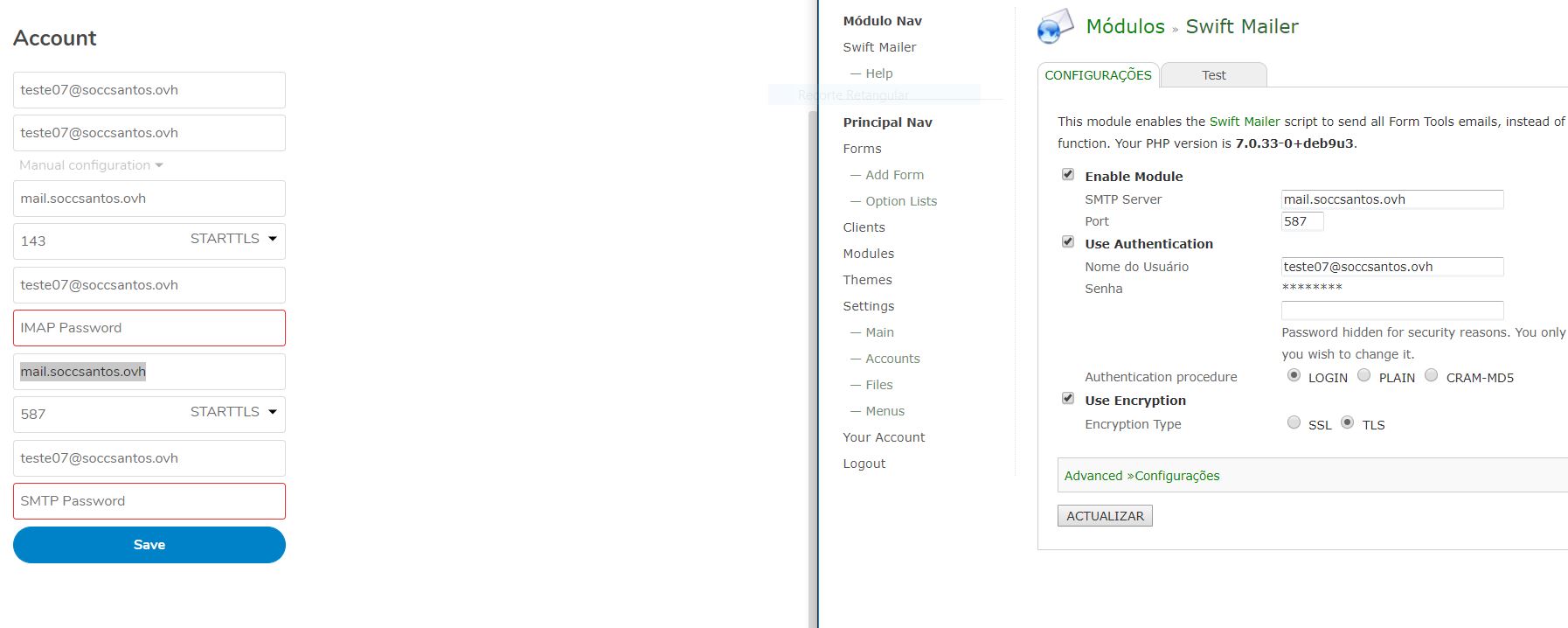
Just a question Swift Mail inside FT its pushing TLS1.2? Lets Encrypt Cert, only generate 1.2 TLS
Well guys I "found it" ... Its not the best solution... but im kinda desperate
Just turn OFF the encreption :S
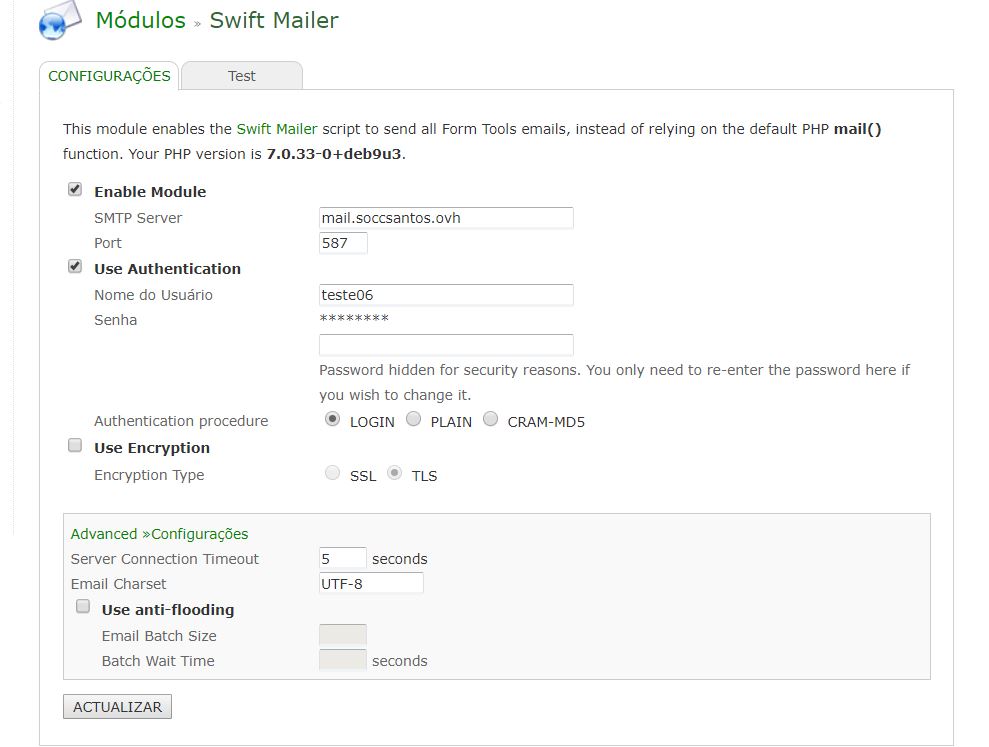
Well I just Found out to encryted the maisl with TLS using virtualmin and webmin and lets encrytp... Its easy, if need help one dayt just ask! :)
@nelsondcosta23 - If you don't mind, please post your solution here, so it can be searched out for others who may have the same setup.
Actually, - it would be better if you created a separate issue, notated the problem and the solution, then closed the issue. That way we can close this one, as the OP's issue was already resolved for this issue track.
Sorry, need to revisit this. If "Less Secure App Access" is not enabled with Gmail, it will not accept emails from Swift.