LibreraReader
 LibreraReader copied to clipboard
 foobnix
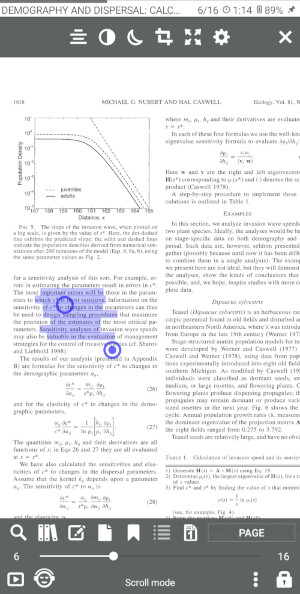
[Wiki] text selections workaround in "2 pages" PDFs
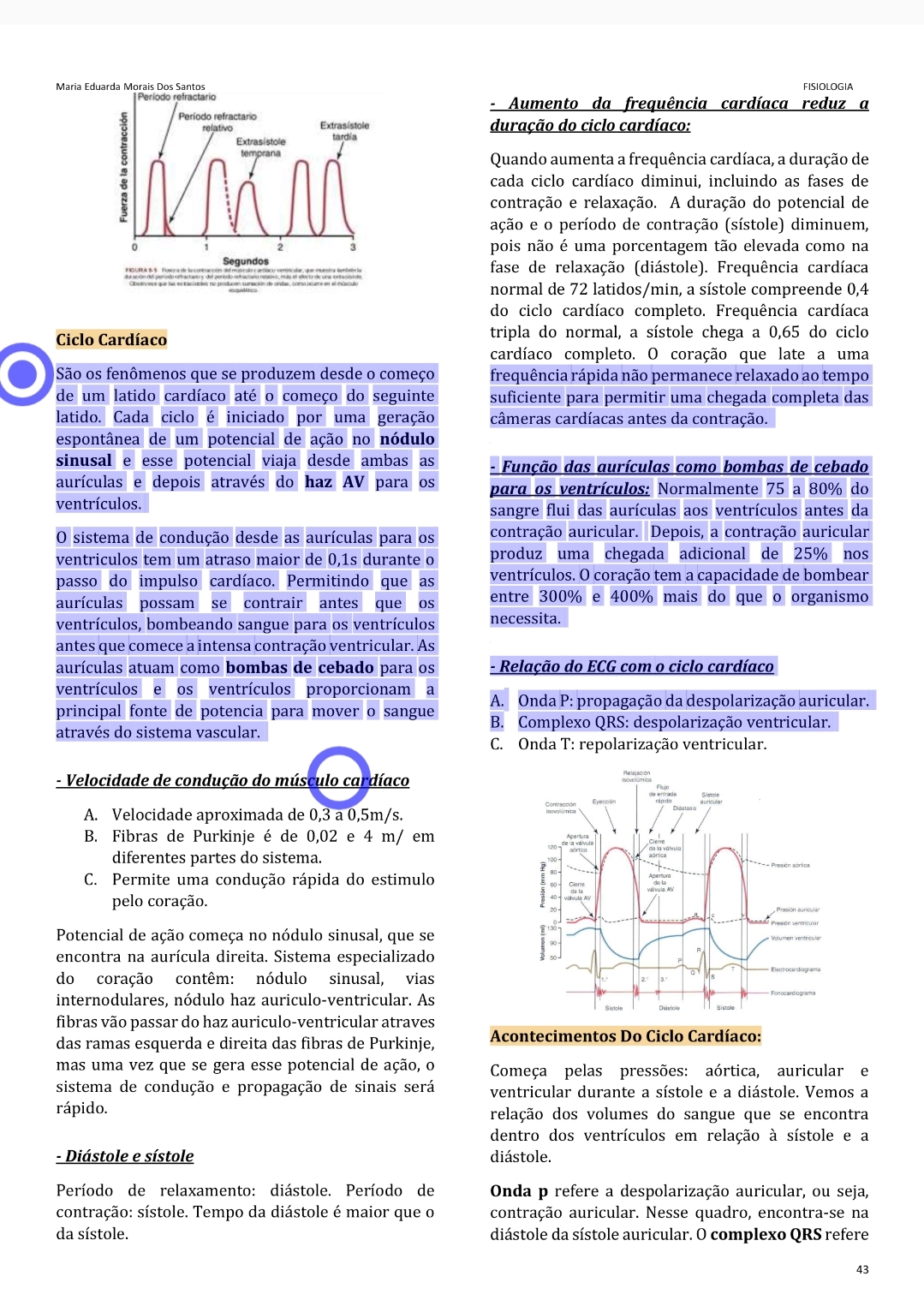 Text selected top to bottom
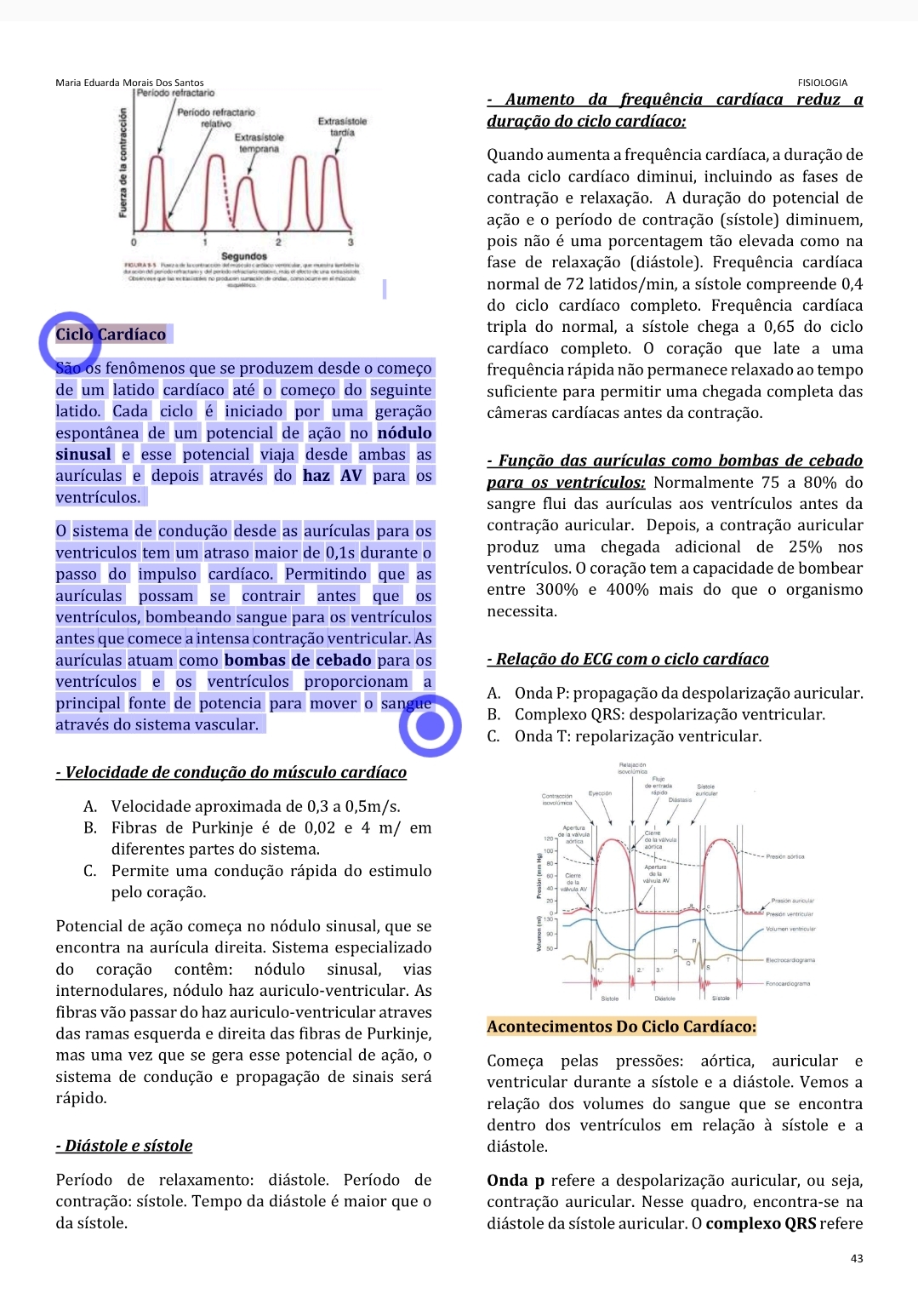 Text selected from bottom to up
Maybe is possible to make top to bottom behave like the latter, but if not (which probabbly is the case), can you put in the text selection FAQ a workaround for this problem?
Select the text bottom to up, if it doesn't select the full paragraph, change the bottom dot a little right and up to capture the whole paragraph

Thanks for the workaround! I have the same issue—highlighting in two-column PDFs doesn't recognize line breaks, and highlights across both columns. Despite the workaround, I hope this could be fixed. Like you said, highlighting from the bottom up seems to ignore line breaks altogether (probably intentional):